AI Interior

Your personal AI interior designer for fast room redesigns

Beginner
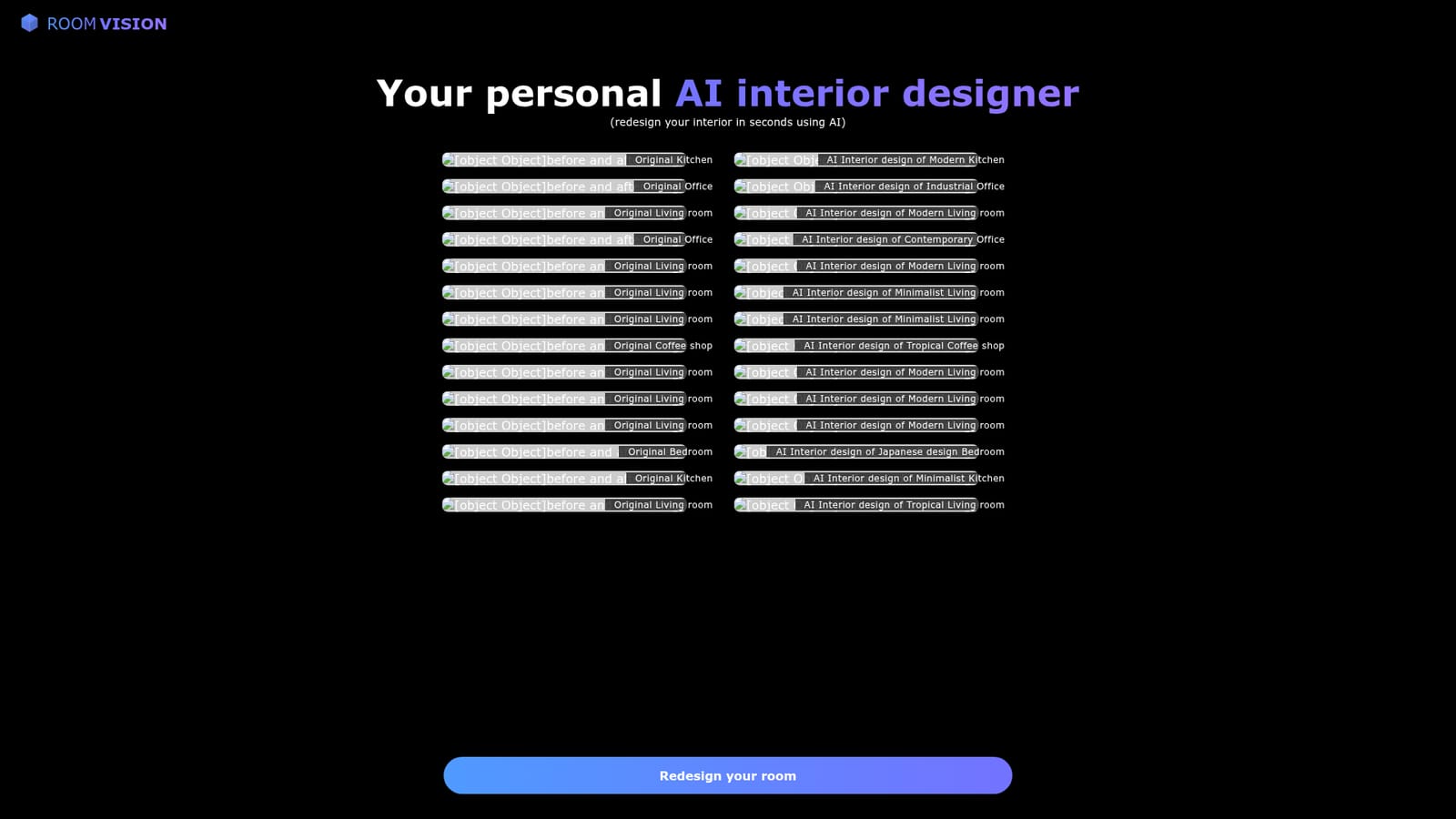
Screenshot of AI Interior, Your personal AI interior designer for fast room redesigns

What is AI Interior?

AI Interior is a generative image tool. Room Vision (AI Interior) turns a photo of an existing room into a redesigned version in a chosen style, such as modern, minimalist, industrial, Japanese or tropical. Aimed at homeowners and commercial space planners testing directions quickly.

Room Vision is an AI interior design tool built around a before and after workflow. You supply a photograph of an existing space, and the system returns a redesigned version of that same room in a chosen style. The homepage positions it as a personal AI interior designer that can redesign an interior in seconds, and the sample gallery backs that up with matched pairs: an original kitchen next to a modern kitchen, an original office next to an industrial office, a plain living room next to a minimalist, tropical or contemporary take on the same footprint. The practical appeal is that it works from a real photo rather than a blank canvas. The examples span residential and commercial settings, from bedrooms and kitchens to coffee shops, which suggests the tool is aimed at both homeowners planning a renovation and business owners imagining a fit out. Style range visible on the homepage includes modern, minimalist, contemporary, industrial, Japanese and tropical, so the output can be steered toward a particular look instead of a single default aesthetic. Compared with traditional rendering software, which asks for measurements, modelling and a learning curve, Room Vision leans on photographic input and short turnaround. Compared with mood board tools, it keeps the geometry of your actual room, so the redesign reads as a plausible version of the space you already have. That makes it useful in the early, low commitment phase of a project: testing directions, sanity checking a style before committing budget, or showing a client two or three options. Room Vision is a web product and the homepage focuses on the redesign experience and gallery rather than on pricing tiers, integrations or a help centre. Those details are not stated on the page, so buyers should confirm them inside the app before relying on a particular plan or workflow.

How do you use AI Interior?

  1. 1Pick a room photo to work from
    Choose a clear, well lit photo of the space you want to redo. Room photos shot from a corner give the model more of the layout to preserve.
  2. 2Upload the original image
    Start from the homepage redesign entry point and upload your photo so it can be used as the base image for the generation.
    AI Interior — Upload the original image
  3. 3Choose a design style
    Select the look you want applied, for example modern, minimalist, industrial, Japanese or tropical, and run the redesign.
  4. 4Compare the before and after
    Review the generated result beside your original. The homepage gallery demonstrates the kind of paired output to expect.
  5. 5Iterate with new styles
    Rerun the same photo with different styles to build a shortlist, then keep the versions that fit your direction.

Pros and cons

Pros

  • Works from a photo of your actual room, so results keep the real layoutAI
  • Style variety covers modern, minimalist, contemporary, industrial, Japanese and tropical looksAI
  • Gallery shows both residential rooms and commercial spaces such as a coffee shopAI
  • Speed is the selling point: the homepage frames redesign as a seconds long taskAI
  • Useful early stage tool for comparing directions before committing budgetAI

Cons

  • Homepage states no pricing, plan structure or credit limits, so cost is unclear upfrontAI
  • No published integrations, export formats or file resolution detailsAI
  • Only still images are shown; no indication of 3D walkthroughs or measurement accuracyAI
  • Style presets appear fixed, with no documented way to specify exact furniture or materialsAI
  • Support and documentation are not described on the pageAI

How much does AI Interior cost?

Features

Photo based interior redesign: upload an existing room and receive an AI version in a chosen style. Visible styles include modern, minimalist, contemporary, industrial, Japanese and tropical. Examples cover living rooms, kitchens, bedrooms, offices and a coffee shop.

Frequently asked questions about AI Interior

  • How do you use AI Interior?
    The walkthrough on this page covers 5 steps: 1. Pick a room photo to work from 2. Upload the original image 3. Choose a design style 4. Compare the before and after 5. Iterate with new styles.
  • What platforms does AI Interior support?
    AI Interior is available on Web App.
  • What are the limitations of AI Interior?
    Homepage states no pricing, plan structure or credit limits, so cost is unclear upfront. No published integrations, export formats or file resolution details. Only still images are shown; no indication of 3D walkthroughs or measurement accuracy.

Status

StatusActive
Views0
Outbound clicks0
Added10/22/2026

Platforms

Web App

Pricing

Freemium