AI Meal Planner

AI meal plans with recipes, macros and a sorted grocery list in 60 seconds

Beginner
Screenshot of AI Meal Planner, AI meal plans with recipes, macros and a sorted grocery list in 60 seconds

What is AI Meal Planner?

AI Meal Planner is a weight gain AI tool. A web based AI meal plan generator that turns a short quiz about calories, macros, diet type and allergies into a seven day menu with recipes, per meal macros and an aisle sorted shopping list.

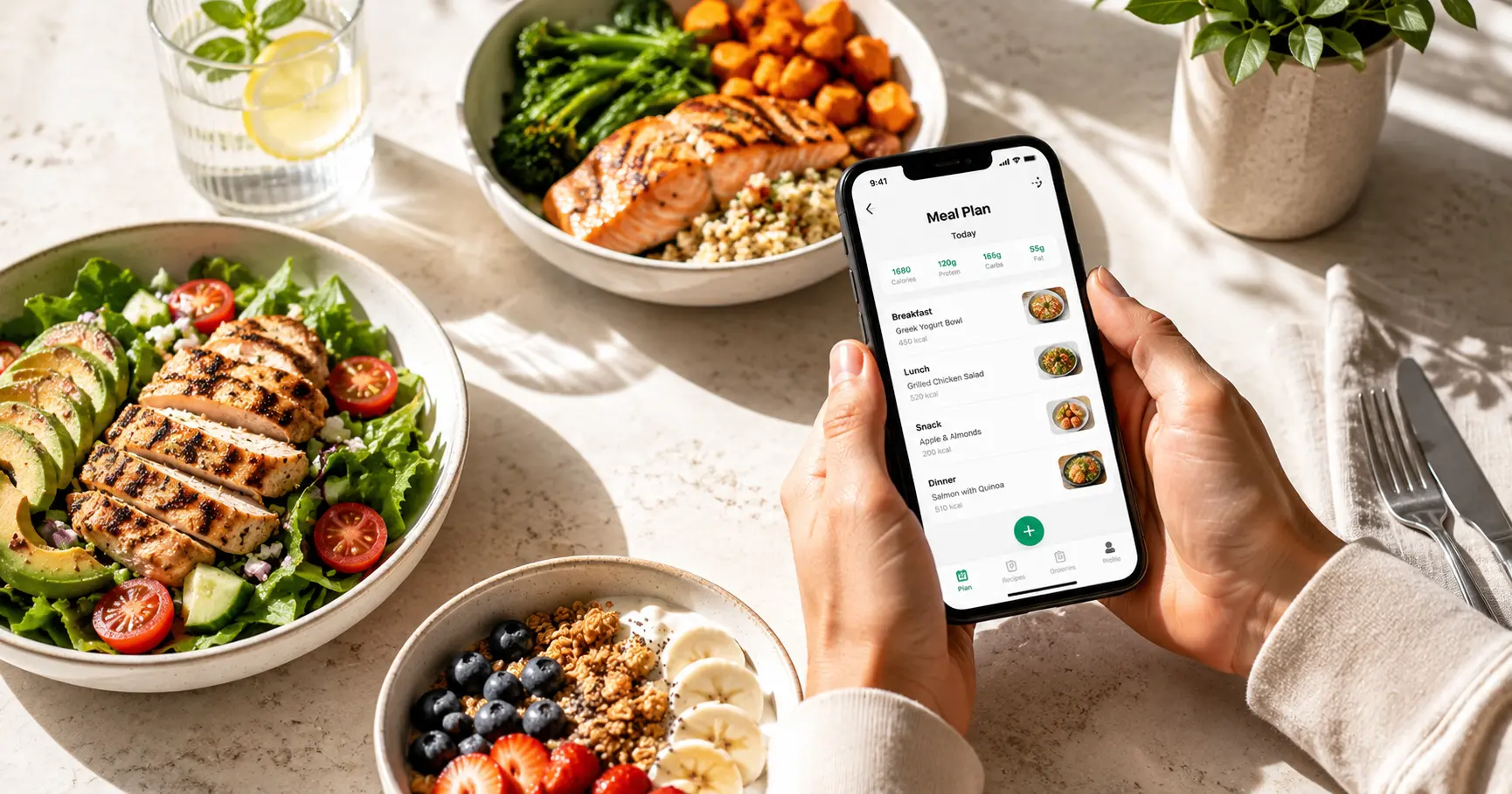
AI Meal Planner is a browser based meal plan generator that builds a full seven day menu from a short onboarding quiz. Users state a calorie target, macro goals (protein, carbs, fat), a diet type and any allergies or foods to exclude. The system then produces breakfast, lunch, dinner and snacks for the week, each with its own calorie and macronutrient breakdown, plus step by step recipes. Daily totals are balanced so the plan lands on the chosen targets, which means calorie and macro counting is handled by the tool rather than the user. The diet coverage is the main selling point: more than 30 options, including keto, vegan, vegetarian, paleo, Mediterranean, carnivore, gluten free, dairy free, high protein, low carb, Whole30, anti-inflammatory, gut health, GERD, PCOS and calorie specific plans at 1,200, 1,500, 1,800, 2,000 and 2,500 kcal. Each diet has a dedicated template with curated recipes, and there is a library of over 1,000 premium recipes. People who want weight loss can set that goal during onboarding and the tool calculates a deficit targeting roughly 0.5 to 1 kg per week while keeping protein high enough to protect muscle. Every plan ships with an automatic grocery list. Ingredients are combined across all seven days, quantities are exact, leftovers are counted and items are sorted by aisle (produce, protein, dairy, pantry). The list can be opened on a phone and checked off while shopping, printed, shared or exported as PDF, and the full weekly plan is also downloadable as a printable PDF. Any meal can be regenerated with one tap to swap in an alternative that still fits the macros, and disliked ingredients can be excluded from future plans. It is aimed at home cooks who want structure without spreadsheet work: fitness focused eaters, people managing weight, and those following a diet for a health reason such as PCOS or gluten avoidance. The obvious comparison is a static PDF template, which gives everyone the same meals; this adapts to inputs and can produce a fresh plan each week. The site reports 24,000 or more active users. No download is required and one account syncs plans across devices.

How do you use AI Meal Planner?

  1. 1Create your account and open onboarding
    Start on the site and follow the create your plan button into onboarding, where the quiz begins. No app download is needed and it runs in any browser.
  2. 2Set goals, calories and diet type
    Answer the quiz with your goal (such as losing weight), calorie target, macro split and one of the 30+ diet types. This is the input the generator builds the week around.
  3. 3Flag allergies and excluded foods
    Mark allergies from the supported list (milk, eggs, nuts, peanuts, shellfish, wheat, gluten, soy, fish, sesame) and exclude specific ingredients so recipes are filtered before the plan is built.
  4. 4Review the generated week and swap meals
    Check the seven day menu with its per meal macros and daily totals, then regenerate any dish you do not want for an alternative that still hits the targets.
  5. 5Use the shopping list and PDF export
    Open the auto built grocery list, sorted by aisle with combined quantities, check items off on your phone in the store, or print and export the plan and list as PDF.
  6. 6Browse a diet specific plan for reference
    If you want to see how a particular diet is structured before committing, the plan library shows sample weeks for high protein, calorie deficit, gluten free and other styles.

Pros and cons

Pros

  • Seven day menus arrive with per meal calories, protein, carbs and fat, so manual macro tracking is unnecessaryAI
  • More than 30 diet templates, from keto and vegan to PCOS, gut health and calorie specific plansAI
  • The grocery list merges ingredients across the week, counts leftovers and sorts items by store sectionAI
  • Individual meals can be regenerated to fit the same macros, and disliked ingredients excluded from later plansAI
  • Free tier requires no credit card and no app install, and plans print or export to PDFAI

Cons

  • Pricing for the premium tier is not published on the homepage, so the cost of unlimited plans and swaps is unclear upfrontAI
  • No integrations with grocery delivery, fitness trackers or calorie databases are mentioned, and the API question stays openAI
  • Recipe quality for niche diets such as GERD or PCOS is hard to judge without a full week of generated mealsAI
  • Nutritional values depend on the tool's own recipe data, with no stated sourcing or dietitian reviewAI
  • Meal swapping and unlimited weekly plans sit behind the subscription, so the free tier is deliberately limitedAI

How much does AI Meal Planner cost?

Free trial

A free tier exists rather than a timed trial: a personalised weekly plan with recipes, macros and a grocery list can be generated at no cost and without a credit card. Unlimited plans and meal swaps require the premium subscription.

Learn more

Pricing

The homepage states the planner can be used free, with no credit card and no app download, and that premium adds unlimited weekly plans and meal swaps via a subscription. No prices or billing periods are listed on the homepage, so the cost of premium has to be checked inside the product.

Learn more

Features

Seven day personalised menus with breakfast, lunch, dinner and snacks; per meal calorie, protein, carb and fat breakdowns; 30+ diet templates; more than 1,000 premium recipes; one tap meal regeneration; allergy and ingredient exclusion filters; automatic grocery list merged across the week and sorted by aisle; printable and PDF export of plan and list; account sync across phone and computer.

Learn more

Frequently asked questions about AI Meal Planner

  • How much does AI Meal Planner cost?
    The homepage states the planner can be used free, with no credit card and no app download, and that premium adds unlimited weekly plans and meal swaps via a subscription. No prices or billing periods are listed on the homepage, so the cost of premium has to be checked inside the product.
  • Does AI Meal Planner offer a free trial?
    A free tier exists rather than a timed trial: a personalised weekly plan with recipes, macros and a grocery list can be generated at no cost and without a credit card. Unlimited plans and meal swaps require the premium subscription.
  • How do you use AI Meal Planner?
    The walkthrough on this page covers 6 steps: 1. Create your account and open onboarding 2. Set goals, calories and diet type 3. Flag allergies and excluded foods 4. Review the generated week and swap meals 5. Use the shopping list and PDF export 6. Browse a diet specific plan for reference.
  • What platforms does AI Meal Planner support?
    AI Meal Planner is available on Web App, iOS and Android.
  • What are the limitations of AI Meal Planner?
    Pricing for the premium tier is not published on the homepage, so the cost of unlimited plans and swaps is unclear upfront. No integrations with grocery delivery, fitness trackers or calorie databases are mentioned, and the API question stays open. Recipe quality for niche diets such as GERD or PCOS is hard to judge without a full week of generated meals.

Status

StatusActive
Views0
Outbound clicks0
Added10/21/2026

Platforms

Web AppiOSAndroid

Pricing

FreeFreemiumSubscription