Pricing
One-time purchase on Gumroad at $15 or more, with a name-your-price field. Two tiers are listed: Early Bird at $15+ (shown as 0 left) and Regular Bird at $15. Lifetime updates are included.
Learn moreBuild detailed image prompts in Notion and paste them into Midjourney or DALL-E.
Own AI Prompt Generator? Verify ownership to get a dofollow link

AI Prompt Generator is a generative image tool that builds detailed image prompts in Notion and paste them into Midjourney or DALL-E. A Notion template for building image-generation prompts at three experience levels, with copy and paste output for Midjourney, DALL-E and similar tools.
AI Prompt Generator is a Notion template that walks you through assembling an image prompt piece by piece, then hands you finished text to paste into Midjourney, DALL-E or any other image generator that accepts natural language. It is not a standalone app and does not generate images itself. The product is a structured workspace page: you duplicate it into your own Notion account and the template does the organizing, not the model. The core idea is a difficulty dial. Before you start writing, you pick one of three experience levels (Casual, Semi-Professional or Professional), and the template shows a matching set of parameters to choose from. A casual user gets a lean list of options, while a professional gets a much wider field of attributes to specify. That keeps beginners from drowning in settings while still giving experienced users room to describe style, mood, composition and other detail. The output is a natural sounding prompt in full sentences rather than a comma-separated keyword dump. The workflow is deliberately manual. You select options inside Notion, the template composes the prompt text, and you copy that text across to your image tool of choice. Nothing is sent to Midjourney or DALL-E automatically, and there is no API, extension or plugin. The author frames this as a feature: no typing inside the image generator at all, just a copy and paste. A linked video tutorial shows the template in use, and the purchase includes lifetime updates. It suits hobbyists who keep getting muddy results and want a repeatable method, and creators who generate images often enough to want their prompt building in one place alongside notes. Anyone expecting an automated prompt library with a database, tagging or one-click sending to multiple models will find it thin. Compare it against web prompt builders and the built-in prompt helpers shipping with image platforms; this one competes on structure and on living inside Notion, not on automation.
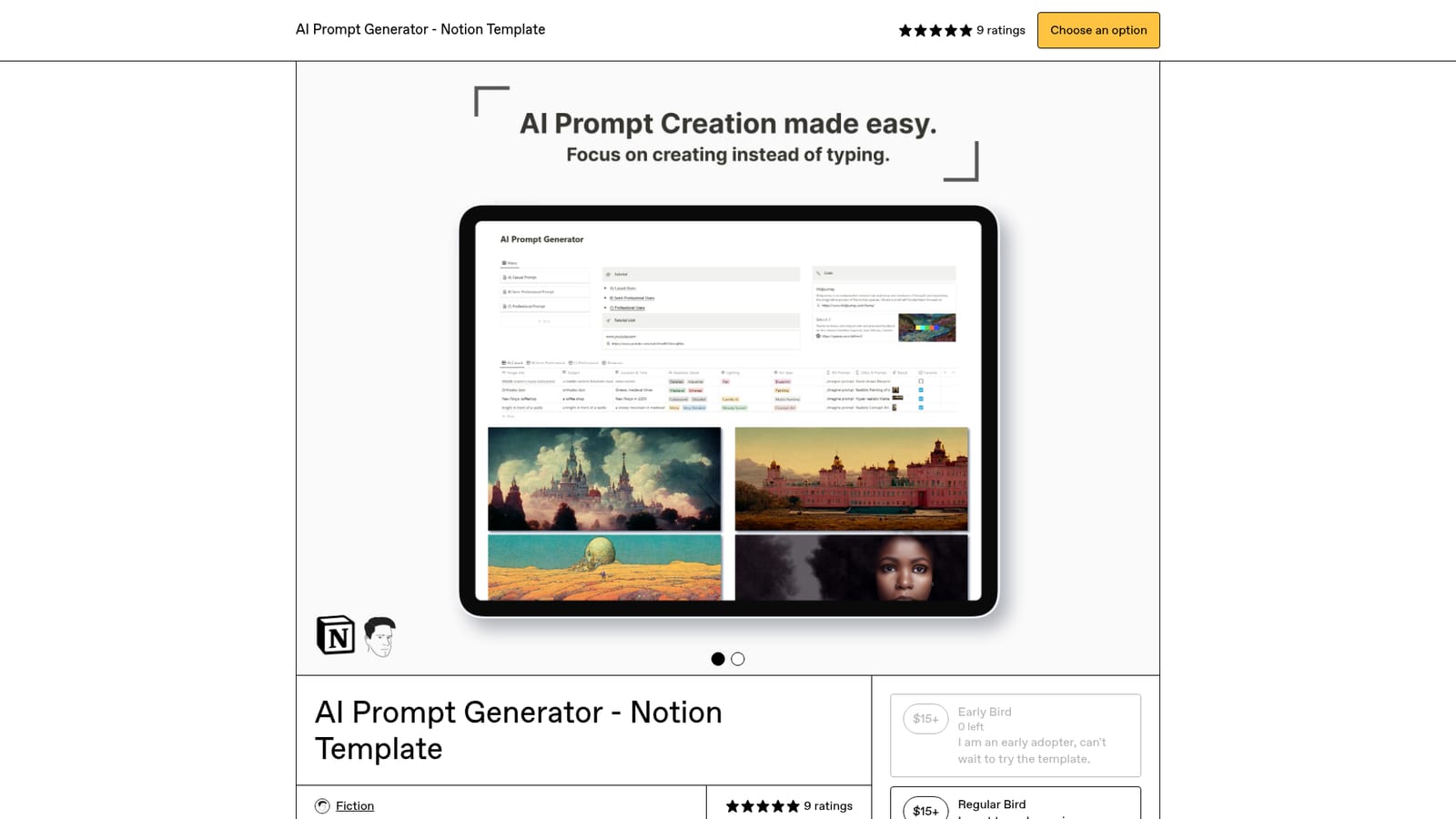
One-time purchase on Gumroad at $15 or more, with a name-your-price field. Two tiers are listed: Early Bird at $15+ (shown as 0 left) and Regular Bird at $15. Lifetime updates are included.
Learn moreSupport and feedback go to fiction.productivity@gmail.com, listed in the product FAQs. A video tutorial is linked from the product page.
Learn moreBuilt for Notion, where the template is duplicated into your workspace. Output prompts are intended for Midjourney, DALL-E and other AI image generators via copy and paste; there is no API or automatic connection.
Guided prompt building inside a Notion template, with three experience levels (Casual, Semi-Professional, Professional) that control how many parameters you choose from. Output is a detailed, natural sounding prompt you copy into Midjourney, DALL-E or other image generators. Includes lifetime updates and a video walkthrough.
 AI Angels400+ customizable AI girlfriends for NSFW chat, voice calls, and roleplay
 Candy AIExperience the future of companionship with AI friends who chat, role-play, and connect with you on a human level.
 ourdream.aiA vast AI roleplay platform with millions of characters for chat, images, video and voiceAI Angels400+ customizable AI girlfriends for NSFW chat, voice calls, and roleplayCandy AIExperience the future of companionship with AI friends who chat, role-play, and connect with you on a human level.ourdream.aiA vast AI roleplay platform with millions of characters for chat, images, video and voice


