Free trial
New users receive welcome credits to try the generator without paying; the homepage does not state how many.
Learn moreTurns pasted novel chapters into shot-by-shot comic scripts
Own AI Script Generator? Verify ownership to get a dofollow link

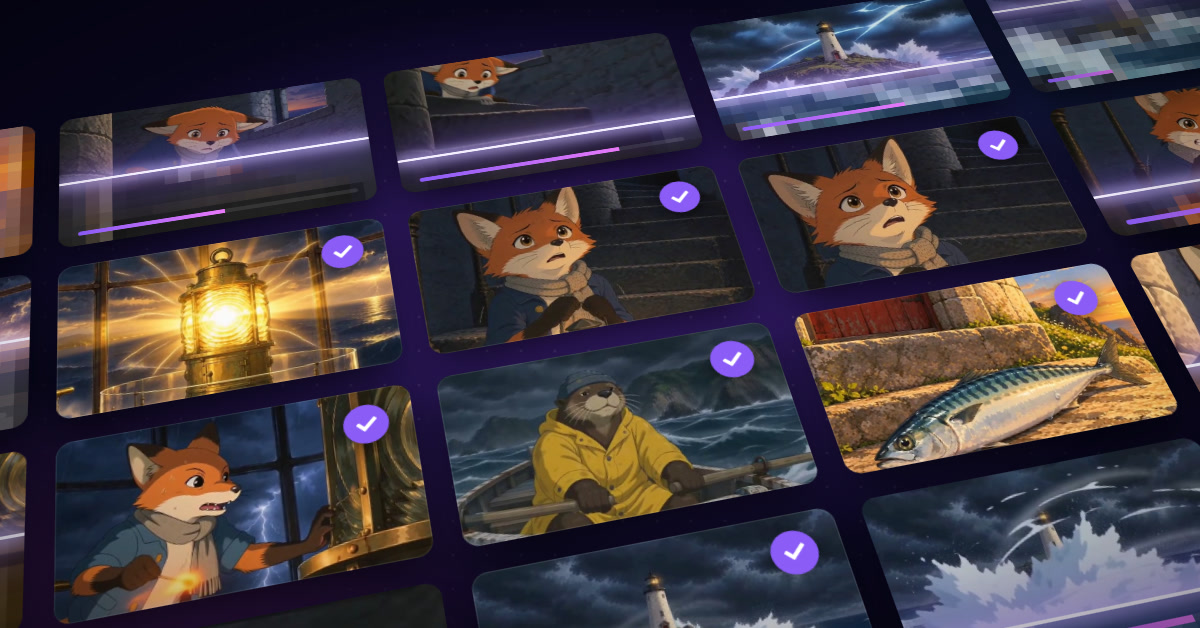
AI Script Generator is a script tool that turns pasted novel chapters into shot-by-shot comic scripts. AI Script Generator converts pasted novel chapters into multi-shot comic scripts with camera framing, dialogue, sound effects and image prompts, then renders storyboard images per shot.
AI Script Generator is a browser-based tool that converts prose fiction into structured comic scripts. A writer pastes a chapter, optionally adds scene context and a list of characters, and the tool returns a multi-shot breakdown instead of a wall of adapted text. Each shot in the published example carries a camera framing (such as a wide shot), a speaker with an emotional tag, the script line itself, a sound-effects note, and prompts meant for image and video generation. The tool is aimed at comic creators, webtoon and manga authors, independent storytellers, and small studios that need a first-pass adaptation of existing text. The site's own testimonials come from a comic director, a screenwriter, a producer and a studio founder, and several of them describe the output as a framework to refine rather than a finished replacement for a human writer. That framing is realistic: the generator handles the mechanical work of splitting a chapter into scenes and shots, leaving tone, dialogue polish and pacing decisions to the author. In practice the workflow has three stages. Novel text goes into the input form, with three modes labelled Novel, Idea and Enhancement. A script is then generated, costing 3 credits per run, and storyboard images can be produced for each shot and previewed as a merged result. New users receive welcome credits, so a first test costs nothing. The site claims output arrives in under 30 seconds, supports manga, webtoon and graphic novel styles, and includes commercial usage rights, though these statements come from the vendor and are not independently verified here. Among alternatives, general-purpose chat assistants can also adapt a chapter into a script, but they need careful prompting to produce consistent shot structures. Dedicated screenwriting software focuses on film and TV formats. This tool sits in a narrower niche: novel-to-storyboard conversion with built-in image prompts, which suits creators who want to move from text to visual panels inside a single page. Its example prompts appear partly in Japanese, which hints at a manga-oriented pipeline.
New users receive welcome credits to try the generator without paying; the homepage does not state how many.
Learn moreCredit-based: generating a script costs 3 credits. New users get free welcome credits. The homepage lists no paid plan prices.
Learn moreA Contact Us option is offered on the homepage; no documentation or help centre is described.
Novel, Idea and Enhancement modes; chapter-to-multi-shot scripts with framing, speaker emotion, sound effects, image and video prompts; character and scene context inputs; per-shot storyboard images with merged preview.
 AI Angels400+ customizable AI girlfriends for NSFW chat, voice calls, and roleplay
 Candy AIExperience the future of companionship with AI friends who chat, role-play, and connect with you on a human level.
 ourdream.aiA vast AI roleplay platform with millions of characters for chat, images, video and voiceAI Angels400+ customizable AI girlfriends for NSFW chat, voice calls, and roleplayCandy AIExperience the future of companionship with AI friends who chat, role-play, and connect with you on a human level.ourdream.aiA vast AI roleplay platform with millions of characters for chat, images, video and voice