SceneMixer

Turn a script or novel into a serialized AI drama with consistent faces

Beginner
Screenshot of SceneMixer, Turn a script or novel into a serialized AI drama with consistent faces

What is SceneMixer?

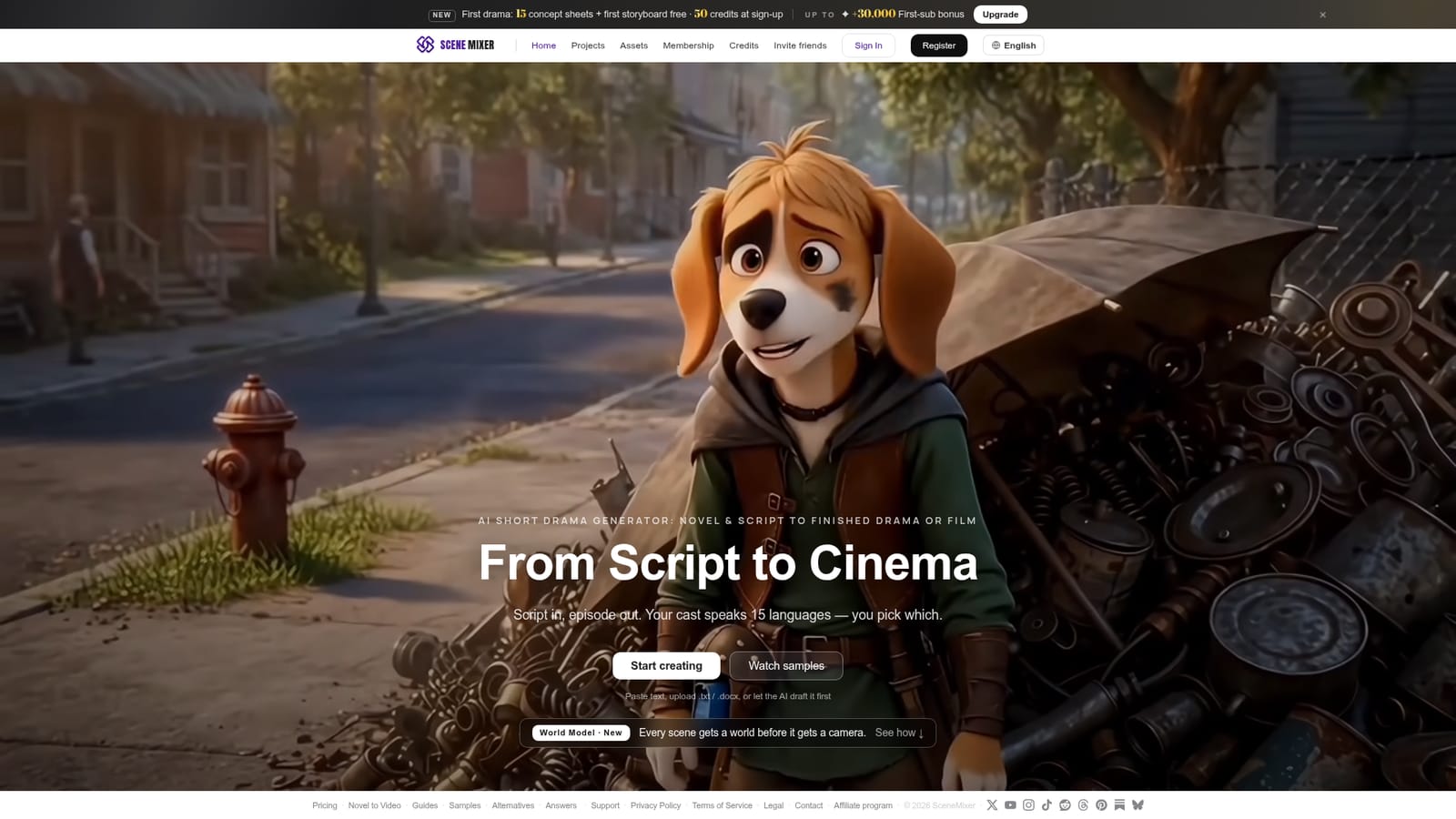
SceneMixer is a storytelling tool that turns a script or novel into a serialized AI drama with consistent faces. SceneMixer is a web-based AI short drama generator. It turns a script or novel into a serialized drama with a cast, scene art, storyboards and per-shot video that keeps the same faces, with dialogue in 15 languages.

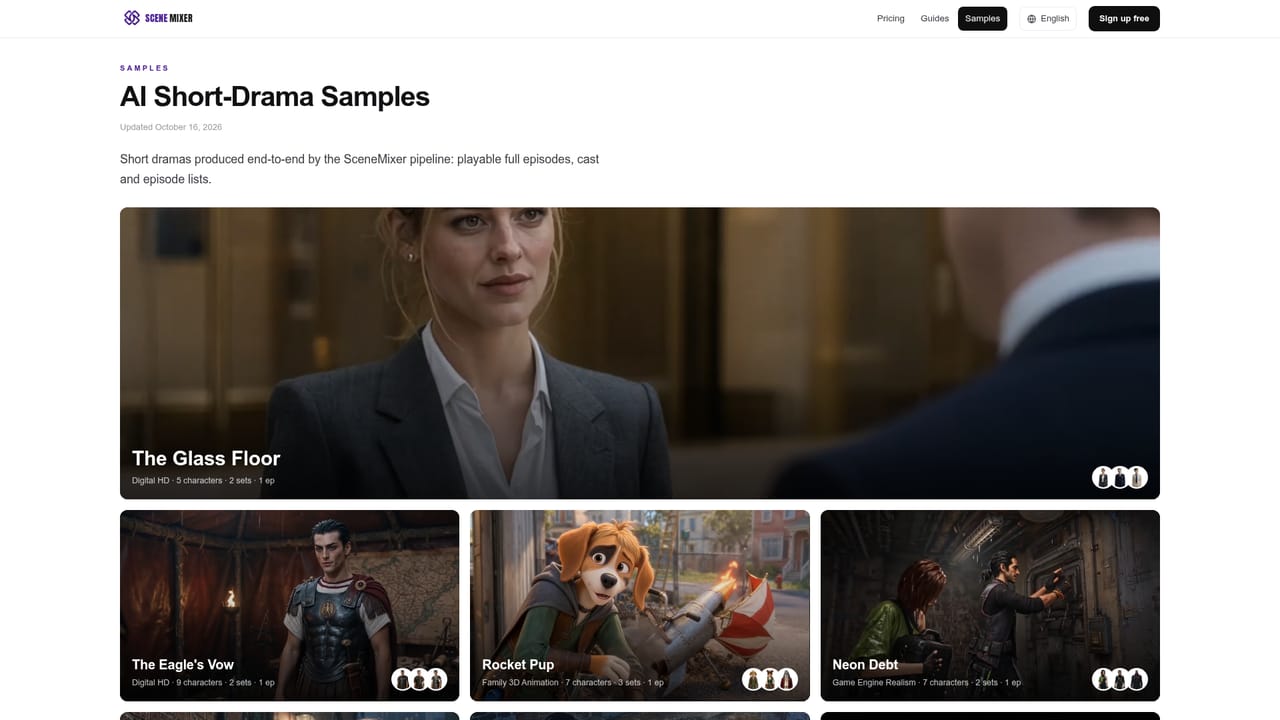
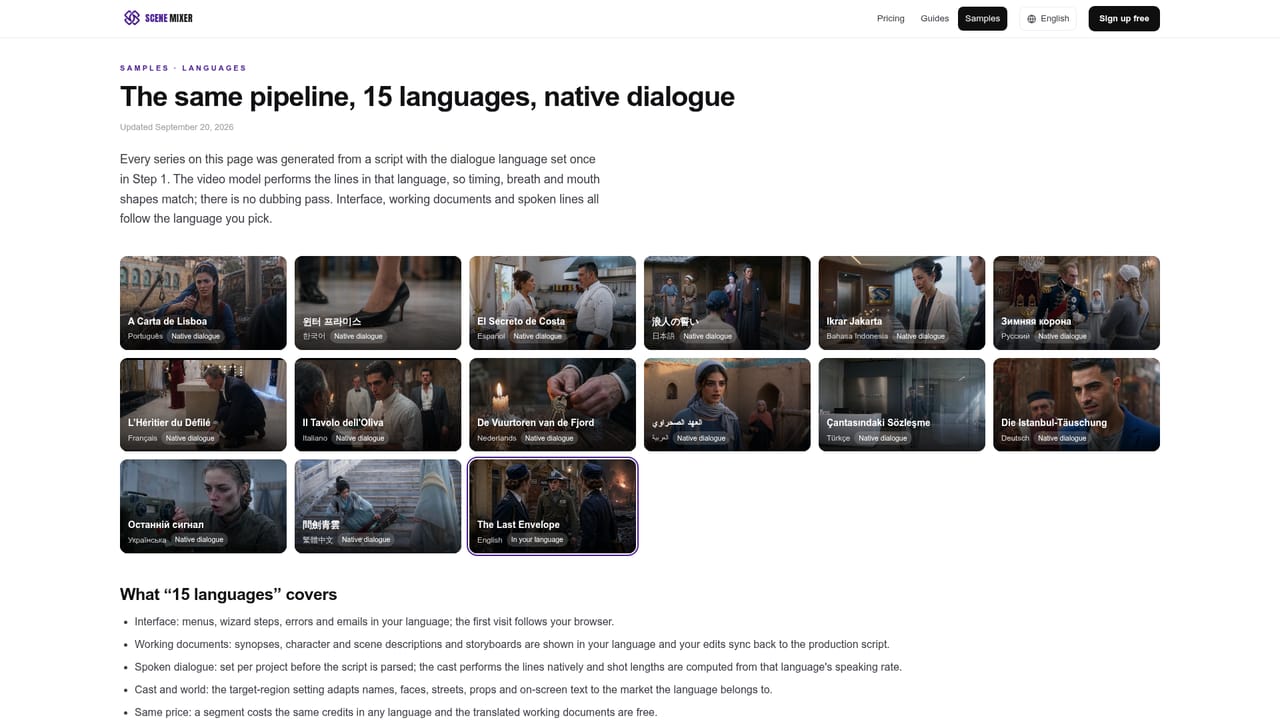
SceneMixer is a web-based AI short drama generator that converts written material into a finished, serialized video. A user pastes text, uploads a .txt or .docx file, or asks the AI to draft the script first. From that source the tool builds the pieces of a production: a cast of characters, scene art for each set, storyboards, and per-shot video clips that keep the same faces from shot to shot. The clips are then composited into an episode. The product is aimed at writers, web-novel authors, short-drama producers and small studios who have a story but not a crew. Its sample gallery shows the range: digital HD dramas, family 3D animation, game-engine realism and painterly anime, each listed with its character and set counts. Every sample is presented as generated from a script, and a sample page exposes each segment's script and video so a visitor can judge how closely the output follows the text. Dialogue can be produced in 15 languages, and the user chooses which one the cast speaks. In practice the workflow is staged. Early work centers on concept sheets and a first storyboard, then moves to per-shot video. The homepage also describes a World Model feature, which gives every scene a defined world before a camera is placed in it, aimed at keeping locations consistent. Generation draws on a list of named third-party models, including MiniMax, Hailuo, Wan, Kling, Seedance, SeedDream, Qwen-Image and Kimi, so output quality depends partly on those engines. Among alternatives, SceneMixer sits between general text-to-video generators, which produce isolated clips, and manual storyboarding or animation software. Its distinguishing focus is episodic continuity: one script, one recurring cast, and a full episode rather than a single shot. A credit-based sign-up offer lowers the cost of trying that pipeline on a first drama.
How do you use SceneMixer?

  1. 1Start a new drama
    Open SceneMixer and choose Start creating from the homepage. Sign up to receive the starting credits, which also cover the first drama's concept sheets and storyboard.
    SceneMixer — Start a new drama
  2. 2Add your source text
    Paste a script or novel excerpt, upload a .txt or .docx file, or let the AI draft the story first.
  3. 3Review the cast and concept sheets
    Check the generated characters and sets, since these set the faces and look reused in every shot. Adjust the visual style before moving on.
  4. 4Approve the storyboard
    Read through the storyboard to confirm scenes follow the script, then generate per-shot video from it.
  5. 5Pick a language and compile the episode
    Choose which of the 15 supported languages the cast speaks, then assemble the shots into an episode.
    SceneMixer — Pick a language and compile the episode
  6. 6Compare against the samples
    Open a showcase series to see how each segment's script maps to its video, and use it as a benchmark for your own project.
    SceneMixer — Compare against the samples

Pros and cons

Pros

  • Covers the whole pipeline from script to composited episode, including cast, sets, storyboards and per-shot videoAI
  • Keeps the same character faces across shots, which suits serialized storytellingAI
  • Accepts pasted text, .txt or .docx uploads, or an AI-drafted script as the starting pointAI
  • Dialogue is available in 15 languages, selectable per projectAI
  • Sample gallery shows each segment's script and video, so output can be checked against its source textAI

Cons

  • Results depend on third-party video and image models, so quality and style vary with the engine usedAI
  • Pricing beyond the sign-up credits and first-drama offer is not stated on the homepageAI
  • Credit-based use means long serialized dramas could consume credits quicklyAI
  • Only a web app is described, with no stated mobile or desktop apps or APIAI
  • Fine manual control over individual shots is not described, so editing options appear limitedAI

How much does SceneMixer cost?

Free trial

New users get 50 credits at sign-up, and the first drama includes 15 concept sheets and a first storyboard free.

Learn more

Pricing

The homepage mentions 50 credits at sign-up, a free first drama with 15 concept sheets and a first storyboard, and a first-subscription bonus of up to 30,000 credits. Full plan prices are not listed there.

Learn more

Integrations

Not a connector-based tool, but it runs on named third-party models: MiniMax, Hailuo, Wan, Kling, Seedance, SeedDream, Qwen-Image and Kimi.

Features

Script or novel to serialized drama; accepts pasted text, .txt, .docx or an AI-drafted script; cast and scene art; storyboards; per-shot video with consistent faces; composited episodes; 15 languages; World Model for scene consistency; multiple visual styles.

Learn more

Frequently asked questions about SceneMixer

  • How much does SceneMixer cost?
    The homepage mentions 50 credits at sign-up, a free first drama with 15 concept sheets and a first storyboard, and a first-subscription bonus of up to 30,000 credits. Full plan prices are not listed there.
  • Does SceneMixer offer a free trial?
    New users get 50 credits at sign-up, and the first drama includes 15 concept sheets and a first storyboard free.
  • How do you use SceneMixer?
    The walkthrough on this page covers 6 steps: 1. Start a new drama 2. Add your source text 3. Review the cast and concept sheets 4. Approve the storyboard 5. Pick a language and compile the episode 6. Compare against the samples.
  • What platforms does SceneMixer support?
    SceneMixer is available on Web App.
  • What does SceneMixer integrate with?
    Not a connector-based tool, but it runs on named third-party models: MiniMax, Hailuo, Wan, Kling, Seedance, SeedDream, Qwen-Image and Kimi.
  • What are the limitations of SceneMixer?
    Results depend on third-party video and image models, so quality and style vary with the engine used. Pricing beyond the sign-up credits and first-drama offer is not stated on the homepage. Credit-based use means long serialized dramas could consume credits quickly.

Status

StatusActive
Views0
Outbound clicks0
Added10/18/2026

Platforms

Web App

Pricing

FreemiumSubscription