Free trial
No trial is needed because the tool itself is free to use. Visitors can generate a few speeches before signing up, and a free account raises the generation allowance.
Learn moreDraft a speech for any occasion in seconds, then edit and save it
Own AI Speech Generator? Verify ownership to get a dofollow link

AI Speech Generator is a content writing tool. A focused, form driven speech writer that turns an occasion, a tone and a few personal details into a ready to deliver draft in seconds, backed by a topic generator and a speech timing calculator.
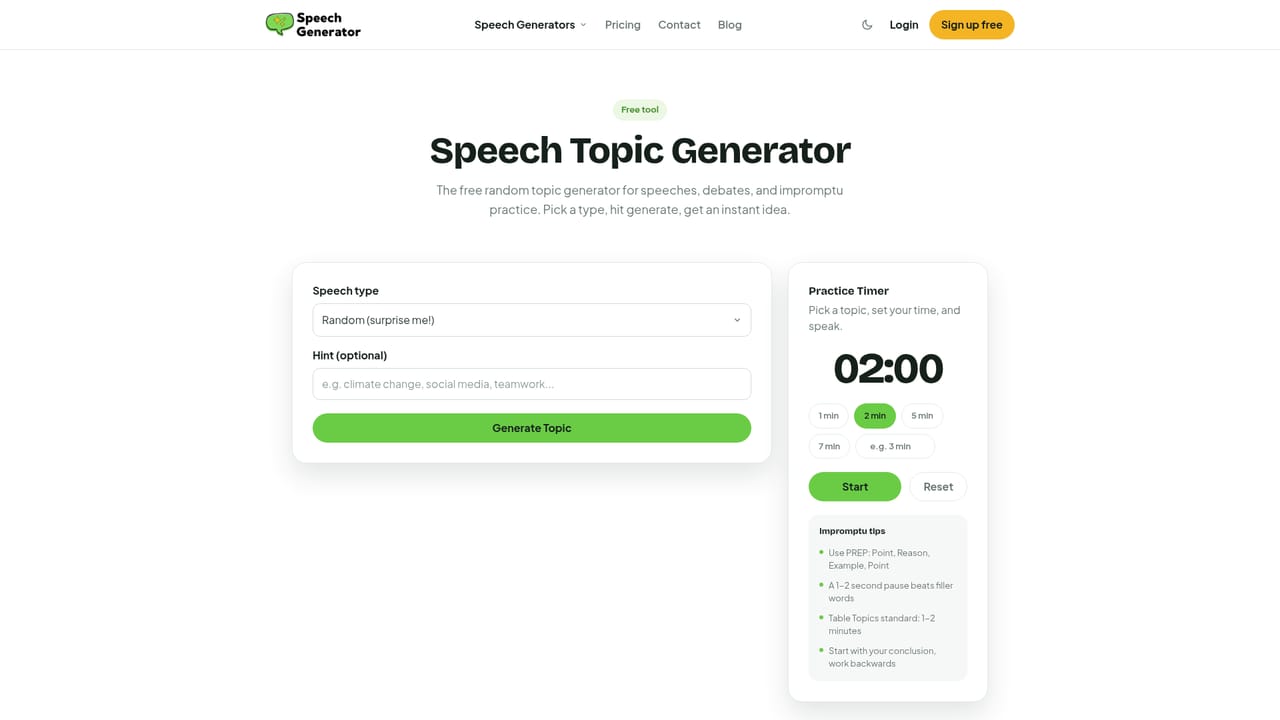
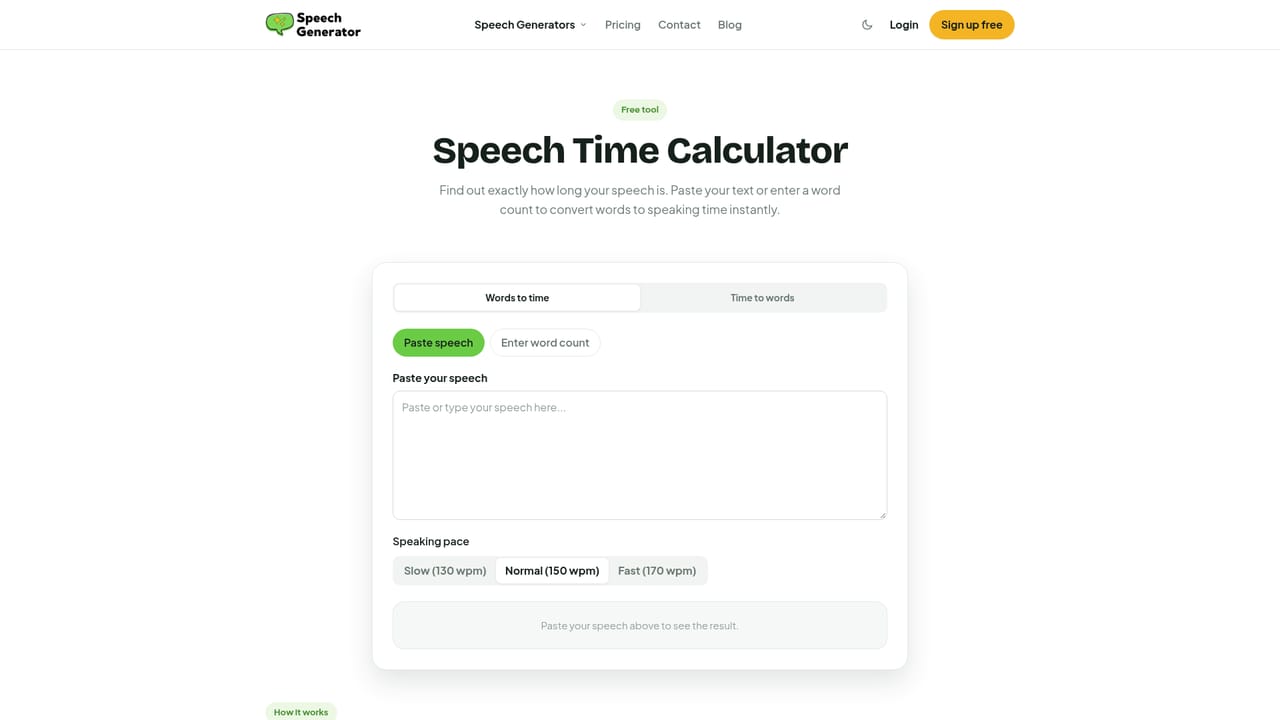
AI Speech Generator is a browser based writing tool built around one narrow job: producing a speech draft fast. You supply a topic and pick an occasion from a long list that runs from best man toasts and eulogies through board meeting presentations, investor pitches, opening statements, homilies and TED style talks. There is also a custom option for events that do not fit the menu. The workflow is short by design. After choosing the speech type you select a tone from roughly three dozen options (heartfelt, humorous, formal, persuasive, solemn and many more), pick one of the 50 plus supported languages, and add personal details about the event and the people involved. The generator then returns a full draft in seconds. Users who want to keep or refine the output can create a free account to edit, download and save it, while anonymous visitors get a small number of generations before being asked to sign up. The site adds two supporting utilities that address the usual weak points of AI drafted speeches: a Speech Topic Generator for people who have no idea what to talk about, and a Speech Time Calculator for anyone who needs to hit a strict slot on stage. The pitch is aimed at non professional speakers (wedding parties, students, teachers, clergy, event hosts) as well as planners and analysts who write remarks regularly. Competitors here tend to be general chatbots that need heavy prompting, or full script writing suites. This tool trades breadth for speed and a guided form, so the draft arrives structured rather than as an open ended chat reply. The homepage reports more than 30,000 speakers using it and lists free usage as a core feature.
No trial is needed because the tool itself is free to use. Visitors can generate a few speeches before signing up, and a free account raises the generation allowance.
Learn moreThe site is free to use and states that the AI speech writer offers a generous free plan. Anonymous visitors start with a small number of generations and are prompted to sign up for free to get 10x more. No paid tiers or prices are listed on the homepage.
Learn moreThe homepage states that a customer support team is available to help with questions and issues. Payments are handled by Stripe with standard encryption. No help centre or contact channel is listed.
Generates personalised speeches from a topic, speech type, tone, language and personal details. Includes more than 50 speech types with a custom option, around three dozen tones, over 50 languages, plus a Speech Topic Generator and a Speech Time Calculator. Signed in users can edit, download and save drafts.
 AI Angels400+ customizable AI girlfriends for NSFW chat, voice calls, and roleplay
 Candy AIExperience the future of companionship with AI friends who chat, role-play, and connect with you on a human level.
 ourdream.aiA vast AI roleplay platform with millions of characters for chat, images, video and voiceAI Angels400+ customizable AI girlfriends for NSFW chat, voice calls, and roleplayCandy AIExperience the future of companionship with AI friends who chat, role-play, and connect with you on a human level.ourdream.aiA vast AI roleplay platform with millions of characters for chat, images, video and voice


