Free trial
Everything is free for the first 7 days with no card required. You add payment details only if you decide to stay, and export and close stay open even after a trial ends.
Learn moreA private, typed memory layer that sits above your AI assistant.

AI Twin is a UK-hosted, model-agnostic memory layer for personal and professional life. You upload documents, notes, voice memos and exports, confirm what is kept, and query a typed, audited memory that plugs into assistants such as Claude via MCP connectors.
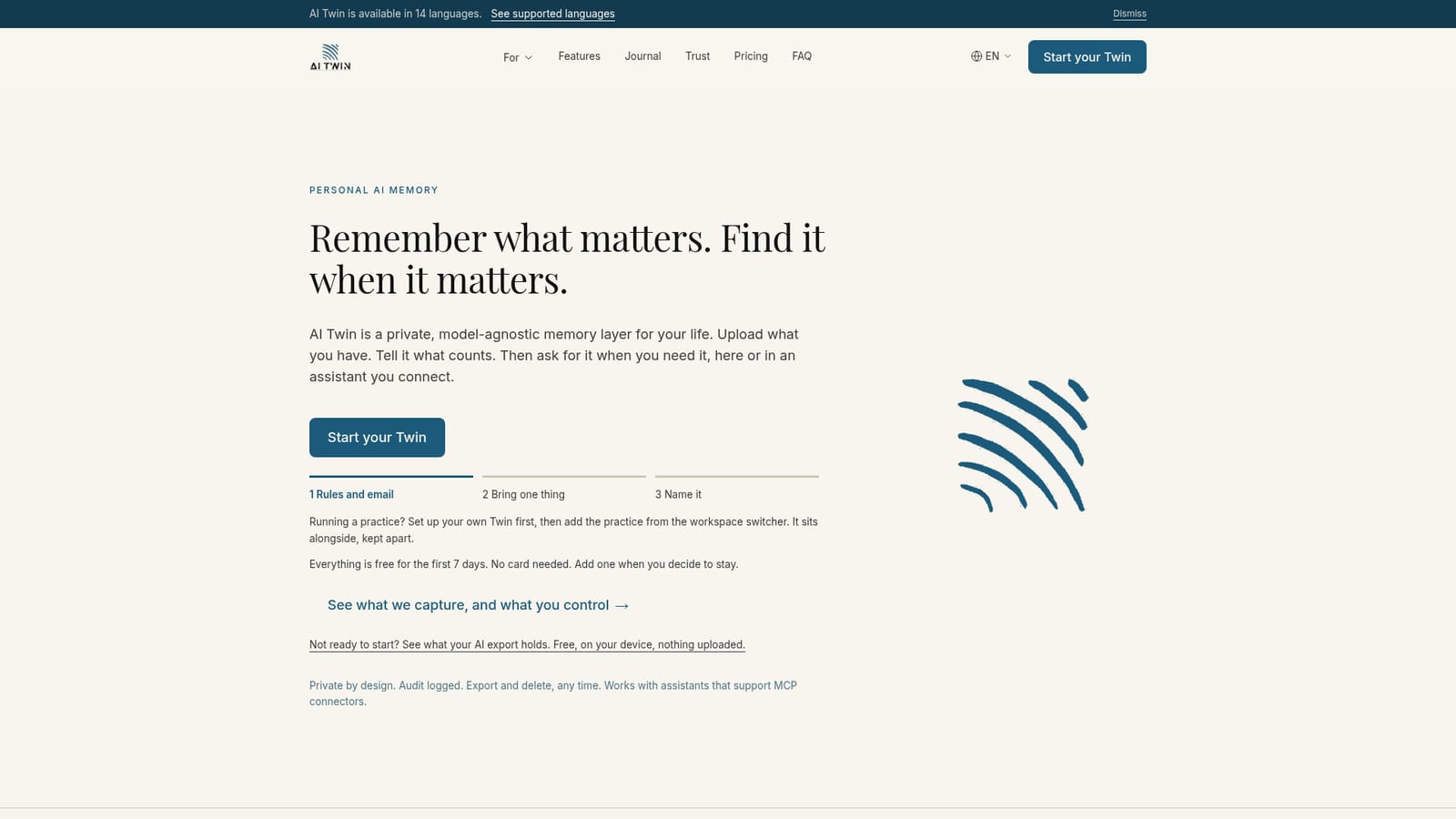
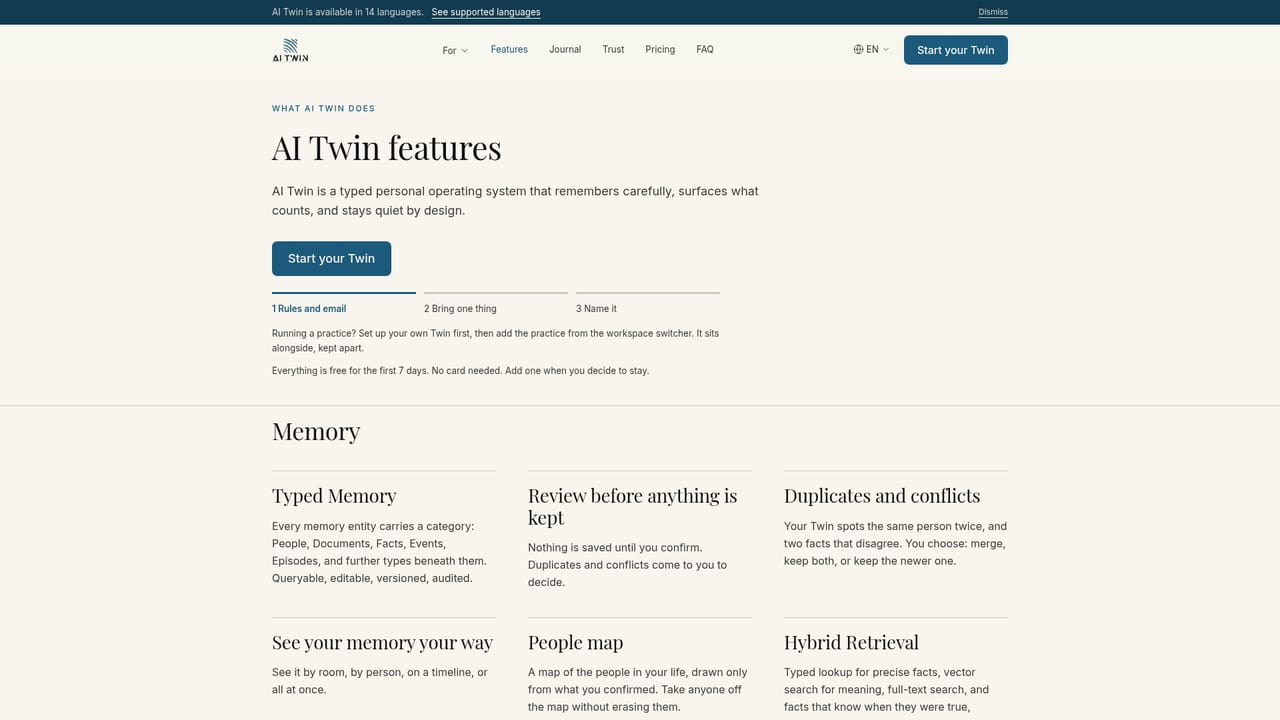
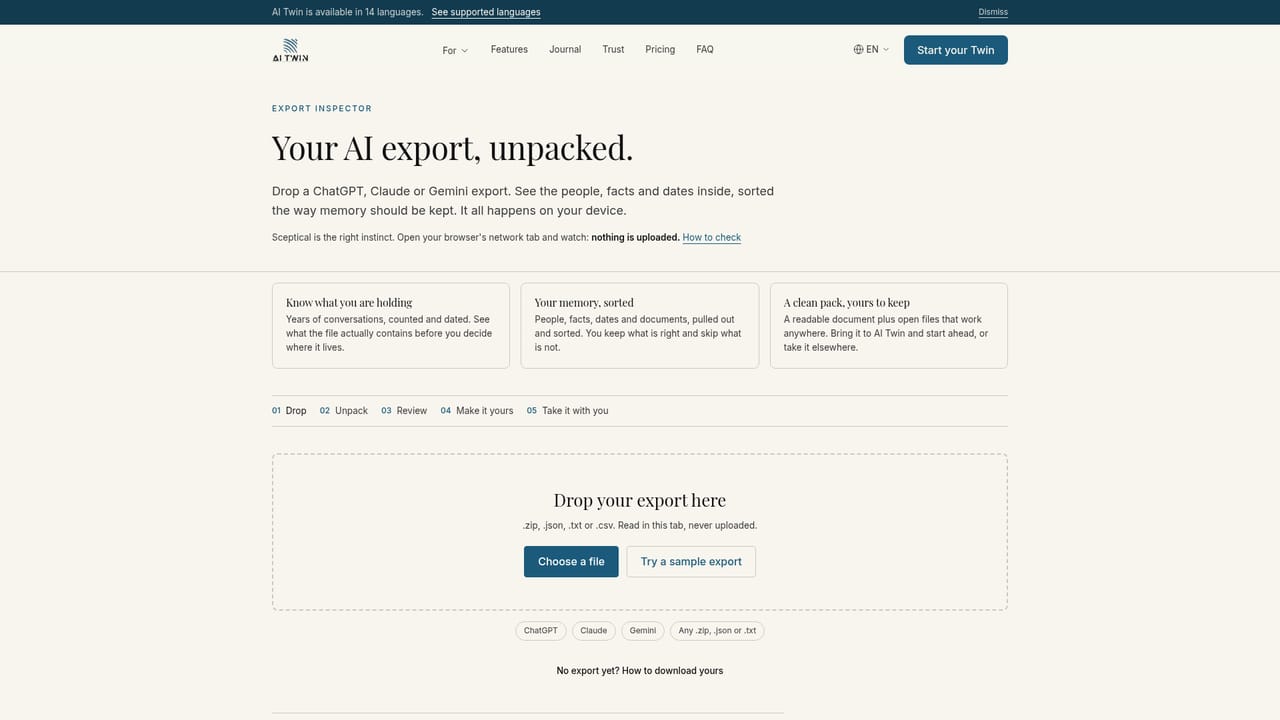
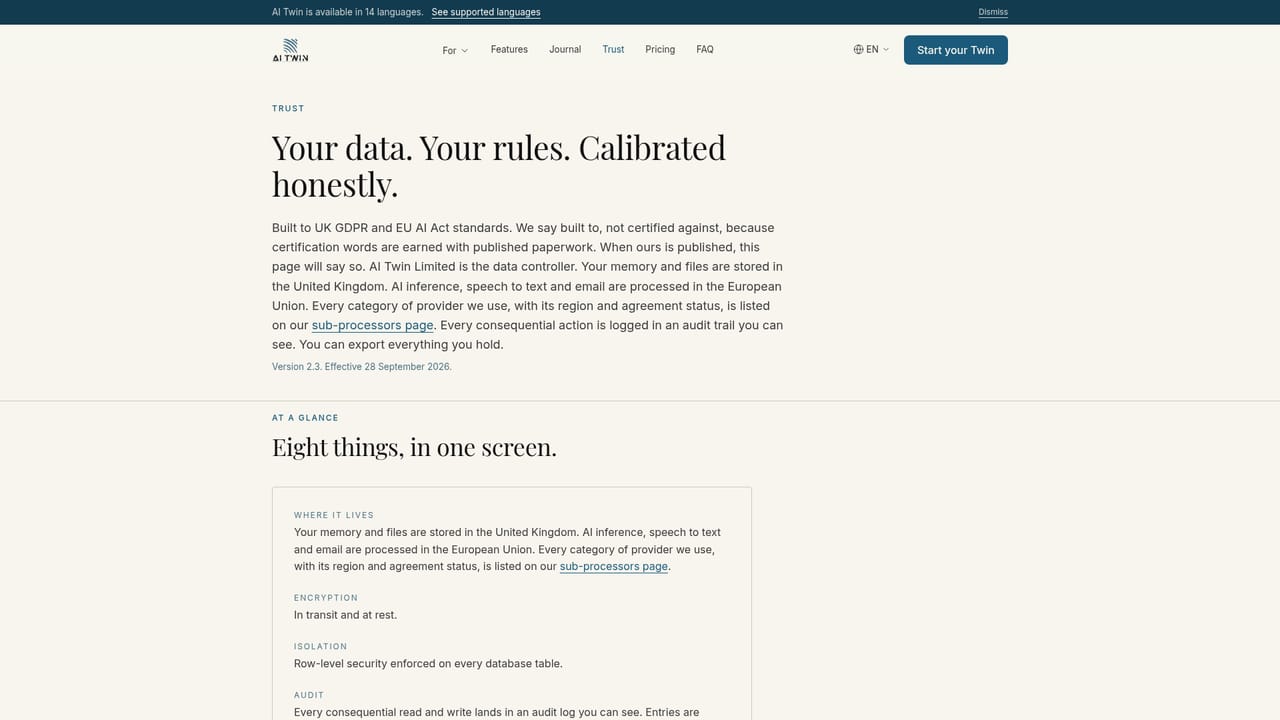
AI Twin is a personal AI memory layer built by a UK company. Rather than keeping what it learns about you inside a single chatbot, it stores your context in its own governed database and lets you pull that memory into whichever assistant you choose. You decide what goes in: documents and PDFs, photos and screenshots, voice notes, typed notes, forwarded email, onboarding answers, WhatsApp chat exports and social data exports. The system types each capture (People, Documents, Facts, Events, Episodes and subtypes beneath them), logs it in an append-only audit trail, and stores it in the UK. Nothing is kept until you confirm it, and duplicates or conflicts come back to you to resolve. In practice the product is a destination you sign in to, not a plug-in bolted onto someone else's chat window. There is a universal input bar for text, voice, attachments, URLs and slash commands, plus Cards that keep frequently needed records live from memory rather than as stale copies. When you ask a question, hybrid retrieval combines typed lookup, vector search, full-text search and facts that know when they were true. Separate Personal and Practice workspaces keep a private life and a professional one apart, and people you invite see only what you allow. It suits professionals who need provenance and consent around what an AI knows (the site cites lawyers and practice owners), as well as individuals juggling family logistics, health appointments, caring responsibilities or founder paperwork. Compared with assistants that forget between sessions, the pitch is continuity; compared with memory features baked into one vendor, the pitch is portability. Memory travels to assistants that support MCP connectors, such as Claude or ChatGPT on a paid plan with developer mode on, and exports as a portable file at any time. The company is explicit about limits: it is not always-on, not a developer API, not a memory model, and it captures only what you ask it to capture. Data is encrypted in transit and at rest, not used to train models, and deletion anonymises your data within 30 days.
Everything is free for the first 7 days with no card required. You add payment details only if you decide to stay, and export and close stay open even after a trial ends.
Learn morePersonal is £18 a month and includes one free read-only slot for another person; further people cost £9 a month each, read-only or read/write and changeable. Practice is £43 a month (£18 Personal plus £25 Practice), owner included, with each added person at £9. Annual billing gives two months free. Prices are in pounds sterling with no VAT charged.
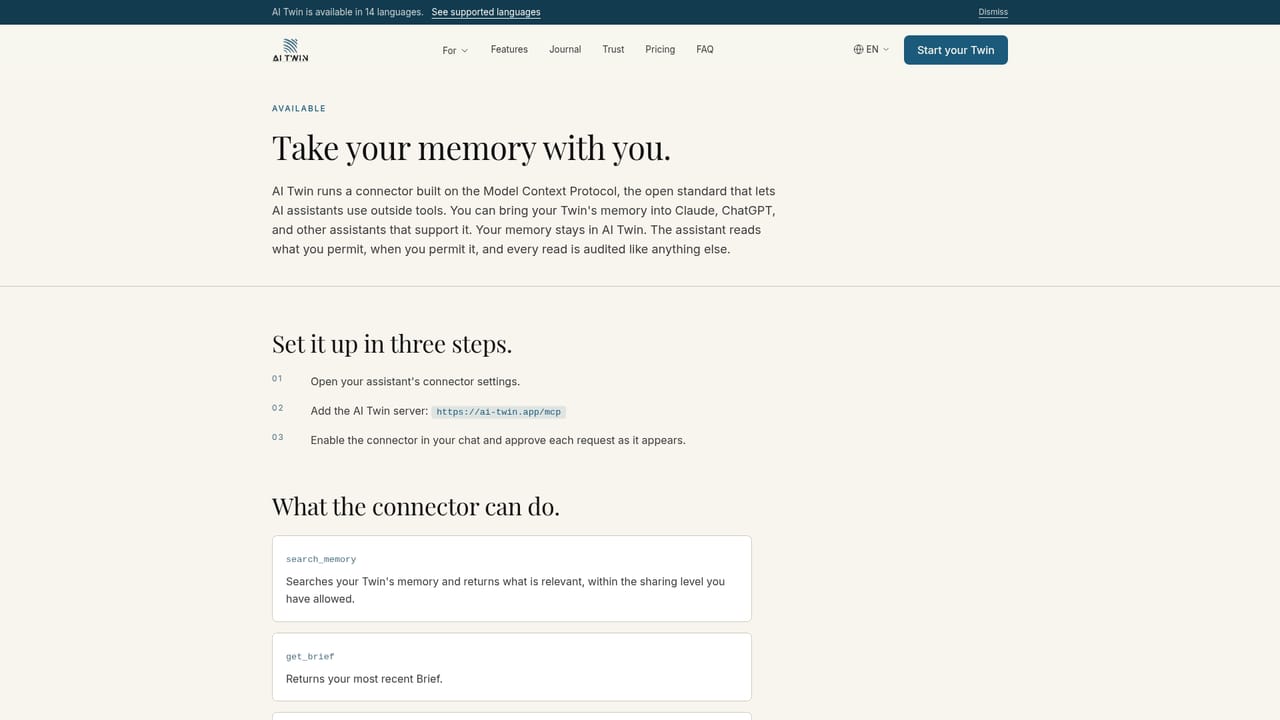
Learn moreMemory travels out to assistants that support MCP connectors, such as Claude. ChatGPT works on a paid plan with developer mode switched on. Data can come in from email, WhatsApp chat exports and social data exports.
Learn moreUniversal input bar for text, voice, attachments, URLs and slash commands; confirmation before any capture is kept; typed memory across People, Documents, Facts, Events and Episodes with versioning and audit; hybrid retrieval mixing typed lookup, vector search, full-text search and time-aware facts; live Cards for frequently used records; separate Personal and Practice workspaces with scoped sharing.
Learn more AI Angels400+ customizable AI girlfriends for NSFW chat, voice calls, and roleplay
 Candy AIExperience the future of companionship with AI friends who chat, role-play, and connect with you on a human level.
 ourdream.aiA vast AI roleplay platform with millions of characters for chat, images, video and voiceAI Angels400+ customizable AI girlfriends for NSFW chat, voice calls, and roleplayCandy AIExperience the future of companionship with AI friends who chat, role-play, and connect with you on a human level.ourdream.aiA vast AI roleplay platform with millions of characters for chat, images, video and voice


