AI Visibility

Free check of whether AI assistants name your brand

Beginner
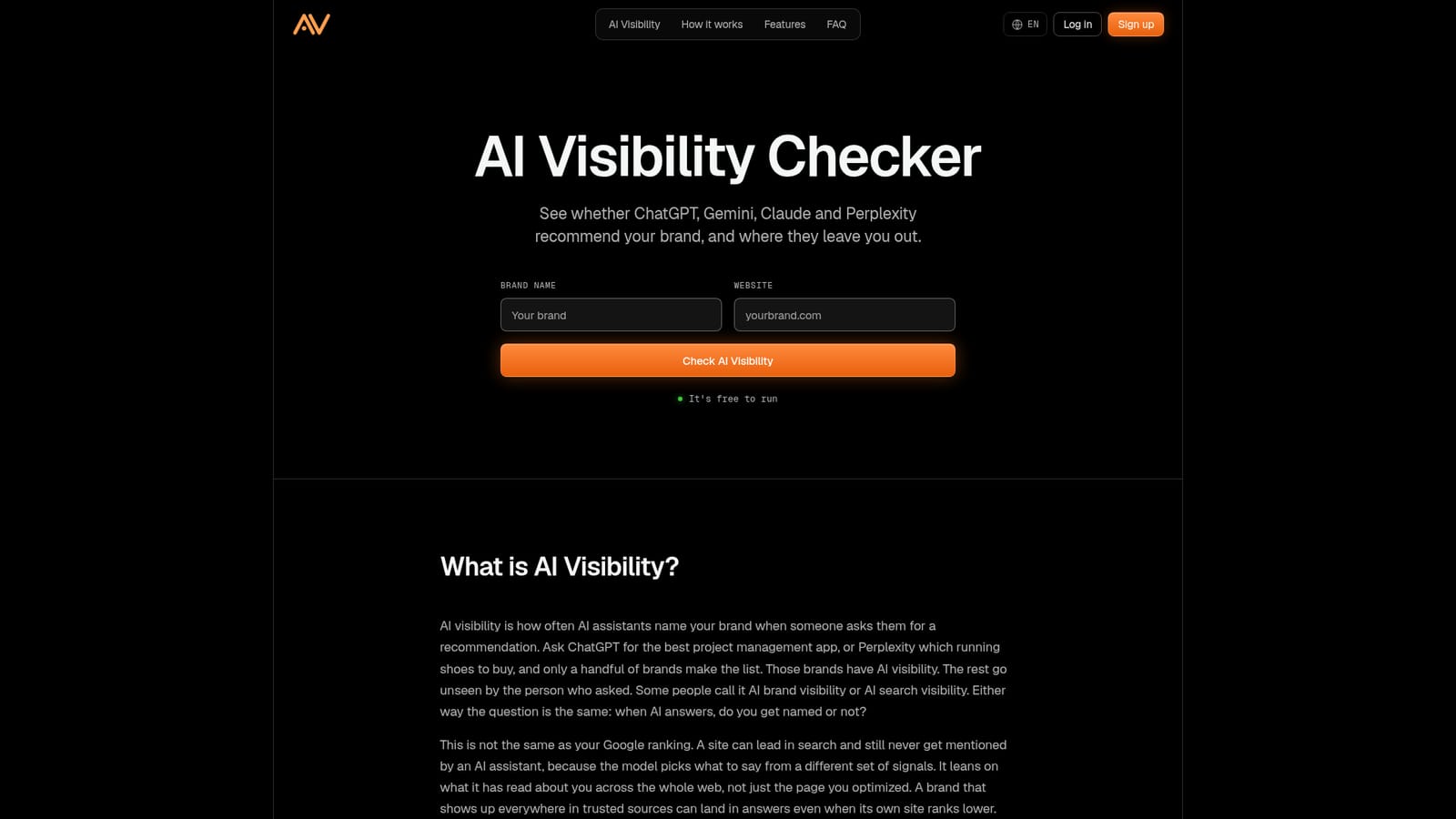
Screenshot of AI Visibility, Free check of whether AI assistants name your brand

What is AI Visibility?

AI Visibility is a free web checker that shows whether ChatGPT, Gemini, Claude and Perplexity name your brand, with a score, per-assistant breakdown, missing prompts, cited sources and competitor comparison.

AI Visibility is a web-based checker that measures how often AI assistants mention a brand when people ask for recommendations. Enter a brand name and a website, and the tool tests how ChatGPT, Gemini, Claude and Perplexity respond, then reports a score along with a breakdown for each assistant. The check works from prompts modeled on the questions real customers type when they look for what a company sells. The tool reads each answer, records whether the brand is named, and notes which sites are cited next to it. The report lists the exact prompts where the brand is missing and which competing brands appear instead. Rival brands can be run the same way, which makes the output useful for benchmarking against the names that keep showing up in a category. Past checks are kept in a history, and a result can be shared through a single link, so progress is easy to show to a team or a client. The audience is broad: SaaS companies, ecommerce and direct-to-consumer brands, local businesses, agencies, SEO professionals, publishers, consultants and personal brands. The common thread is that customers ask an assistant before they buy. Agencies and SEO practitioners in particular can use it to cover the part of search that a conventional rank tracker does not see, since a high Google position does not guarantee a mention in an AI answer. Setup is minimal. There is nothing to configure beyond the brand and site, and results arrive in seconds. The site also links to a separate AI Crawlability Checker for testing whether AI crawlers can reach a site, and to a free Chrome extension called OctoCheck for page audits. Among alternatives, this sits at the lightweight end: a quick, free diagnostic rather than a full monitoring suite. It suits a first measurement and periodic spot checks, such as monthly or after a publishing push, more than continuous enterprise tracking.
How do you use AI Visibility?

  1. 1Open the checker
    Go to the AI Visibility homepage in any desktop or mobile browser. No installation is needed.
    AI Visibility — Open the checker
  2. 2Enter your brand and website
    Type the brand name and the site address into the two fields, then start the check.
  3. 3Read the score and platform breakdown
    Review the overall AI visibility score and how the brand performs on each of the four assistants.
  4. 4Study the missing prompts
    Look at the prompts where the brand is not named and note which competitors and cited sites appear instead.
  5. 5Check AI crawler access
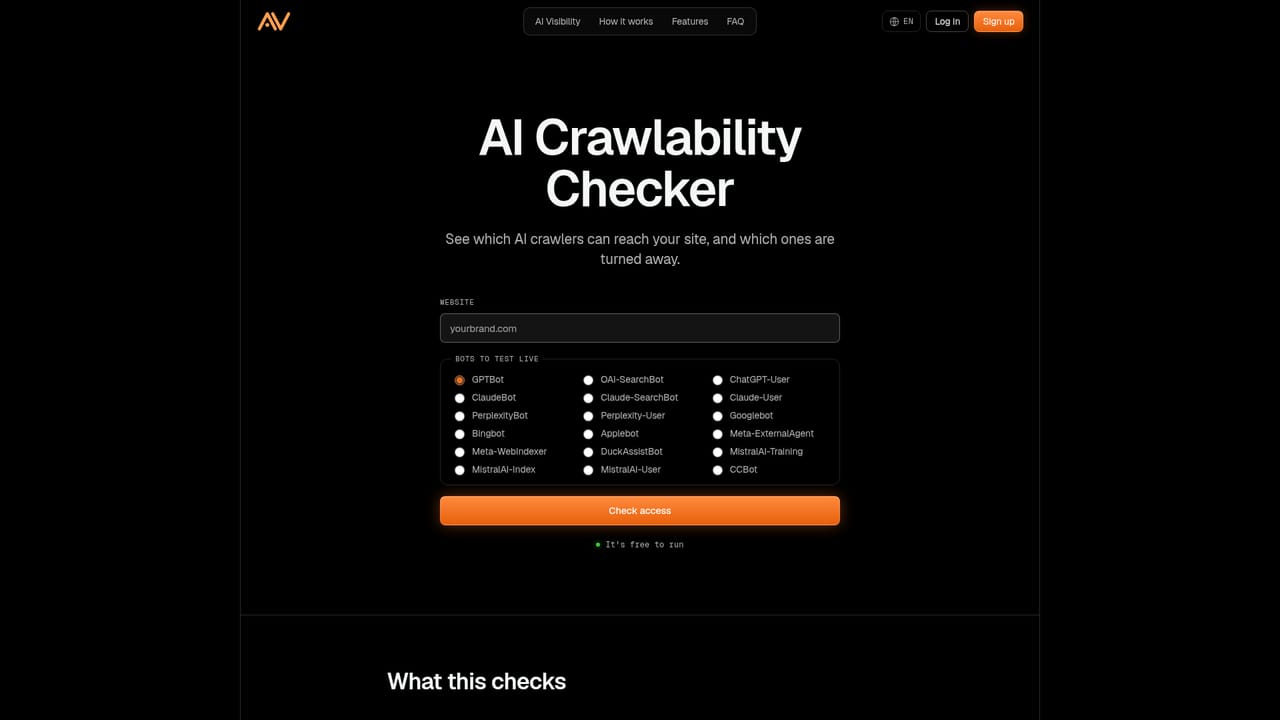
    If the brand is missing, run the AI Crawlability Checker to confirm AI crawlers can reach the site.
    AI Visibility — Check AI crawler access
  6. 6Re-run after changes
    Check again after publishing or running a campaign, and compare against competitors to see movement.

Pros and cons

Pros

  • Covers ChatGPT, Gemini, Claude and Perplexity in a single reportAI
  • Free to run, with no setup beyond a brand name and websiteAI
  • Shows the specific prompts where the brand is missing and who appears insteadAI
  • Competitor checks and check history make progress easy to trackAI
  • Shareable report link suits agencies reporting to clientsAI

Cons

  • Only four assistants are covered, so other AI search products are not measuredAI
  • Prompts are generated by the tool, so you cannot confirm control over the exact questions testedAI
  • Homepage describes a one-off check and history, not continuous automated monitoring or alertsAI
  • Guidance on fixing gaps is general (get mentioned on trusted sources) rather than a detailed workflowAI

How much does AI Visibility cost?

Free trial

No trial is needed: the check itself is free and can be run as often as you like.

Learn more

Pricing

The checker is described as free to run, and the site says you can check your brand and see your score at no cost. No paid plans are listed on the homepage.

Learn more

Integrations

No integrations are listed. The site points to its own AI Crawlability Checker and the OctoCheck Chrome extension as companion tools.

Features

Multi-model checking across ChatGPT, Gemini, Claude and Perplexity, a trackable visibility score, per-platform breakdown, prompt-level detail, cited sources, competitor comparison, gap finder, check history and shareable reports.

Frequently asked questions about AI Visibility

  • How much does AI Visibility cost?
    The checker is described as free to run, and the site says you can check your brand and see your score at no cost. No paid plans are listed on the homepage.
  • Does AI Visibility offer a free trial?
    No trial is needed: the check itself is free and can be run as often as you like.
  • How do you use AI Visibility?
    The walkthrough on this page covers 6 steps: 1. Open the checker 2. Enter your brand and website 3. Read the score and platform breakdown 4. Study the missing prompts 5. Check AI crawler access 6. Re-run after changes.
  • What platforms does AI Visibility support?
    AI Visibility is available on Web App.
  • What does AI Visibility integrate with?
    No integrations are listed. The site points to its own AI Crawlability Checker and the OctoCheck Chrome extension as companion tools.
  • What are the limitations of AI Visibility?
    Only four assistants are covered, so other AI search products are not measured. Prompts are generated by the tool, so you cannot confirm control over the exact questions tested. Homepage describes a one-off check and history, not continuous automated monitoring or alerts.

Status

StatusActive
Views0
Outbound clicks0
Added10/18/2026

Platforms

Web App

Pricing

Free

Categories