Pricing
The homepage does not list prices. It states that web hosting is included on every plan at no extra charge and that the bundle replaces several separate subscriptions.
Learn moreDescribe your business and get a hosted site with blog and chatbot

AI Web Maker turns a short business description into a hosted website with a built-in chatbot, blog and social automation, email tools and lead capture, plus free SEO and marketing utilities that need no sign-up.
AI Web Maker is a website generator aimed at small business owners who want a working site without hiring a developer or agency. The user types a short description of what the business does, optionally adds a logo or a document, and the platform produces a full site with pages, copy, images, contact forms, lead capture and a live chatbot. Hosting is part of the package, so publishing does not require a separate hosting account. Beyond the builder itself, the product bundles a set of marketing and communication tools into one dashboard. Blog automation writes and publishes SEO-oriented posts on a schedule the owner sets, with the option to review each post first or let it run unattended. Social media automation creates and schedules posts for connected accounts such as Facebook, Instagram and LinkedIn. Email management covers welcome messages, follow-ups and promotions, while contact forms send submissions to the same dashboard. The chatbot answers common visitor questions around the clock, collects lead details and passes complicated issues to the owner by email. The site also offers a group of standalone tools that can be used without signing up. These include an SEO checker, a backlink checker, a search visibility checker for AI assistants, a domain name finder, a company profile generator, a social post generator, a short video maker and marketing strategy generators. A WordPress SEO plugin is listed as well. These work as a free on-ramp for people who are not ready to build yet. Among alternatives, AI Web Maker sits between classic drag-and-drop builders and agency work. It trades fine design control for speed and an all-in-one feature set, which suits local shops, consultants, restaurants, real estate agents and e-commerce startups. Teams that need custom layouts, complex integrations or deep e-commerce functionality will likely want a more configurable platform, while owners who value having site, content, email and chat handled in one place will find the bundled approach practical.
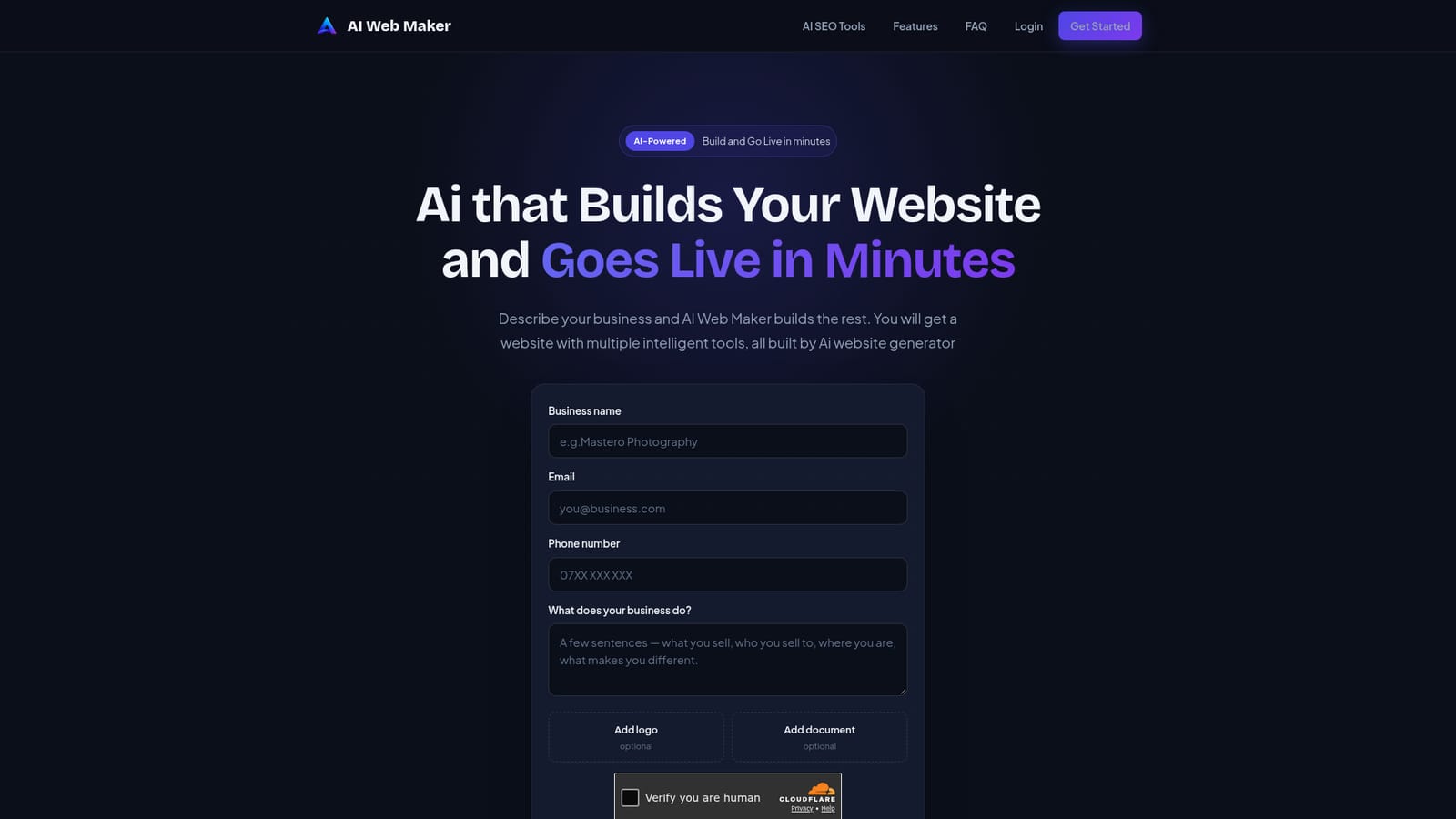
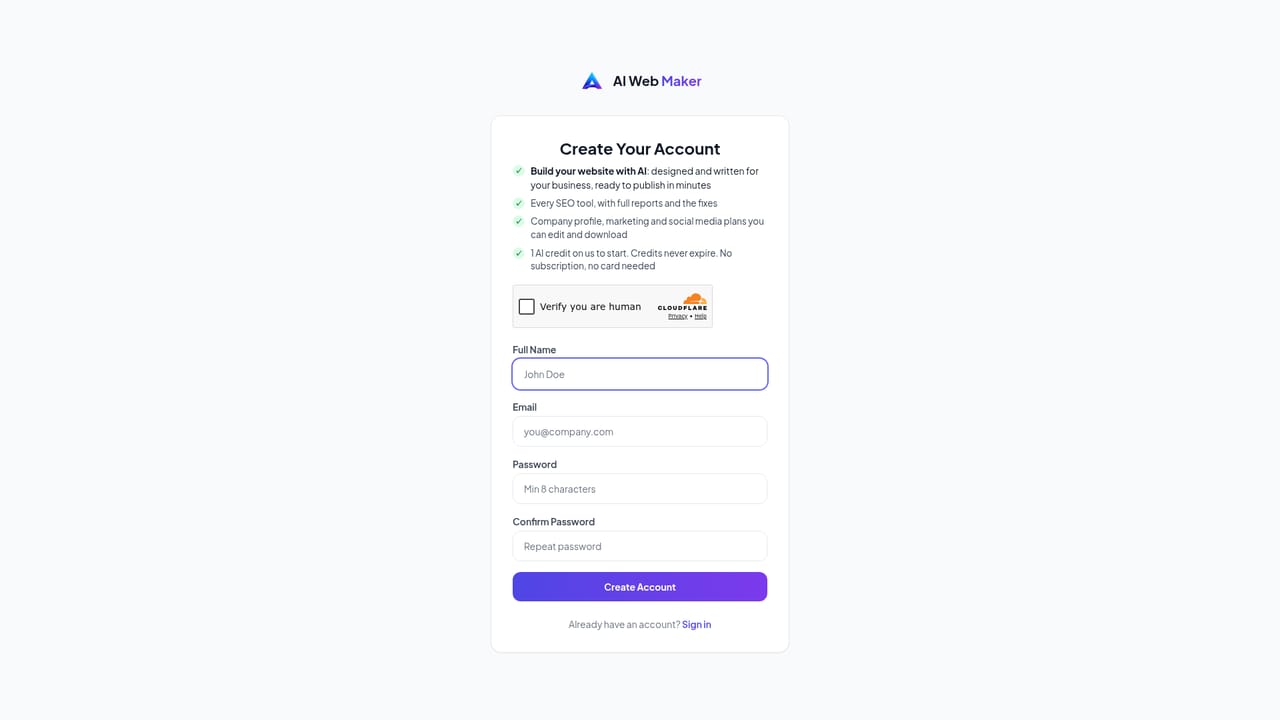
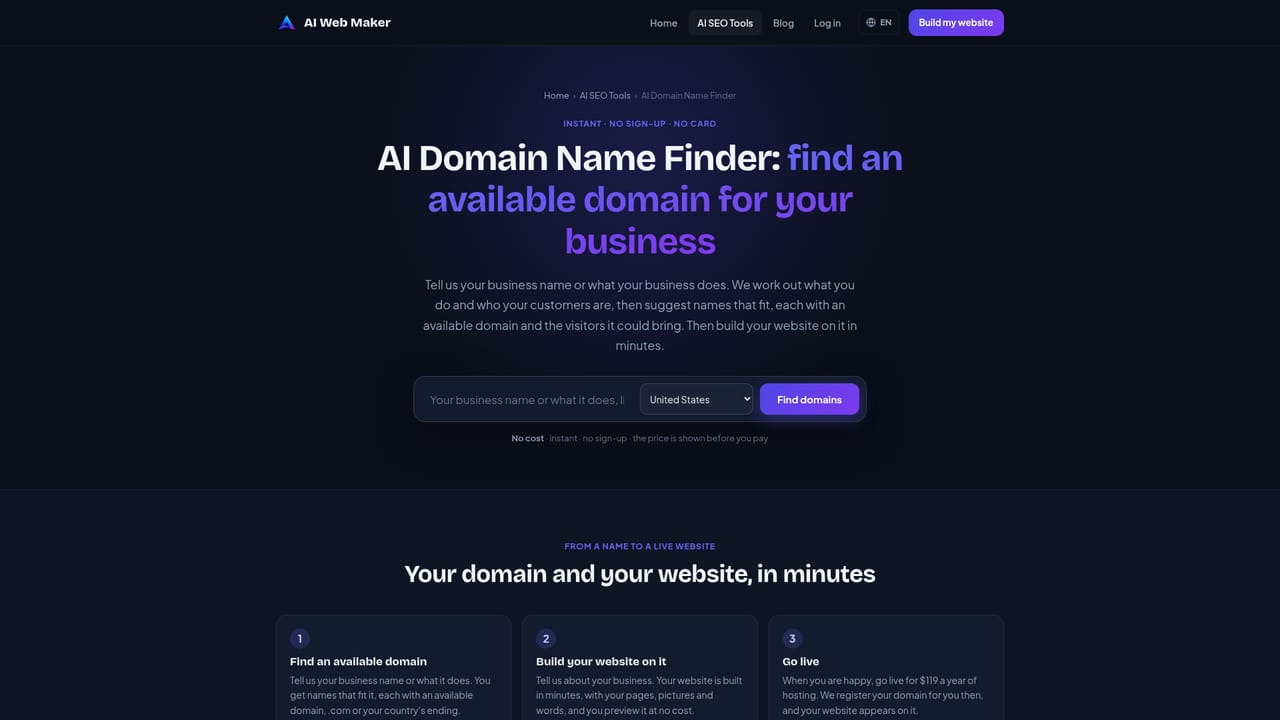
The homepage does not list prices. It states that web hosting is included on every plan at no extra charge and that the bundle replaces several separate subscriptions.
Learn moreSupport is available by email at support@aiwebmaker.co. The platform is designed to be self-serve, with the team available for guidance.
Connects to social accounts including Facebook, Instagram and LinkedIn for scheduled posting. A WordPress SEO plugin works alongside Yoast SEO, Rank Math, All in One SEO and SEOPress.
Learn moreAI website builder, hosting, blog automation, social media scheduling, email management, AI chatbot, lead capture and contact forms in one dashboard, plus free SEO checkers, domain finder, video and post generators.
Learn more


