Aimlabs

The AI aim trainer built for competitive FPS players.

Beginner
Screenshot of Aimlabs, The AI aim trainer built for competitive FPS players

What is Aimlabs?

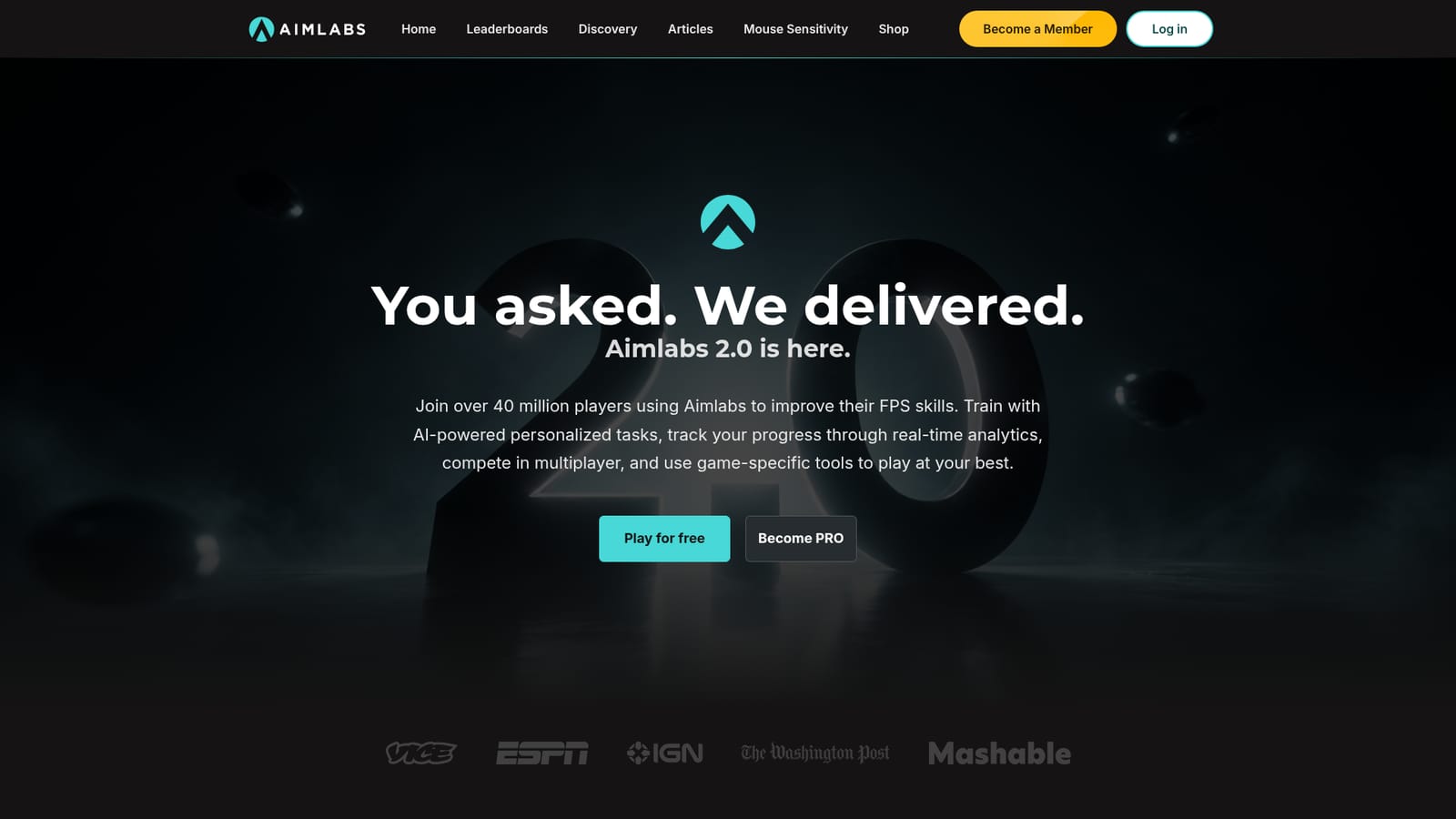
Aimlabs is a games tool. AI powered aim trainer for FPS players, with personalized tasks, an AI coach, real-time analytics, adaptive difficulty, game specific training for titles like Valorant and Rainbow Six Siege, plus Academy courses and leaderboards.

Aimlabs is an aim training platform for first person shooter players, built by a team that includes neuroscientists, designers, developers and computer vision specialists. It packages thousands of practice tasks into a structured training environment, then layers AI analysis on top to point out where a player's aim breaks down. The company states that more than 40 million players use it, and it holds official partner status with both Valorant and Rainbow Six Siege. The tool works by running short, repeatable drills that isolate specific mechanics, such as flicking, tracking and target switching. An AI coach reviews performance and suggests where to focus, while Shot Vision shows exactly where a shot should have landed on a moving target versus where it actually went. Adaptive difficulty adjusts task parameters to the player's current skill, and Training Programs wrap the whole thing into guided plans with daily missions. Real-time analytics track progress over time, and more than 500 game profiles let a player mirror the field of view, sensitivity and settings of a specific title. Game specific content is a large part of the offer. The Valorant Training Center lets players practise on 1:1 recreations of Valorant maps, and Aimlabs Academy adds video courses from esports coaches and pro players, with the trainer testing what was learned. A Sensitivity Finder helps players settle on mouse settings, and a mouse sensitivity converter translates settings between games. Multiplayer and leaderboards add a competitive layer for players who want to measure themselves against others. Aimlabs sits in the same space as dedicated aim trainers such as KovaaK's, but leans harder on guided structure, official game partnerships and AI coaching rather than raw sandbox configuration. It suits players who want a coach telling them what to work on, and less so tinkerers who prefer to build every scenario by hand. Free download exists, with a PRO membership unlocking the members-only analysis, training and shop discount features.

How do you use Aimlabs?

  1. 1Download Aimlabs for your platform
    Get the client from Steam, the Epic Store, the Xbox Store or the PlayStation store, depending on where you play. The download links sit in the Join Aimlabs section of the homepage.
    Aimlabs — Download Aimlabs for your platform
  2. 2Set your sensitivity before training
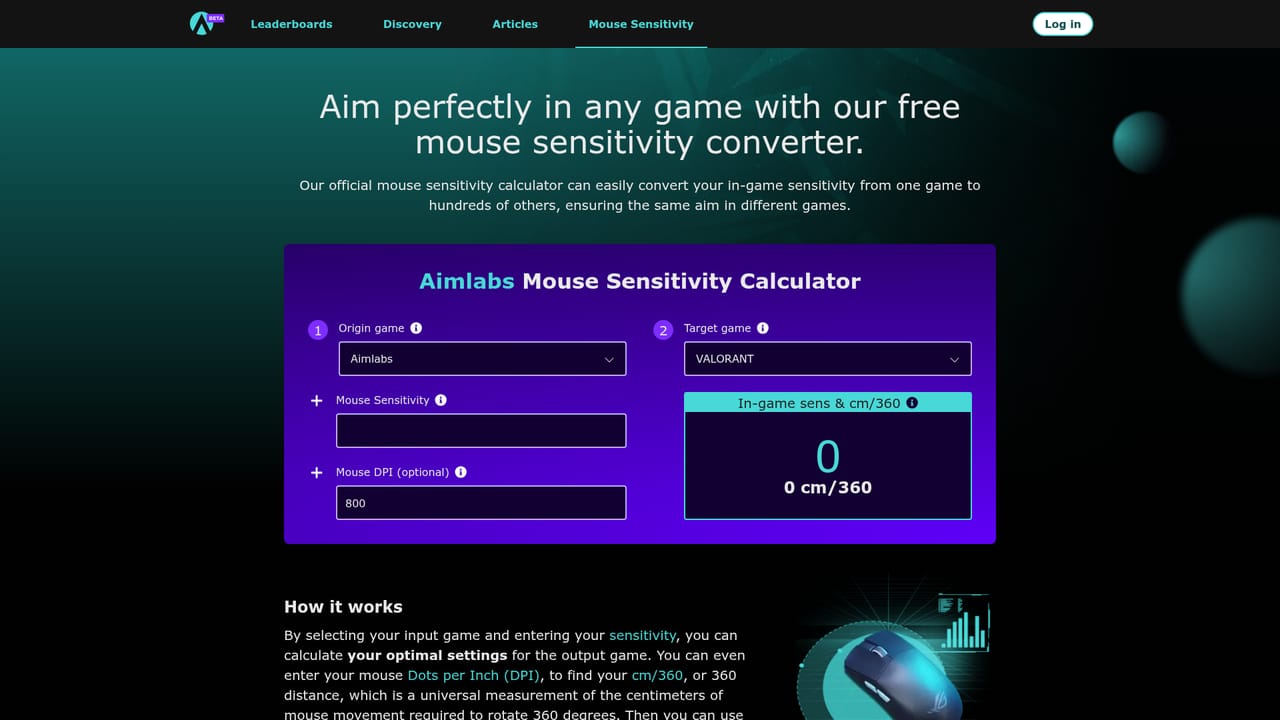
    Use the Mouse Sensitivity tool to translate settings from your main game, or run the Sensitivity Finder inside the app to settle on a value. Consistent sensitivity is what makes practice scores comparable over time.
    Aimlabs — Set your sensitivity before training
  3. 3Pick a game profile and training program
    Choose the FPS title you play so field of view and settings match, then start a Training Program. Daily missions within the program are matched to your current skill level.
  4. 4Run tasks and review the AI analysis
    Complete a set of tasks, then open the analysis to see where shots went and which weaknesses the AI coach flags. Shot Vision replays help connect misses to specific habits.
  5. 5Explore community tasks in Discovery
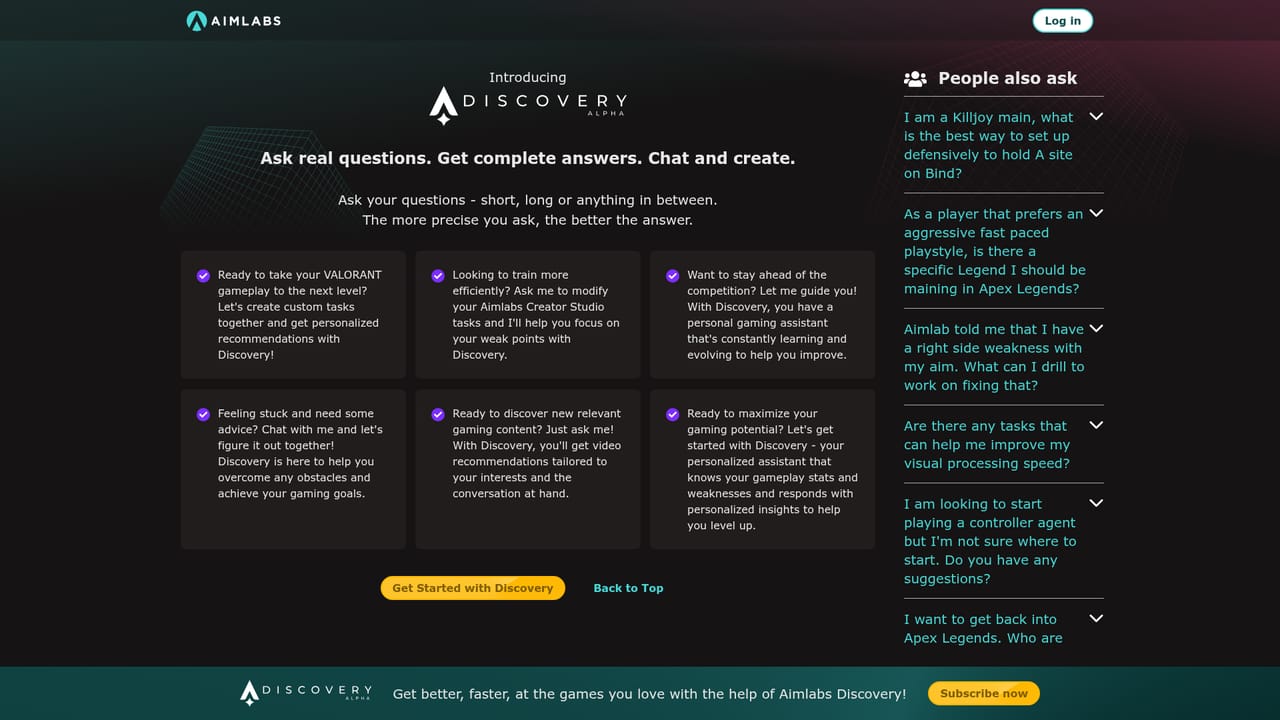
    Discovery lists tasks and playlists created beyond the core library, useful once the standard drills feel repetitive. Browse it to find routines that match your game and role.
    Aimlabs — Explore community tasks in Discovery
  6. 6Track standing and read up on technique
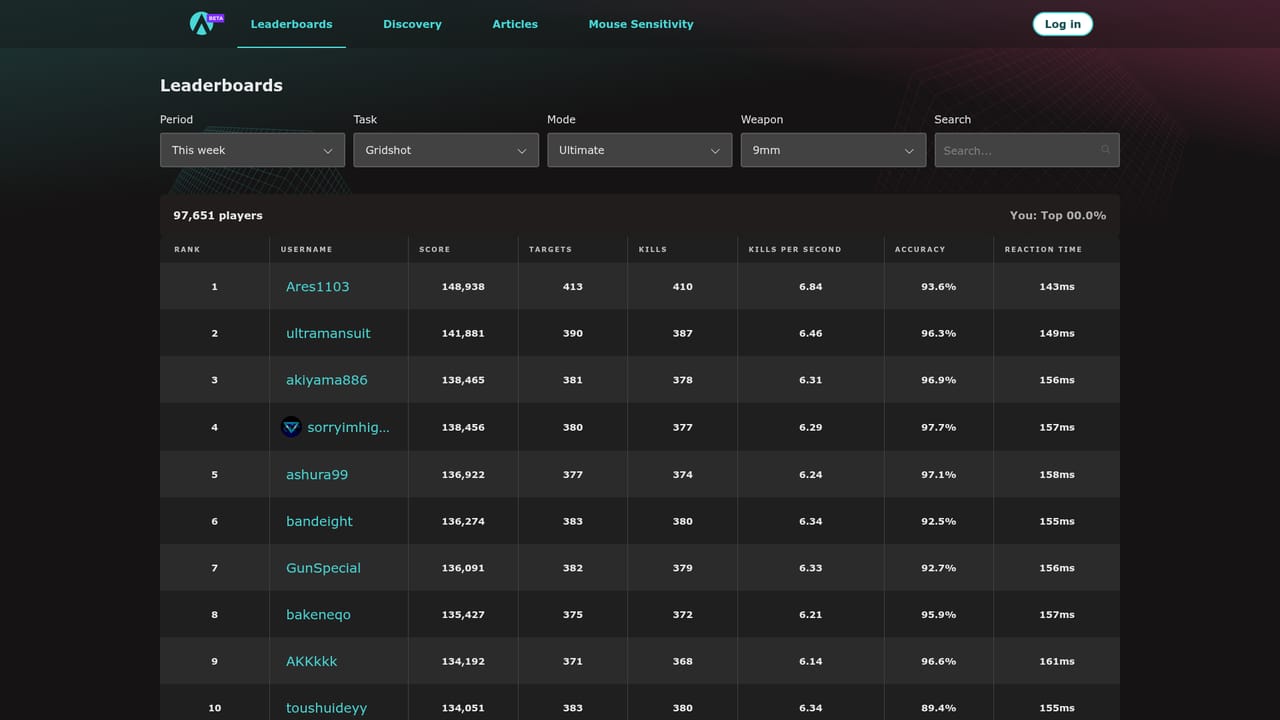
    Check the leaderboards to compare scores with other players, and use the Articles section for guidance on warmups, routines and aim training terminology.
    Aimlabs — Track standing and read up on technique

Pros and cons

Pros

  • Large task library of 50K+ tasks and playlists covers most aiming mechanicsAI
  • Official partner status with Valorant and Rainbow Six Siege lends credibility to the game specific contentAI
  • AI coach and Shot Vision give concrete feedback rather than just a scoreAI
  • 500 FPS game profiles and a sensitivity converter simplify setup across titlesAI
  • Peer-reviewed research publications back the cognitive and sensory training approachAI

Cons

  • Improvement claims such as 49% faster progress come from the vendor and are tied to paid membership featuresAI
  • The most useful analysis tools sit behind PRO, so the free tier is largely a trial of the full experienceAI
  • Training happens inside a simulation, and transfer to a specific game still depends on the player's own routineAI
  • Claims about coaching and analytics are described qualitatively on the homepage, with little detail on how recommendations are generatedAI
  • Heavy overlap with established aim trainers means the value rests on guided content and partnerships rather than unique mechanicsAI

How much does Aimlabs cost?

Pricing

The homepage offers a free download and a separate PRO membership tier. PRO unlocks members-only features including the Sensitivity Finder, AI Coach, Training Programs, Shot Vision, Adaptive Difficulty, Academy courses and a 50% shop discount. Specific prices are not listed on the homepage.

Learn more

Features

Core features include 50K+ tasks and playlists, an AI Coach for weakness analysis, Shot Vision shot tracking, Adaptive Difficulty, guided Training Programs with daily missions, a Valorant Training Center with 1:1 maps, Sensitivity Finder 2.0, 500 FPS game profiles, real-time analytics, multiplayer and leaderboards, plus Academy video courses from pro coaches.

Frequently asked questions about Aimlabs

  • How much does Aimlabs cost?
    The homepage offers a free download and a separate PRO membership tier. PRO unlocks members-only features including the Sensitivity Finder, AI Coach, Training Programs, Shot Vision, Adaptive Difficulty, Academy courses and a 50% shop discount. Specific prices are not listed on the homepage.
  • How do you use Aimlabs?
    The walkthrough on this page covers 6 steps: 1. Download Aimlabs for your platform 2. Set your sensitivity before training 3. Pick a game profile and training program 4. Run tasks and review the AI analysis 5. Explore community tasks in Discovery 6. Track standing and read up on technique.
  • What platforms does Aimlabs support?
    Aimlabs is available on Windows and Web App.
  • What are the limitations of Aimlabs?
    Improvement claims such as 49% faster progress come from the vendor and are tied to paid membership features. The most useful analysis tools sit behind PRO, so the free tier is largely a trial of the full experience. Training happens inside a simulation, and transfer to a specific game still depends on the player's own routine.

Status

StatusActive
Views0
Outbound clicks0
Added10/21/2026

Platforms

WindowsWeb App

Pricing

FreeSubscription