Pricing
Generation runs on credits, and the V7, V6 and V5 models each cost 4 credits per generation. Plan prices and credit allowances are not stated on the homepage, though the page title describes the tool as free and royalty-free.
Learn moreTurn text or lyrics into full songs, then add video and audio tools
Own AIMusicGen.ai? Verify ownership to get a dofollow link
AIMusicGen.ai is an AI song covers tool that turns text or lyrics into full songs, then add video and audio tools. AIMusicGen.ai generates complete songs from text prompts or lyrics, with vocal or instrumental output, several model versions, song extension and covers, AI music videos, and a set of audio utilities in the browser.
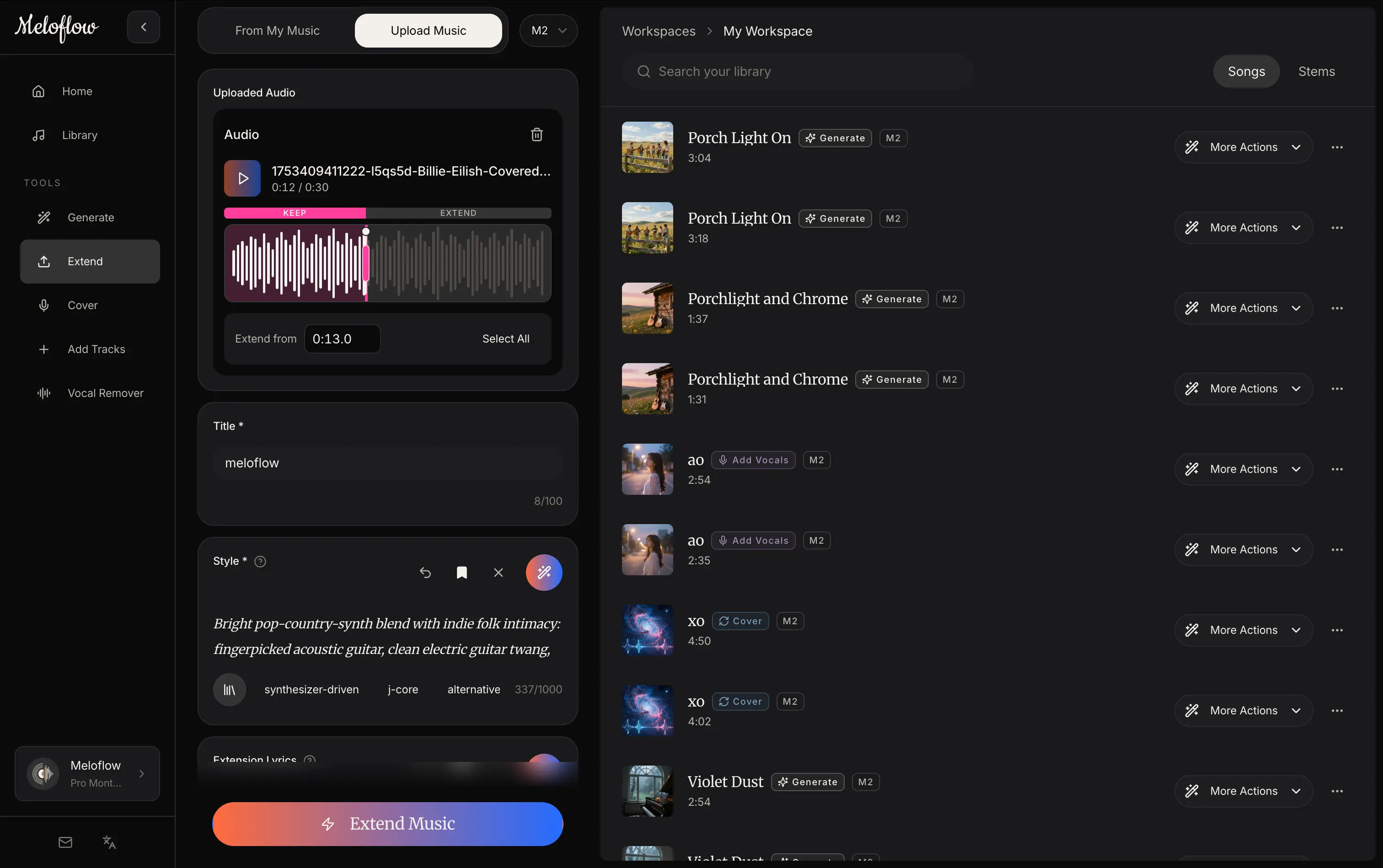
AIMusicGen.ai is a web-based music generator that turns a written description or a set of lyrics into a finished song. A prompt box sits at the center of the homepage, with toggles for instrumental output, public visibility and the use of custom lyrics, plus a model picker that lists the in-house V7, V6 and V5 versions alongside MiniMax and ElevenLabs options. The three in-house versions are each priced at four credits per generation, and V7 is positioned as the most expressive of them, with more natural vocals. The tool reaches past one-shot generation. Users can choose a guided mode for quick results, a custom studio for finer control, or a chat-based producer, then steer the language, vocal character, arrangement and timing. Existing material can be uploaded as a starting point: a song, a vocal take or an instrumental can be extended, covered or edited. Finished tracks can be paired with cover art and beat-aware video, including AI singer performances, lyric videos, photo slideshows and vinyl visuals. The site also links to a wider utility set covering mastering, vocal removal, audio cutting and mixing, voice changing, text to speech, speech to text, sound effects, and conversion from audio to MIDI or sheet music. The audience is broad: hobbyists sketching song ideas, short-form video makers who need a soundtrack, and independent musicians who want a rough demo or a release-ready visual package. Compared with single-purpose generators, the appeal is the bundled workflow, where song, video and cleanup tools live under one account. The homepage does not publish plan prices, licensing terms or an API, so commercial users should check usage rights before relying on output for a release.
Generation runs on credits, and the V7, V6 and V5 models each cost 4 credits per generation. Plan prices and credit allowances are not stated on the homepage, though the page title describes the tool as free and royalty-free.
Learn moreText and lyrics to song, vocal or instrumental output, multiple models, guided, studio and chat modes, audio upload, extend, cover and edit, AI music videos, mastering, vocal removal, audio cutter and mixer, voice changer, text to speech, speech to text, sound effects, audio to MIDI and sheet music.
Learn more AI Angels400+ customizable AI girlfriends for NSFW chat, voice calls, and roleplay
 Candy AIExperience the future of companionship with AI friends who chat, role-play, and connect with you on a human level.
 ourdream.aiA vast AI roleplay platform with millions of characters for chat, images, video and voiceAI Angels400+ customizable AI girlfriends for NSFW chat, voice calls, and roleplayCandy AIExperience the future of companionship with AI friends who chat, role-play, and connect with you on a human level.ourdream.aiA vast AI roleplay platform with millions of characters for chat, images, video and voice