Free trial
New users start with free credits to test real AI music generation, compare styles and learn which prompt details improve results before choosing a plan.
Learn morePrompt-to-song generator with vocals, covers, stems and music videos

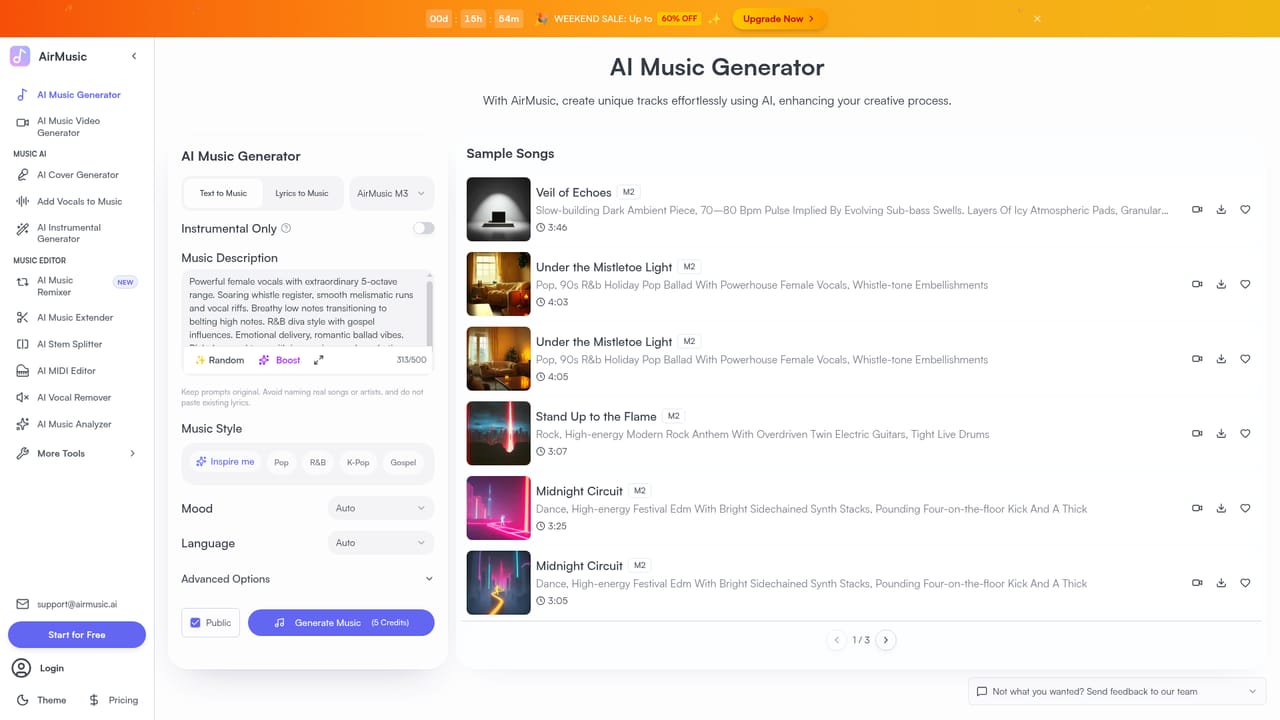
AirMusic is a web-based AI music generator that creates songs from text prompts or lyrics, with style and vocal controls. It also offers covers, vocal removal, voice cloning, lyrics, an audio cutter and a music video generator.
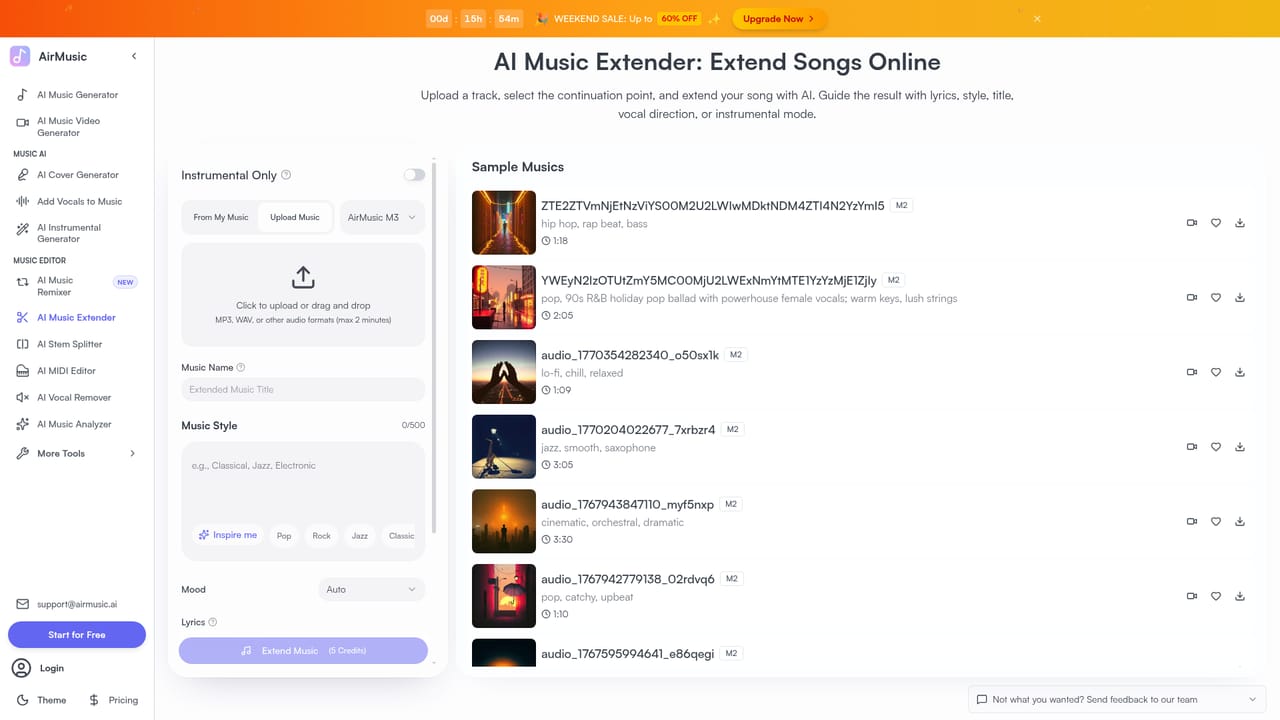
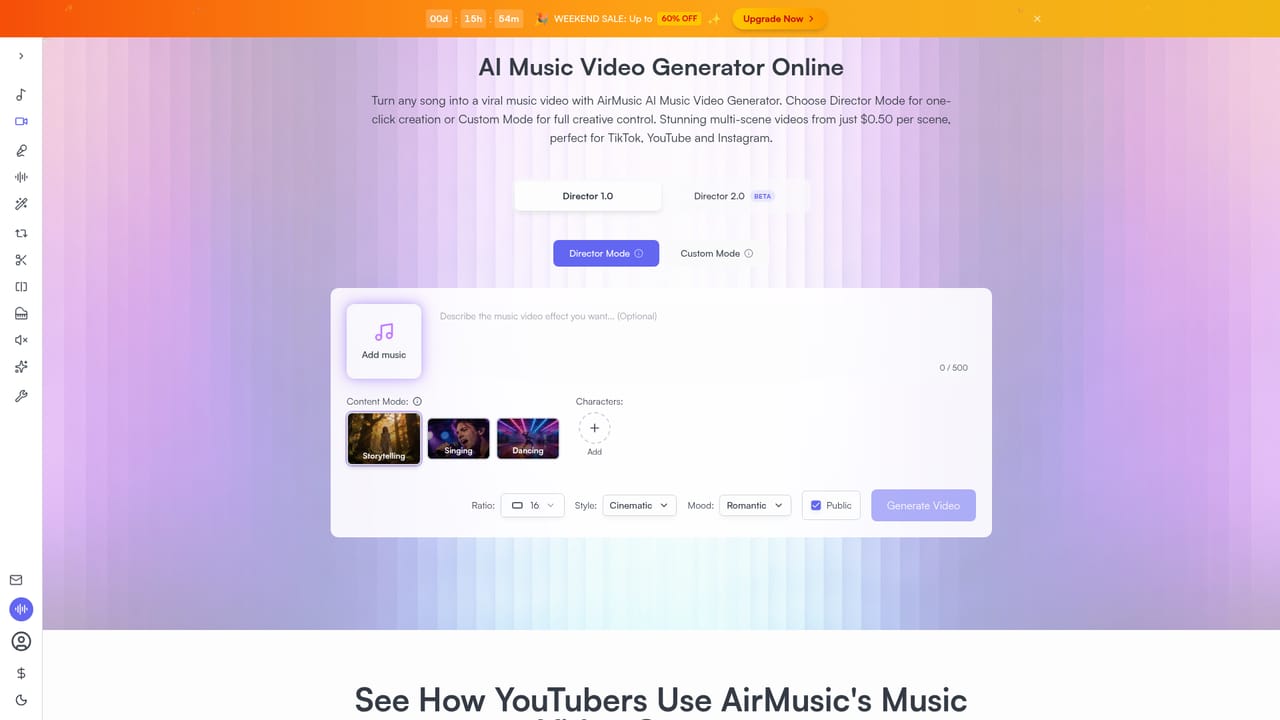
AirMusic is a browser-based AI music generator that turns a text prompt or a set of lyrics into a finished song. Users describe the sound they want, pick a style and vocal direction, choose a model, then preview the result and download it. The homepage lists more than 50 styles, including pop, rock, hip hop, cinematic, lo-fi, EDM and acoustic, plus hybrids of these. Genre, tempo and mood can be specified in the prompt, and an existing audio file can be uploaded to guide the output. Around the core generator sits a wide set of single-purpose tools. An extender lengthens tracks by 30 seconds or more, an AI cover feature applies different singing voices to a song, and a vocal feature adds sung lyrics to an uploaded instrumental. Other pages cover instrumental generation, a vocal remover with 12-stem separation, voice cloning, a rap generator, a lyrics writer, an image-to-music tool, a music analyzer that reports BPM, key and structure, a free audio cutter, and background music for videos and podcasts. A music video generator builds scenes around chosen audio, and a singing photo tool animates a portrait to lip-sync an audio clip. The audience is wide: social video creators who need original soundtracks, podcasters and marketers seeking royalty-free background audio, hobby songwriters sketching ideas, and small teams producing ads or game audio. The homepage says paid plans allow commercial use, and that prompts, uploads and tracks stay in the user's private account library. New accounts begin with free credits, so output quality can be judged before paying. In practice AirMusic competes with other prompt-to-song services, but its distinguishing trait is breadth: generation, editing, stem splitting, voice work and video creation live on one site rather than across several products. The trade-off is that the homepage gives no plan prices or detailed licensing terms, and results from stem separation depend heavily on the source mix, so quality will vary by task.
New users start with free credits to test real AI music generation, compare styles and learn which prompt details improve results before choosing a plan.
Learn morePlan prices are not listed on the homepage. A paid tier is required for commercial use of generated tracks, and a time-limited weekend sale advertised up to 60% off at the time of capture. Plans can be upgraded, changed or cancelled.
Learn moreThe homepage has an FAQ covering commercial use, privacy, payment methods, security, upgrading, changing and cancelling plans, and creating 8-minute tracks. No contact channels are described.
Text or lyrics to song, style and vocal selection, music extender, AI covers, add vocals, instrumental generator, 12-stem vocal remover, voice cloning, rap and lyrics generators, image to music, music analyzer, audio cutter, music video and singing photo tools.
Learn more


