Pricing
Paid only. Rendering costs 10 credits per second at 720p and 20 at 1080p, with a 2-second minimum per shot. Credits come in one-time packs that never expire or in weekly plans. The price is shown before generating.
Learn moreEdit footage you already shot by describing the change
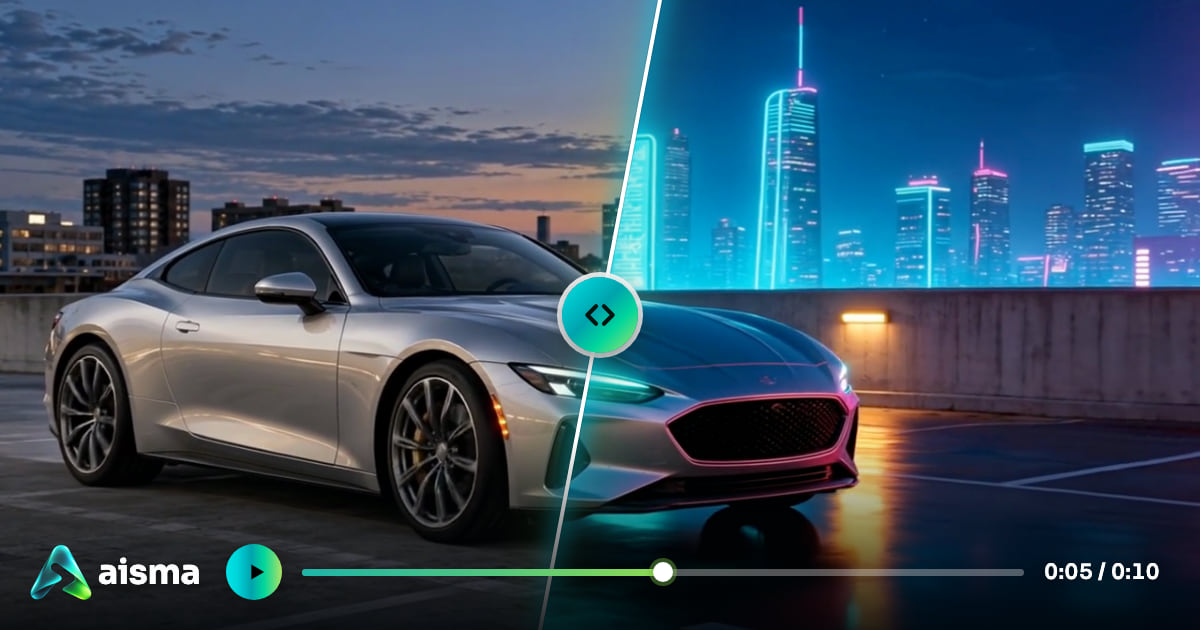
Aisma is a change dress in video tool that edits footage you already shot by describing the change. Aisma is an AI video editor that changes clips you have already filmed. Describe a removal, outfit, background, face, product or style change in plain words, and it keeps your framing and audio.
Aisma is an AI video editor built around footage that already exists. Rather than inventing a clip from a text prompt, it takes a video of 2 to 60 seconds, reads a plain-language request, and rewrites only the part that was named. Framing, clip length, camera movement and the original audio carry over, so the result can drop back into whatever editor a creator already uses. The request box covers a wide range of changes: removing a person or an object, swapping an outfit, moving the subject to a new background, replacing a face or an entire person, putting a different product in a hand, restyling the scene as wool or watercolor, or adding a physical effect such as a floating mug. There are no separate modes to pick. Up to 10 reference photos can pin down an exact garment, face or product, and they are referred to in the request as Photo 1, Photo 2 and so on. Output comes in 720p or 1080p as MP4, and edits take a few minutes before landing in a private Library reachable from the browser and the mobile apps. Cost is metered in credits by the second: 10 credits per second at 720p and 20 at 1080p, with a 2-second minimum for each shot between cuts. The exact price appears on the Generate button before anything renders, unused credits are returned, and a part that fails the automatic safety check is not charged. Credits are sold as one-time packs or weekly plans. There is no free rendering, so every edit is paid. The audience is practical: small shop owners who want a new product or outfit in an existing clip, realtors tidying listing videos, creators changing a location without a green screen, and anyone with a stray photobomber in a good take. Compared with text-to-video generators, Aisma sits in the video-to-video camp, where the original shot is the starting point. Compared with manual compositing, it trades fine control for speed. The 60-second clip limit means longer videos must be split into parts.
Paid only. Rendering costs 10 credits per second at 720p and 20 at 1080p, with a 2-second minimum per shot. Credits come in one-time packs that never expire or in weekly plans. The price is shown before generating.
Learn moreNatural-language video editing: remove people or objects, change clothes, swap backgrounds, faces and products, restyle, add effects. Up to 10 reference photos, 720p or 1080p MP4 output, original audio and framing kept, private Library.
 AI Angels400+ customizable AI girlfriends for NSFW chat, voice calls, and roleplay
 Candy AIExperience the future of companionship with AI friends who chat, role-play, and connect with you on a human level.
 ourdream.aiA vast AI roleplay platform with millions of characters for chat, images, video and voiceAI Angels400+ customizable AI girlfriends for NSFW chat, voice calls, and roleplayCandy AIExperience the future of companionship with AI friends who chat, role-play, and connect with you on a human level.ourdream.aiA vast AI roleplay platform with millions of characters for chat, images, video and voice


