What these tools do
Changing a dress in a video means altering what a person wears, or swapping the person entirely, while the clip keeps its motion, framing and audio. The tools here work on existing footage rather than generating a scene from scratch. Some replace a character using a single reference image, some map a new outfit onto the body in the frame, and some swap faces so the wardrobe travels with the new identity.
The audience is practical. Creators testing a look before a shoot, marketers repurposing a winning ad with a different model, and editors who need a wardrobe or cast change without a second filming day. What gets replaced is the slow route: rebooking talent, re-styling, and re-editing from source.
How to choose one
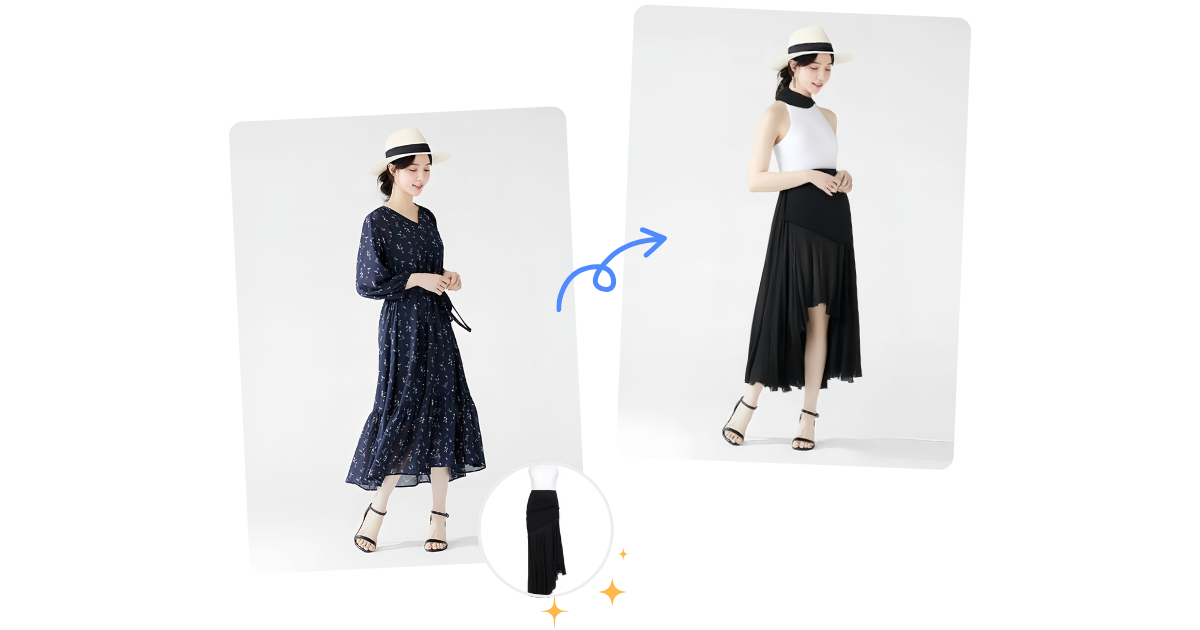
The first question is whether you need an outfit swap on the same person or a full character replacement. An ai outfit changer video workflow keeps the original performer and targets the clothing, so watch for tools that describe outfit swapping on footage rather than face mapping.
The second is source material. A single reference image is enough for some tools; others expect a clear frontal face or a full body shot. Check what the tool says it accepts before you plan a shoot around it.
Third, decide on hosting. Browser tools need no install and suit quick tests; local open-source options keep footage on your own hardware, which matters for client work and sensitive subjects.
Fourth, weigh output controls. Motion control, audio preservation and scene regeneration separate a usable clip from a novelty. Finally, match pricing to volume: free tiers are for evaluation, subscriptions for repeat work.
Notable tools
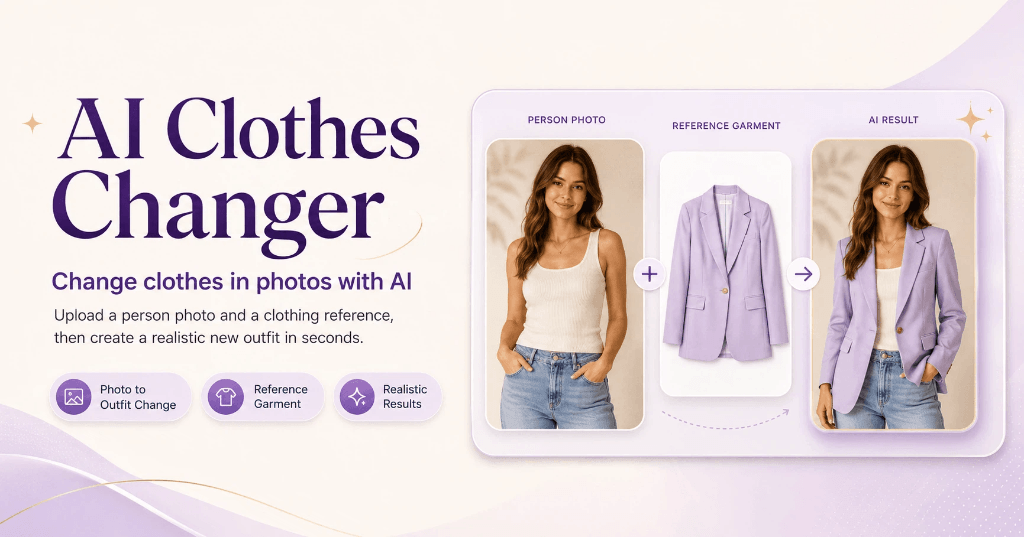
AITryOn is the most direct fit for this page: it swaps outfits in existing video footage with AI and then regenerates the scene, so the wardrobe change sits inside the original motion.
Creatii AI swaps the character in any video using one reference image, which suits cast changes where the outfit comes from the new subject.
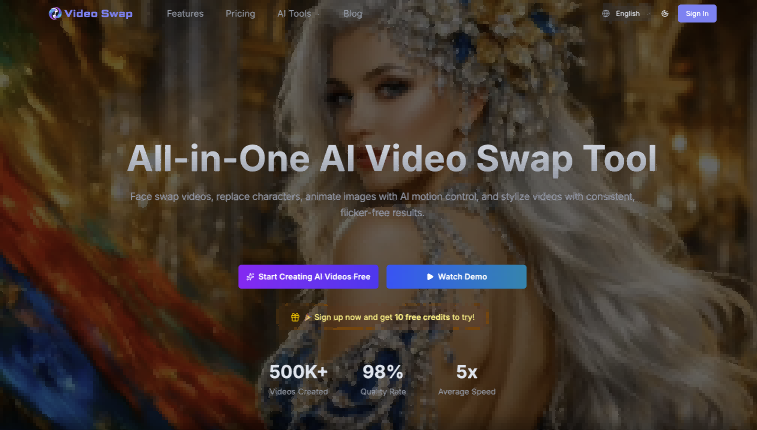
VideoSwap.app runs face swap, character replacement and motion control in the browser, useful when you want several of those controls in one place.
FaceFusion is open-source face swapping and editing that runs on your own machine, with free and paid options across Windows, MacOS and Linux, for editors who want local control.
DeepSwap makes face-swap videos and pictures online in seconds, a quick route for short social clips.
Video to Video AI bundles editing, lip sync, face swap, upscale and extend in one generator, handy if the dress change is one step in a longer edit.
Common questions
How do I change dress in video?
Pick a tool that targets clothing on existing footage, upload the clip and a reference for the new outfit or character, then review the regenerated scene frame by frame. Expect to re-run short segments rather than a whole timeline at once. Keep the original audio separate so you can rematch it after export.
What is an ai outfit changer video workflow?
It is the pipeline from source clip to styled clip: select the subject, supply the outfit reference or replacement character, generate, then fix artifacts. Tools that regenerate the scene handle lighting and body alignment for you; simpler face swaps leave more of that to your edit.
Can I keep the original audio and motion?
Often yes. Character replacement and face swap tools typically preserve the underlying motion and let you keep the audio track. Check each tool's description before committing, since regeneration steps can alter timing slightly.
When to look elsewhere
If the problem is a watermark or a burned-in caption rather than wardrobe, the Video Watermark Remover and Video Subtitle Remover categories cover that cleanup. For casting a different face onto a crowd rather than one performer, Multiple Face Swap Video is the closer fit.