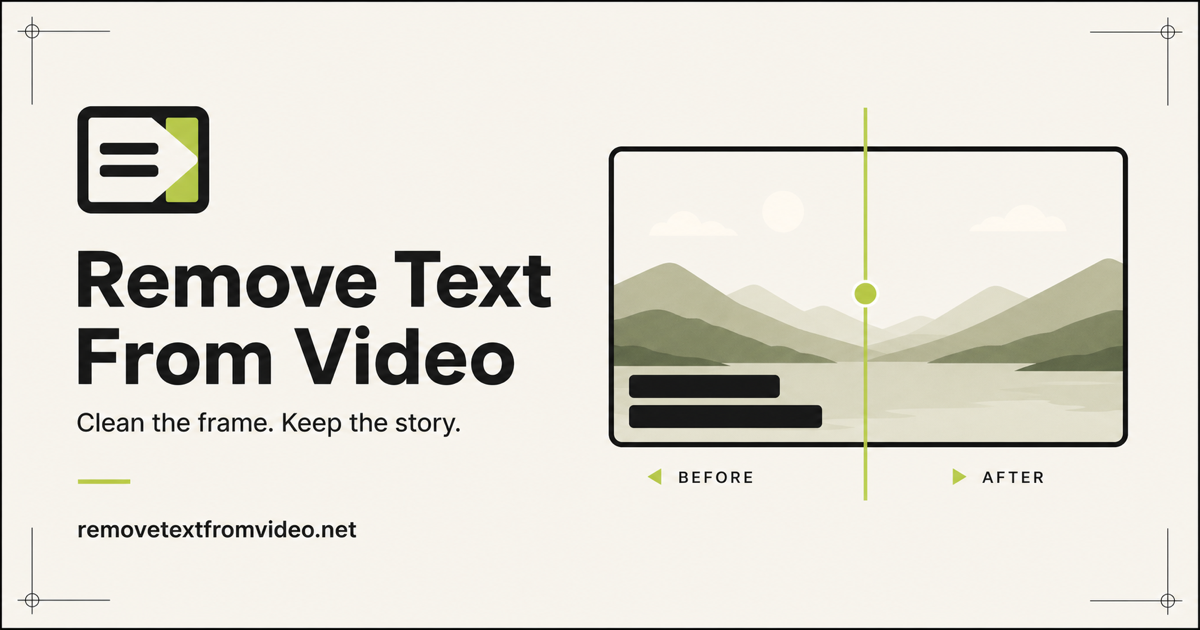
What video object removers do
A video object remover takes existing footage and takes something out of it: a logo in the corner, a burned-in caption, a watermark, a stray element that should not be in the frame. The AI fills the gap so the clip plays as if the element had never been there. The same idea is often searched for as a "magic eraser video" tool or a video eraser, borrowing the name from photo retouching.
These tools are for creators reusing their own clips, editors cleaning up footage for a new cut, and marketers adapting video for another channel or language. They replace frame-by-frame masking and cloning in a desktop editor, which is slow on anything longer than a few seconds.
How to choose one
Start with what needs to disappear. Tools on this page differ in what they target: some are built for burned-in subtitles and captions, others for logos and watermarks, and one edits clips from written instructions. Matching the tool to the element matters more than any other factor.
Next, check how the tool is used. If you want to remove objects from video without installing anything, a browser-based tool is enough, and all four here run on the web. Then look at pricing: a free tool is fine for a one-off clip, while a subscription makes sense for steady volume. Freemium plans let you test the result on your own footage before paying.
Finally, test on a clip with a busy or moving background. Erasing a static corner mark is easier than rebuilding detail behind it, so judge the filled area, not the demo.
Notable tools
AI Video Editor lets you edit real video clips with plain-language prompts and AI models. It is the option to try when you would rather describe a change than mark it by hand. Pricing is freemium with paid plans, and it runs in the browser.
AI Video Text Remover wipes burned-in subtitles and captions from video. It is aimed at footage where the text is part of the picture rather than a separate track. It has a freemium plan and runs on the web.
Aniv AI erases hard-coded subtitles and watermarks from video. It is a paid subscription tool, used in the browser.
W-Agent is a free browser tool that erases subtitles, logos and watermarks from video. With no cost involved, it is a low-risk way to see how this kind of removal behaves on your own clip.
Common questions
What is a magic eraser for video?
It is the video counterpart of the photo eraser: you point at something unwanted and the AI removes it and fills in the background. In practice, the tools listed here concentrate on overlays such as subtitles, logos and watermarks, and on prompt-driven editing of real clips.
Can I remove objects from video for free?
Yes, in some cases. W-Agent is listed as free and works in the browser, and AI Video Text Remover and AI Video Editor have freemium tiers. Free options are best for testing a result before committing to a paid plan.
What is the difference between a video eraser and a video editor?
An eraser does one job, taking an element out of the frame. A general video editor covers cutting, captioning and more. AI Video Editor sits between the two, since it changes clips from written prompts.
When to look elsewhere
If the only thing in the way is a mark placed over the footage, Video Watermark Remover covers that narrower task. For captions that are baked into the picture, Video Subtitle Remover is the dedicated category. If the problem is a soft or out-of-focus clip rather than an unwanted element, Unblur Video is a better fit.