Free trial
The page title and meta description describe the clothes changer video as free to experience, though no trial length, credit allowance or watermark policy is stated.
Learn moreSwap outfits in existing video footage with AI, then regenerate the scene

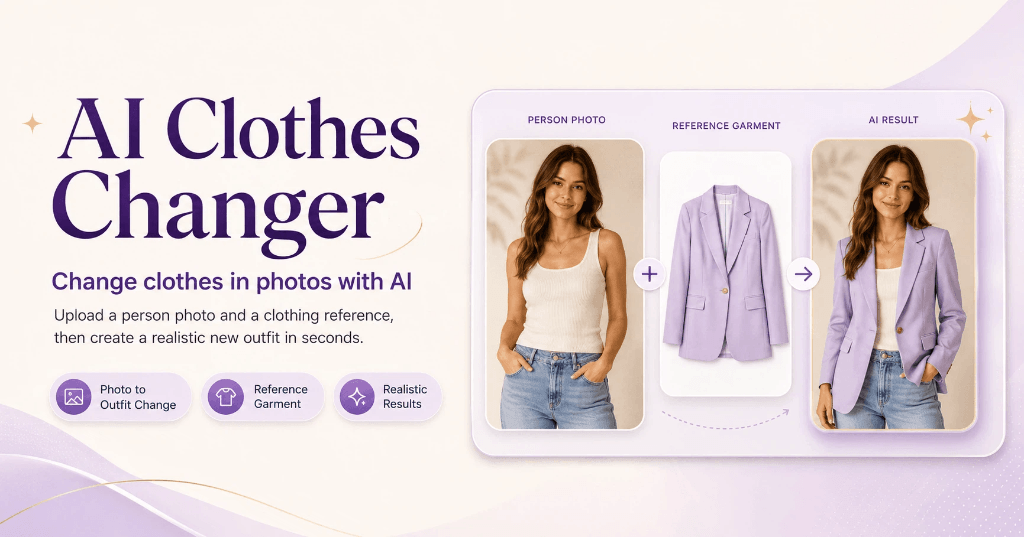
AITryOn is a change clothes tool. A browser tool that changes the outfit on a person in existing video footage, then redraws background and mood, aimed at e-commerce outfit demos, fashion creator content and virtual model ads.
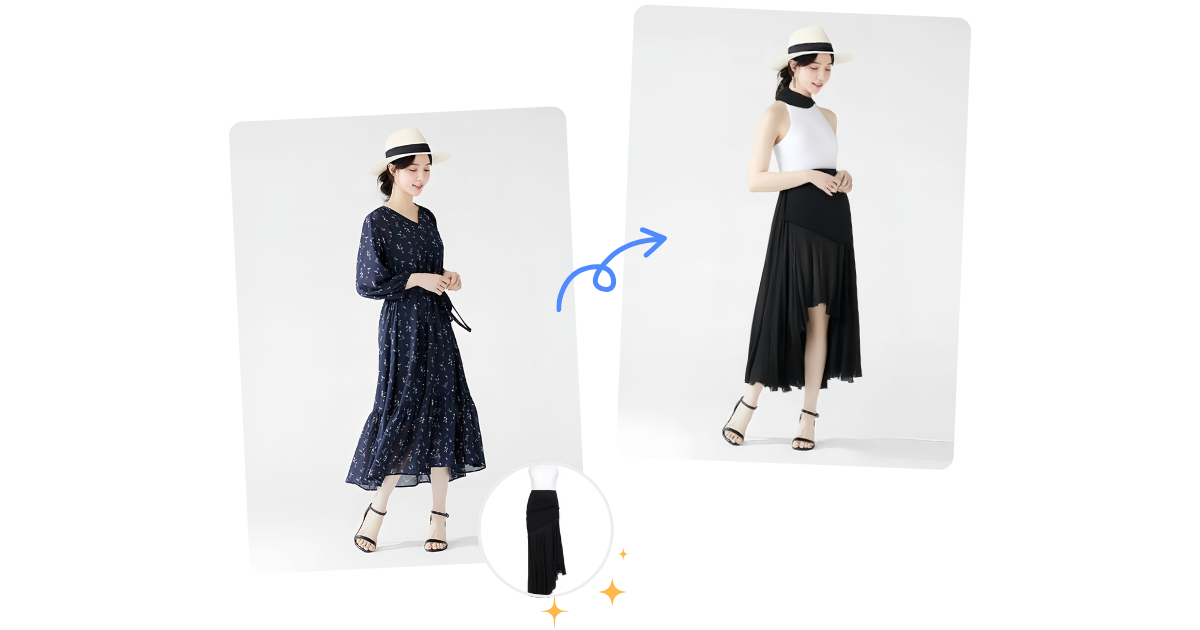
AITryOn's Clothes Changer Video is a browser based generator that replaces the clothing a person is already wearing in a video clip, then rebuilds the surrounding footage around that new outfit. The page frames it as a dual engine product: one part isolates the body and garment areas inside moving footage, adapting to lighting and motion, and the other part redraws the background, camera angle or mood once the swap is done. A prompt field alongside the upload accepts a written description of the garment, so a color, cut or style can be specified rather than picked from a fixed catalogue. The visual handling is where the tool makes its case. Generated clips can be pushed toward cinematic filters, TVC style textures, clean fashion looks or virtual aesthetics, which puts it closer to a fashion video studio than to a static try on utility. A single source clip of a model can yield several outfit demonstration versions, the stated use case being SKU display for online stores. Other angles on the page are social style challenges for bloggers, virtual model advertising, and brand promotional videos built from uploaded designs. The workflow is short: upload a photo or clip of a person in clothing, describe or choose the replacement garment, let the model process the change, then download the finished video. The page advertises no physical try ons, no shoot day and no manual post editing, and the interface sits alongside sibling tools such as Try On AI, AI Clothes Changer and Photo to Video, so users can move between still try on and moving output in one account. It suits e-commerce teams producing outfit demos at volume, fashion creators feeding short video feeds, and agencies building virtual model or ad content without a studio. Anyone who needs frame accurate compositing, documented file specs or a published price list should treat the absence of that detail as a gap to check before committing.
The page title and meta description describe the clothes changer video as free to experience, though no trial length, credit allowance or watermark policy is stated.
Learn moreThe page carries an FAQ block covering formats, style customization, multiple people, connection requirements and commercial use, but no support channel or documentation hub is named.
Video outfit recognition and replacement that adapts to lighting, movement and scene style; video regeneration that redraws background, camera angle or emotional tone after the swap; stylization with cinematic filters, TVC textures or virtual looks; prompt based garment description up to 5000 characters with an enhance option; model selection across a list of video engines; vertical and horizontal output ratios; a video history for comparing generations.
 AI Angels400+ customizable AI girlfriends for NSFW chat, voice calls, and roleplay
 Candy AIExperience the future of companionship with AI friends who chat, role-play, and connect with you on a human level.
 ourdream.aiA vast AI roleplay platform with millions of characters for chat, images, video and voiceAI Angels400+ customizable AI girlfriends for NSFW chat, voice calls, and roleplayCandy AIExperience the future of companionship with AI friends who chat, role-play, and connect with you on a human level.ourdream.aiA vast AI roleplay platform with millions of characters for chat, images, video and voice