Free trial
Free daily credits are offered so the hairstyle changer can be tried at no cost, with the caveat that some advanced features need additional credits.
Learn morePreview 200+ hairstyles and colors on your own photo in seconds

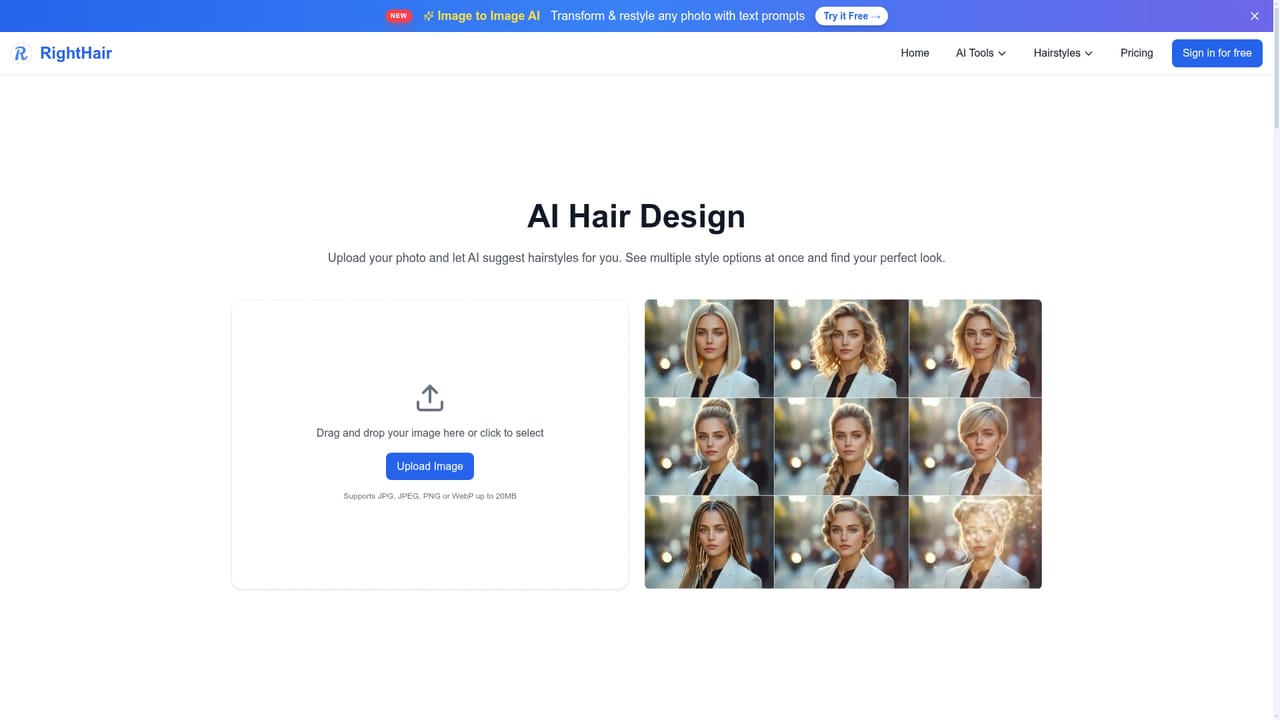
RightHair is a change clothes tool. A browser based AI hairstyle try-on tool that puts 200+ cuts and colors on your uploaded photo, plus related filters for bald looks, beard, makeup, age and face shape analysis.
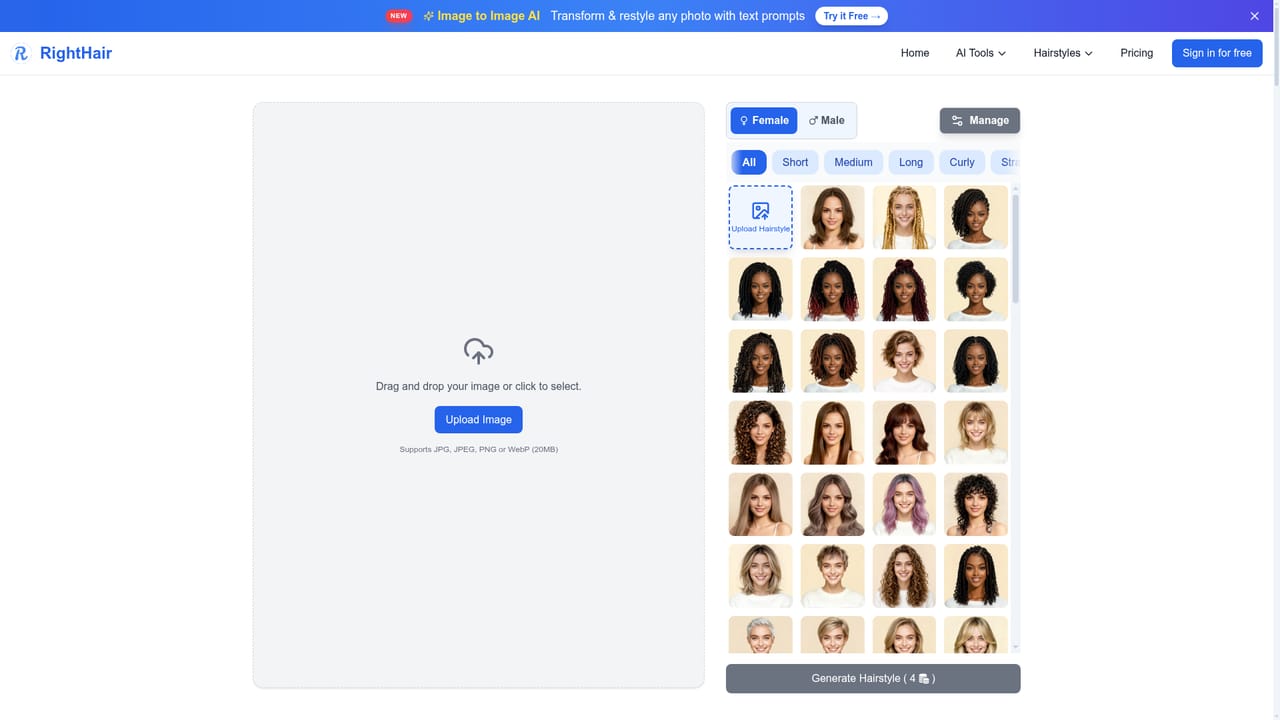
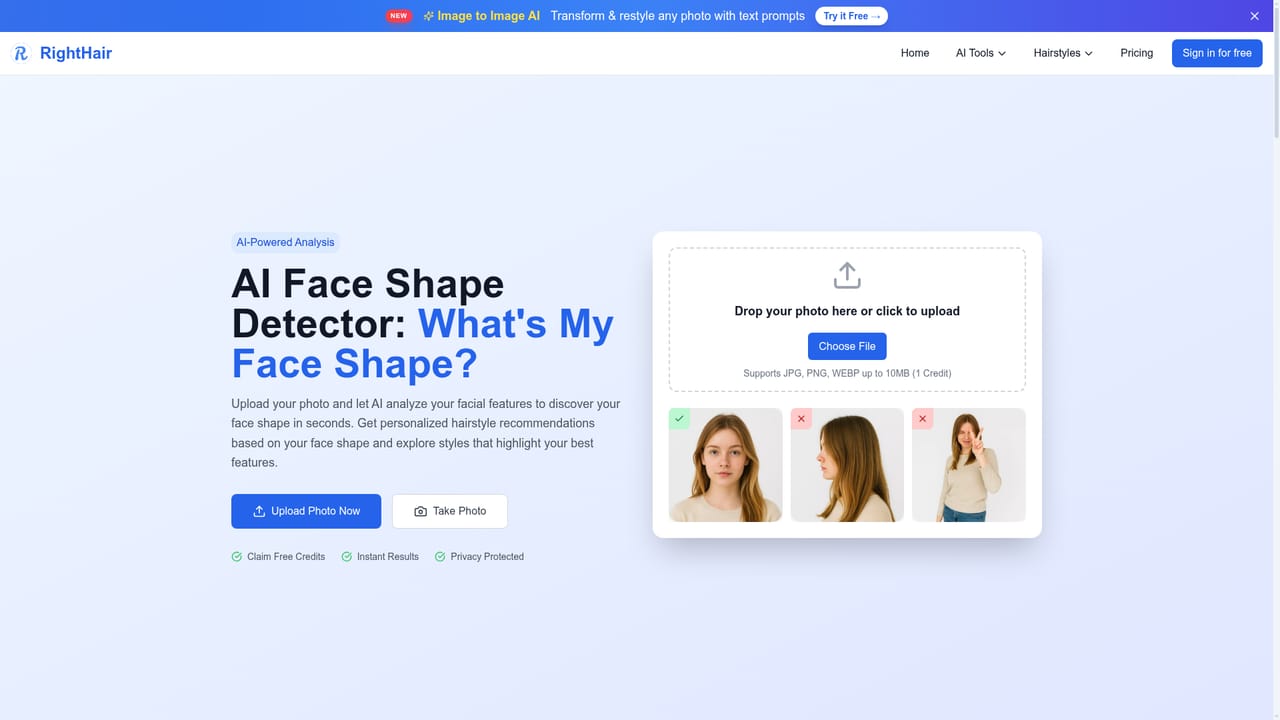
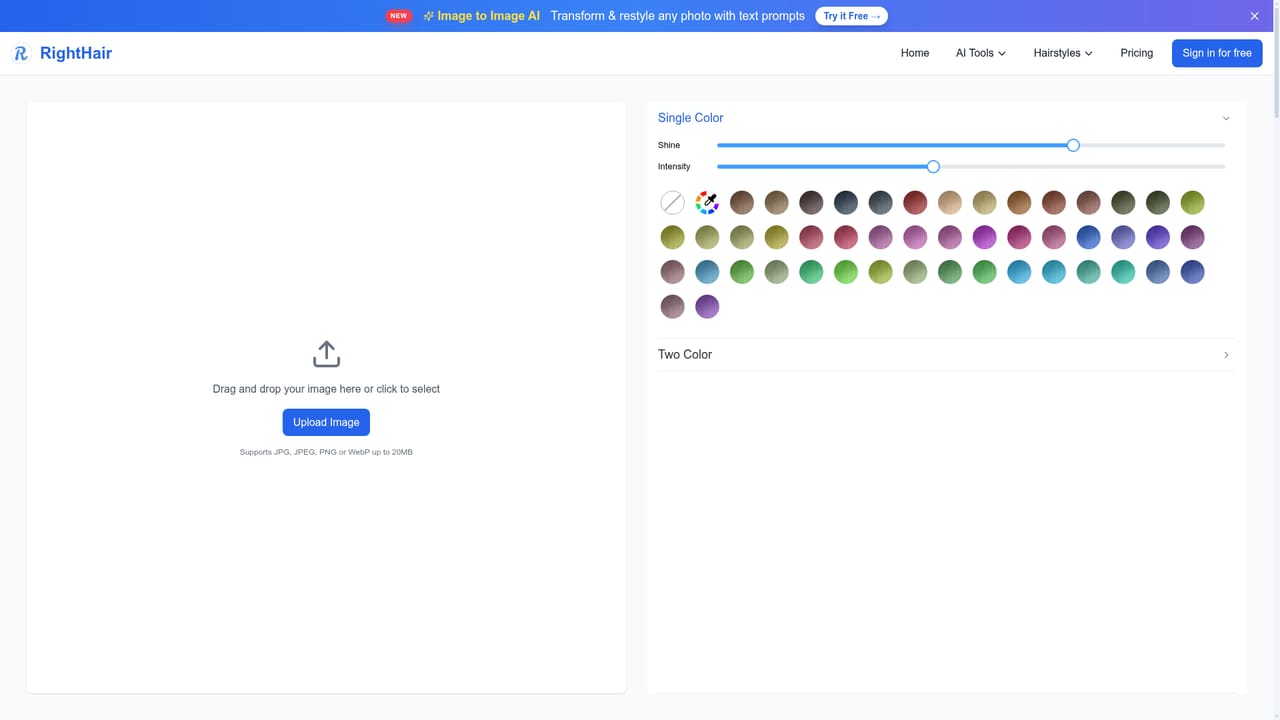
RightHair is a browser based hairstyle try-on service built around a single job: showing how a haircut or color would look on your own face before you commit to it. The core workflow is an upload and pick loop. A photo goes in (JPG, PNG, GIF, WebP or TIFF, up to 20MB), the model detects the face and its shape, and the user browses a library advertised at more than 200 styles and shades. A result renders in under 30 seconds and can be downloaded without installing an app. The site also states that uploaded photos are deleted after 24 hours, which matters for anyone uneasy about handing over portraits. The hairstyle changer sits inside a wider set of portrait tools. Hair color, bald filter, beard filter, eye color, makeup, age filter, skin color and a fat filter all work on the same photo in, edited photo out pattern. There are also face shape detection and facial analysis tools that feed style recommendations, plus general image utilities: upscaling, outpainting, background removal and replacement, image to image, text to image, image to prompt, anime conversion and style transfer. A headshot generator and a baby generator round out the set. Practically, the tool is aimed at people deciding on a change rather than at professional retouchers. The site's own audience figures lean heavily toward women aged 25 to 45 exploring personal style, with smaller groups planning wedding looks, clients preparing for a salon appointment, and stylists who want something visual to show during a consultation. Teens and men make up the smallest stated segment. Against alternatives, RightHair competes on breadth of styles, no login requirement for a first try, and the free daily credit allowance rather than on deep editing control. It is a previewing tool, not a replacement for a real consultation with a stylist, and results still depend on photo quality and lighting.
Free daily credits are offered so the hairstyle changer can be tried at no cost, with the caveat that some advanced features need additional credits.
Learn moreRightHair runs on a credit system. Free daily credits are available, and advanced features may require more credits. Running out means claiming the daily allowance again or upgrading. Purchased credits do not expire, and subscriptions can be cancelled from the User Center in your account.
Learn moreHelp is limited to an on site FAQ covering file formats, photo deletion, processing speed, credits and how to cancel a subscription. No live chat or contact channel is described on the homepage.
Hairstyle try-on with 200+ cuts and colors, hair color changer, bald and beard filters, makeup and eye color tools, age and smile filters, face shape detector and facial analysis. Around them sit image utilities: upscaling, extender, background remover and changer, image to image, text to image, image to prompt, anime conversion, style transfer and a headshot generator.
Learn more AI Angels400+ customizable AI girlfriends for NSFW chat, voice calls, and roleplay
 Candy AIExperience the future of companionship with AI friends who chat, role-play, and connect with you on a human level.
 ourdream.aiA vast AI roleplay platform with millions of characters for chat, images, video and voiceAI Angels400+ customizable AI girlfriends for NSFW chat, voice calls, and roleplayCandy AIExperience the future of companionship with AI friends who chat, role-play, and connect with you on a human level.ourdream.aiA vast AI roleplay platform with millions of characters for chat, images, video and voice