Free trial
A 7-day free trial covers the AI teaching assistant and Magic Materials. The Slides Generator trial includes 5 free presentations, and GradingPal offers a free assignment to try before committing.
Learn moreAI teaching assistant that plans, grades and differentiates for K-12

Alayna AI is an AP history grader tool. Alayna is a K-12 focused AI teaching assistant that combines 50 specialized planning agents, a Google Slides generator, a handwriting-capable essay and worksheet grader, and one-click differentiated resource packs. It targets classroom and special education teachers who want standards-aligned materials and rubric feedback without generic chatbot prompting.
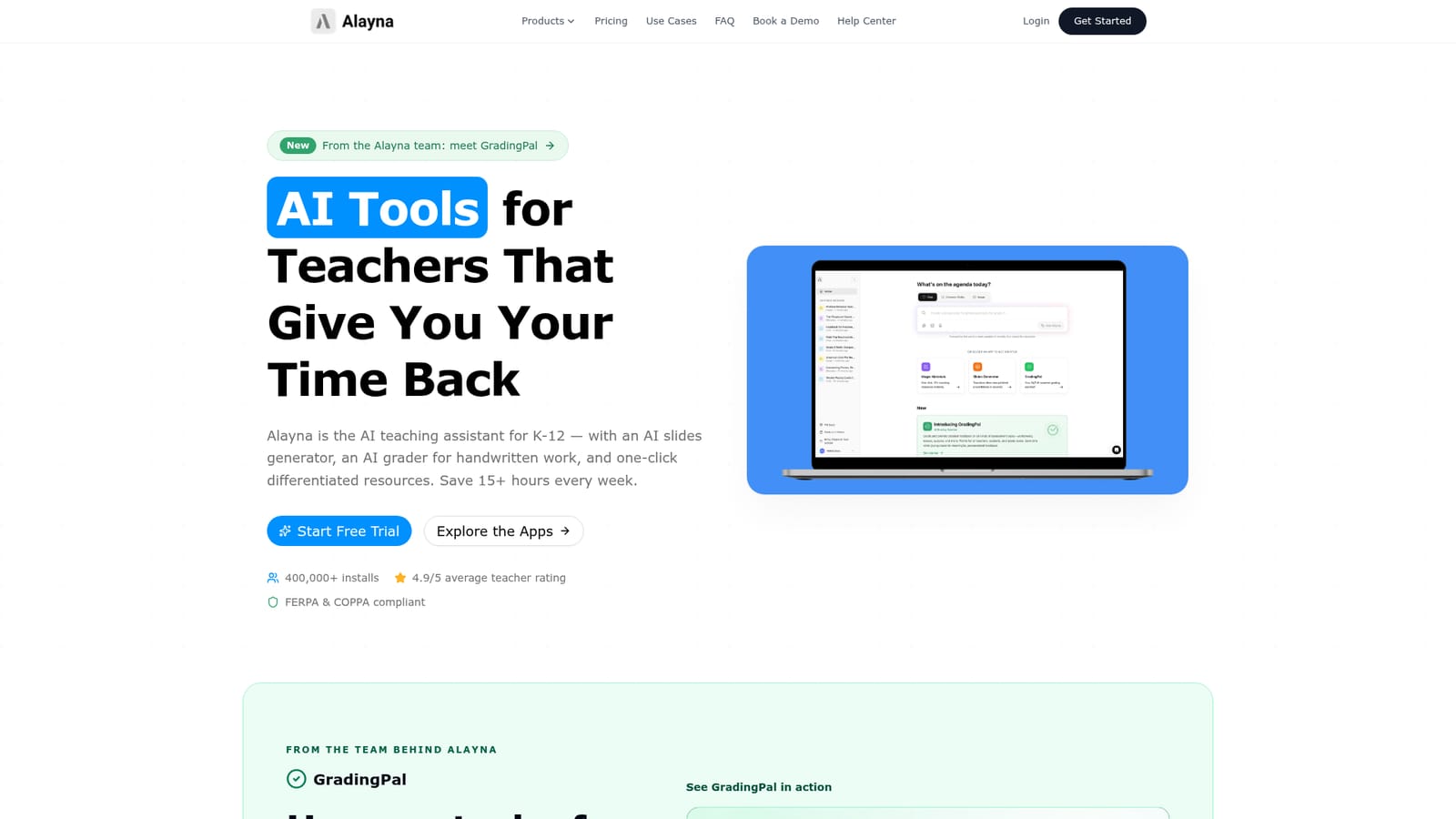
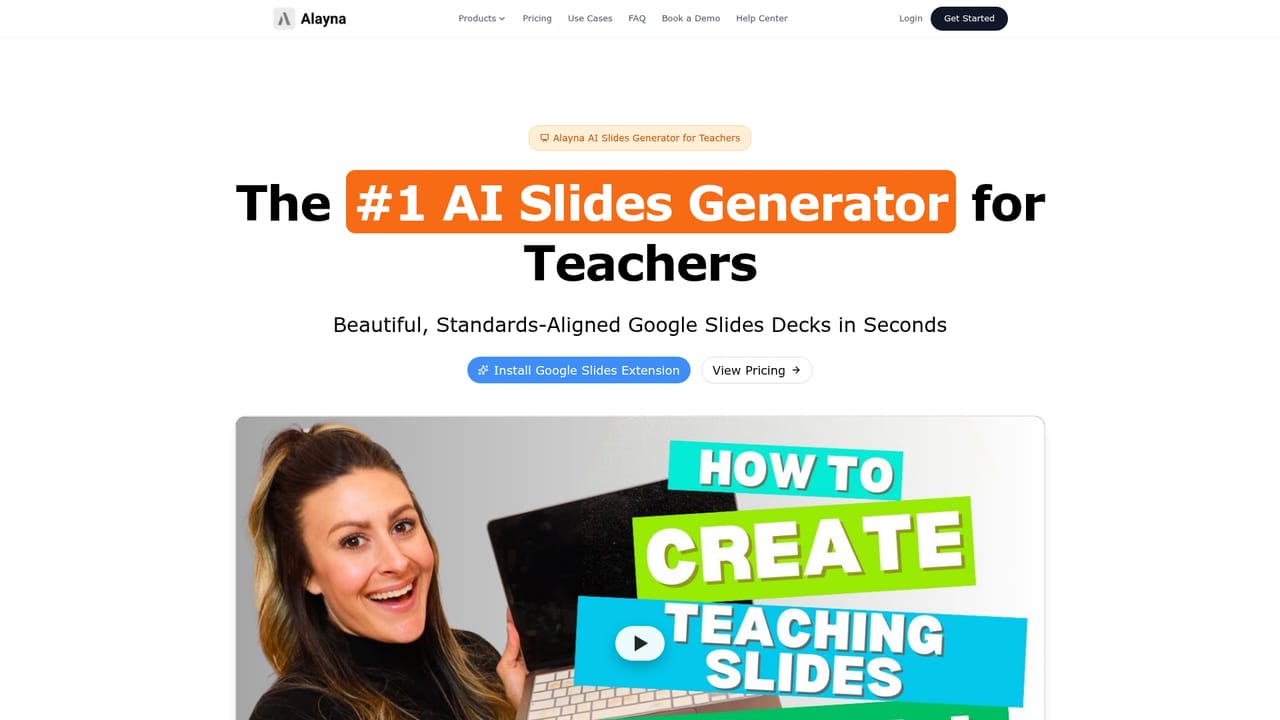
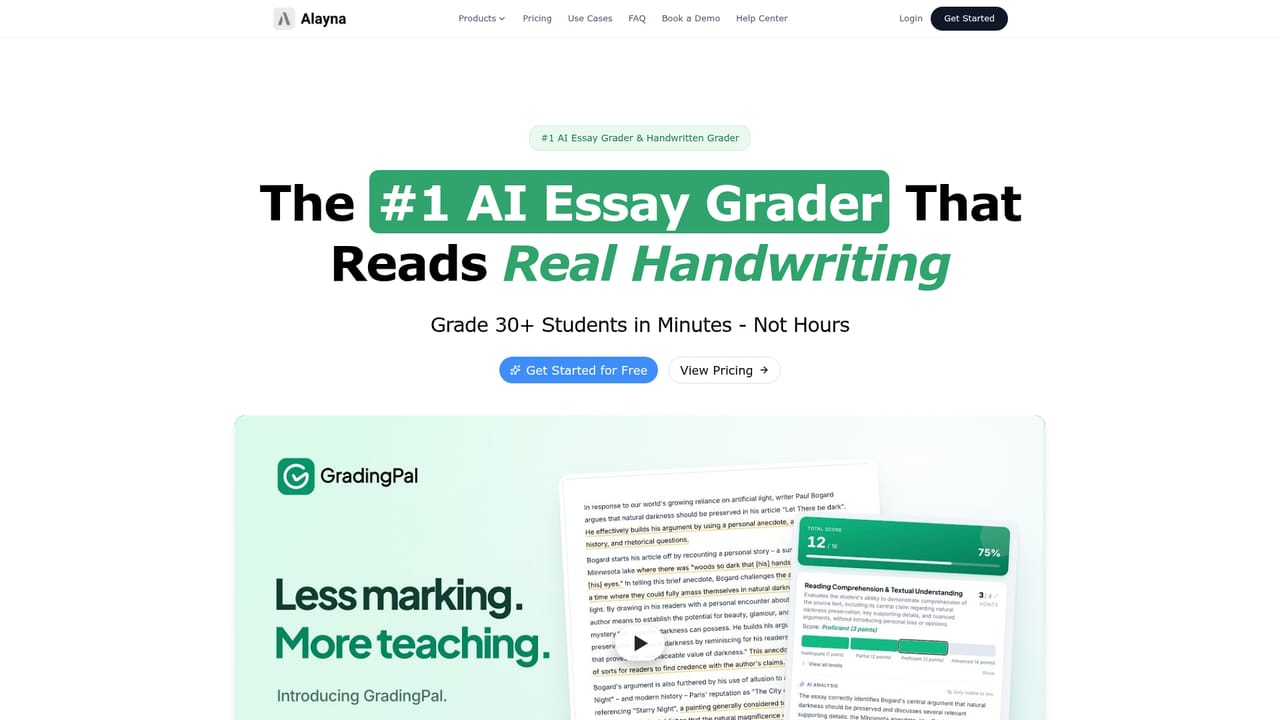
Alayna is an AI workspace built specifically for K-12 teachers, bundling a general teaching assistant with three focused apps: a slides generator, an essay and worksheet grader called GradingPal, and a differentiated resource builder called Magic Materials. The assistant runs on 50 specialized agents covering lesson planning, differentiation, IEP goals and related classroom tasks, and it accepts student work or PDFs as input for feedback. Magic Materials ships inside the assistant subscription and turns a single topic or document into 20+ leveled resources, quizzes, flashcards and scaffolds, with Bloom's and DOK mapping built in. The Slides Generator converts a topic, PDF, YouTube video or Drive file into Google Slides decks. It offers 35+ educator-designed themes and 70+ layouts for K-12, and it adds speaker notes, labeled diagrams and charts automatically. GradingPal reads real handwriting without a scanning step, scores work against a rubric or answer key, and drafts personalized student feedback that the teacher reviews before sharing. A dashboard surfaces class-level analytics and reteach suggestions. The product is aimed at individual classroom teachers first, from kindergarten through high school and across subjects including language arts, science, social studies and world languages. Special education teachers get explicit attention through leveled texts, sentence frames and extensions. The homepage reports 400,000+ installs, a 4.9 average teacher rating and FERPA plus COPPA compliance. Against general chatbots, Alayna argues that its value is pedagogy and safety: standards-aligned output, handwriting recognition, bulk grading, classroom-safe image generation and native Google Workspace integration. The competition is therefore less other teacher tools and more ChatGPT used with ad hoc prompts. The pricing is simple, one subscription for the assistant with Magic Materials included, and the pitch is time recovered rather than novel capability.
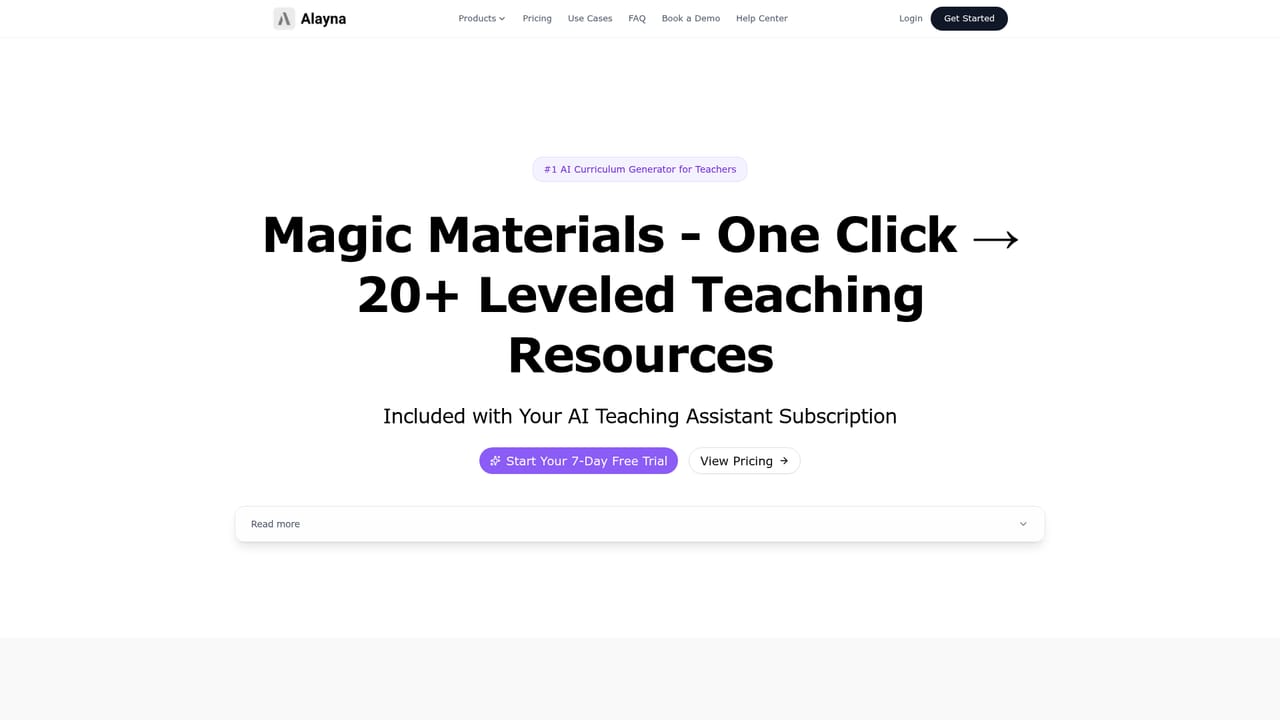
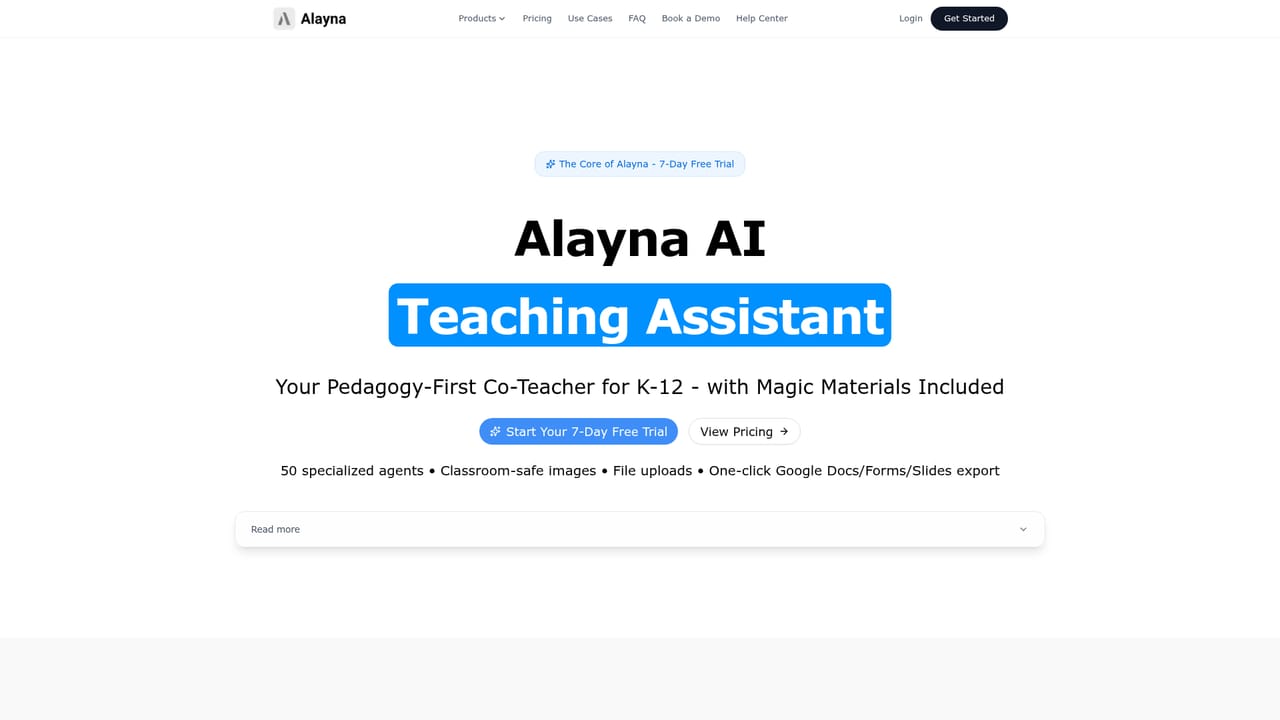
A 7-day free trial covers the AI teaching assistant and Magic Materials. The Slides Generator trial includes 5 free presentations, and GradingPal offers a free assignment to try before committing.
Learn moreThe assistant, with Magic Materials included, is listed at $9.99 per month or $99 per year following a 7-day free trial. The Slides Generator trial includes 5 free presentations. Pricing for GradingPal as a standalone app is not stated on the homepage.
Learn moreThe homepage states native Google Workspace integration, with one-click import from PDF, YouTube or Drive and export to Google Docs, Forms or PDF. No other integrations are listed.
Learn more50 specialized teaching agents for planning, differentiation and IEP goals; a Google Slides generator with 35+ themes and 70+ K-12 layouts plus auto speaker notes and diagrams; GradingPal for handwritten essays, worksheets and quizzes with rubric scoring, feedback and analytics; Magic Materials for 20+ leveled resources, quizzes, flashcards and scaffolds with Bloom's and DOK mapping; classroom-safe image generation.
Learn more AI Angels400+ customizable AI girlfriends for NSFW chat, voice calls, and roleplay
 Candy AIExperience the future of companionship with AI friends who chat, role-play, and connect with you on a human level.
 ourdream.aiA vast AI roleplay platform with millions of characters for chat, images, video and voiceAI Angels400+ customizable AI girlfriends for NSFW chat, voice calls, and roleplayCandy AIExperience the future of companionship with AI friends who chat, role-play, and connect with you on a human level.ourdream.aiA vast AI roleplay platform with millions of characters for chat, images, video and voice