Support
Contact is available by email at hello@alevels.ai, and the homepage FAQ answers common questions about cost, marking accuracy, mobile use and multiple subjects.
AI marking and feedback on A Level past paper questions

Alevels is an exam preparation tool. A revision platform for A Level students that pairs topic-organised past paper questions and recall cards with AI marking, examiner-style feedback and progress analytics, starting with OCR Chemistry, Physics, Biology and Computer Science.
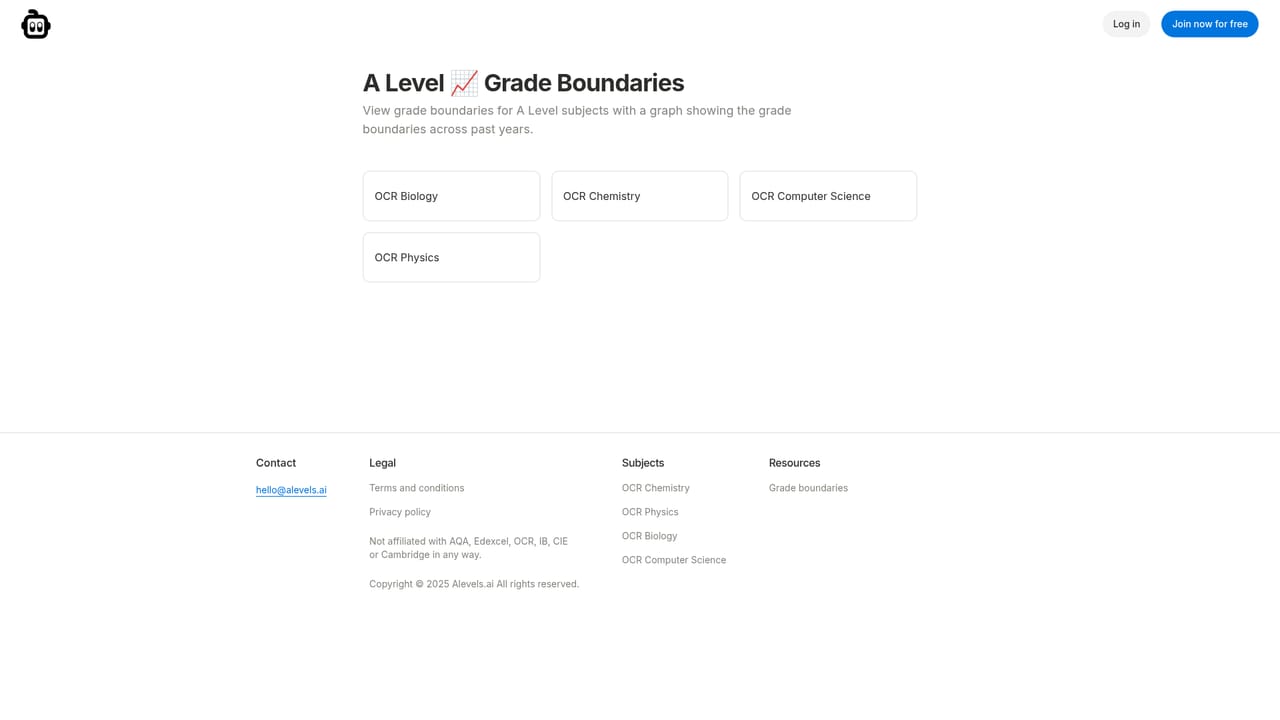
Alevels.ai is a revision platform built around past paper practice for A Level students. The core loop is simple: you answer an exam-style question, the AI marks it against the mark scheme, and you get examiner-style feedback that breaks down what earned credit and what did not. The stated goal is to remove the tedious middle step of hunting for a mark scheme and deciding whether your own answer deserves a mark. The question bank is organised by topic, with thousands of exam-style questions and a separate set of recall questions that cover the course from start to finish. Recall cards can be flipped and followed up with an AI tutor, so definitions and facts get tested before you move into longer written answers. Performance is tracked in graphs and charts that show results over time, broken down by topic and by time spent revising. Subject coverage shown on the site centres on OCR: Chemistry, Physics, Biology and Computer Science each have their own past paper question section, and the platform says multiple subjects can be studied in one account. A grade boundaries reference page sits alongside the question banks. The site states plainly that it is not affiliated with AQA, Edexcel, OCR, IB, CIE or Cambridge, so it functions as an independent study aid rather than an official provider. It suits A Level students who already have past papers as part of their routine but want faster, more consistent marking, and students who want topic-level analytics to steer where revision time goes. Compared with generic chat assistants, the value here is the structured question and mark scheme format plus progress tracking; compared with traditional revision sites, the difference is the automated marking and feedback loop. The site advertises free signup and describes mobile use, and its FAQ addresses accuracy of both the tutor and the marking.

Contact is available by email at hello@alevels.ai, and the homepage FAQ answers common questions about cost, marking accuracy, mobile use and multiple subjects.
Topic-organised past paper questions with instant AI marking and examiner-like feedback, recall question cards covering the course with an AI tutor follow-up, and detailed analytics showing performance over time, by topic and by revision time. Grade boundaries reference included.
 AI Angels400+ customizable AI girlfriends for NSFW chat, voice calls, and roleplay
 Candy AIExperience the future of companionship with AI friends who chat, role-play, and connect with you on a human level.
 ourdream.aiA vast AI roleplay platform with millions of characters for chat, images, video and voiceAI Angels400+ customizable AI girlfriends for NSFW chat, voice calls, and roleplayCandy AIExperience the future of companionship with AI friends who chat, role-play, and connect with you on a human level.ourdream.aiA vast AI roleplay platform with millions of characters for chat, images, video and voice


