Free trial
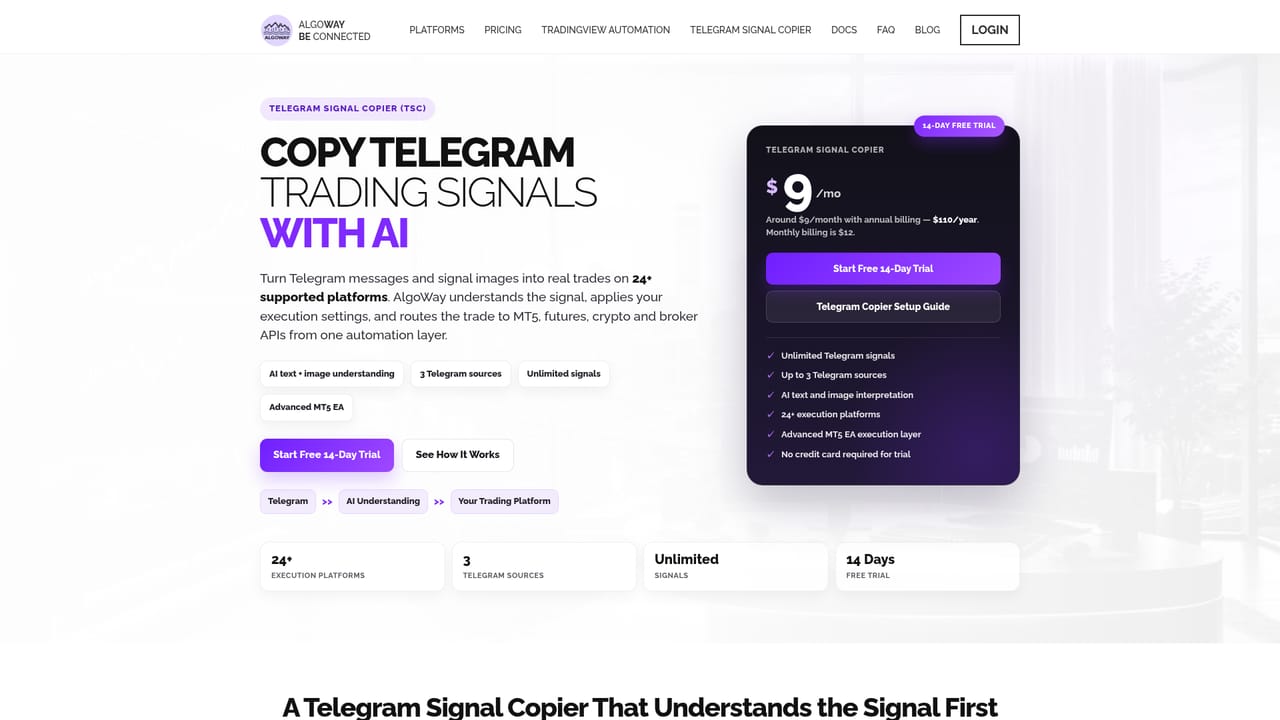
A 14 day free trial is available and no credit card is required. Cloud MT5 offers only a 7 day trial, and the all-in-one plan has no trial.
Learn moreRoute TradingView and Telegram signals to 22+ trading platforms

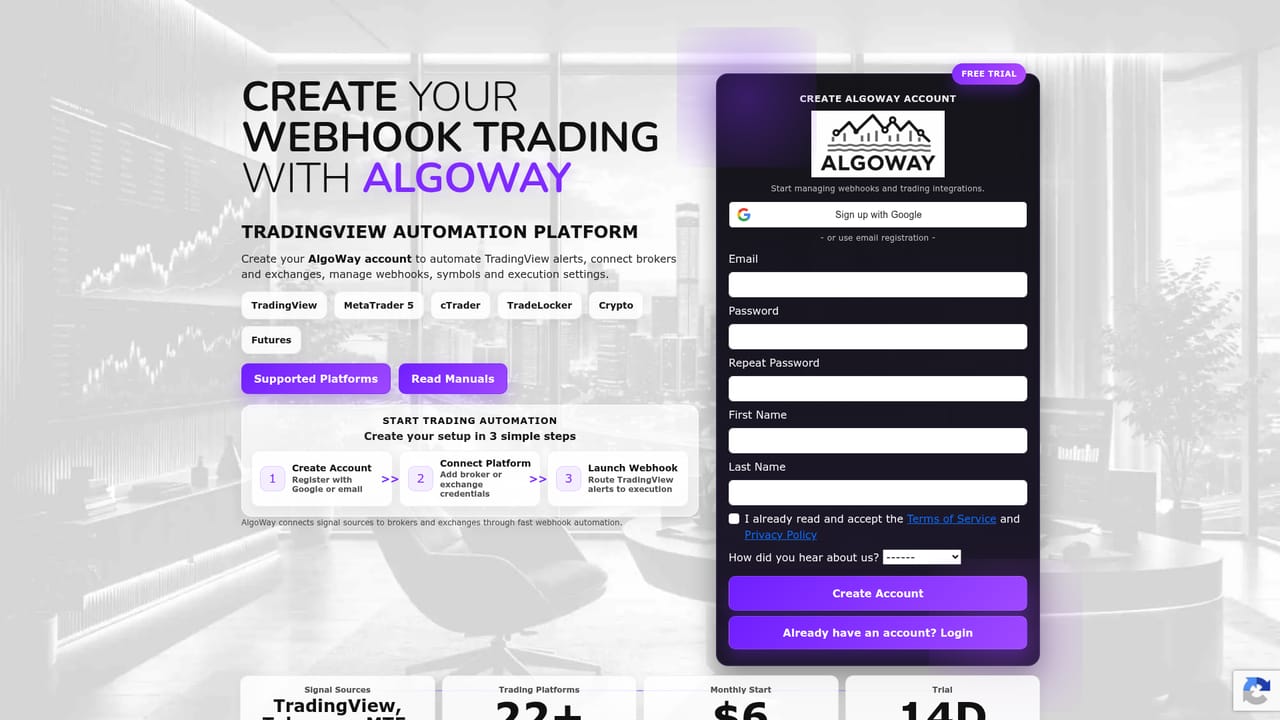
AlgoWay is a trading tool. AlgoWay routes TradingView alerts, Pine Script webhooks and Telegram signals into MT5, cTrader, futures and crypto accounts, with per webhook risk settings, AI JSON correction and full delivery logs.
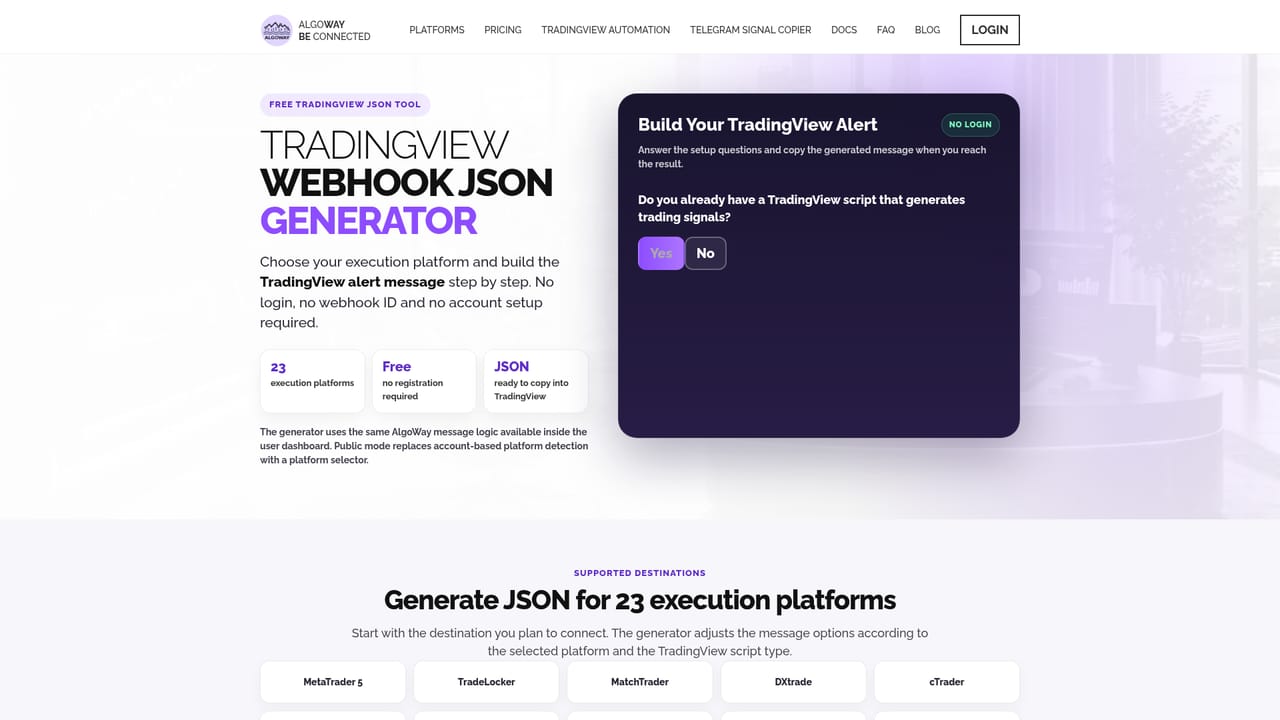
AlgoWay is a signal routing service that sits between the place where a trade idea is generated and the account where it is executed. TradingView alerts, Pine Script webhooks, MetaTrader 5 and cTrader events, or messages from a Telegram signal channel are received by AlgoWay, checked, and forwarded to the broker or exchange of your choice. The point is to remove manual order entry from an automated strategy without forcing a rewrite of the strategy itself. Setup is organized around webhooks. Each webhook gets its own configuration, and symbol mapping, position sizing, leverage, Stop Loss and Take Profit are set separately per webhook, along with the execution mode. That means a single TradingView strategy can feed several destinations at once, and cloned alerts can extend to up to three accounts depending on the plan. An AI JSON correction layer and a message wizard handle malformed or inconsistent payloads, while a webhooks dashboard, full log access and debugging tools make it possible to see exactly what arrived and what was sent onward. Email and Telegram notifications report on activity. The audience is retail and semi professional traders who already run systematic rules: prop firm challengers pushing TradingView signals into Apex, Topstep, FTMO or similar evaluation accounts, futures traders on Tradovate, Rithmic and ProjectX, crypto traders on Binance, Bybit, OKX, Hyperliquid and others, and forex users on MT5, cTrader, TradeLocker, Match Trader, DxTrade and Capital.com. Telegram copiers cover people who follow paid signal groups and want those calls executed rather than typed in by hand. The comparison set is familiar: PineConnector and similar webhook bridges, plus native broker integrations. AlgoWay competes on breadth of destinations, unlimited alerts and symbols on every plan, and price, which starts lower than most bridging tools. It is not a strategy builder, a charting tool or a backtester. It assumes the trading logic already exists elsewhere and only handles delivery and execution, so anyone without a working signal source has nothing to connect.

A 14 day free trial is available and no credit card is required. Cloud MT5 offers only a 7 day trial, and the all-in-one plan has no trial.
Learn morePlans run from $7 per month for MT5 automation ($72 per year) and $9 per month for TradingView automation ($90 per year) up to $12 per month for the Telegram copier, $14 per month for Cloud MT5, and $69 per month for the all-in-one stack. Optional Windows VPS hosting ranges from $12 to $26 per month. Annual billing is discounted.
Learn moreThe site advertises 24/7 support and publishes platform manuals for each destination, an email and Telegram notification system, and a blog with setup guides.
Learn moreDestinations include MT5, cTrader, TradeLocker, Match Trader, DxTrade, Capital.com, Alpaca, IBKR, Tradovate, Rithmic, ProjectX, Hyperliquid, Binance, Bybit, OKX, Kraken, KuCoin and Coinbase, with prop firm guides for Apex, Topstep and FTMO.
Learn moreWebhook routing from TradingView, Pine Script, MT5, cTrader and Telegram to 22+ platforms, with per webhook symbol mapping, sizing, leverage, SL/TP, execution modes, AI JSON correction, a message wizard, a webhooks dashboard, full logs, debugging tools and free trade metrics.
Learn more AI Angels400+ customizable AI girlfriends for NSFW chat, voice calls, and roleplay
 Candy AIExperience the future of companionship with AI friends who chat, role-play, and connect with you on a human level.
 ourdream.aiA vast AI roleplay platform with millions of characters for chat, images, video and voiceAI Angels400+ customizable AI girlfriends for NSFW chat, voice calls, and roleplayCandy AIExperience the future of companionship with AI friends who chat, role-play, and connect with you on a human level.ourdream.aiA vast AI roleplay platform with millions of characters for chat, images, video and voice


