Free trial
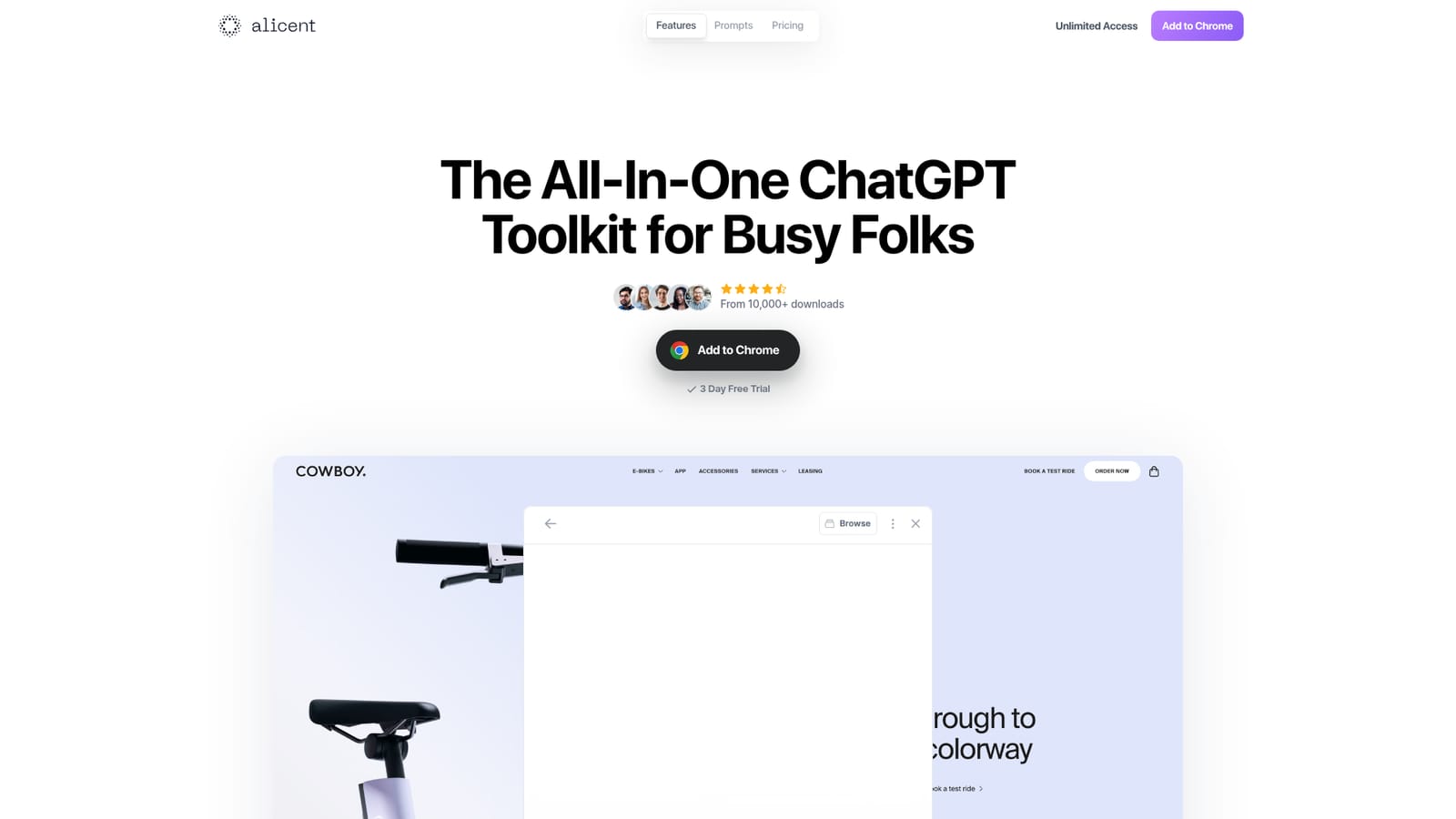
A 3 day free trial is promoted on the homepage alongside the Add to Chrome button.
Learn moreA Chrome extension that feeds your brand context into ChatGPT

Alicent is a ChatGPT tool. A Chrome extension that adds brand context from any website to ChatGPT, then pairs it with 250+ expert-written marketing prompts for ads, email, SEO, funnels and content critique.
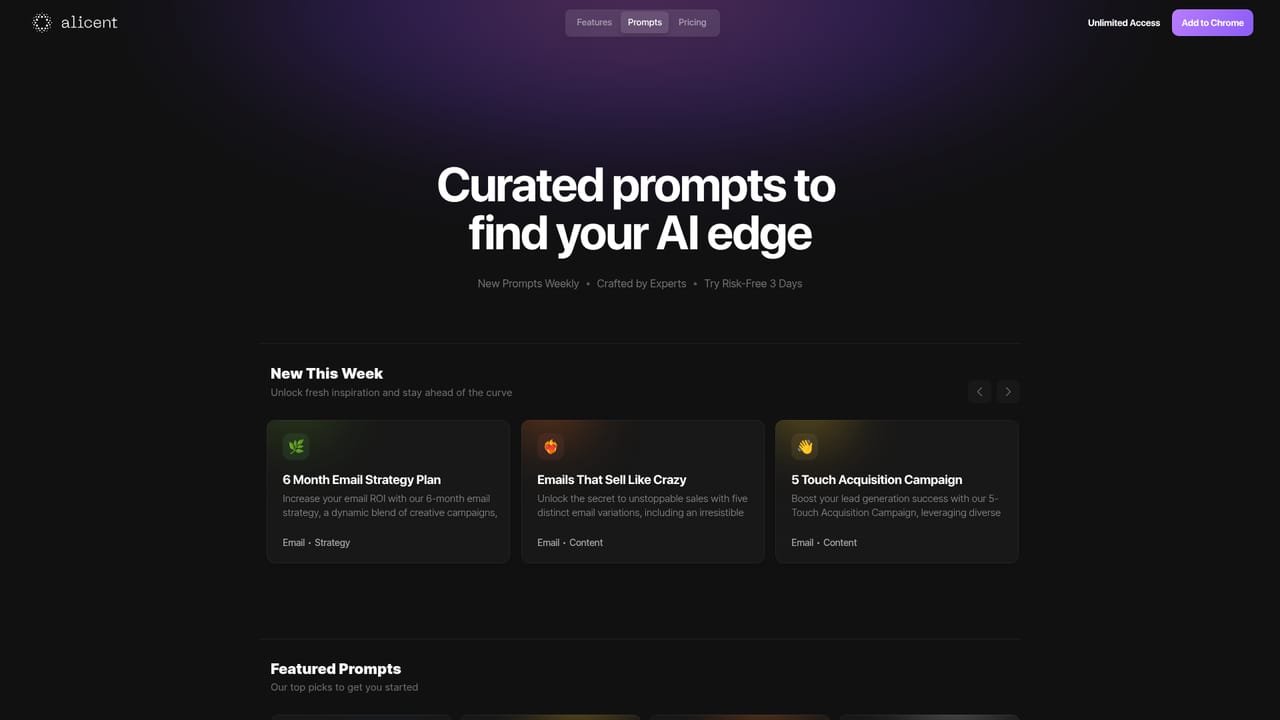
Alicent is a Chrome extension that sits on top of ChatGPT and solves a narrow but real problem: the model writes generic copy because it knows nothing about the business it is writing for. The extension adds a button to any page that captures context from a website, then pairs that context with a curated prompt library so the output reflects the brand rather than a blank slate. The workflow is deliberately short. Activating the extension on a site pulls in background about the company, then the user either writes a custom request or picks from more than 250 prompts written by people the product describes as prompt engineers, social media marketers and ecommerce specialists. Each prompt combines a role, a goal, a structure and quality criteria, so the response arrives in a usable shape rather than as freeform text that needs heavy editing. The prompt collection leans marketing. Featured examples include a high CTR Google Ads prompt, cold email templates, a content critique prompt, a channel selection prompt, a marketing funnel exercise, a value ladder exercise and an SEO audit prompt. New prompts are added weekly. The product is aimed at founders, marketers, copywriters and ecommerce operators who already use ChatGPT daily and want repeatable output without rewriting long instructions each time. Against alternatives, Alicent is not a model and not a standalone writing app. It is a thin layer over ChatGPT, so the quality ceiling is still ChatGPT's, and the main value is the bundled prompts plus the context shortcut. Anyone who already maintains a well organized set of saved prompts may find less new here. It is available for Chrome, with a browser based account area and a three day free trial before subscription.
A 3 day free trial is promoted on the homepage alongside the Add to Chrome button.
Learn moreThe homepage advertises a 3 day free trial and links to a pricing page and an account portal for unlimited access. Specific plan tiers and prices are not shown in the homepage content.
Learn moreBuilt as a Chrome extension that runs on top of ChatGPT. No other third party integrations are described on the homepage.
Adds a one click context capture from any website, a library of over 250 expert written prompts with defined roles, goals and output structures, weekly prompt updates, and featured recipes for ads, cold email, content critique, SEO audits, marketing funnels and value ladders.
 AI Angels400+ customizable AI girlfriends for NSFW chat, voice calls, and roleplay
 Candy AIExperience the future of companionship with AI friends who chat, role-play, and connect with you on a human level.
 ourdream.aiA vast AI roleplay platform with millions of characters for chat, images, video and voiceAI Angels400+ customizable AI girlfriends for NSFW chat, voice calls, and roleplayCandy AIExperience the future of companionship with AI friends who chat, role-play, and connect with you on a human level.ourdream.aiA vast AI roleplay platform with millions of characters for chat, images, video and voice


