Free trial
The homepage offers a "Use Keymate Free" button that opens the app, so the free tier is real but its storage and feature limits are not published.
Learn moreA searchable second brain for ChatGPT and your team files

Keymate.AI is an AI search tool. A retrieval workspace that stores your PDFs, Google Docs, emails and links, then lets ChatGPT answer from that private library. Shared collections, team memory and SOC 2 / HIPAA compliance make it a fit for marketing, ops and sales groups that need grounded answers.
Keymate.AI is an AI workspace built around the idea of persistent memory. Instead of treating each chat as a blank slate, it stores the documents, decks, reports, emails and web pages you feed it, then answers questions using only those curated sources. The product is aimed at marketing, operations and sales teams that already use ChatGPT but need their answers grounded in their own material rather than general model knowledge. The workflow is file-first. You add PDFs, Google Docs, YouTube videos, URLs and emails into the workspace, group them by project or campaign, and annotate the ones that matter with notes and highlights. When you ask a question, Keymate searches across the full library or a narrowed scope and returns answers tied to the sources it pulled from. Because the model only sees what you selected, the output stays close to your material and is easier to verify than a generic chatbot response. Beyond individual use, Keymate offers shared collections so a team can collaborate on the same set of AI-powered sources. It also plugs into tools people already work in: a ChatGPT integration lets you reach the memory from inside OpenAI's interface, email can be auto-saved into the workspace, and Make.com automations can trigger actions on your Keymate data. The company states SOC 2 and HIPAA compliance, with files isolated per user and encrypted, which matters for teams handling sensitive client or health information. Where it fits is the retrieval layer above a general assistant. Products like Notion AI or ChatGPT's own file uploads solve part of the same problem, and dedicated RAG platforms compete on depth of pipeline control. Keymate's angle is consumer-grade setup with team collections and keep-your-sources discipline. The homepage does not publish prices or granular tier limits, so buyers should treat the free entry point as a test run before assuming it scales cheaply.
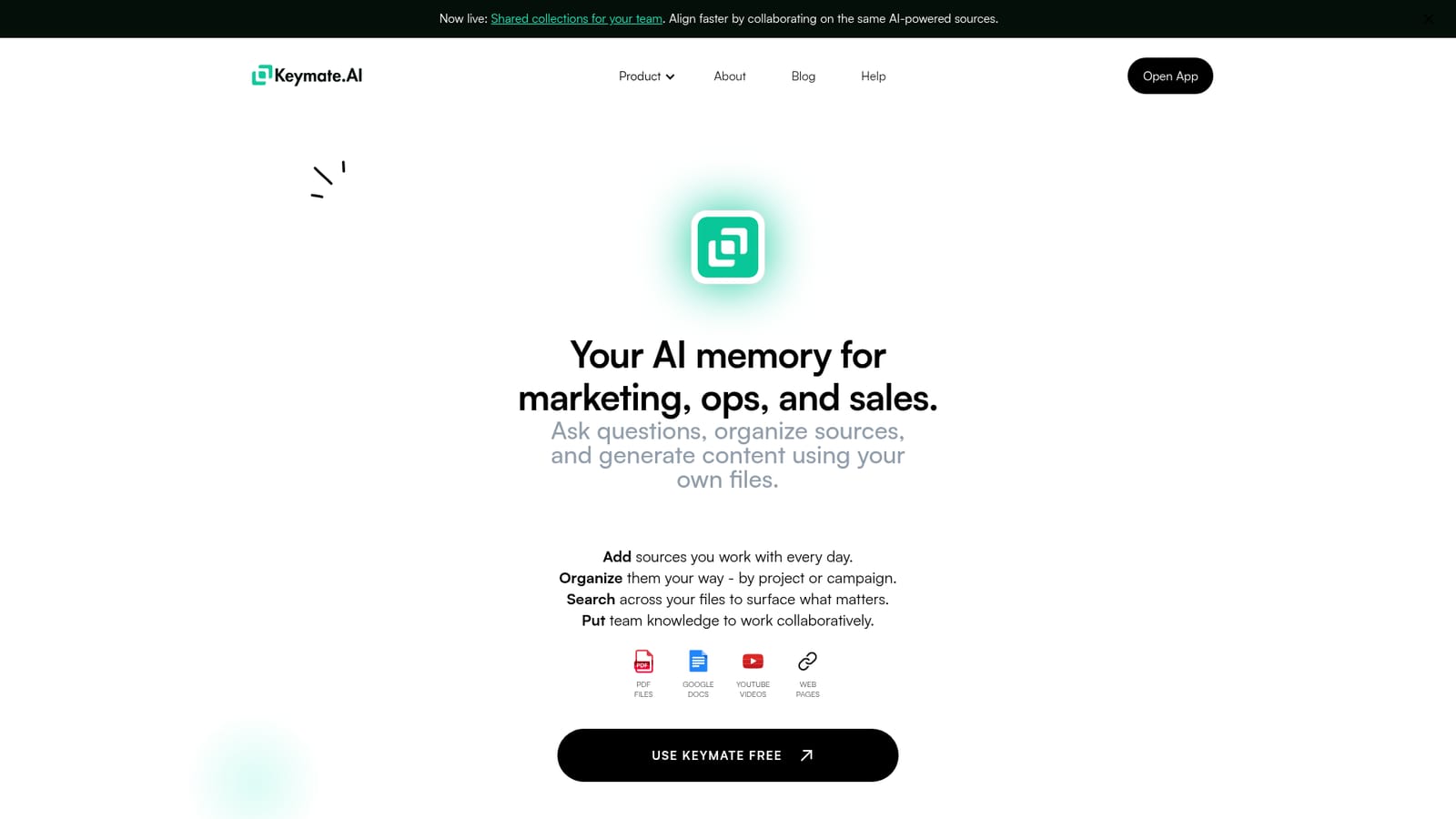
The homepage offers a "Use Keymate Free" button that opens the app, so the free tier is real but its storage and feature limits are not published.
Learn moreGoogle Docs, YouTube, web pages, email auto-save, ChatGPT custom integration and Make.com automations are named on the homepage.
Stores PDFs, Google Docs, YouTube videos, web pages and email as reusable sources; organizes them by project or campaign; supports notes and highlights; scoped search by file, topic or collection; shared collections for teams; ChatGPT integration; Make.com automation; per-user encrypted storage with SOC 2 and HIPAA compliance.
 AI Angels400+ customizable AI girlfriends for NSFW chat, voice calls, and roleplay
 Candy AIExperience the future of companionship with AI friends who chat, role-play, and connect with you on a human level.
 ourdream.aiA vast AI roleplay platform with millions of characters for chat, images, video and voiceAI Angels400+ customizable AI girlfriends for NSFW chat, voice calls, and roleplayCandy AIExperience the future of companionship with AI friends who chat, role-play, and connect with you on a human level.ourdream.aiA vast AI roleplay platform with millions of characters for chat, images, video and voice


