AMP FinePoint

An AI editor in chief that refines, realigns and reworks your drafts

Beginner
Screenshot of AMP FinePoint, An AI editor in chief that refines, realigns and reworks your drafts

What is AMP FinePoint?

AMP FinePoint is a low cost, AI powered writing refinement tool built around six guided editing actions: ReFine, ReAlign, ReVoice, ReFormat, ReSet and ReFrame. It targets writers who want polished, audience ready drafts without writing prompts, and runs as a web app on a $1.99 monthly subscription.

AMP FinePoint is a guided writing refinement tool that positions itself as a personal editor in chief. Rather than asking users to craft prompts and wrestle with a general purpose chatbot, it offers a set of named editing actions that each address a distinct problem in a draft. The homepage groups them into six tools: ReFine for clarity, tighter wording or length, ReAlign for adapting content to a specific audience, ReVoice for changing tone or style to suit a different role or personality, ReFormat for restructuring text into an outline or multiple paragraphs, ReSet for adjusting depth to match a reading level or subject familiarity, and ReFrame for shifting the emphasis of a message and creating a clearer narrative direction. In practice the workflow is a guided experience rather than a conversation. A writer pastes or drafts content, selects the kind of refinement needed, and the tool returns a revised version built around consistent, audience ready output. The pitch is aimed at anyone who produces text that has to be published or shared: business communicators, marketers, and writers who want a finished piece without repeated manual passes. The emphasis on reducing endless editing cycles suggests the product is competing less with long form generation tools and more with the second half of the writing job, the part where a rough draft becomes something presentable. Compared with all in one AI writing suites, AMP FinePoint is narrow by design. It does not advertise blog generators, research tools, plagiarism checks or team workspaces. The whole proposition is a small, cheap ($1.99 per month) editing layer with a soft usage limit that keeps performance fast; users who exceed it can keep working, but responses may slow or briefly pause. That focus makes it easy to learn, though it also means the tool only makes sense as a companion to whatever editor or document platform a writer already uses.

How do you use AMP FinePoint?

  1. 1Create an account
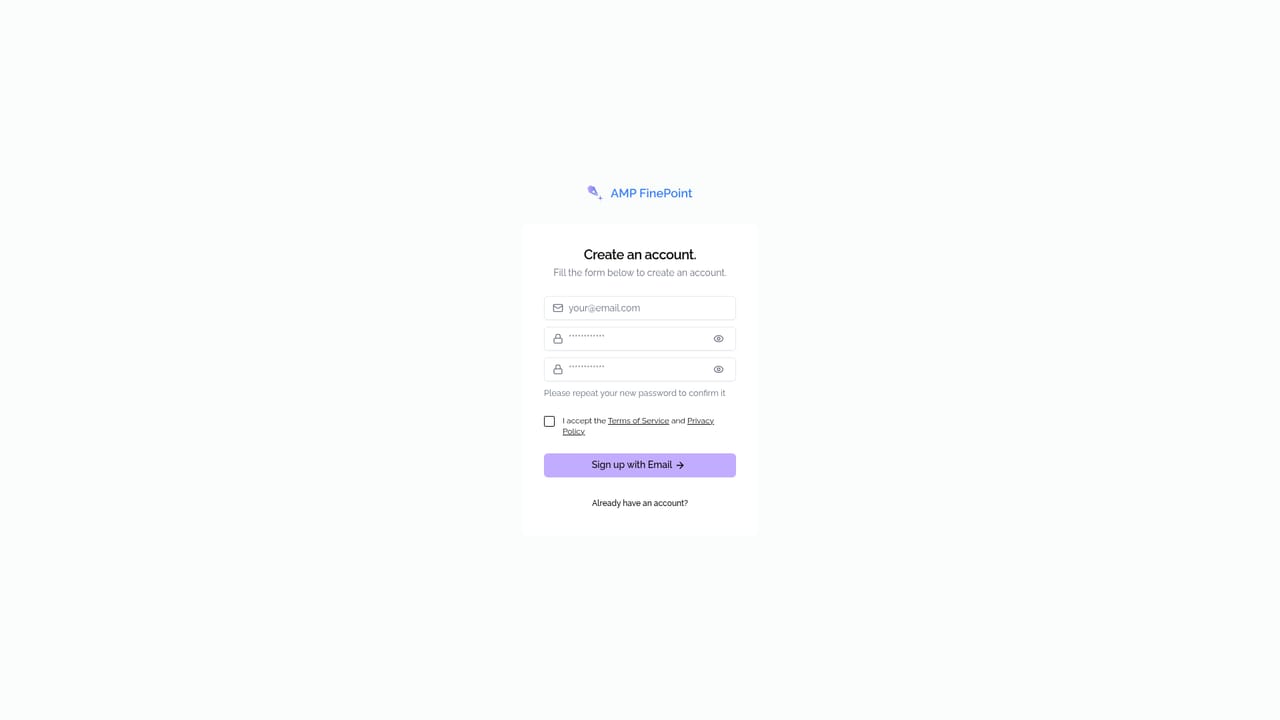
    Open the sign up page and register with your details to access the editing workspace.
    AMP FinePoint — Create an account
  2. 2Choose a refinement tool
    Pick the action that matches your goal: ReFine for clarity and length, ReAlign for audience, ReVoice for tone, ReFormat for structure, ReSet for depth or ReFrame for emphasis.
  3. 3Paste or draft your text
    Add the content you want to improve into the workspace, then run the selected refinement and review the revised version.
  4. 4Apply further passes as needed
    Stack additional actions, for example ReAlign after ReFine, until the draft matches your reader and intent.
  5. 5Subscribe for full access
    Subscribe at $1.99 per month to unlock all editing tools under the soft usage limit.
  6. 6Contact the team with questions
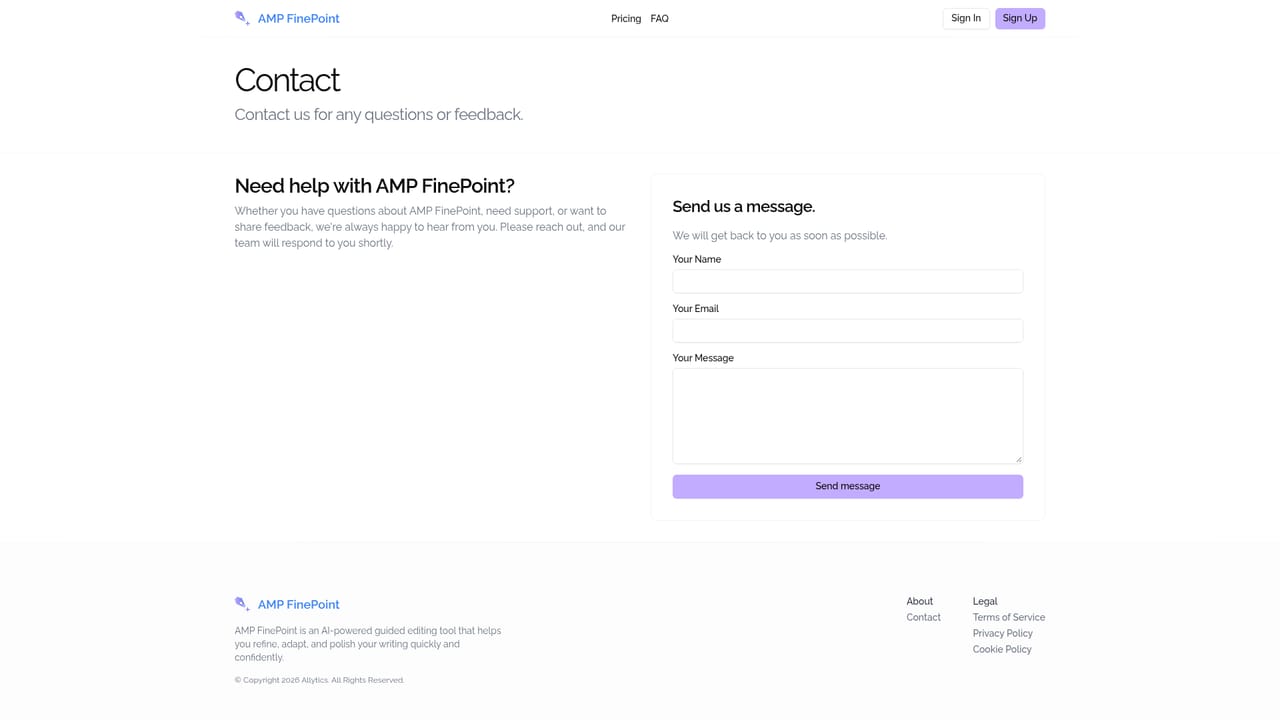
    Use the contact page for account, billing or product questions before committing.
    AMP FinePoint — Contact the team with questions

Pros and cons

Pros

  • Six named editing actions map to concrete writing problems, so no prompt engineering is requiredAI
  • Clear focus on refinement and rewriting rather than generic text generationAI
  • Very low entry price at $1.99 per month for full access to the editing toolsAI
  • Soft usage limit still lets you keep working after you hit it, only slowerAI
  • Beginner friendly guided flow that suits non specialists producing business contentAI

Cons

  • No free tier or trial is advertised on the homepage, so testing requires a paid subscriptionAI
  • No integrations, browser extension or API are mentioned, so content has to move in and out manuallyAI
  • Usage beyond the soft limit slows responses or briefly pauses editing, which is unpredictable for heavy workloadsAI
  • Feature set is limited to refinement; there is no generation, research or plagiarism checkingAI
  • Little public detail on privacy, data retention or output language supportAI

How much does AMP FinePoint cost?

Pricing

A single plan at $1.99 per month, billed monthly, with full access to all editing tools. A soft usage limit is included to prevent abuse and keep editing fast; if you exceed it you can still use the tool, but responses may slow or briefly pause.

Learn more

Support

A contact page is available for reaching the team; the homepage does not describe support channels, response times or help documentation.

Learn more

Features

Six guided editing tools replace prompt writing: ReFine sharpens clarity and length, ReAlign adapts content to a specific audience, ReVoice changes tone or style, ReFormat restructures text into outlines or paragraphs, ReSet adjusts depth for reading level, and ReFrame shifts the emphasis of a message. The experience is structured and step based, aimed at producing consistent, publishable output faster.

Frequently asked questions about AMP FinePoint

  • How much does AMP FinePoint cost?
    A single plan at $1.99 per month, billed monthly, with full access to all editing tools. A soft usage limit is included to prevent abuse and keep editing fast; if you exceed it you can still use the tool, but responses may slow or briefly pause.
  • How do you use AMP FinePoint?
    The walkthrough on this page covers 6 steps: 1. Create an account 2. Choose a refinement tool 3. Paste or draft your text 4. Apply further passes as needed 5. Subscribe for full access 6. Contact the team with questions.
  • What platforms does AMP FinePoint support?
    AMP FinePoint is available on Web App.
  • What are the limitations of AMP FinePoint?
    No free tier or trial is advertised on the homepage, so testing requires a paid subscription. No integrations, browser extension or API are mentioned, so content has to move in and out manually. Usage beyond the soft limit slows responses or briefly pauses editing, which is unpredictable for heavy workloads.

Status

StatusActive
Views0
Outbound clicks0
Added10/21/2026

Platforms

Web App

Pricing

PaidSubscription