What AI text formatters do
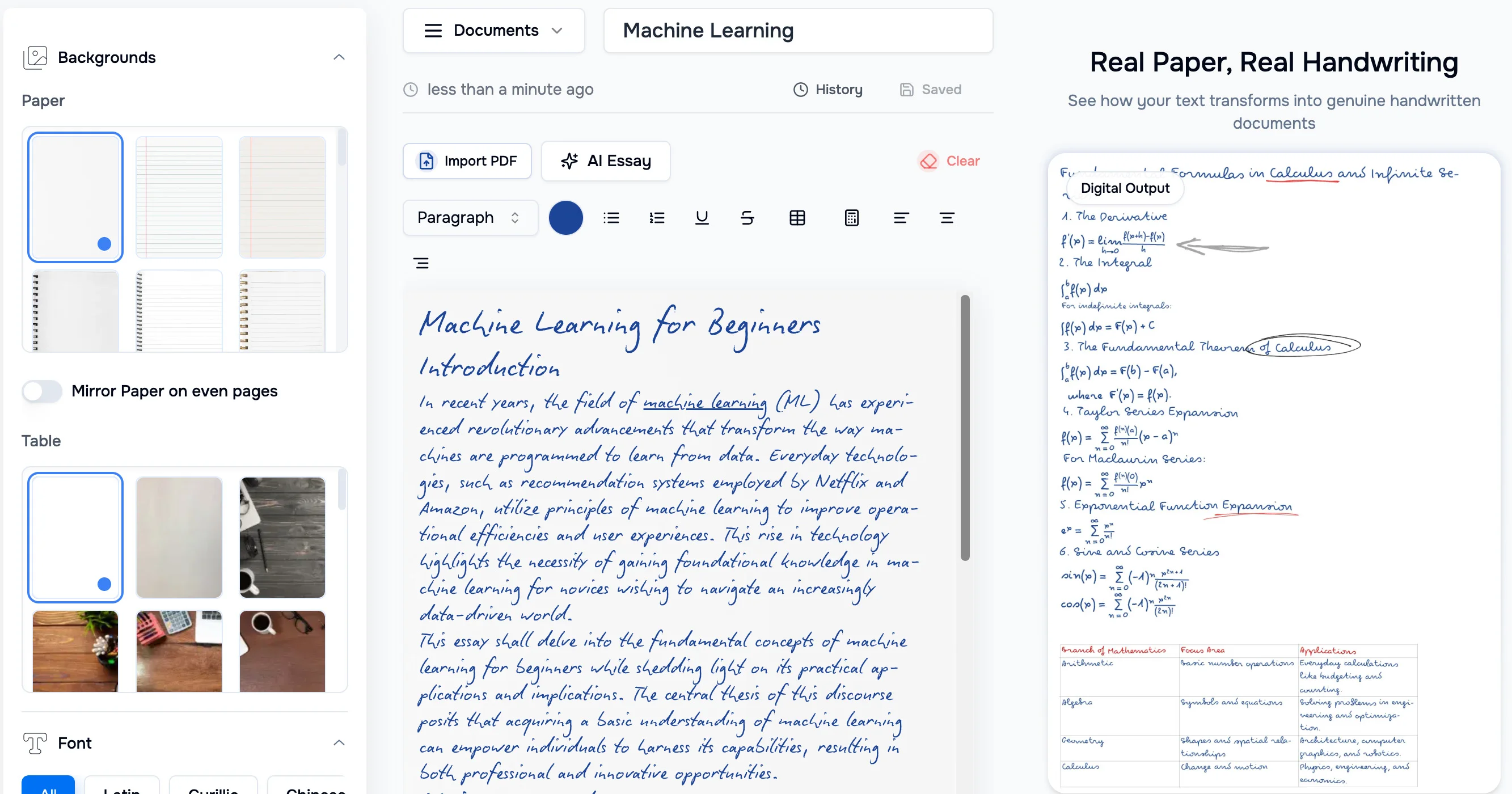
An AI text formatter takes text that is messy, raw or in the wrong shape and returns something ready to use. The input might be a dictated paragraph, a block of chatbot output, a document pasted out of Word or a PDF, or plain text that needs special characters. The tool handles the cleanup that would otherwise mean manual editing, find-and-replace passes or fiddling with a word processor's style panel.
The tools here mostly replace that manual work. Writers and students use them to tidy drafts. Marketers and office teams use them to turn rough material into polished documents. Developers and SEO people use them for small text utilities. The category is narrower than a full writing assistant: the focus is how text looks and is structured, not what it says.
How to choose a text formatting tool
Start with the input. If the source is spoken, look for dictation that formats as you talk. If it is AI output or a messy Word or PDF file, look for a tool built to turn that into a finished document. If the job is symbols, superscripts or fancy text, a specialised browser tool will be faster than a general assistant.
Then check where the tool runs. Some work only as a web app, while others also offer a browser extension, which matters if formatting happens inside other pages. Check pricing as well: several options here are free and need no signup, while others offer a free trial before a subscription.
Finally, decide whether you need one task done well or a toolbox. A single-purpose formatter is quicker to learn. A larger collection of small utilities covers more cases but asks you to find the right one each time.
Notable text formatter tools
GPT Workspace focuses on making AI easy to use, and it is available as a web app and a browser extension, with a free tier and a subscription.
Voicetype AI handles voice dictation that cleans up and formats speech in any app. It offers a free trial before a subscription.
Toolblip is a collection of 492 free browser-based developer, SEO, text and color tools with no signup required.
LiteralKit offers free browser-based tools for superscript, symbols, fancy text and notation conversion.
Format Magic turns raw text, AI output or messy Word and PDF files into polished documents in seconds, and it has a free trial.
Common questions
What is an AI text formatter?
It is a tool that restructures and cleans up text automatically. Depending on the product, that can mean polishing a document, formatting dictated speech or converting text into special symbols and notation.
What does text formatting cover?
Text formatting is the way text is presented and structured: layout, styling, symbols and cleanup of stray characters. The tools on this page automate parts of that work so it does not have to be done by hand.
Do I need to pay for one?
Not always. Toolblip and LiteralKit are free, and several others have a free tier or a free trial. Paid plans matter mainly for regular use or for tools that work across other apps.
When to look elsewhere
If the problem is the wording rather than the layout, the Grammar Checker and Text Rewriter categories are a better fit. They fix errors and reshape sentences, while formatters leave the meaning of the text alone.