Pricing
Creating and sharing a private apology page is free, with no credit card required. Publishing publicly needs a free account, and the site notes that some premium designs may require an upgrade later without naming a price.
Learn moreAI-written apologies turned into a shareable web page

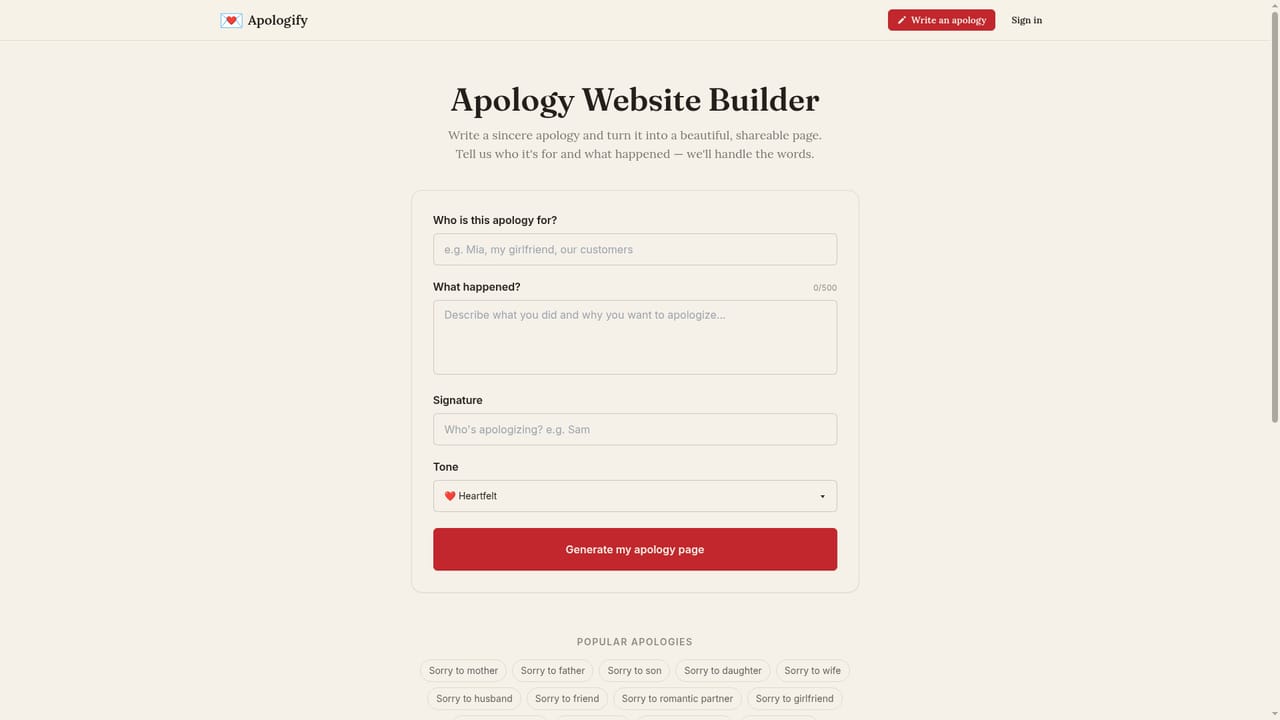
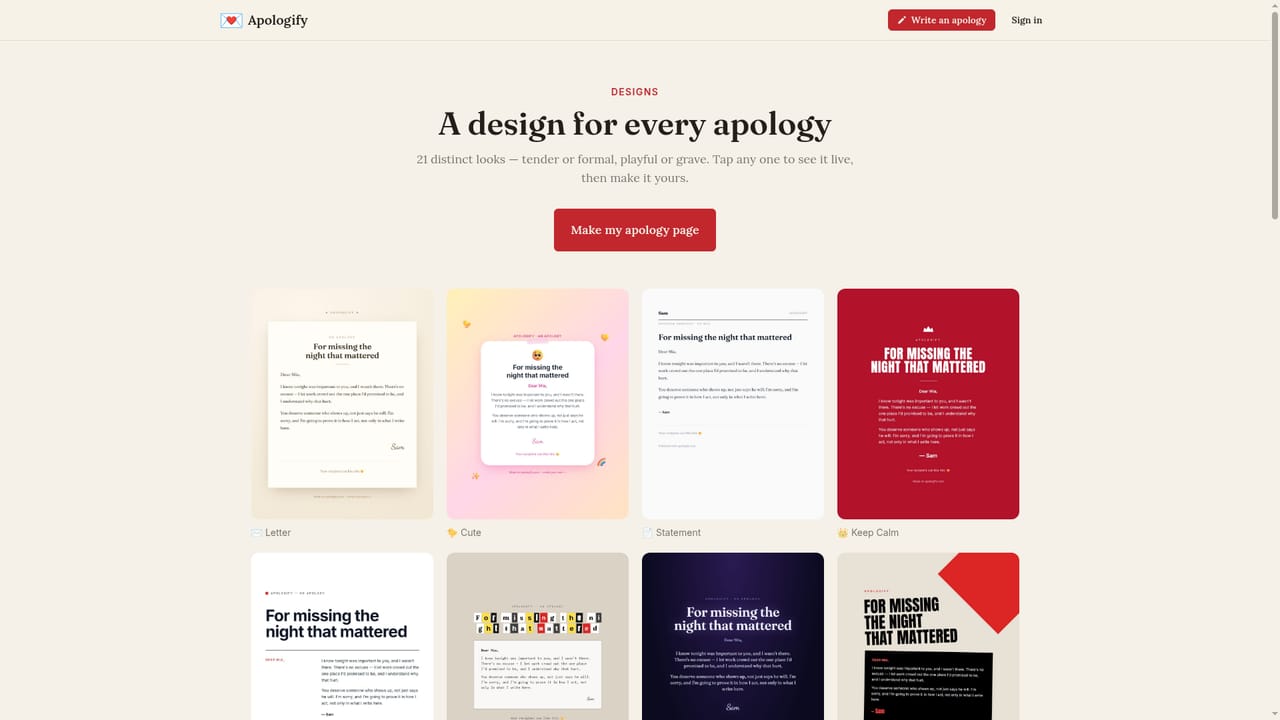
Apologify writes a personal apology from a short description, wraps it in one of 21 switchable page designs, and gives you a private link to share. Built for relationship and workplace apologies, with 25 tones, per-relationship starting points, and optional anonymity.
Apologify is a niche web tool that turns a written apology into a designed, shareable web page. The premise is simple: difficult conversations often fail because of the delivery, not the sentiment. A plain text gets buried in a thread, a copied template reads as insincere, and raw AI output has no presentation. Apologify tries to solve all three at once by combining generated wording, a visual template, and a link the recipient can open and respond to. The process runs in three moves. You describe who the apology is for, what happened, and the tone you want, then the tool writes a personal apology. There are 25 tones to select from and dedicated starting points for roughly fifteen relationships, including mother, father, wife, husband, girlfriend, boyfriend, friend, boss, colleague, client, teacher, and the general public. After the text is set, you pick a design and switch between options live. The visual range is unusually broad for this kind of tool: Letter, Handwritten, Cute, Night, Boarding Pass, Ransom, Keep Calm, Swiss, Constructivist, and Letterpress all appear on the site, and the designs page advertises 21 templates in total. The privacy model is worth understanding before you start. New pages are private drafts by default, visible only to people holding the link, and publishing is a separate deliberate step that makes a page public and findable. Signatures are optional, so an apology can stay anonymous while the page itself is public, which suits situations where the recipient will recognize the context without a name attached. Publishing publicly requires a free account. Apologify sits somewhere between a writing assistant and a lightweight page builder, and it is clearly aimed at people who have already decided an apology is owed and now need help phrasing and framing it. The site also hosts over 1200 sample letters and a small article library on workplace and customer apology etiquette, useful for anyone who wants to draft manually rather than generate.
Creating and sharing a private apology page is free, with no credit card required. Publishing publicly needs a free account, and the site notes that some premium designs may require an upgrade later without naming a price.
Learn moreAI apology writing with 25 tones, dedicated presets for about fifteen relationships (family, romantic, workplace, public), 21 switchable page designs including Letter, Handwritten, Cute, Night, Ransom and Letterpress, private draft links, optional anonymity, and optional public publishing. A library of over 1200 sample letters and guidance articles supports manual drafting.
Learn more AI Angels400+ customizable AI girlfriends for NSFW chat, voice calls, and roleplay
 Candy AIExperience the future of companionship with AI friends who chat, role-play, and connect with you on a human level.
 ourdream.aiA vast AI roleplay platform with millions of characters for chat, images, video and voiceAI Angels400+ customizable AI girlfriends for NSFW chat, voice calls, and roleplayCandy AIExperience the future of companionship with AI friends who chat, role-play, and connect with you on a human level.ourdream.aiA vast AI roleplay platform with millions of characters for chat, images, video and voice


