Free trial
The homepage offers a free start through the web app and lists a free plan tier alongside paid options. No trial length or paid tier limits are stated on the homepage, so check the pricing page.
Learn moreSelf-hosted AI workspace for projects, wikis and team knowledge.

AppFlowy is an AI project builder tool. Open-core, self-hostable AI workspace combining projects, docs, wikis and databases, with AI search, meeting notes and chatbot grounded in your own sources and optionally powered by local LLMs.
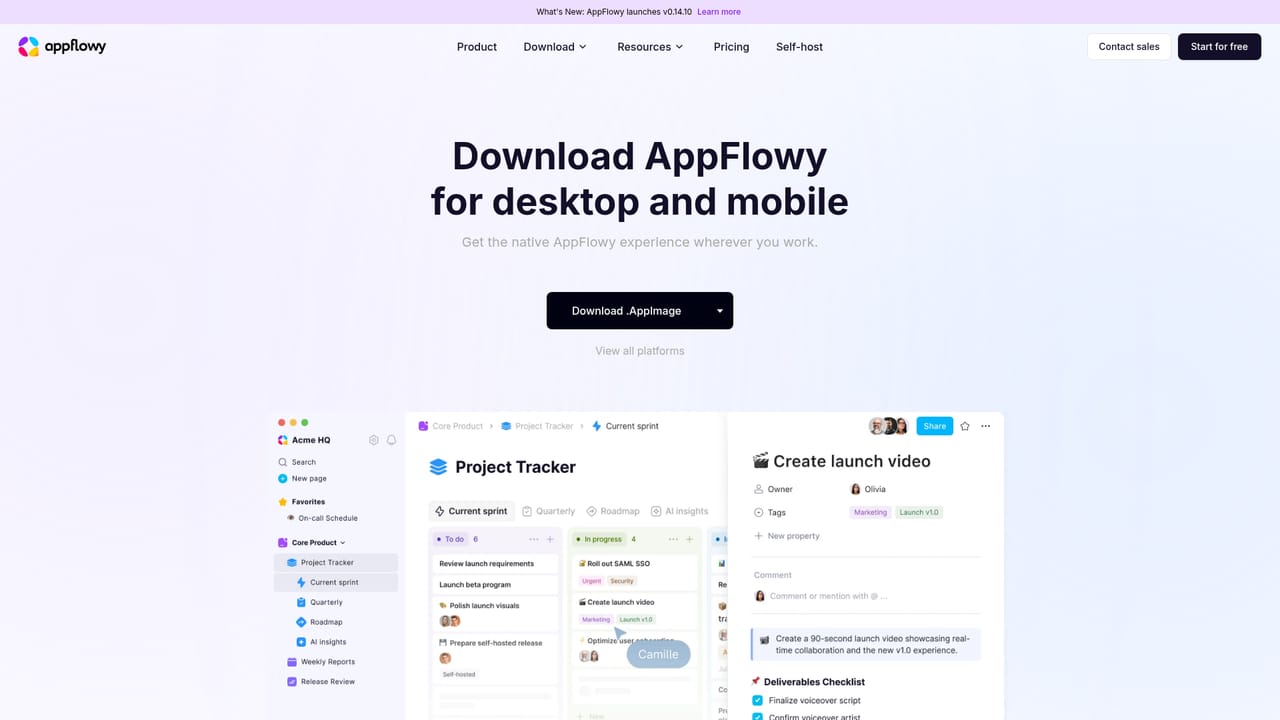
AppFlowy is an AI workspace that bundles project tracking, documents, wikis and databases into a single product, with an open-core codebase and a serious emphasis on self-hosting. The pitch is straightforward: teams get the modular workspace layout they know from tools like Notion or Confluence, but the instance, the storage and the AI processing can all live on infrastructure the team controls, including a fully air-gapped environment. The AI layer is the differentiator. AI Search returns answers grounded in the workspace's own sources, an AI chatbot and research mode work against that same knowledge base, and AI Meeting Notes turns meetings into actions and insights inside the workspace rather than in a separate app. Writing assistance sits alongside the docs editor. Because the AI can be powered by self-hosted LLMs and embedding models, prompts and content do not have to leave the environment, which is the main reason regulated teams look at AppFlowy at all. In practice a workspace is assembled from building blocks: project management views, documentation, a team wiki, databases, forms, a basic CRM and a site builder. Real-time co-editing and async comments cover collaboration, and the same workspace syncs across macOS, Windows, Linux, iOS, Android and the web. Migration support is offered for teams arriving from Notion or Confluence. Administration is aimed at IT rather than end users: SAML and OIDC SSO, SCIM provisioning, LDAP, MCP and public APIs, plus a central admin panel for users, workspaces, permissions and instance settings. Security and compliance credentials listed include SOC 2 Type II, GDPR, HIPAA and ISO/IEC 27001. AppFlowy is the strongest fit for enterprises with data residency or privacy constraints, and a reasonable option for individuals or freelancers who want an open-source Notion alternative. Teams that want zero setup and a fully managed SaaS experience will find the self-hosting path the main obstacle.
The homepage offers a free start through the web app and lists a free plan tier alongside paid options. No trial length or paid tier limits are stated on the homepage, so check the pricing page.
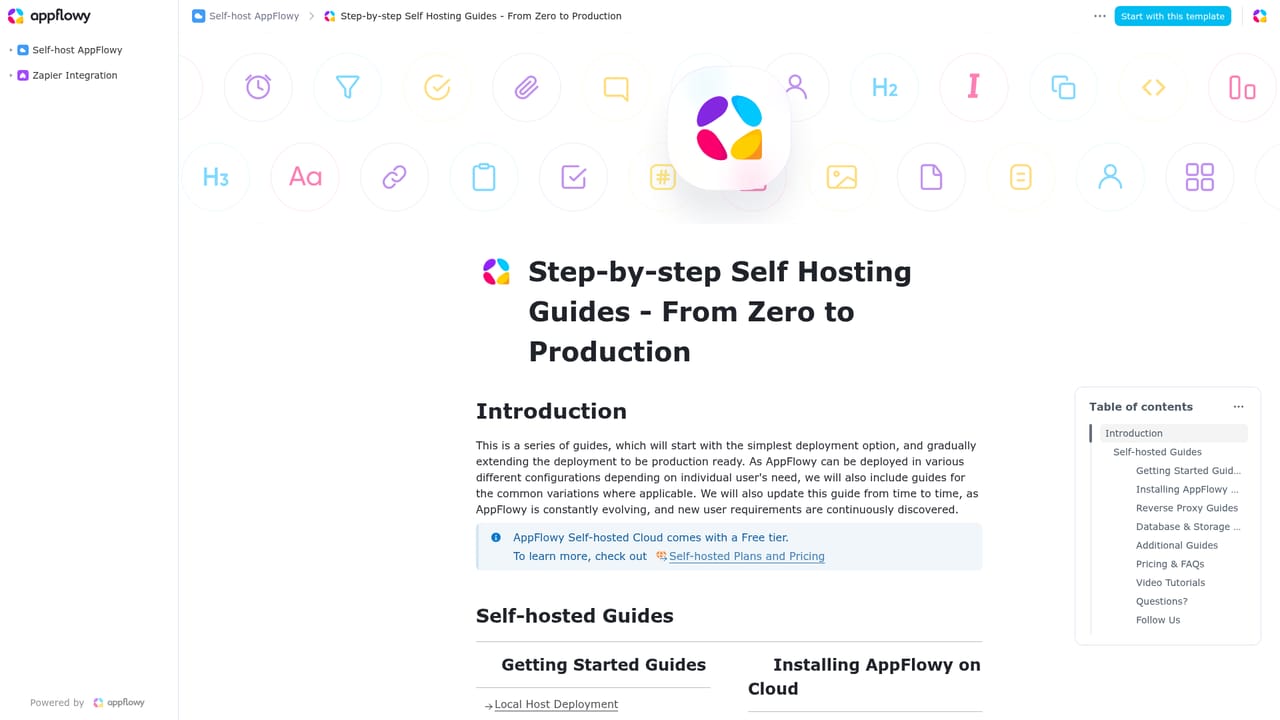
Learn moreSupport runs through documentation, including a self-hosting guide, and community channels. Migration assistance from Notion and Confluence is offered. No support tiers or response times are specified on the homepage.
Learn moreConnectors shown on the homepage include Slack, Microsoft Teams, Trello, Jira, GitHub, GitLab, Google Calendar, Gmail, Google Drive, Airtable, Salesforce, Zapier, Loom, Adobe Acrobat, ChatGPT and Claude, plus MCP and public APIs.
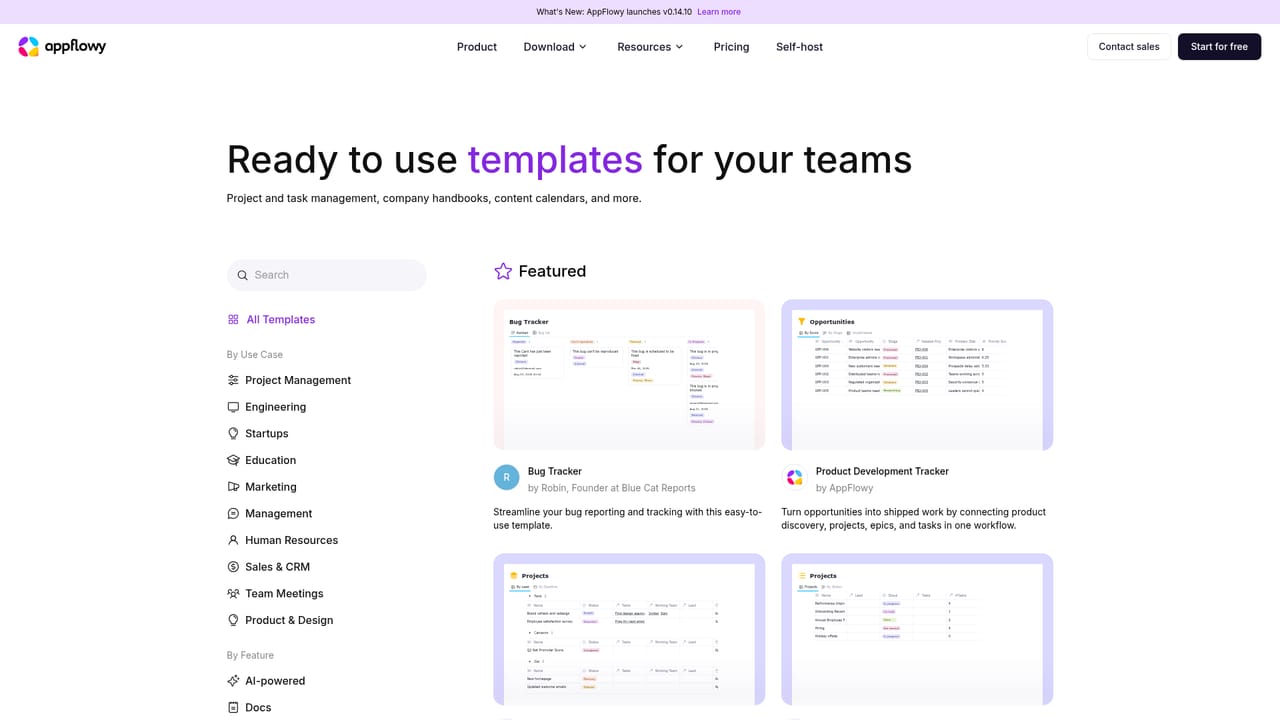
AI Search with answers grounded in workspace sources, AI chatbot, AI research and AI Meeting Notes, plus an AI writing assistant. Workspace blocks cover project tracking, documents with real-time co-editing, a team wiki, flexible databases, forms, a basic CRM and a site builder. Self-hosting on-prem, in your cloud or air-gapped, with self-hosted LLMs, SSO, SCIM, LDAP, MCP, public APIs and an admin panel.
Learn more AI Angels400+ customizable AI girlfriends for NSFW chat, voice calls, and roleplay
 Candy AIExperience the future of companionship with AI friends who chat, role-play, and connect with you on a human level.
 ourdream.aiA vast AI roleplay platform with millions of characters for chat, images, video and voiceAI Angels400+ customizable AI girlfriends for NSFW chat, voice calls, and roleplayCandy AIExperience the future of companionship with AI friends who chat, role-play, and connect with you on a human level.ourdream.aiA vast AI roleplay platform with millions of characters for chat, images, video and voice


