Free trial
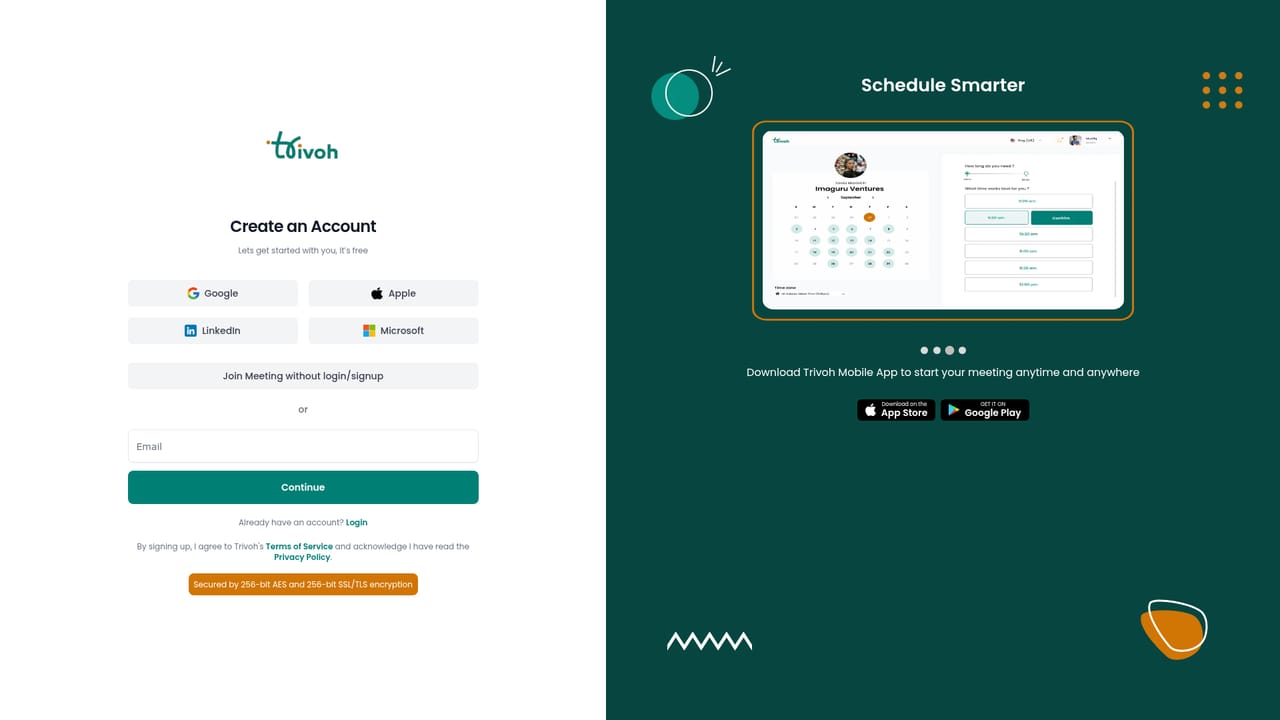
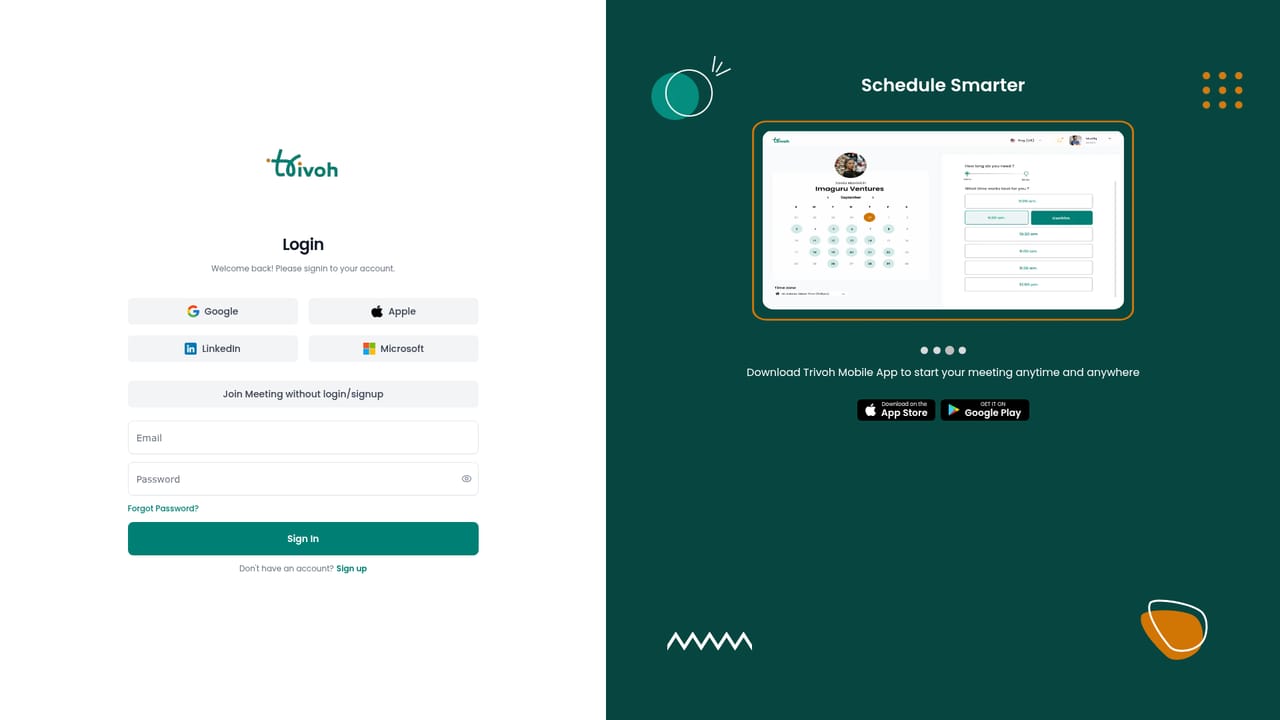
Signup is free and requires no credit card, and the homepage invites small businesses to start free. Billing begins when you move to a paid plan, and the homepage notes you can cancel anytime.
Learn moreOne connected workspace for projects, meetings, CRM and AI calling

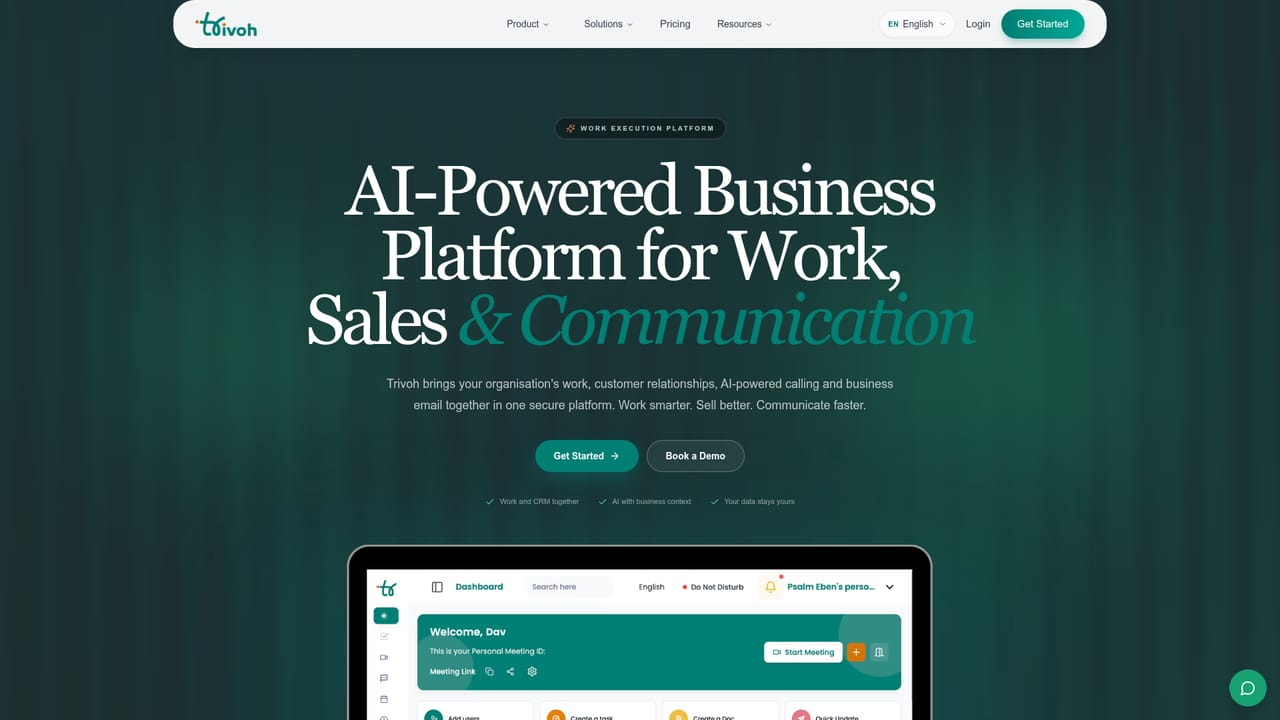
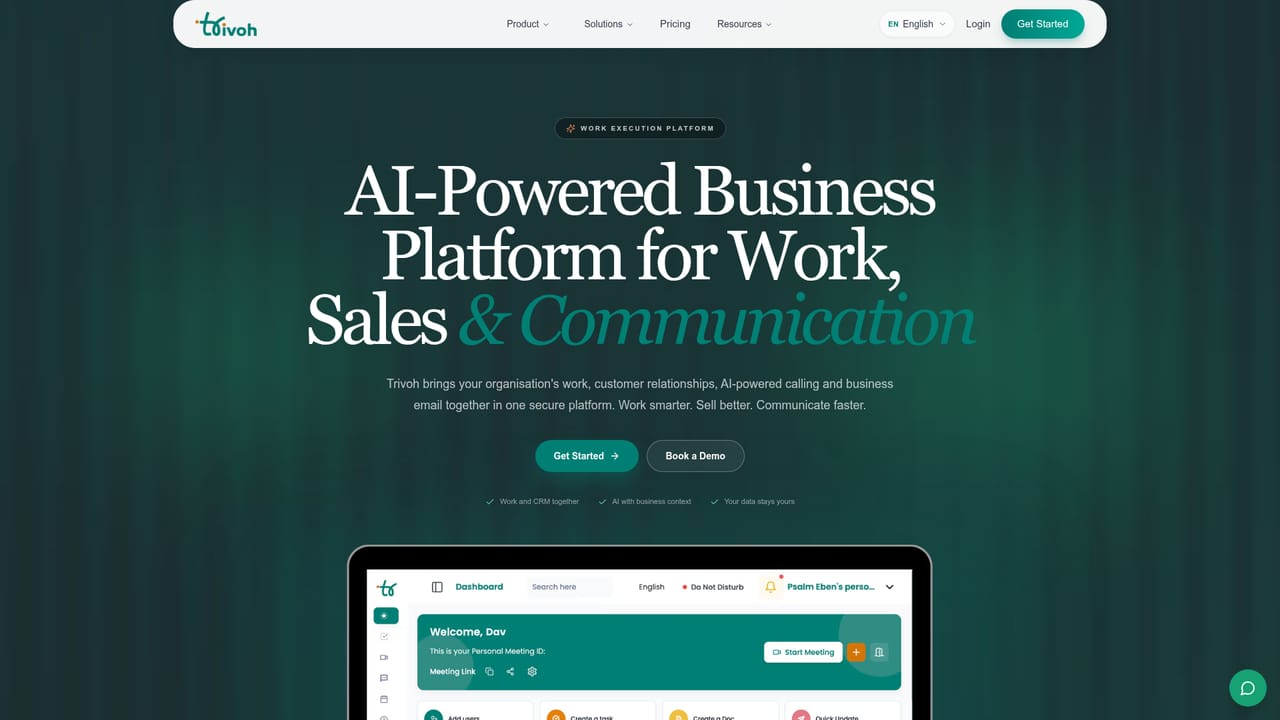
Trivoh is an AI calls tool. Trivoh combines projects, meetings, chat, CRM, AI voice calling and business email in one workspace, with role-based permissions, audit trails and a self-hosted option for organizations that need full data control.
Trivoh is a work execution platform that bundles project management, team chat, meetings, documents, calendars, timesheets, CRM, business calling and business email into a single product. The pitch is contextual continuity: a customer call, an email thread or a team meeting stays linked to the task, owner, deadline and customer record that follow from it, instead of dissolving into a separate app. Trivoh reports more than 4,000 teams across 20 or more countries and positions the platform against the familiar stack of ten or more disconnected tools. The AI layer is described as a delivery assistant that operates on context already inside the account. It summarizes meetings into decisions and tasks, helps qualify leads and draft follow-ups in the CRM, handles inbound and outbound calls through voice agents in the Callers Hub, assists with business email, and automates repetitive workflows. Agents are built for defined roles and run inside permissions the organization sets, with a stated aim of keeping human oversight in every workflow. The company also advertises real-time translation across 100 or more languages, which matters for distributed teams working across time zones. Governance is the differentiator for larger buyers. Role-based permissions, approval workflows, a timestamped audit trail and portfolio-level visibility are standard parts of the enterprise pitch, and self-hosting on your own infrastructure is offered for organizations that need data sovereignty. Industry pages exist for government, banking, healthcare and education, plus a small business track that starts with workspace basics and adds CRM, calling and email later. Practically, Trivoh suits teams that are tired of stitching tools together and are willing to move work, sales and communication into one vendor. Smaller teams can start free and grow into the paid tiers, while regulated or security-sensitive organizations should look at the self-hosted option. Buyers should note that consolidation means real migration effort, and the breadth of the suite invites close comparison against best-of-breed point tools for any single function.
Signup is free and requires no credit card, and the homepage invites small businesses to start free. Billing begins when you move to a paid plan, and the homepage notes you can cancel anytime.
Learn moreTrivoh publishes a pricing page and offers a free signup with no credit card required, plus separate tracks for small businesses and enterprises. Exact plan prices, seat limits and what each tier includes are not stated on the homepage, so check the pricing page before committing.
Learn moreSales conversations and demos can be booked through a scheduling page, and the site lists implementation, migration and onboarding support for larger organizations. No public help centre content is visible on the homepage.
Learn moreProjects, tasks, meetings, team chat, documents, calendars and timesheets in one workspace, alongside CRM, business calling with AI voice agents, business email and Trivoh AI for summaries, lead follow-ups and workflow automation. Governance features include role-based permissions, approvals and audit trails, with self-hosting available.
Learn more AI Angels400+ customizable AI girlfriends for NSFW chat, voice calls, and roleplay
 Candy AIExperience the future of companionship with AI friends who chat, role-play, and connect with you on a human level.
 ourdream.aiA vast AI roleplay platform with millions of characters for chat, images, video and voiceAI Angels400+ customizable AI girlfriends for NSFW chat, voice calls, and roleplayCandy AIExperience the future of companionship with AI friends who chat, role-play, and connect with you on a human level.ourdream.aiA vast AI roleplay platform with millions of characters for chat, images, video and voice


