Free trial
A random free trial pack is offered with no subscription or contract required, so renders can be tested before any credits are purchased.
Learn moreTurns sketches and 3D model shots into architectural renders in seconds.

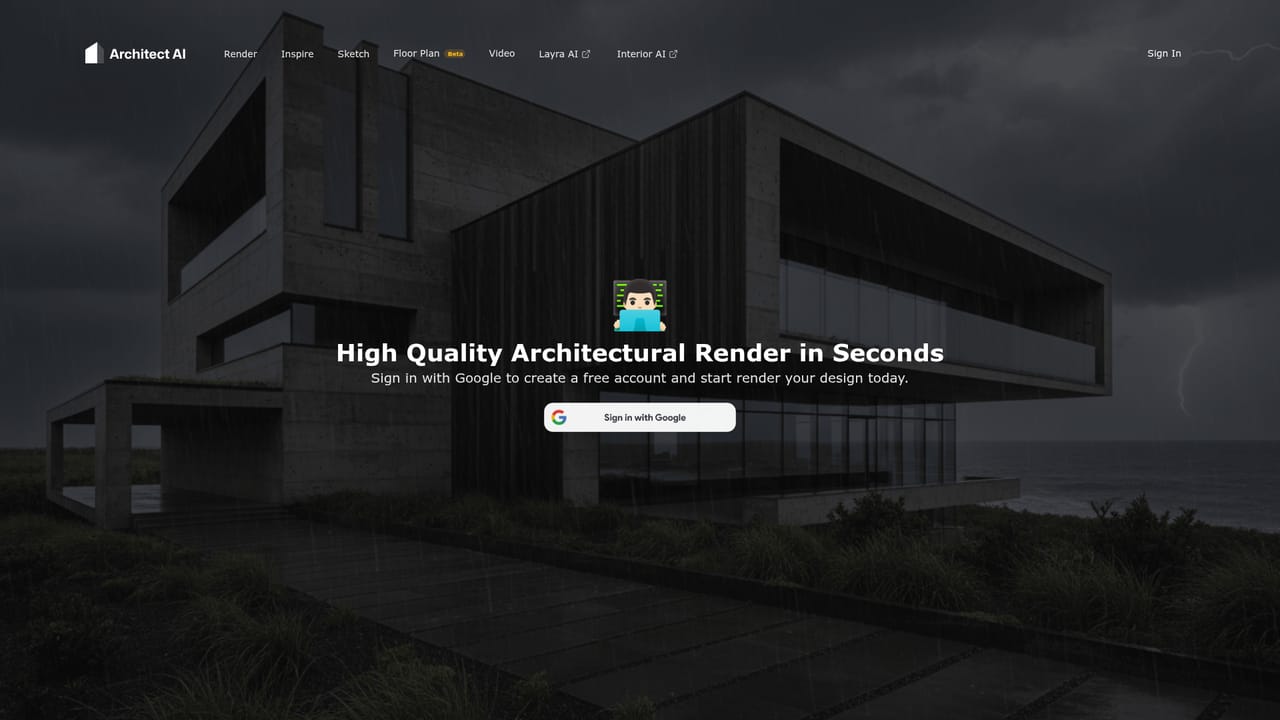
Architect AI is an architecture diagram tool that turns sketches and 3D model shots into architectural renders in seconds. Architect AI converts sketches, building photos and 3D model screenshots into photorealistic architectural renders within seconds. Style presets, environment and weather conditions, plus free-text direction give control over the result.
Architect AI is a rendering tool built for architectural work rather than general image generation. The workflow is deliberately narrow: bring in a hand-drawn sketch, a photo of an existing building, a screenshot of a 3D model, or an export from SketchUp, then let the model produce a photorealistic or cinematic render of that same design. The site positions the output for presentation decks, portfolio pieces, schematic design exploration and client conversations, which is where conventional rendering pipelines usually stall. Control comes through conditions rather than prompts alone. A style library covers directions such as Modernist, Neo-futurism and Zaha Hadid, while separate settings handle landscape and environment (desert, forest, seaside), weather (sunny, storm) and other scene variables. Users can also type their ideas in natural language to steer the result. That combination makes the tool useful for testing how one massing reads under different materials, climates or stylistic references without rebuilding the model each time. The practical audience is architects, interior and urban designers, students and visualization freelancers who need fast imagery before committing to a full render. It sits alongside the same publisher's Interior AI, Fashion AI and Vibart tools, so it is one piece of a family of vertical image generators rather than a standalone studio suite. Anyone expecting CAD editing, plan drafting or structural output will not find it here; the product stops at the image. Two policies stand out for professional use. Uploaded content and generated results are not used for AI training and are not shared with third parties or displayed publicly as case studies. Billing is credit based with no subscription or automatic renewal, so a small pack can cover a single pitch and larger packs scale for busier studios.
A random free trial pack is offered with no subscription or contract required, so renders can be tested before any credits are purchased.
Learn morePay as you go with credit packs and no subscription: 50 credits for $5.99, 100 credits for $8.99, 500 credits for $99.99 and 1000 credits for $189.99. The site does not state how many renders one credit covers.
Learn moreRenders photorealistic architectural images from sketches, building photos, 3D model screenshots and SketchUp exports. Style presets include Modernist, Neo-futurism and Zaha Hadid, with environment (desert, forest, seaside), weather (sunny, storm) and natural language conditions, plus a privacy policy that excludes uploads from AI training.
 AI Angels400+ customizable AI girlfriends for NSFW chat, voice calls, and roleplay
 Candy AIExperience the future of companionship with AI friends who chat, role-play, and connect with you on a human level.
 ourdream.aiA vast AI roleplay platform with millions of characters for chat, images, video and voiceAI Angels400+ customizable AI girlfriends for NSFW chat, voice calls, and roleplayCandy AIExperience the future of companionship with AI friends who chat, role-play, and connect with you on a human level.ourdream.aiA vast AI roleplay platform with millions of characters for chat, images, video and voice


