Free trial
A free trial account can be created from the onboarding page without booking a demo first.
Learn moreKeeps your help center current by mining support tickets and release notes

Ariglad is a productivity tool. Ariglad watches your support tickets, release notes and Slack to find where the help center is stale, then suggests article updates, drafts new pages for uncovered questions and merges duplicates. Built for CS and CX teams, with SOC 2 and GDPR compliance and a free trial account.
Ariglad is a knowledge base maintenance tool for customer support and CX teams. Rather than waiting for writers to notice stale content, it reads the material your team already produces (support tickets, product release notes, Slack conversations) and uses that to find where the help center is out of date or incomplete. The output is a steady stream of suggestions and drafts that a human editor reviews before anything goes live. The product covers three jobs, described on the site as update, create and merge. Update finds gaps inside existing articles and proposes improvements drawn from real ticket language. Create spins up new articles for questions customers keep asking that no page currently answers. Merge spots duplicate articles and consolidates them so navigation stays manageable. Ariglad says it has generated over 100,000 suggestions across more than one million analyzed tickets, which gives a sense of the volume the system is built to handle. There are two obvious entry points. Teams with a large, sprawling knowledge base use Ariglad to keep hundreds of articles in sync as the product changes. Teams with no knowledge base at all use it to build one from scratch, pulling structure out of customer questions and internal documentation, with the system adapting to the brand voice it is given. The work happens without anyone manually triaging the backlog, though review and approval remain part of the loop. The company positions Ariglad as fuel for AI investments as well as for human readers. Chatbots and copilots trained on an outdated help center give wrong answers, so a continuously refreshed knowledge base is framed as the prerequisite for those tools paying off. Compliance claims include SOC 2 and GDPR, and there is a published refund promise covering the first month. Alternatives would be content ops platforms or generic writing assistants; Ariglad is narrower and built specifically around the ticket-to-article pipeline.
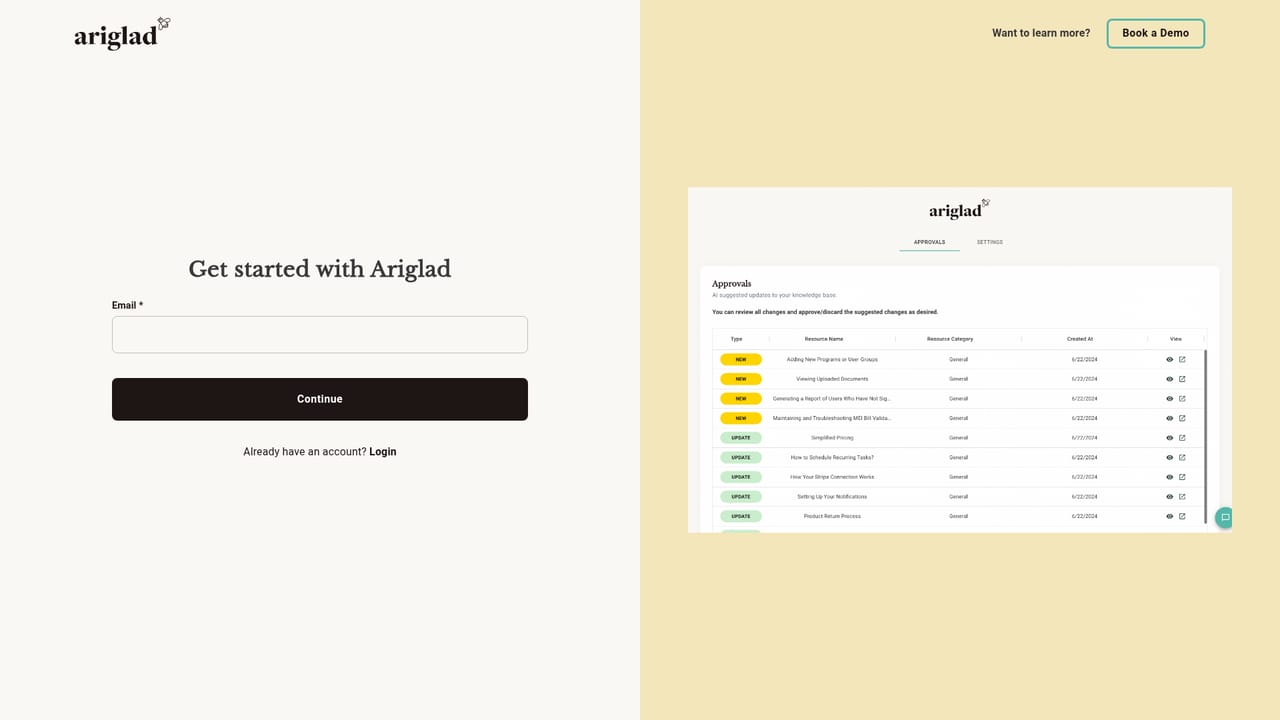
A free trial account can be created from the onboarding page without booking a demo first.
Learn moreThe homepage does not publish plan tiers or prices. It offers a free trial account and states that customers are entitled to a 100 percent refund of the first month if expectations are not met.
Learn moreA demo can be booked through Calendly. The homepage does not describe support channels or SLAs beyond that.
Support tickets, release notes and Slack are named as data sources. A full list of supported help desk and ticketing platforms is not published on the homepage.
Finds gaps in existing articles and suggests improvements based on real support tickets, creates new articles for unanswered customer questions, and merges duplicate pages. Pulls signals from tickets, release notes and Slack, adapts to brand voice, and keeps knowledge fresh for AI chatbots and copilots trained on the help center.
 AI Angels400+ customizable AI girlfriends for NSFW chat, voice calls, and roleplay
 Candy AIExperience the future of companionship with AI friends who chat, role-play, and connect with you on a human level.
 ourdream.aiA vast AI roleplay platform with millions of characters for chat, images, video and voiceAI Angels400+ customizable AI girlfriends for NSFW chat, voice calls, and roleplayCandy AIExperience the future of companionship with AI friends who chat, role-play, and connect with you on a human level.ourdream.aiA vast AI roleplay platform with millions of characters for chat, images, video and voice


