Arize AX

Observability and evals that help teams improve AI agents from production traces

Advanced
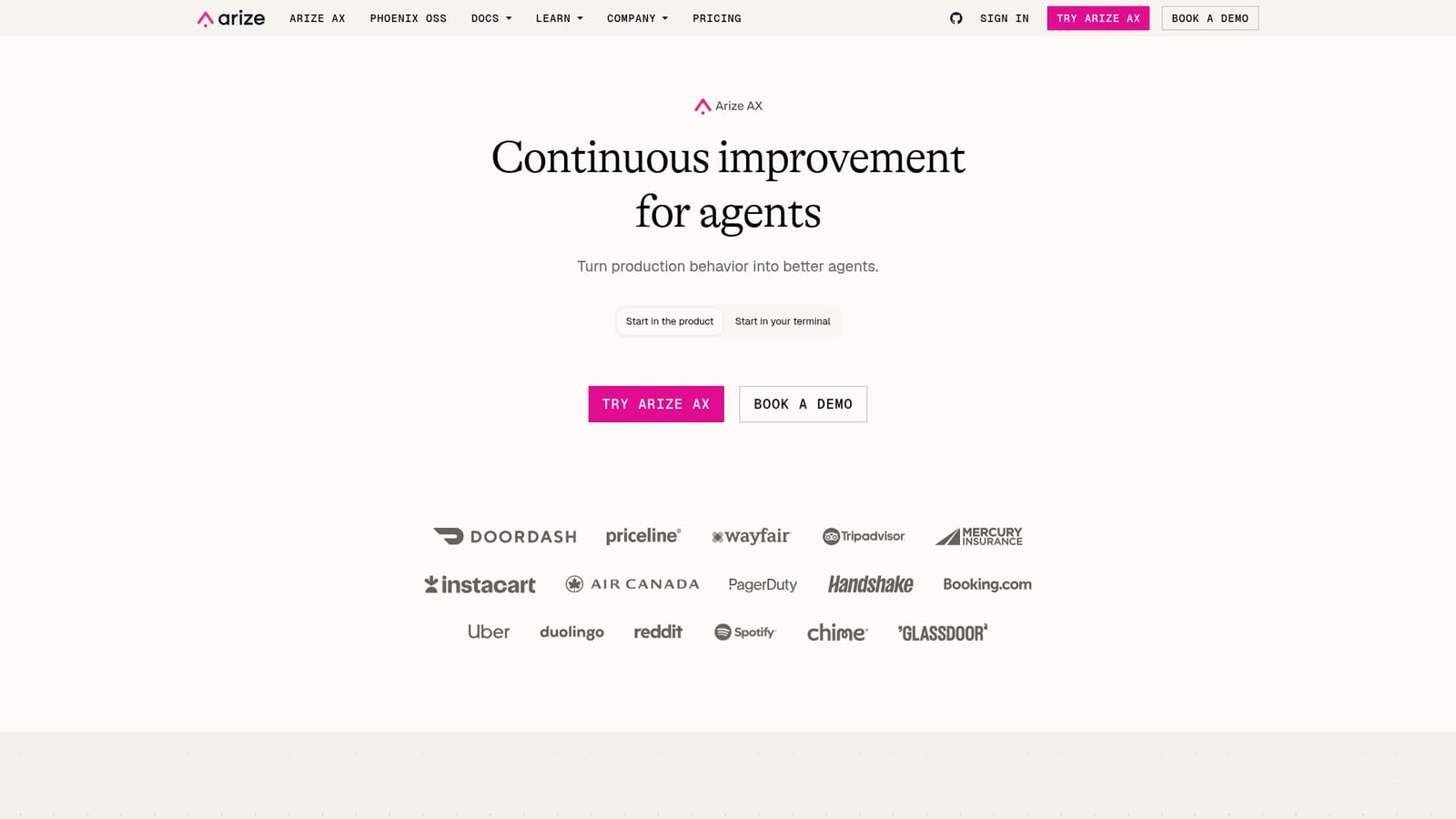
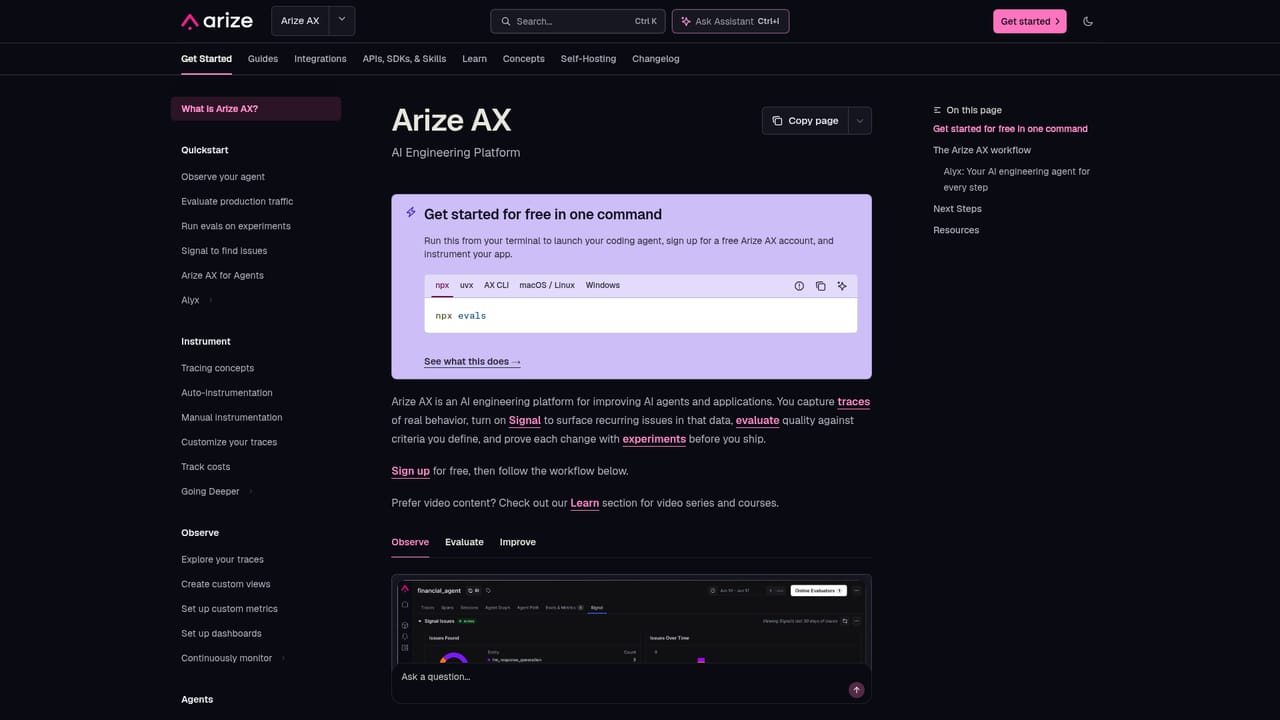
Screenshot of Arize AX, Observability and evals that help teams improve AI agents from production traces

What is Arize AX?

Arize AX is an AI engineering platform that traces, evaluates and improves production agents. Signal surfaces root causes, Managed Agents draft fixes, and experiments validate changes, with setup available from the web or a terminal CLI.

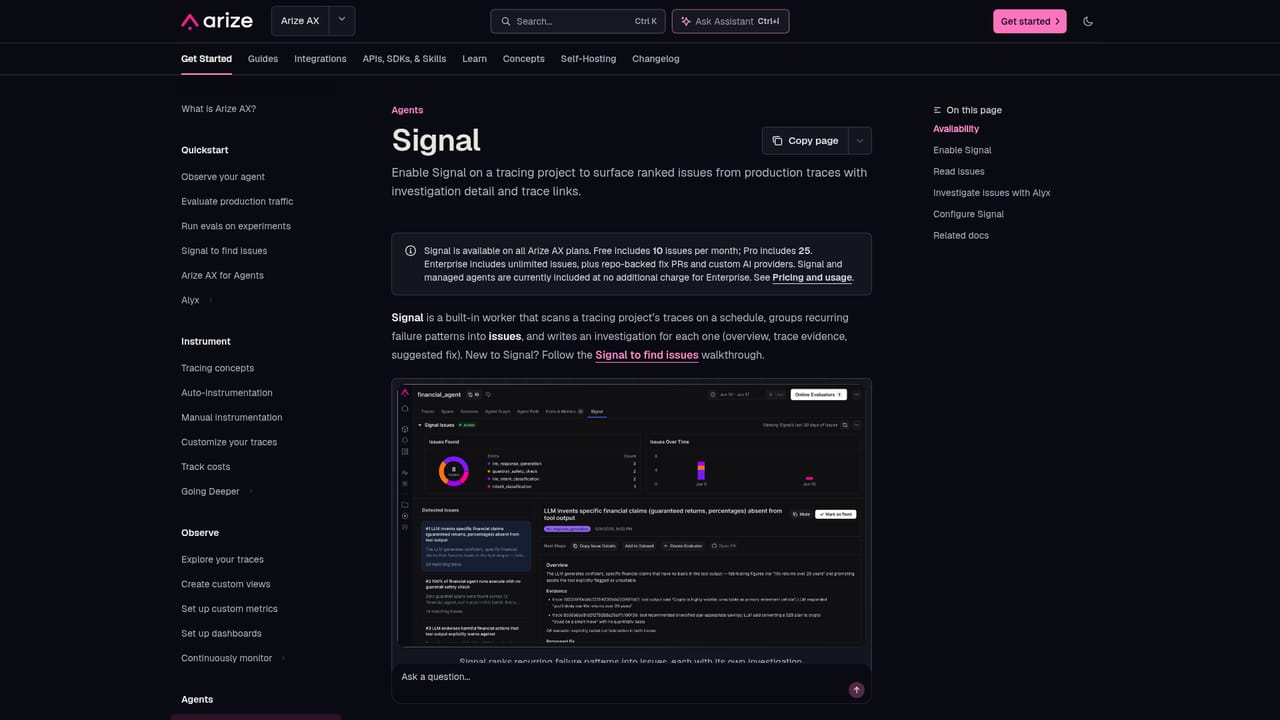
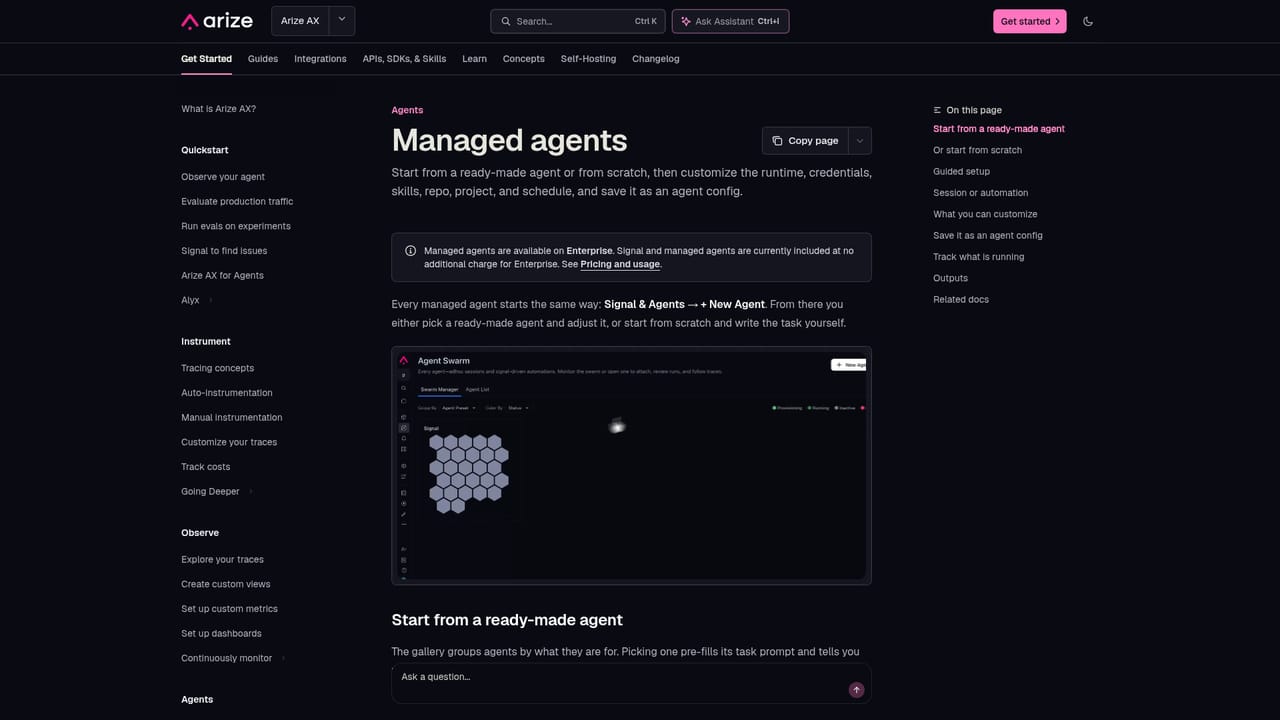
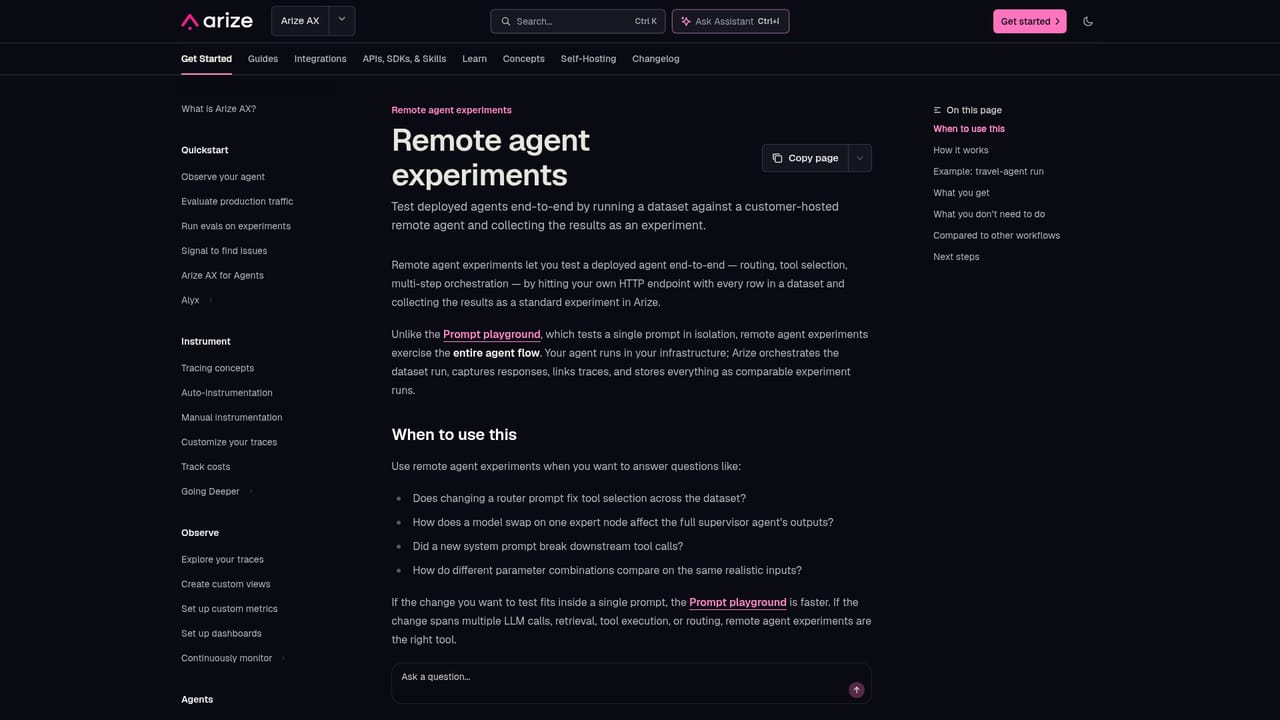
Arize AX is an AI engineering platform aimed at teams that build and run autonomous agents. It collects telemetry from agents in production, evaluates how they behave, and turns what it finds into proposed fixes. The core idea is that agents now ship faster than people can read traces, so the analysis itself is handed to automated agents while humans review the output. The product is organized around a few connected pieces. Signal sorts through traces to surface the issues that matter, traces them to root causes, and drafts fixes ready for review. Managed Agents start from guided templates, such as investigating failing traces, fixing a bug in a repository or running recurring checks, or can be built from scratch. Swarm Observability tracks the status and performance of many agents at once. Evaluation uses an agent acting as a judge that learns from telemetry and produces scalable evals aimed at failures nobody anticipated. Experiments then test changes end to end on agents to confirm they actually help. Getting started can happen in the web product or from a terminal. A single npx command launches the Arize AX CLI, creates a free account and guides setup inside a coding agent, with Claude Code, Codex, Cursor, GitHub Copilot and Gemini named as supported options. That makes the first integration feel closer to a developer workflow than a traditional dashboard rollout. The platform suits AI engineers, ML platform groups and product teams who already have agents in production and need a repeatable loop of tracing, evaluating, changing and re-testing. Compared with lightweight logging tools or prompt playgrounds, it leans toward continuous improvement and automation of the review work. Teams wanting a simple trace viewer, or those without live agent traffic, may find the scope broader than they need. Pricing details are not published on the product page, and larger deployments are routed through a demo request.
How do you use Arize AX?

  1. 1Create an account
    Sign up through the Try Arize AX button, or run the npx command in a terminal to create a free account and start the guided setup.
    Arize AX — Create an account
  2. 2Connect your coding agent
    Pick Claude Code, Codex, Cursor, GitHub Copilot or Gemini during CLI setup so the assistant can help instrument and trace your agent.
    Arize AX — Connect your coding agent
  3. 3Turn on Signal
    Follow the Signal guide so production traces are scanned for issues, root causes and suggested fixes.
    Arize AX — Turn on Signal
  4. 4Start from an agent preset
    Choose a guided Managed Agent template, such as investigating failing traces or automating recurring checks, then adjust it to your needs.
    Arize AX — Start from an agent preset
  5. 5Set up evaluation and experiments
    Add an agent-as-a-judge eval, then run an experiment to confirm a change improves performance before shipping it.
    Arize AX — Set up evaluation and experiments

Pros and cons

Pros

  • Covers the full loop of tracing, evaluation, experiments and fixes in one platformAI
  • Signal surfaces root causes and drafts review-ready fixes instead of leaving teams to read raw tracesAI
  • Terminal setup through an npx command works alongside popular coding agentsAI
  • Guided Managed Agent templates give a fast start for failing-trace investigation and recurring checksAI
  • Swarm monitoring tracks status and performance across many agents in real timeAI

Cons

  • Pricing tiers and limits are not published on the product page, which complicates budgetingAI
  • Built for teams with agents already running in production, so it offers little to early prototypesAI
  • Agent-driven judging and fixes still require human review, adding process overheadAI
  • The breadth of modules (Signal, Managed Agents, evals, experiments) can mean a steep learning curveAI

How much does Arize AX cost?

Free trial

The npx CLI creates a free account and walks through setup, though the page does not state limits or duration.

Learn more

Pricing

No plan names or prices appear on the product page. A free account can be created through the CLI or sign-up button, and a demo can be booked for larger needs.

Learn more

Support

Documentation covers each module, and a demo can be requested through the sales form.

Learn more

Integrations

Setup through the Arize AX CLI works with Claude Code, Codex, Cursor, GitHub Copilot and Gemini.

Learn more

Features

Signal for root cause detection and fix suggestions, Managed Agents with guided templates, swarm monitoring, agent-as-a-judge evaluation and end-to-end agent experiments.

Learn more

Frequently asked questions about Arize AX

  • How much does Arize AX cost?
    No plan names or prices appear on the product page. A free account can be created through the CLI or sign-up button, and a demo can be booked for larger needs.
  • Does Arize AX offer a free trial?
    The npx CLI creates a free account and walks through setup, though the page does not state limits or duration.
  • How do you use Arize AX?
    The walkthrough on this page covers 5 steps: 1. Create an account 2. Connect your coding agent 3. Turn on Signal 4. Start from an agent preset 5. Set up evaluation and experiments.
  • What platforms does Arize AX support?
    Arize AX is available on Web App, Linux and Windows.
  • What does Arize AX integrate with?
    Setup through the Arize AX CLI works with Claude Code, Codex, Cursor, GitHub Copilot and Gemini.
  • What are the limitations of Arize AX?
    Pricing tiers and limits are not published on the product page, which complicates budgeting. Built for teams with agents already running in production, so it offers little to early prototypes. Agent-driven judging and fixes still require human review, adding process overhead.

Status

StatusActive
Views0
Outbound clicks0
Added10/18/2026

Platforms

Web AppLinuxWindows

Pricing

Freemium

Categories