Artypa

One canvas for AI image, video and audio work

Beginner
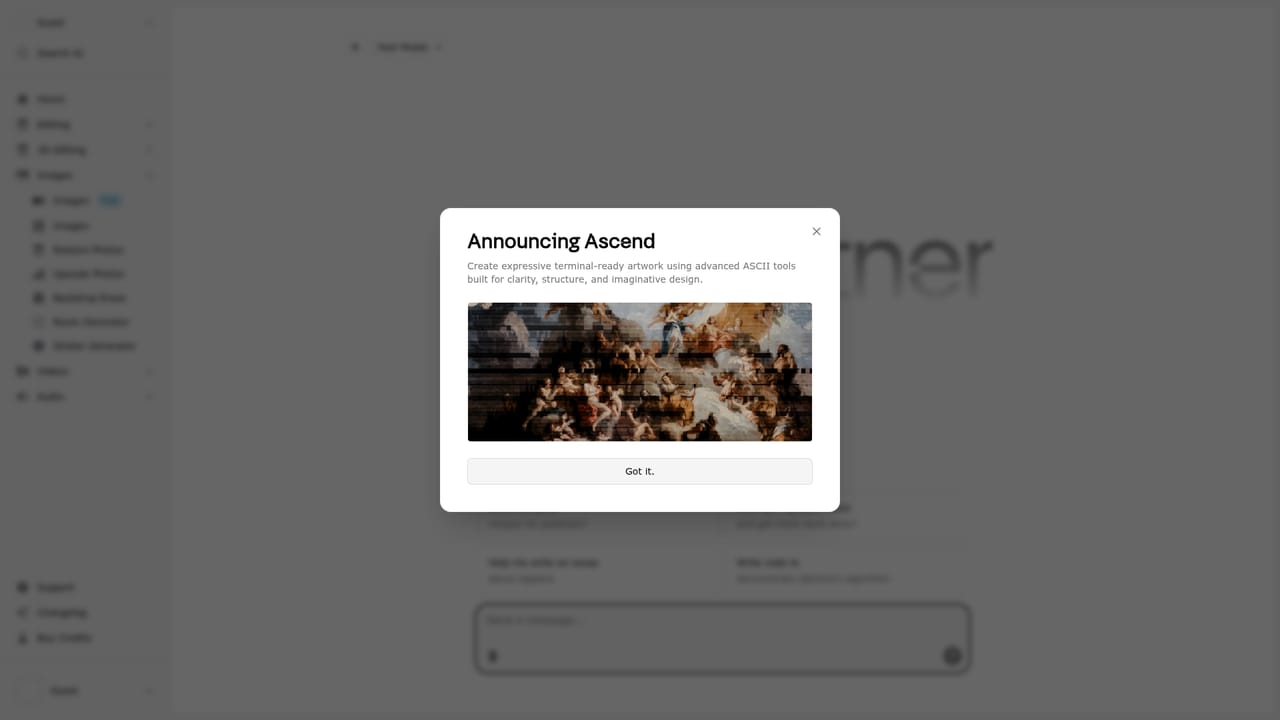
Screenshot of Artypa, One canvas for AI image, video and audio work

What is Artypa?

Artypa is an all-in-one AI creative canvas for generating and editing images, short videos and audio. It combines text-to-image generation, image-to-video animation, style transfer, upscaling, background removal and audio generation in a single workspace aimed at marketers, creators and indie builders.

Artypa positions itself as a creative co-pilot, and the pitch is consolidation: rather than stitching together separate subscriptions for image generation, video animation and sound design, the platform puts all three on a single creative canvas. The homepage is explicit about the scope. You can create an image from a text prompt, push that still into a short video with motion and camera control, and finish with generated music, sound effects or a voiceover without leaving the workspace. The toolset is aimed at people who ship visual and audio assets regularly but do not want a pipeline of five tools. Image generation supports multiple models and styles, which matters for anyone who wants to match a particular look rather than accept one house aesthetic. On top of raw generation, Artypa bundles the editing chores that usually interrupt a session: style transfer, element swapping, detail refinement, AI upscaling for resolution and sharpness, background removal for clean transparent cutouts, and animation of still frames. Audio generation rounds it out with text-prompted music and sound design. In practice the workflow is canvas-first and prompt-driven. You describe what you want, pick a model or style, generate, then refine in place using the editing and enhancement tools instead of exporting to a separate editor. That makes it a reasonable fit for marketers producing ad visuals and short social clips, indie game and app developers needing placeholder or production art plus sound, and content creators who want a single subscription covering thumbnails, motion and audio. Beginners can work entirely from prompts, while more experienced users get the model and style choices to steer output. Where it fits among alternatives is the all-in-one creative suite category. Single-purpose image generators tend to go deeper on one medium, and professional video or audio workstations offer far more granular control. Artypa's appeal is breadth and shared context across media types, not specialist depth. Buyers should check the current app for exact model lists and export options before committing.

How do you use Artypa?

  1. 1Open the app and start a session
    Go to the Artypa app page and launch the creative canvas. This is the shared workspace where image, video and audio tools live.
    Artypa — Open the app and start a session
  2. 2Generate a first image from a prompt
    Describe the visual you need, then choose from the available models and styles to steer the result. Generate and compare a few variations before picking one.
  3. 3Refine with editing tools
    Apply style transfer, swap elements or sharpen details on the selected image. Upscale it if you need higher resolution or use background removal for a clean cutout.
  4. 4Animate the still into a short video
    Push the image into the video tool or start from a text prompt. Use the motion and camera controls to define how the shot moves.
  5. 5Add audio to finish the piece
    Generate music, a sound effect or a voiceover from a text prompt, then pair it with the visual output for a complete asset.

Pros and cons

Pros

  • Consolidates image, video and audio generation in one workspace instead of separate subscriptionsAI
  • Image generation offers multiple models and styles rather than a single fixed aestheticAI
  • Built-in upscaling, background removal and style transfer reduce trips to separate editorsAI
  • Text-prompted audio covers music, sound effects and voiceovers alongside visualsAI
  • Prompt-first workflow keeps the tool usable for people without design backgroundsAI

Cons

  • Homepage gives no pricing, plan tiers or usage limits, so cost needs checking inside the appAI
  • No detail on which underlying models are used or how output quality compares to specialist toolsAI
  • No information on export formats, resolution caps or commercial licensing of generated assetsAI
  • Unlikely to match dedicated video editors or audio workstations for fine-grained controlAI
  • Integrations, API access and support channels are not documented on the public siteAI

How much does Artypa cost?

Features

Core features span AI image generation with multiple models and styles, text or image to short video with motion and camera control, style transfer and element swapping, AI upscaling and detail restoration, background removal, and text-prompted audio generation for music, sound effects and voiceovers. Stills can also be animated directly on the canvas.

Frequently asked questions about Artypa

  • How do you use Artypa?
    The walkthrough on this page covers 5 steps: 1. Open the app and start a session 2. Generate a first image from a prompt 3. Refine with editing tools 4. Animate the still into a short video 5. Add audio to finish the piece.
  • What platforms does Artypa support?
    Artypa is available on Web App.
  • What are the limitations of Artypa?
    Homepage gives no pricing, plan tiers or usage limits, so cost needs checking inside the app. No detail on which underlying models are used or how output quality compares to specialist tools. No information on export formats, resolution caps or commercial licensing of generated assets.

Status

StatusActive
Views0
Outbound clicks0
Added10/21/2026

Platforms

Web App

Pricing

Freemium