Free trial
A free plan is available and requires no credit card. It is not described as a time-limited trial, and the homepage does not specify how many uploads or transcription minutes the free tier includes.
Learn moreAI study copilot that turns your own lectures and readings into notes

AskSia AI is an exam preparation tool. A study platform that ingests your own lectures, PDFs and LMS course pages, then produces transcripts, summaries, flashcards, quizzes and answers grounded in that material. Web, mobile and a browser extension cover capture and review, with an agent that schedules revision around deadlines.
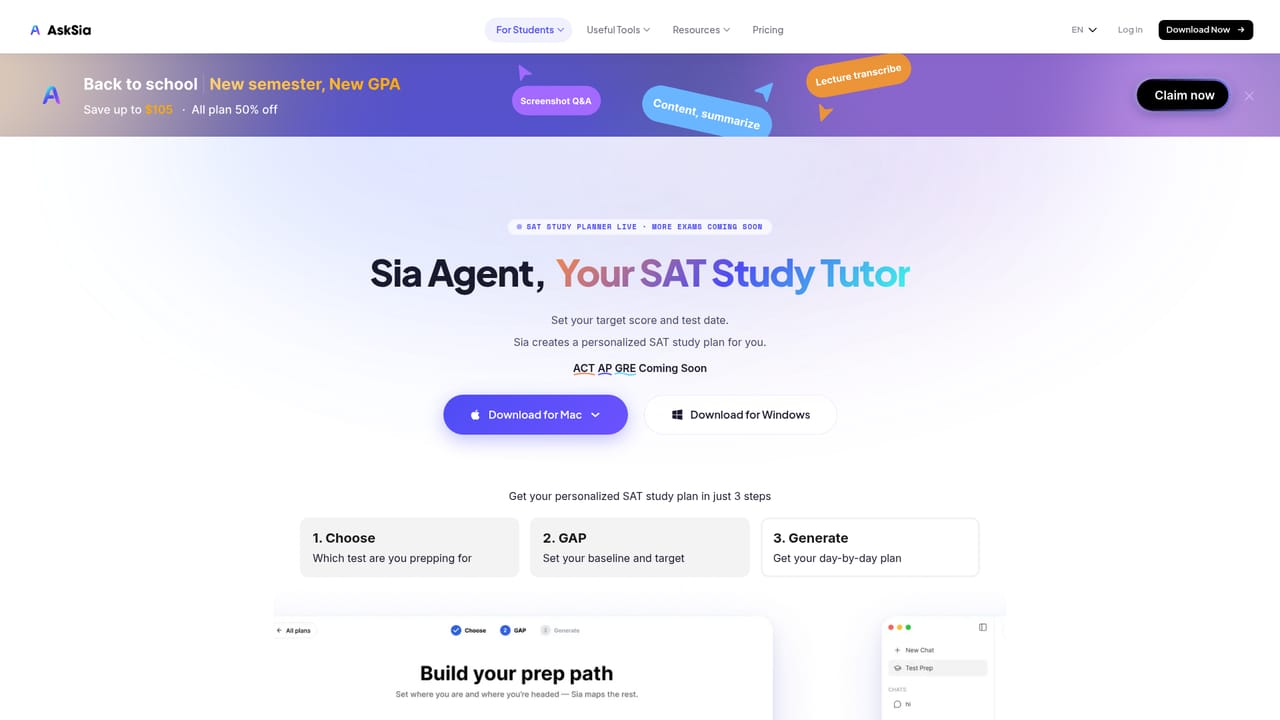
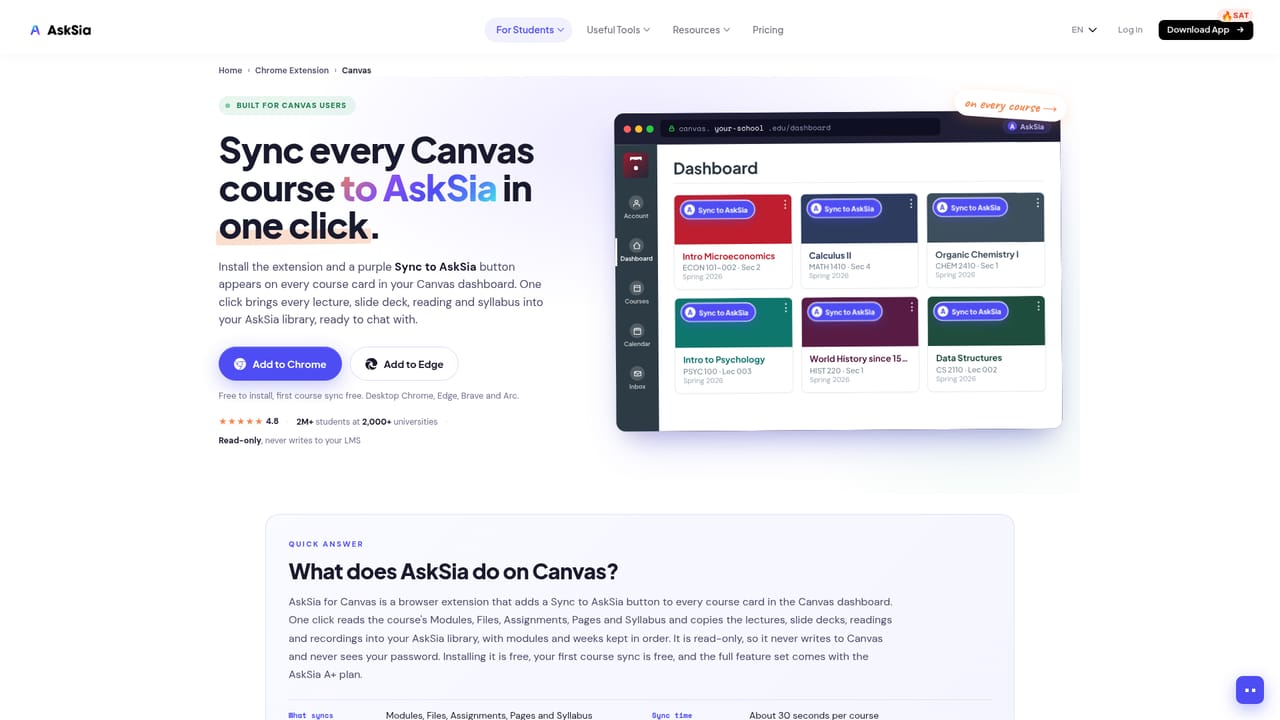
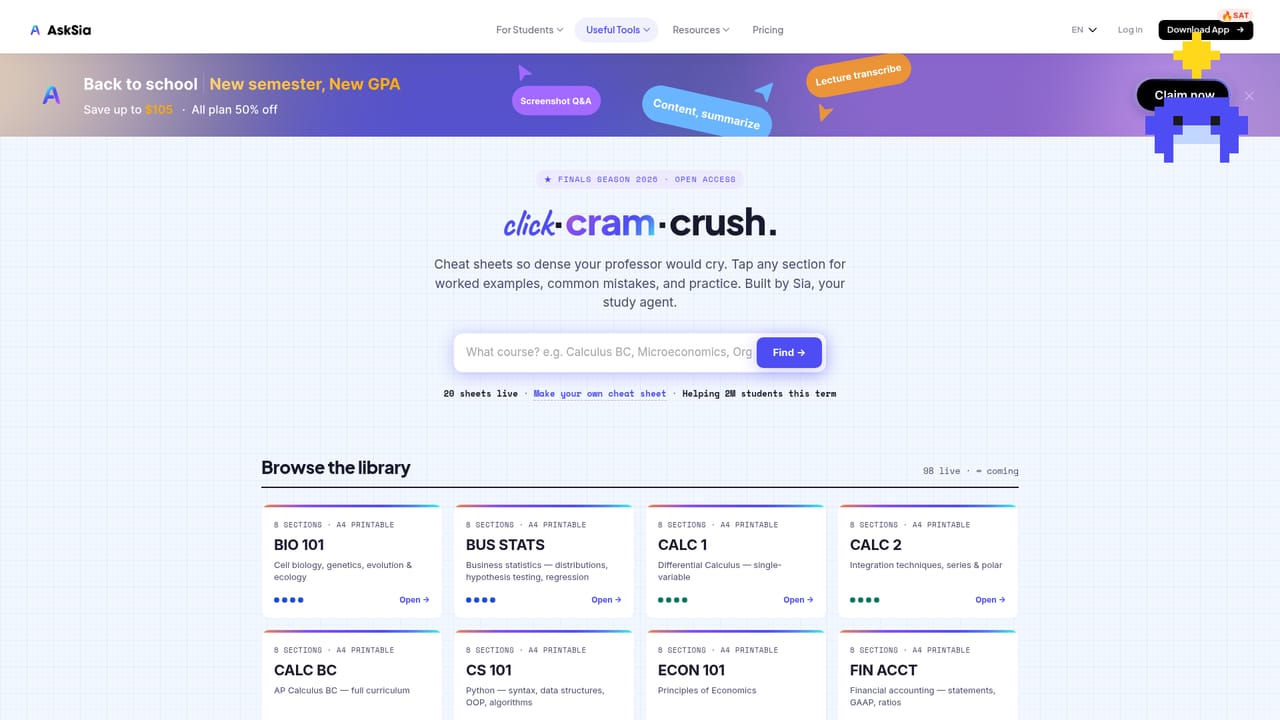
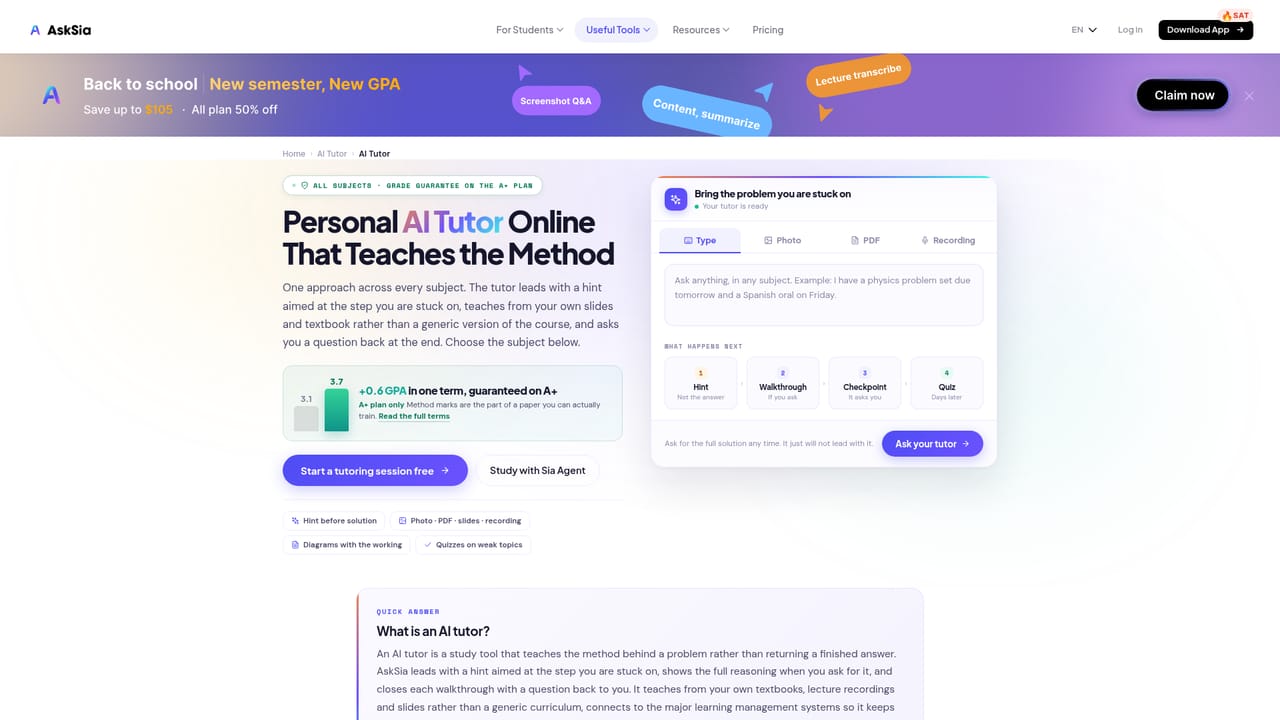
AskSia AI is a study platform built around a student's own coursework rather than the open web. The stated premise is that generic chatbots answer from the internet, while AskSia answers from what you actually upload: PDFs, slide decks, readings, lecture recordings, YouTube links and images. Once material is in, it becomes a searchable transcript, a set of highlighted key concepts, an organised note library, and a source you can question directly. The company reports more than 2 million students across over 2,000 universities. The product spans several surfaces. A web app handles uploads, summaries, cheat sheets, flashcards and quizzes, plus step-by-step problem solving with visual explanations. Mobile apps for iOS and Android add camera capture for questions and live lecture recording with speaker identification, with materials grouped by course. A browser extension binds to learning management systems including Canvas, Blackboard, Brightspace, Moodle, Echo360 and Panopto so readings and assignments sync without manual downloading. A separate agent layer schedules review sessions around deadlines. In practice the workflow is capture, convert, then drill. A recorded lecture arrives as a transcript in one of 30 or more supported languages, with key ideas and action items tagged as it goes. From the same source a student can pull a summary, a quiz, a flashcard deck or a visual course map, then ask follow-up questions about a specific page or section. A shared library exposes peer-made materials from partner universities that can be remixed into a personal study set. AskSia sits closest to transcription tools and flashcard apps, but folds those jobs into one account and anchors them to the syllabus. It also branches into standardised test prep (SAT, ACT, AP, and many regional exams) and single-purpose utilities such as an essay generator, citation and AI detection tools. That breadth is useful for undergraduates juggling several courses, though it means the platform is a bundle of features rather than a single sharp instrument.
A free plan is available and requires no credit card. It is not described as a time-limited trial, and the homepage does not specify how many uploads or transcription minutes the free tier includes.
Learn moreThe homepage confirms a free plan with no credit card required, and states that paid plans unlock unlimited uploads, full transcription and advanced note organisation. Specific prices and tier names are not given on the homepage; a separate pricing page is linked from the site navigation.
Learn moreA help centre and blog are linked from the site, along with community channels on Discord, Reddit, Instagram, TikTok, Facebook and LinkedIn, plus a contact page and an inquiry form for institutions.
Learn moreBrowser extension integrations with Canvas, Blackboard, Brightspace, Moodle, Everytime, Echo360, CyberCampus and Panopto, plus a Chrome extension and an Edge add-on for general browsing.
Learn moreLecture recording and transcription with automatic tagging, PDF and slide uploads, summaries, cheat sheets, flashcards, quizzes, visual course maps, step-by-step problem solving, translation across 30+ languages, an LMS browser extension, a shared student library, standardised test prep libraries and an agent that schedules review sessions.
Learn more AI Angels400+ customizable AI girlfriends for NSFW chat, voice calls, and roleplay
 Candy AIExperience the future of companionship with AI friends who chat, role-play, and connect with you on a human level.
 ourdream.aiA vast AI roleplay platform with millions of characters for chat, images, video and voiceAI Angels400+ customizable AI girlfriends for NSFW chat, voice calls, and roleplayCandy AIExperience the future of companionship with AI friends who chat, role-play, and connect with you on a human level.ourdream.aiA vast AI roleplay platform with millions of characters for chat, images, video and voice


