Pricing
The homepage does not list prices. It points to a pricing page for plans and usage allowances and describes Desktop, Website Chatbot and private enterprise deployment as separate offerings, so figures need to be checked there.
Learn moreAsk your SQL database questions in plain English and get SQL, answers and charts
Own AskYourDatabase? Verify ownership to get a dofollow link

AskYourDatabase is an AI chat bot tool. An AI chat layer for SQL databases: ask questions in plain language, inspect the generated SQL, get answers and charts, build dashboards, or embed a chatbot on your website. Works with PostgreSQL, MySQL, SQL Server, BigQuery, Snowflake and other engines, with training context and user-level access control.
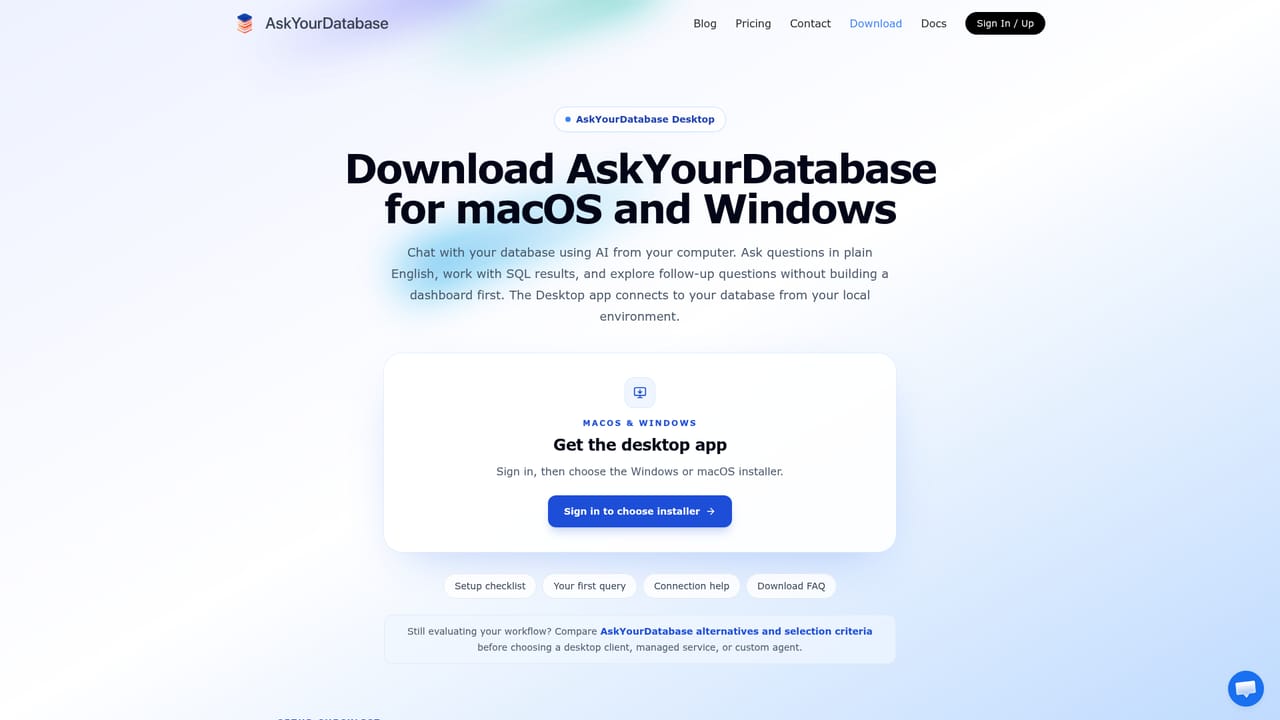
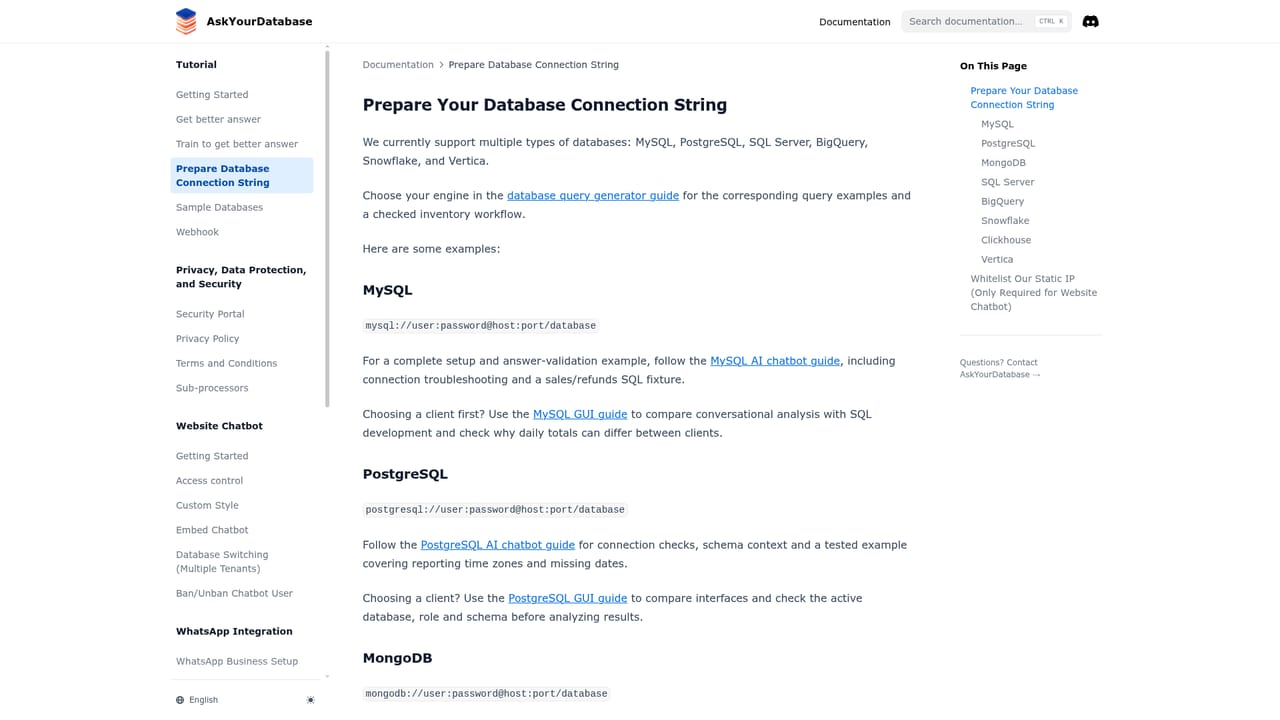
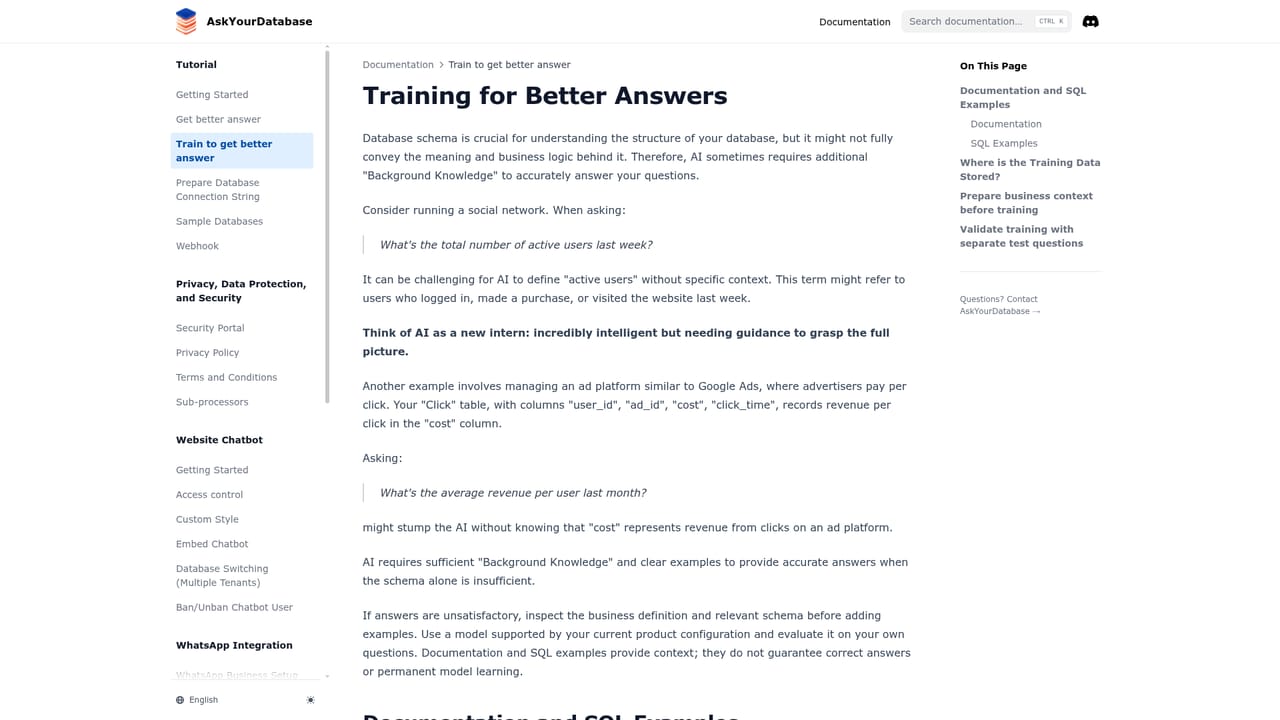
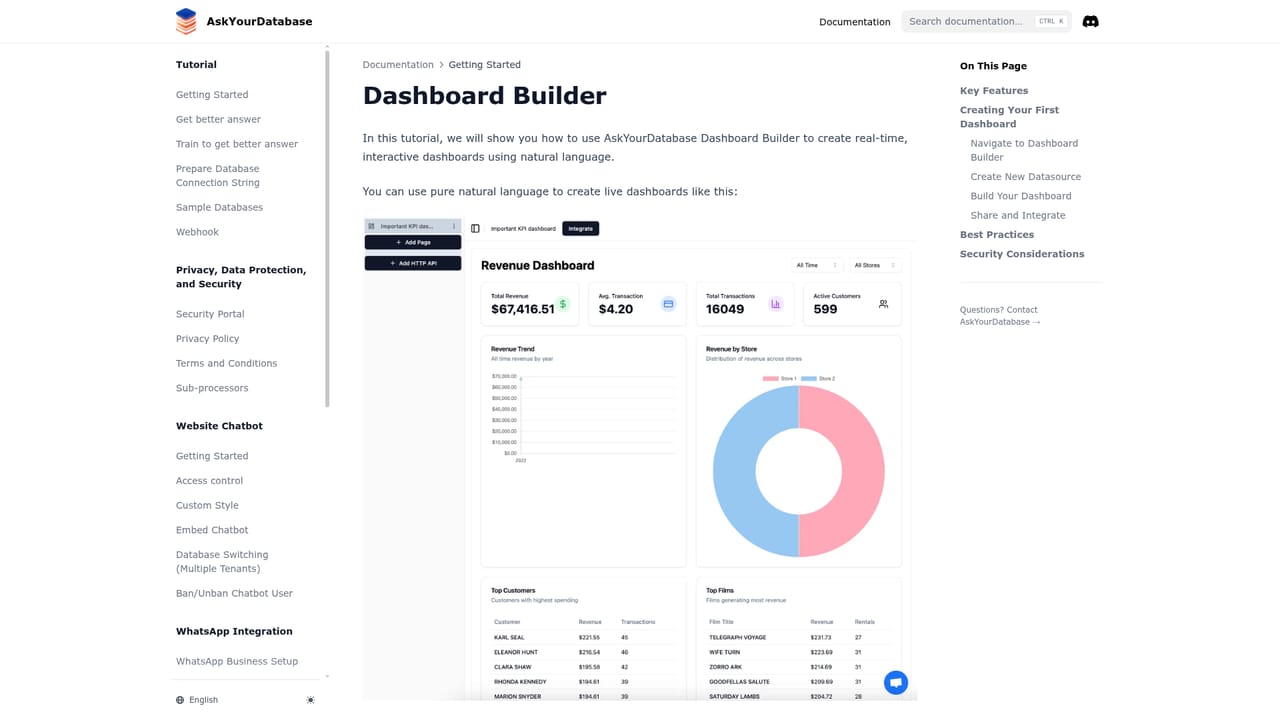
AskYourDatabase is a natural language layer for SQL databases. You connect a supported engine (PostgreSQL, MySQL, Microsoft SQL Server, Oracle, MongoDB, Snowflake, BigQuery, ClickHouse), ask a question the way you would ask a colleague, and the tool translates it into SQL, runs it, returns the result and offers a chart or follow-up turn. Two distinct products sit under the same brand: a Desktop app for Windows and macOS aimed at analysts and operations staff, and an embeddable Website Chatbot that product teams can put inside a customer portal so end users query approved data themselves. In practice the quality of the answers depends heavily on preparation. The vendor's own guidance is to connect with a restricted, preferably read-only database account, then document business terms (how revenue is defined, which date range counts, how tables join) and supply verified question and SQL pairs as training context. With that groundwork, a phrase like paid order revenue by month maps to the intended query instead of a plausible guess. The interface keeps the generated SQL visible so you can inspect filters, joins and totals before trusting a number, and dashboards can be built conversationally for a shared team view. The product suits business users who know the questions but not the schema, analysts who want a faster first draft, and SaaS teams adding analytics chat to their own application with user-level access control. It is not a fully offline tool: the site states that questions and necessary response data can reach a model provider through the AI gateway, and even self-hosted deployments can involve external model calls unless a locally hosted model is scoped separately. Private deployment is an enterprise conversation rather than a self-serve option. Compared with raw SQL clients or BI dashboards, it trades setup work and model dependency for conversational speed. The vendor reports SOC 2 and ISO 27001 compliance and a 4.9/5 G2 rating, and says more than 100 companies use it.
The homepage does not list prices. It points to a pricing page for plans and usage allowances and describes Desktop, Website Chatbot and private enterprise deployment as separate offerings, so figures need to be checked there.
Learn moreSetup, product and deployment questions go through the contact page; security, hosting and model endpoint discussions are handled with the enterprise team.
Learn moreConnects to PostgreSQL, MySQL, Microsoft SQL Server, Oracle, MongoDB, Snowflake, BigQuery and ClickHouse, plus an embeddable chatbot for your own website or customer portal.
Learn moreNatural language to SQL with visible, inspectable queries; follow-up chat and chart generation; conversational dashboard building; training context with schema explanations and verified SQL pairs; business term documentation; fine grained user-level access control; Desktop app and embeddable website chatbot; support for PostgreSQL, MySQL, SQL Server, Oracle, MongoDB, Snowflake, BigQuery and ClickHouse.
Learn more AI Angels400+ customizable AI girlfriends for NSFW chat, voice calls, and roleplay
 Candy AIExperience the future of companionship with AI friends who chat, role-play, and connect with you on a human level.
 ourdream.aiA vast AI roleplay platform with millions of characters for chat, images, video and voiceAI Angels400+ customizable AI girlfriends for NSFW chat, voice calls, and roleplayCandy AIExperience the future of companionship with AI friends who chat, role-play, and connect with you on a human level.ourdream.aiA vast AI roleplay platform with millions of characters for chat, images, video and voice


