Free trial
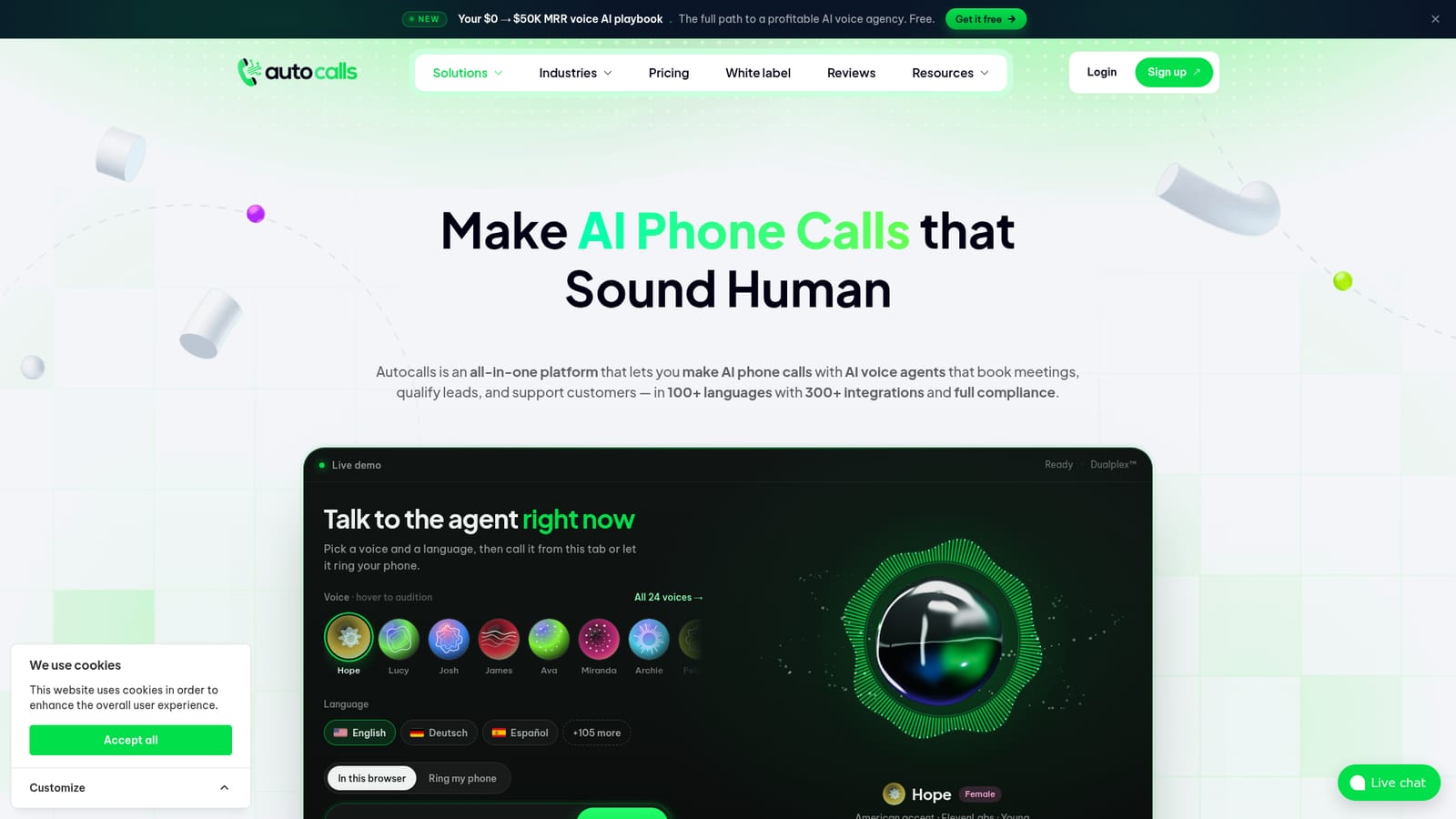
The homepage offers a free live demo call with no account or card, up to five minutes. A separate free trial of the full platform is not stated on the homepage.
Learn moreAI voice agents for inbound and outbound calls, WhatsApp and web chat

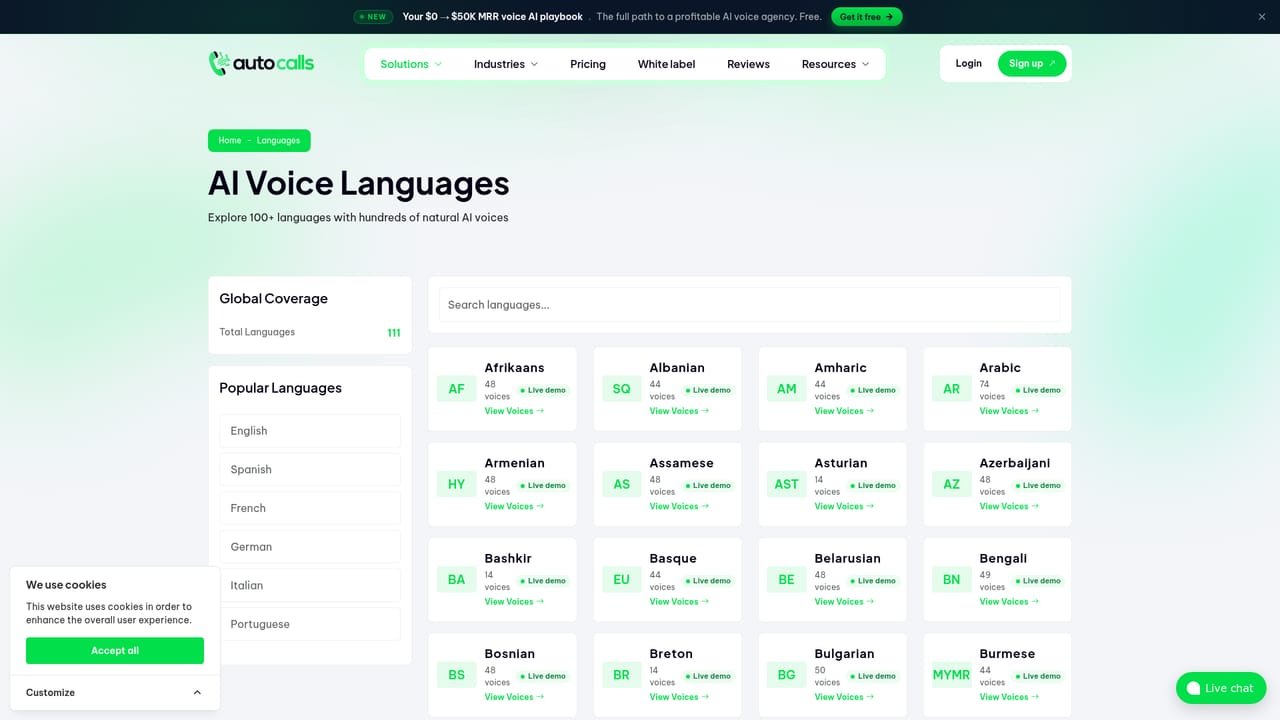
Autocalls builds AI voice agents that take inbound calls, run outbound campaigns, and handle WhatsApp and web chat in 100+ languages, with ElevenLabs voices, 300+ integrations and white-label resale for agencies.
Autocalls is a voice agent platform for businesses that need to answer, place and route phone calls without staffing a desk around the clock. Agents handle inbound reception, outbound follow-up and qualification, WhatsApp conversations and website chat from a single account. The homepage positions it as an all-in-one build: voices from ElevenLabs, more than 100 languages, and over 300 integrations so an agent can read a calendar, look up an order, or write a lead into a CRM while the call is still running. Deployment is pitched as code-free, with a working agent in roughly 15 minutes. The practical workflow is conversational, not scripted. An agent can take an interrupted HVAC emergency call, check technician slots and quote a call-out fee, or switch from English to Spanish mid-sentence when a hotel guest asks. Calls are routed by status: booked, qualified, transferred, resolved. For outbound, campaigns run against a lead list with calling hours and voicemail retries, and the homepage example shows a solar installer booking 38 appointments from a list nobody was working. Keypad input is supported, so callers can type an order number instead of spelling it out. The product leans hard toward agencies and multi-location service businesses. An Agency view presents 18 example call scenarios as sellable offers with suggested retail prices and a white-label programme starting at $419/mo with 3,500 minutes. Vertical pages cover dental and medical clinics, real estate, e-commerce, car dealerships, restaurants, debt collection and call centres, and a separate module covers an AI answering service and appointment booking. Autocalls competes with generic voice agent builders and with dedicated answering services. Its differentiators per the homepage are the all-inclusive per-minute rate, the breadth of integrations and compliance certifications (ISO 27001, ISO 9001, GDPR, HIPAA), and the white-label reseller layer. Buyers who need deep custom telephony logic may still prefer a developer-first stack, but for a service business that wants a booking line live quickly, the scope is broad.
The homepage offers a free live demo call with no account or card, up to five minutes. A separate free trial of the full platform is not stated on the homepage.
Learn moreAll-inclusive pricing from $0.09/min including ElevenLabs voices, and an Agency White Label tier from $419/mo with 3,500 minutes. Businesses set their own resale prices. Full plan tiers are on the pricing page.
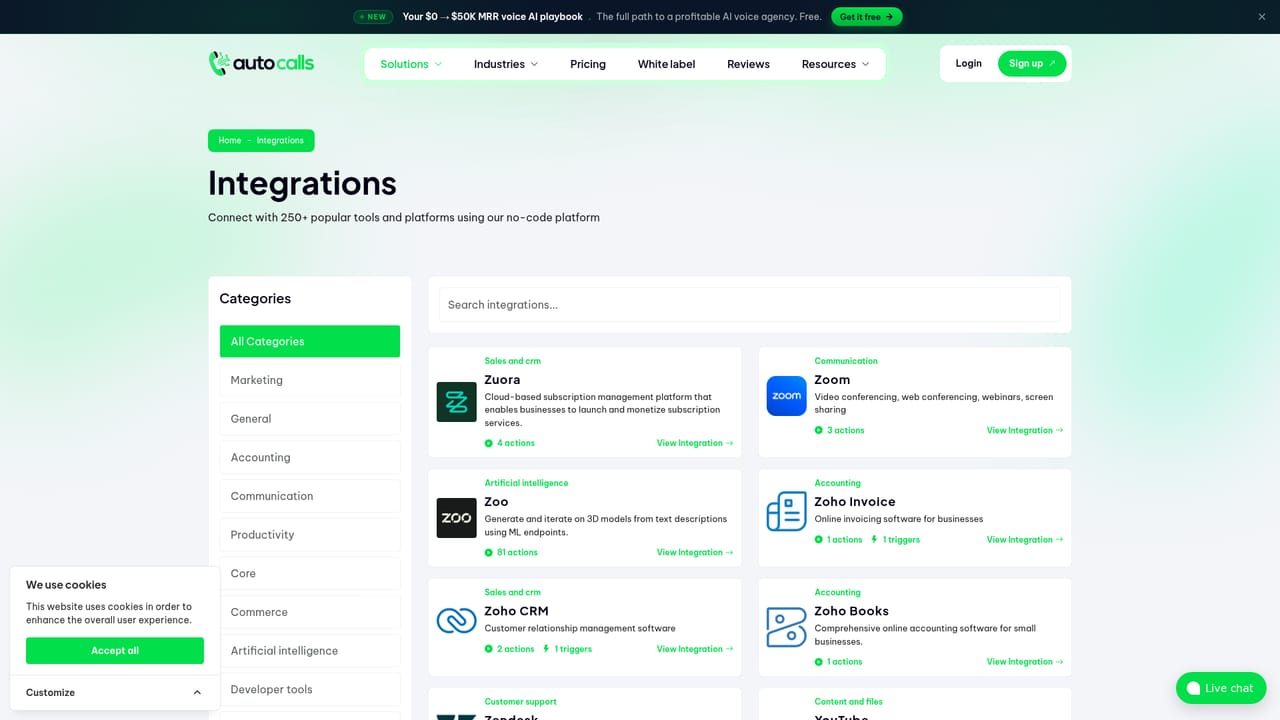
Learn moreMore than 300 integrations are claimed, including named HubSpot, Go High Level and Zoho CRM connectors. Calendar, help desk and order systems are used in the homepage call examples.
Learn moreInbound and outbound AI phone calls, WhatsApp and web chat agents, 100+ languages with mid-call switching, ElevenLabs voices, keypad input, calendar booking, CRM writes, warm transfers to staff, outbound campaigns with calling hours and voicemail retries, white-label resale, and ISO 27001, ISO 9001, GDPR and HIPAA compliance.
Learn more AI Angels400+ customizable AI girlfriends for NSFW chat, voice calls, and roleplay
 Candy AIExperience the future of companionship with AI friends who chat, role-play, and connect with you on a human level.
 ourdream.aiA vast AI roleplay platform with millions of characters for chat, images, video and voiceAI Angels400+ customizable AI girlfriends for NSFW chat, voice calls, and roleplayCandy AIExperience the future of companionship with AI friends who chat, role-play, and connect with you on a human level.ourdream.aiA vast AI roleplay platform with millions of characters for chat, images, video and voice


