Support
Award winning customer service is a stated selling point and a demo can be booked from the site, but no specific support hours or channels are detailed on the homepage.
Business communications and AI customer experience in one platform

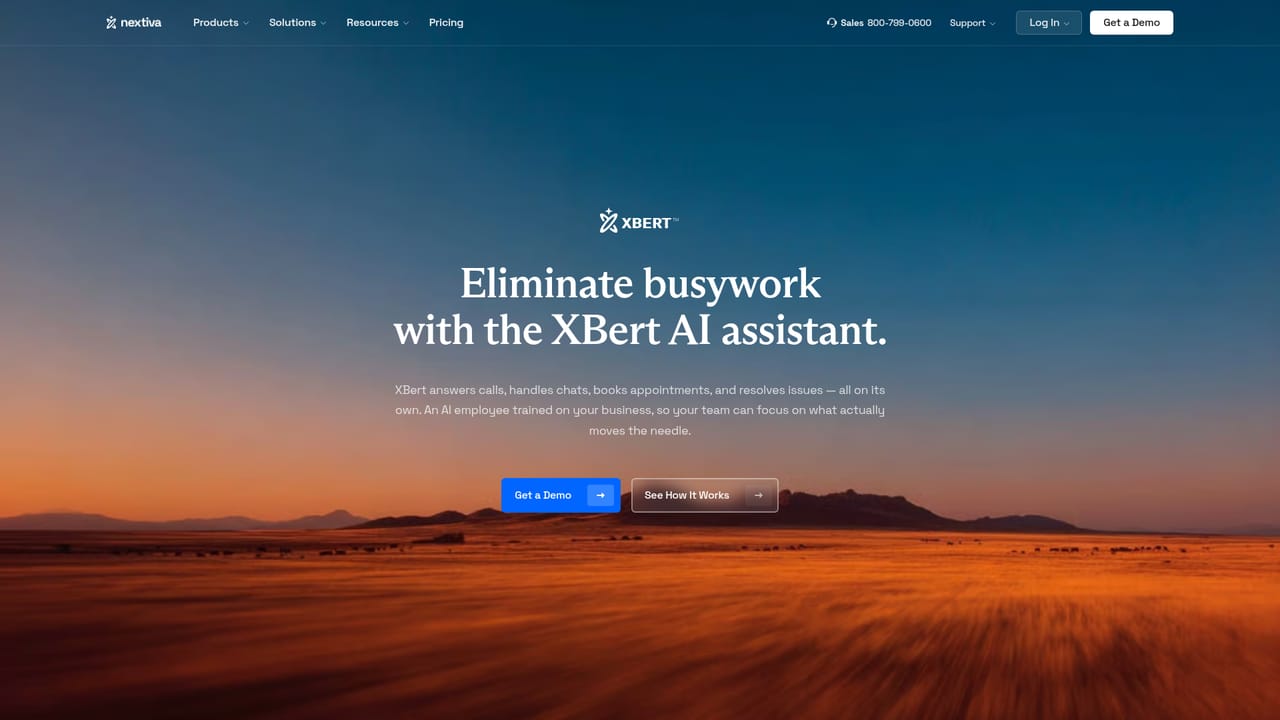
Nextiva is an AI calls tool. Nextiva combines business phone, contact center, shared inbox and an AI agent called XBert, which answers calls, books appointments and routes customers. Sentiment analysis, live transcription and CSAT surveys sit on top. Aimed at small to mid sized businesses that want one vendor for voice and customer experience.
Nextiva is a customer experience platform that folds business phone service, contact center tools and an AI agent named XBert into a single cloud workspace. Calls, texts, chat, email and social messages arrive in one shared inbox, so a customer conversation can start as a phone call and continue as a text without anyone re explaining themselves. The company describes itself as serving more than a million users, from local businesses to large brands. The AI layer is the part worth scrutinising. XBert answers calls, schedules appointments from live availability, handles common questions, updates records and hands the call to a person when the request falls outside its scope. It works alongside human agents on the same conversation thread rather than in a separate bot window. On the analytics side, Nextiva tracks sentiment, produces live transcripts and automatic call summaries, and runs post interaction CSAT and NPS surveys, with unified customer profiles showing prior interactions across channels. Practically, a small team would port its number to Nextiva, connect email and messaging, then train XBert on its hours, services and calendar rules. Routing sends customers to the right agent, transcription and summaries cut the note taking, and CRM records update through the integration marketplace, which covers Salesforce, HubSpot, Zendesk, Microsoft Teams and Epic among others. An open REST API covers anything not in the marketplace. The tool competes with ring central style phone systems and with standalone AI receptionists, but its differentiator is bundling voice, contact center, analytics and the AI employee in one subscription. It suits SMBs through mid market contact centers that want one vendor and one conversation history. Buyers should test XBert against their own call scripts first, since quality there decides the outcome far more than the interface does.
Award winning customer service is a stated selling point and a demo can be booked from the site, but no specific support hours or channels are detailed on the homepage.
Marketplace covers CRM (Salesforce, HubSpot, Zoho, Dynamics, Oracle), helpdesk (Zendesk, ServiceNow, ConnectWise), productivity (Teams, Google Workspace, Outlook) and healthcare EHR, plus REST APIs for custom work.
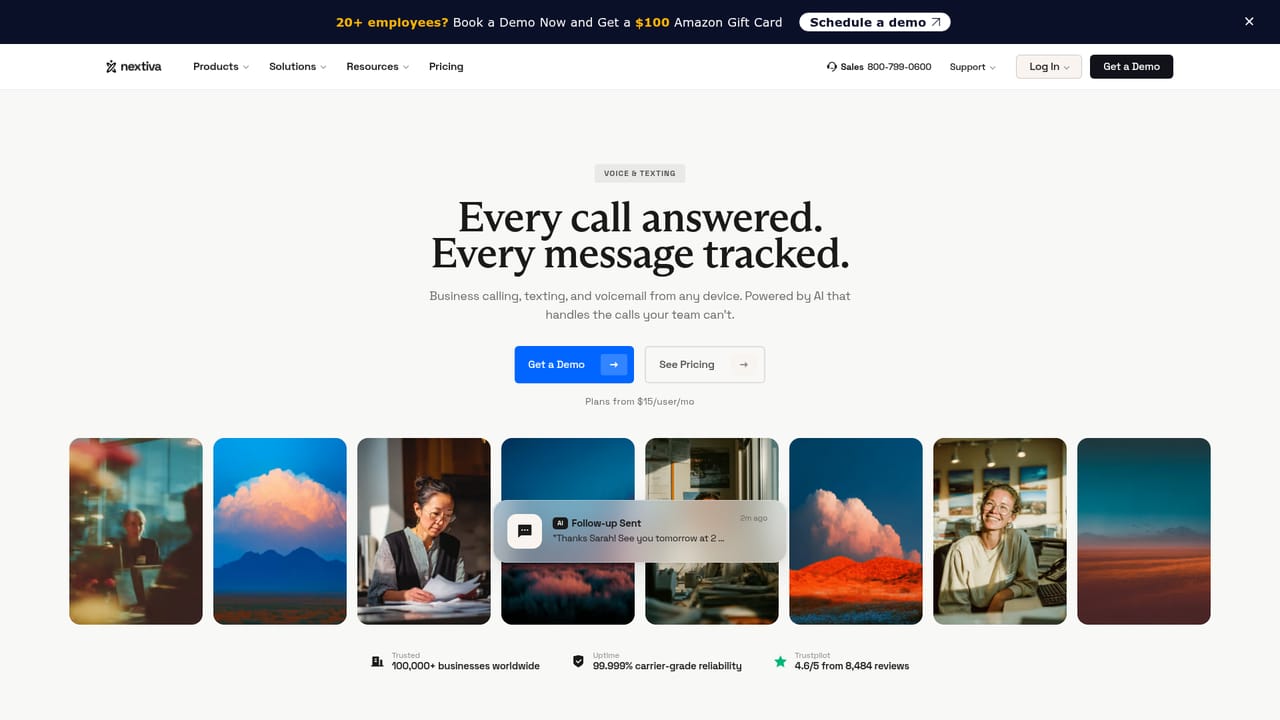
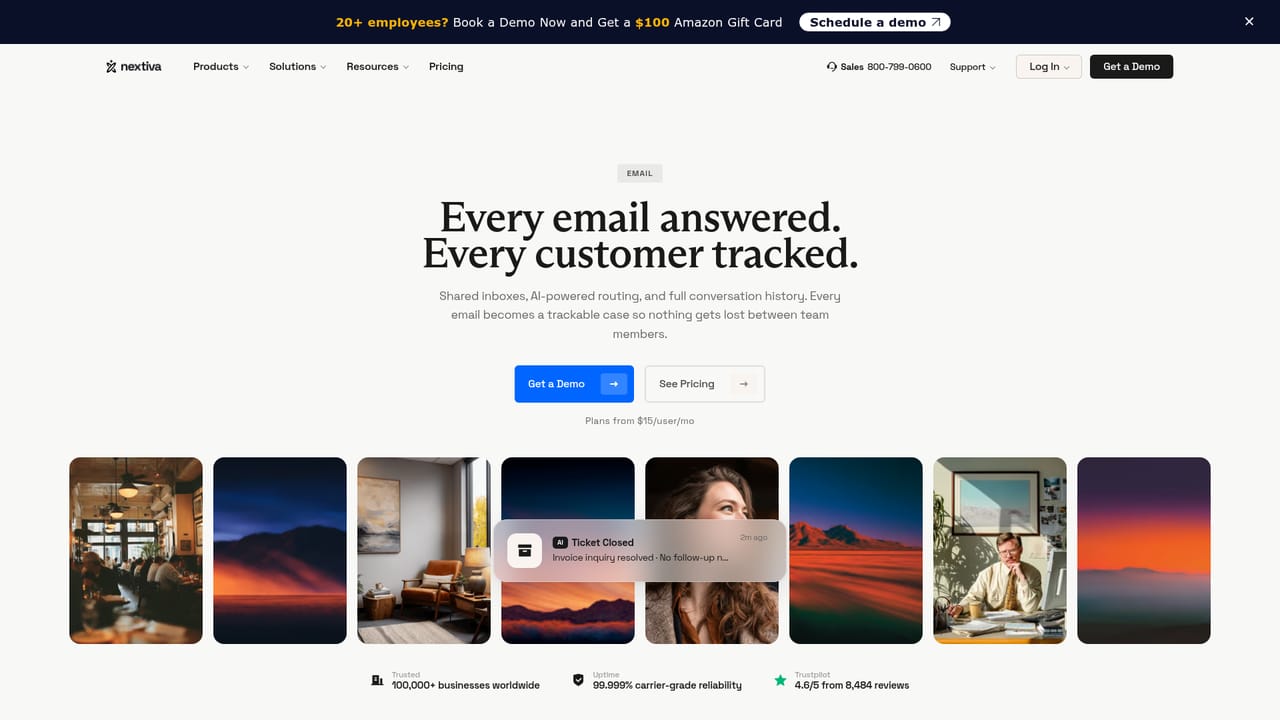
Learn moreCovers business phone and texting, video meetings with recording, a unified email and messaging inbox, team chat, voicemail transcription, and the XBert AI agent for scheduling, FAQ handling and intelligent routing. On the analytics side: live transcription, AI summaries, real time sentiment, CSAT and NPS surveys, unified customer profiles and journey tracking.
Learn more AI Angels400+ customizable AI girlfriends for NSFW chat, voice calls, and roleplay
 Candy AIExperience the future of companionship with AI friends who chat, role-play, and connect with you on a human level.
 ourdream.aiA vast AI roleplay platform with millions of characters for chat, images, video and voiceAI Angels400+ customizable AI girlfriends for NSFW chat, voice calls, and roleplayCandy AIExperience the future of companionship with AI friends who chat, role-play, and connect with you on a human level.ourdream.aiA vast AI roleplay platform with millions of characters for chat, images, video and voice


