Free trial
The site invites visitors to try Quo for free through a signup flow, and states that switching from another provider is free. Specific trial length and plan limits are not stated on the homepage.
Learn moreShared business phone system where human teams and AI agents handle calls together

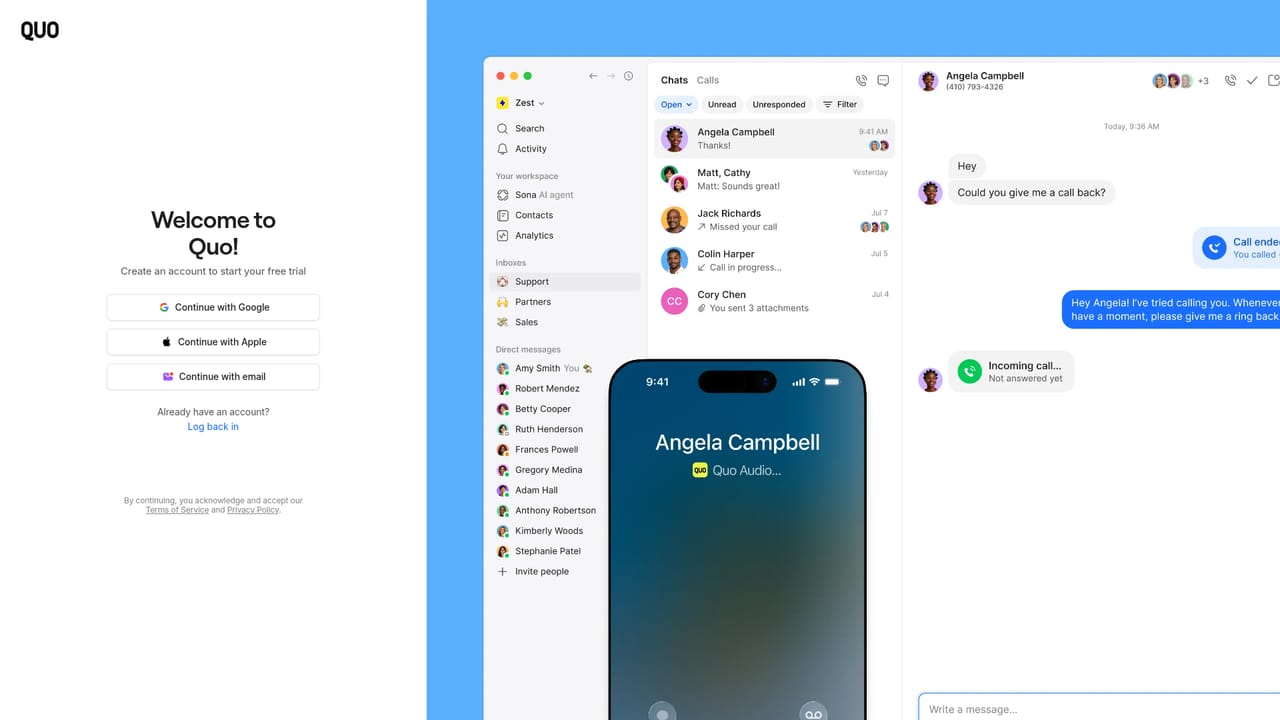
Quo is a shared phone system for small businesses, formerly OpenPhone. It combines shared numbers, call routing, texts and contacts with an AI agent called Sona, call transcription and summaries, analytics, and integrations with CRMs and AI tools such as Claude and ChatGPT.
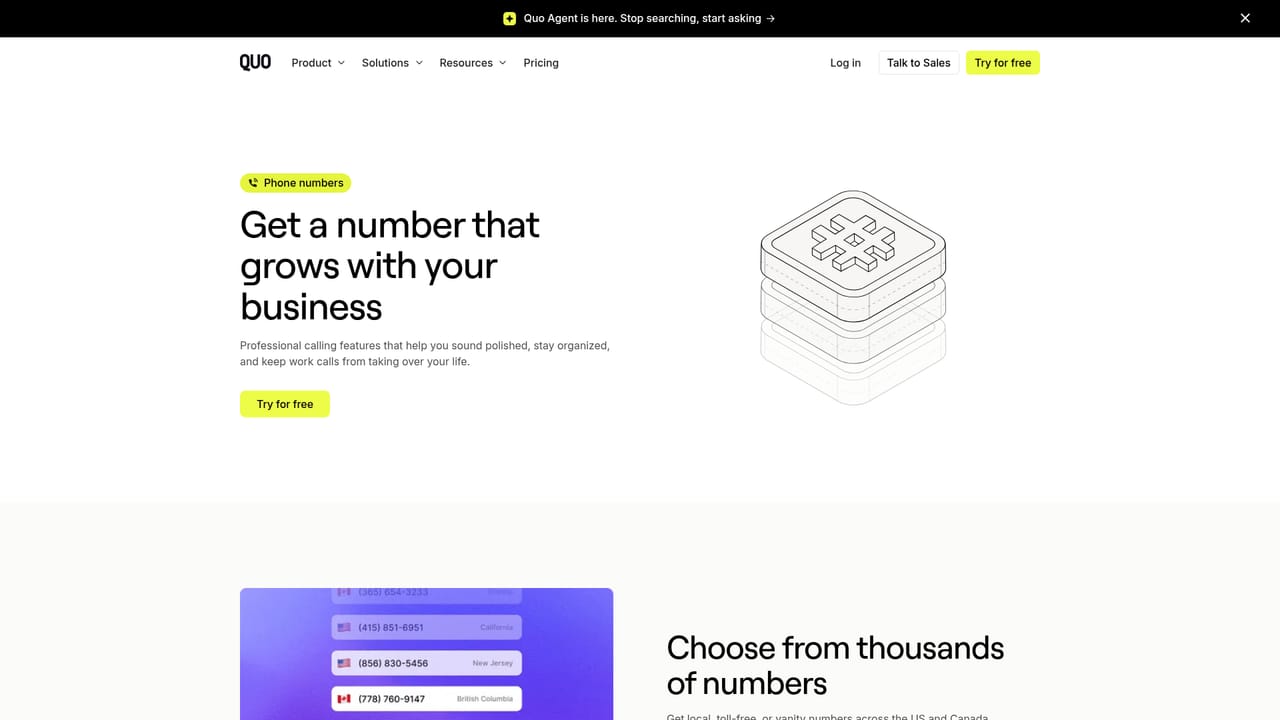
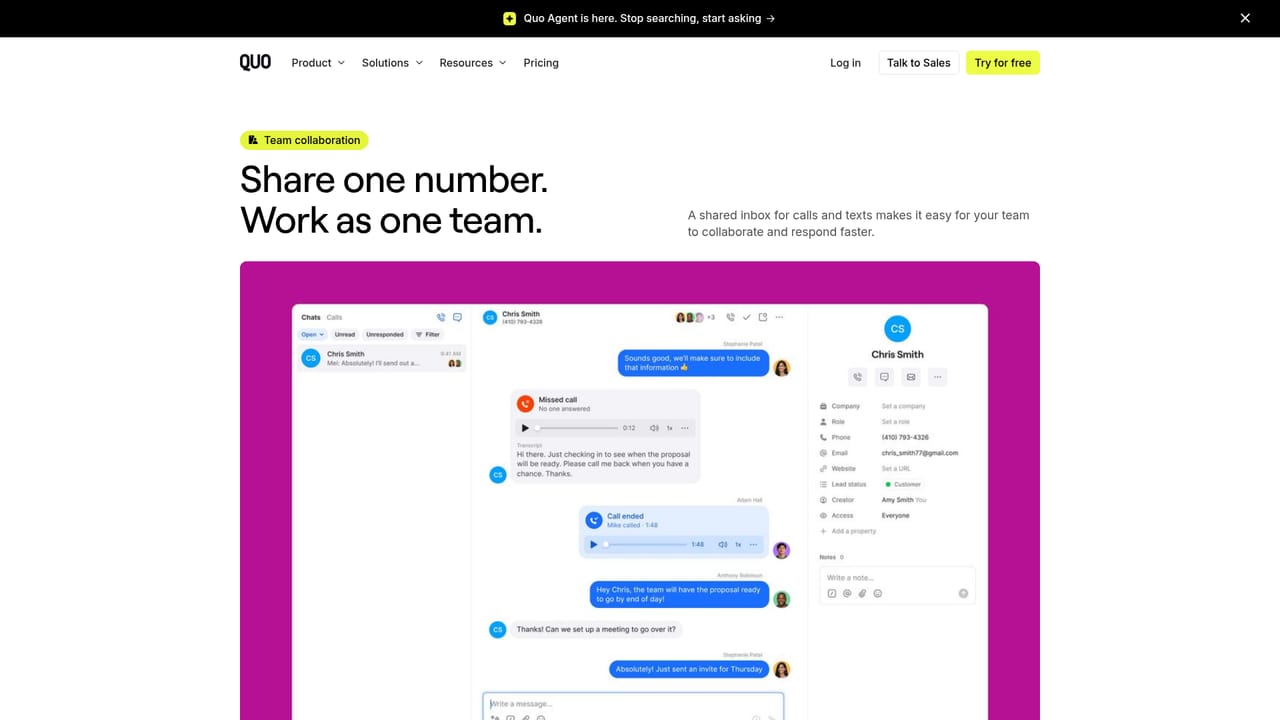
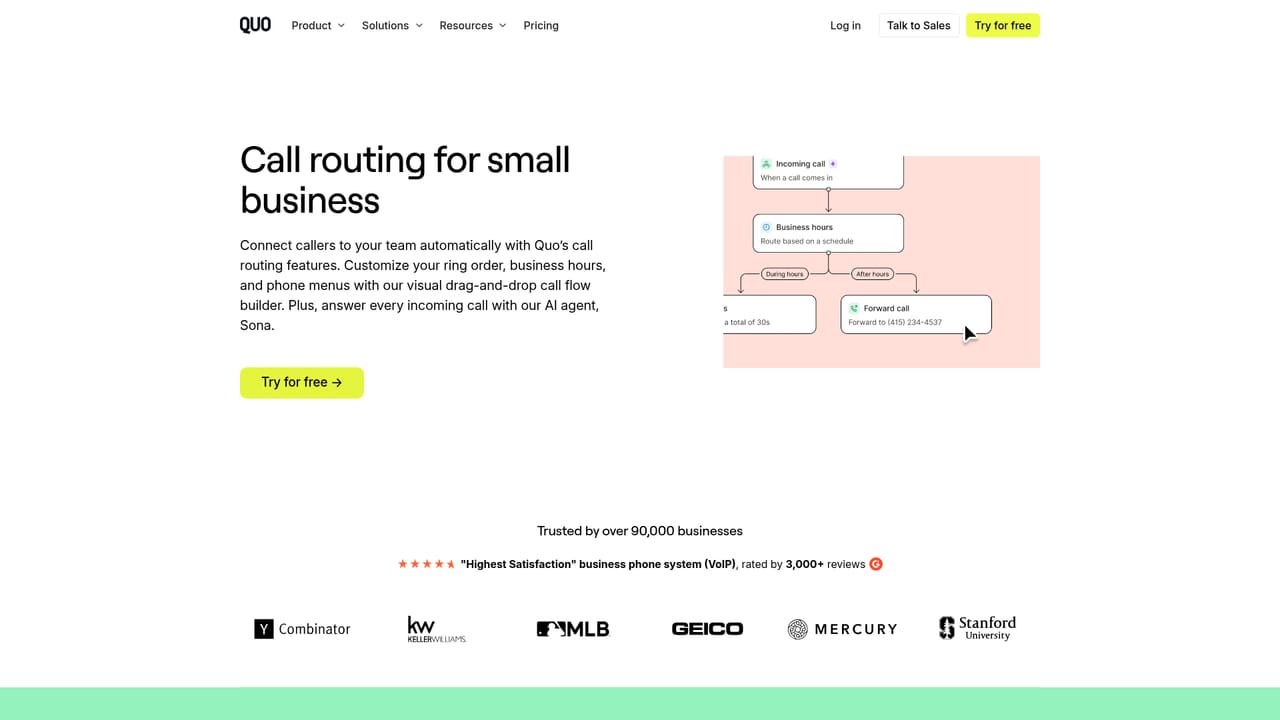
Quo, previously known as OpenPhone, is a shared business phone system that puts calls, texts and customer contacts in one place for the whole team. The core idea is a single number that several people can answer, backed by routing rules so an inbound call lands with the right person instead of ringing into a void. Voicemail, missed calls and after-hours enquiries stay visible to everyone rather than sitting on one employee's handset, and a new business number can be provisioned in minutes or an existing line ported over. The AI layer is where Quo differentiates itself. Sona, the built-in AI agent, picks up conversations when nobody on the team is available, collects the details a caller or texter provides, and then passes the thread to a human when the matter needs one. Recorded calls return transcribed and summarized, which removes note taking from the call and gives managers a searchable record of what was said. Beyond the native assistant, Quo exposes one-click connectors for Claude and ChatGPT, a public MCP server and an API that a company's own agent can read from and act on. Practically, the product is aimed at small and mid-sized teams that live on the phone but cannot staff a reception desk around the clock: home services, property management, law firms, clinics, startups, franchises and sales or support groups. Reviews and adoption figures cited on the site put it in direct competition with conventional VoIP suites, and its pitch is that the AI is woven into the call flow rather than bolted on as a separate bot. Analytics surface call and text patterns so problems show up before they cost revenue, and CRM style integrations push activity into HubSpot, Salesforce, Pipedrive, Zoho, Clio and field service tools. The trade-off is that the value depends on how completely a team adopts shared numbers and routing rules; a business that keeps personal mobiles in the loop will see less benefit.
The site invites visitors to try Quo for free through a signup flow, and states that switching from another provider is free. Specific trial length and plan limits are not stated on the homepage.
Learn moreThe homepage mentions priority support during a number transfer, step-by-step porting guidance, real-time updates and help when needed. Formal support channels and hours are not described.
Dedicated integrations include HubSpot, Salesforce, Pipedrive, Zoho CRM, Attio, Clio, Jobber, Jobber, Housecall Pro, Jobtread, Gong, Zapier, Make, Claude and ChatGPT, with a public MCP server and API for custom builds.
Learn moreShared business numbers, instant number provisioning and guided porting, call routing, texts and contacts in one shared space, the Sona AI agent for after-hours and overflow coverage, recorded calls with transcription and summaries, call analytics, connectors for Claude and ChatGPT, a public MCP server and an API for custom agents.
Learn more AI Angels400+ customizable AI girlfriends for NSFW chat, voice calls, and roleplay
 Candy AIExperience the future of companionship with AI friends who chat, role-play, and connect with you on a human level.
 ourdream.aiA vast AI roleplay platform with millions of characters for chat, images, video and voiceAI Angels400+ customizable AI girlfriends for NSFW chat, voice calls, and roleplayCandy AIExperience the future of companionship with AI friends who chat, role-play, and connect with you on a human level.ourdream.aiA vast AI roleplay platform with millions of characters for chat, images, video and voice


