Free trial
The homepage offers a Start Building Free option, but it does not specify how long the free access lasts or which features it includes.
Learn moreTurn an idea or a Maps link into a working full-stack site.

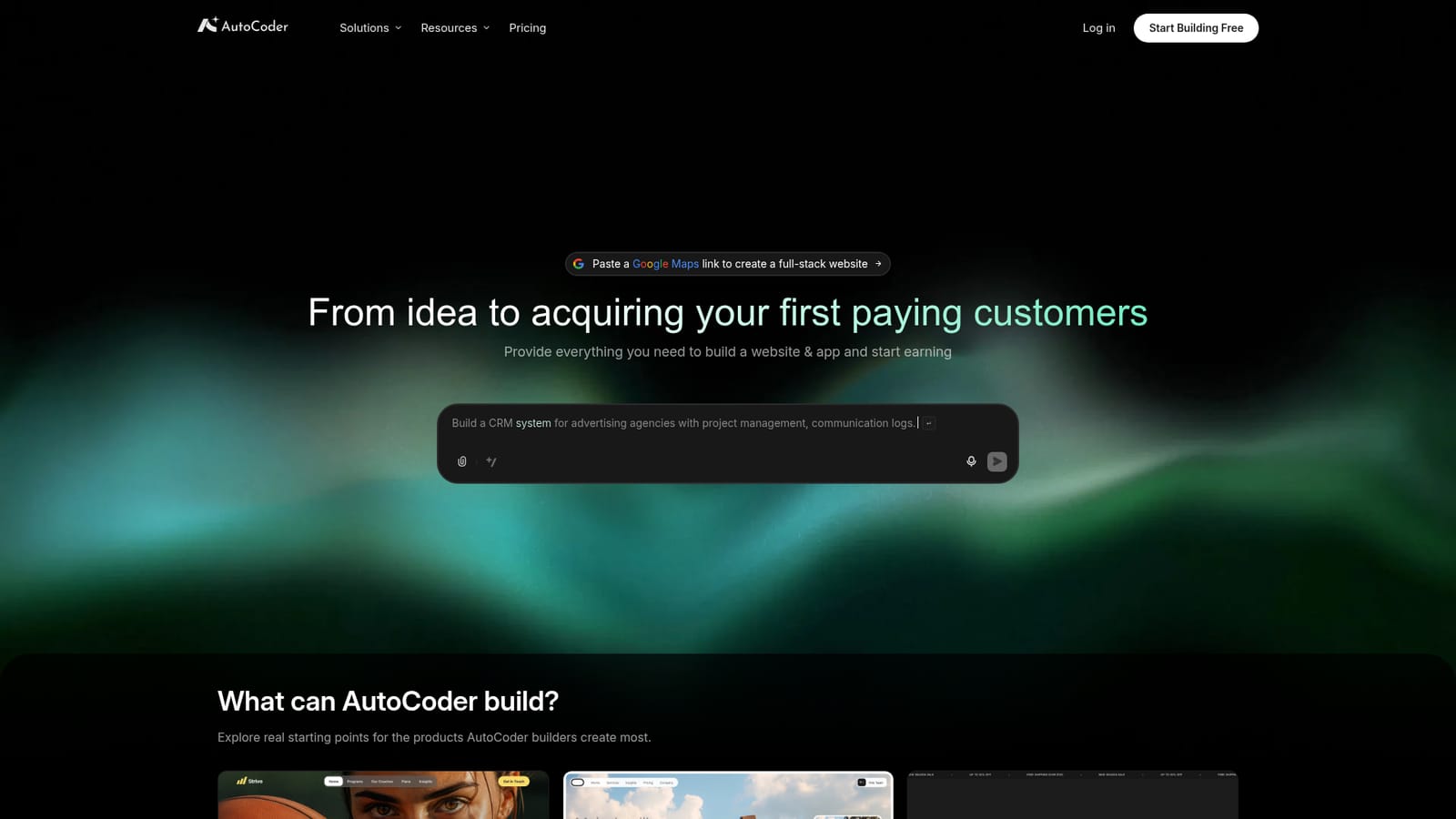
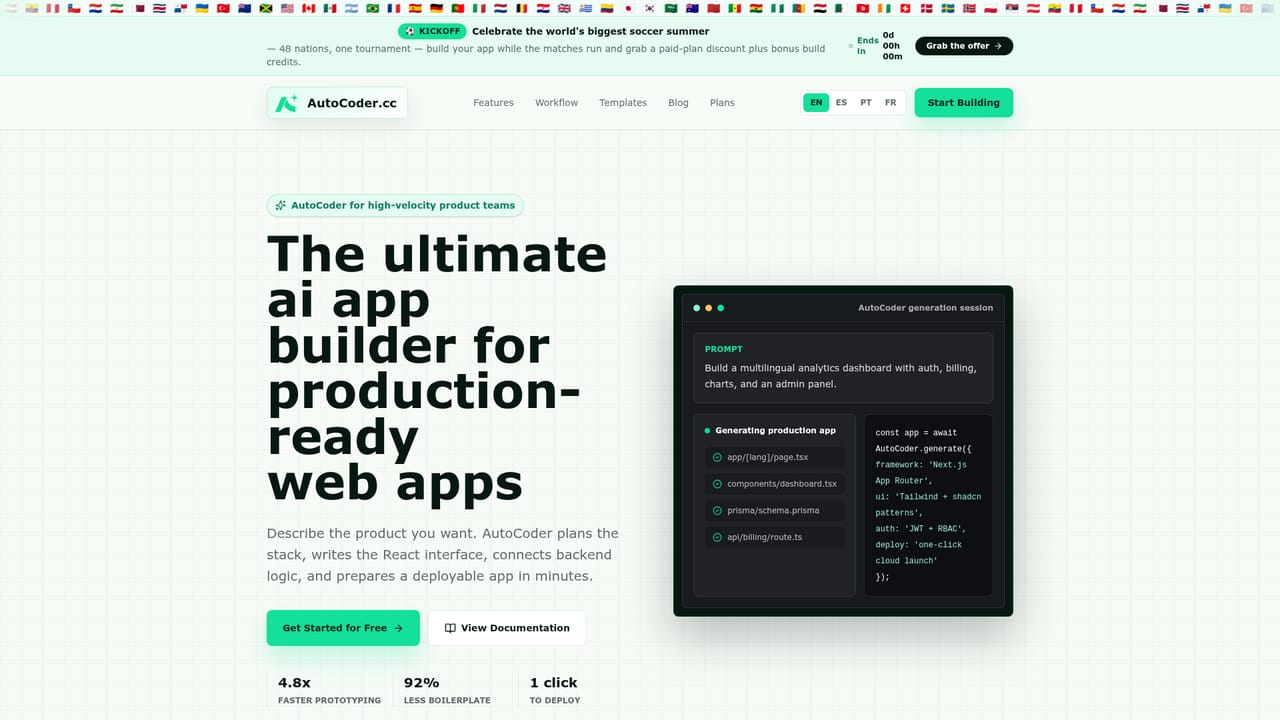
Autocoder.cc is an app creation tool that turns an idea or a Maps link into a working full-stack site. AutoCoder generates full-stack websites and web apps from a description, uploaded brief, or Google Maps business link, pairing the generated code with a visual editor, operations dashboard, payments, permissions, and code export.
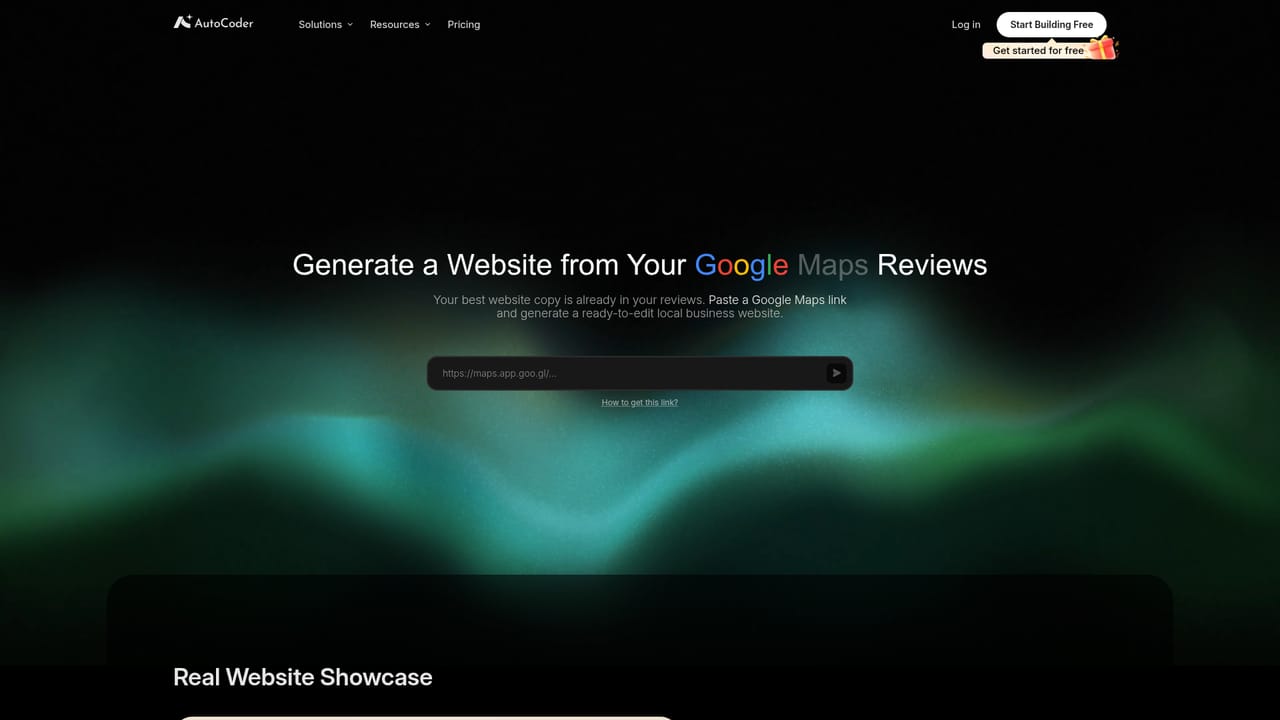
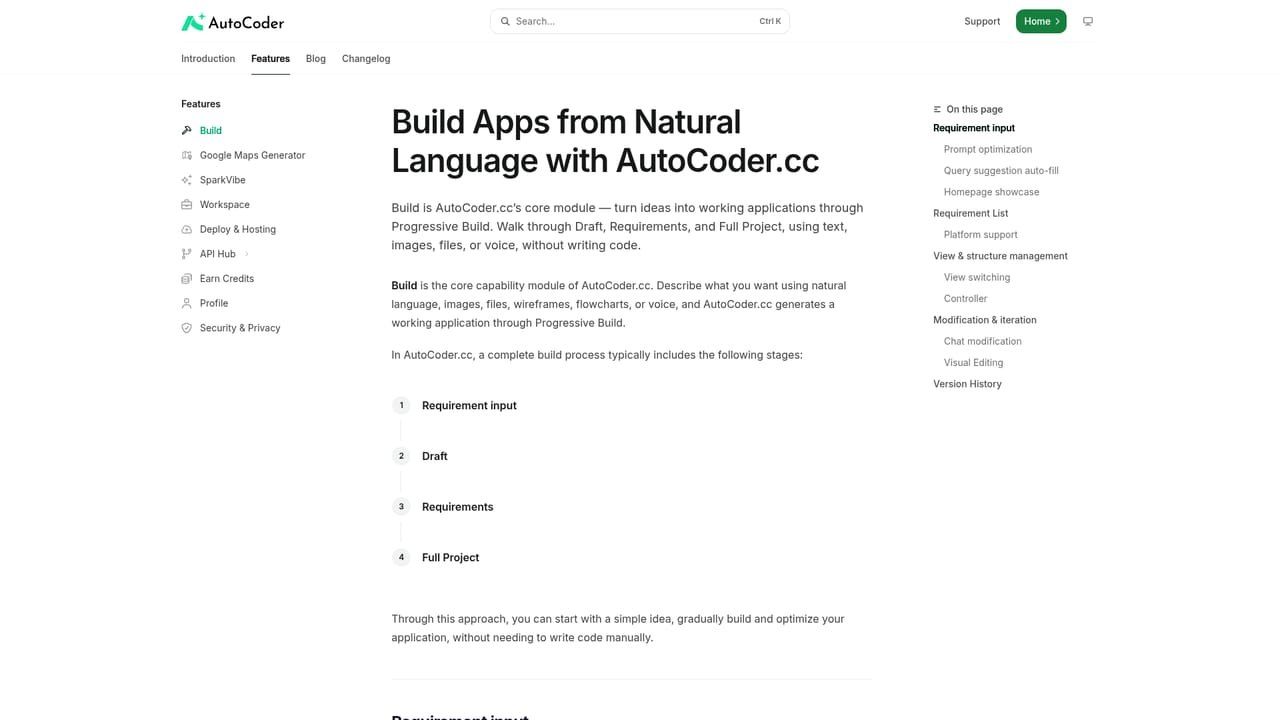
AutoCoder is an AI app builder that takes a plain-language description of a product idea and generates a working website or web app, including the customer-facing pages, an admin workspace, the backend, and the database. It was designed for the path from concept to live product: plan the business idea into flows and a data model, build the front end and admin tools together, launch on your own domain, then monetize through payments, bookings, memberships, and sales. The output is a real application rather than a static mockup, and the project code can be exported when you want local development or deployment on your own infrastructure. The platform combines generated code with a visual editor, so non-technical owners can click any section and adjust copy, layout, spacing, images, or components while seeing the result immediately. An operations dashboard handles pages, products, services, orders, and customer data without touching code, and roles and permissions set separate views for owners, staff, partners, or customers. A notable use case is the Google Maps Generator, which accepts a Google Maps business link and produces an editable website based on the business details already listed, avoiding a blank-page start. Briefs, menus, catalogs, and images can also be uploaded to steer the first version. AutoCoder fits freelancers, agencies, and small business owners who need a functioning web product without hiring a full development team, plus developers who want a scaffold they can export and extend. Templates and a library of example builds (coaching platforms, storefronts, restaurant sites, portfolios) shorten the starting point. Pricing details are not stated on the homepage; check the pricing page for current plans.
The homepage offers a Start Building Free option, but it does not specify how long the free access lasts or which features it includes.
Learn moreGenerates websites and web apps with front end, admin workspace, backend, and database. Includes a visual editor, operations dashboard, payments, roles and permissions, Google Maps to website generation, template library, build-from-file input, and source code export.
Learn more AI Angels400+ customizable AI girlfriends for NSFW chat, voice calls, and roleplay
 Candy AIExperience the future of companionship with AI friends who chat, role-play, and connect with you on a human level.
 ourdream.aiA vast AI roleplay platform with millions of characters for chat, images, video and voiceAI Angels400+ customizable AI girlfriends for NSFW chat, voice calls, and roleplayCandy AIExperience the future of companionship with AI friends who chat, role-play, and connect with you on a human level.ourdream.aiA vast AI roleplay platform with millions of characters for chat, images, video and voice


