Free trial
The setup review (validating receptor, binding site and ligands) costs 0 credits. The homepage mentions free-tier docking runs but gives no trial terms.
Learn moreBrowser-based AutoDock Vina docking with reports, no local install
Own AutoDock Vina? Verify ownership to get a dofollow link

AutoDock Vina is a research tool. A web service that runs rigid-receptor AutoDock Vina docking in the browser. Enter a PDB ID and SMILES, then get affinity tables, interaction figures, a PDF report and a ZIP of poses, with no local install.
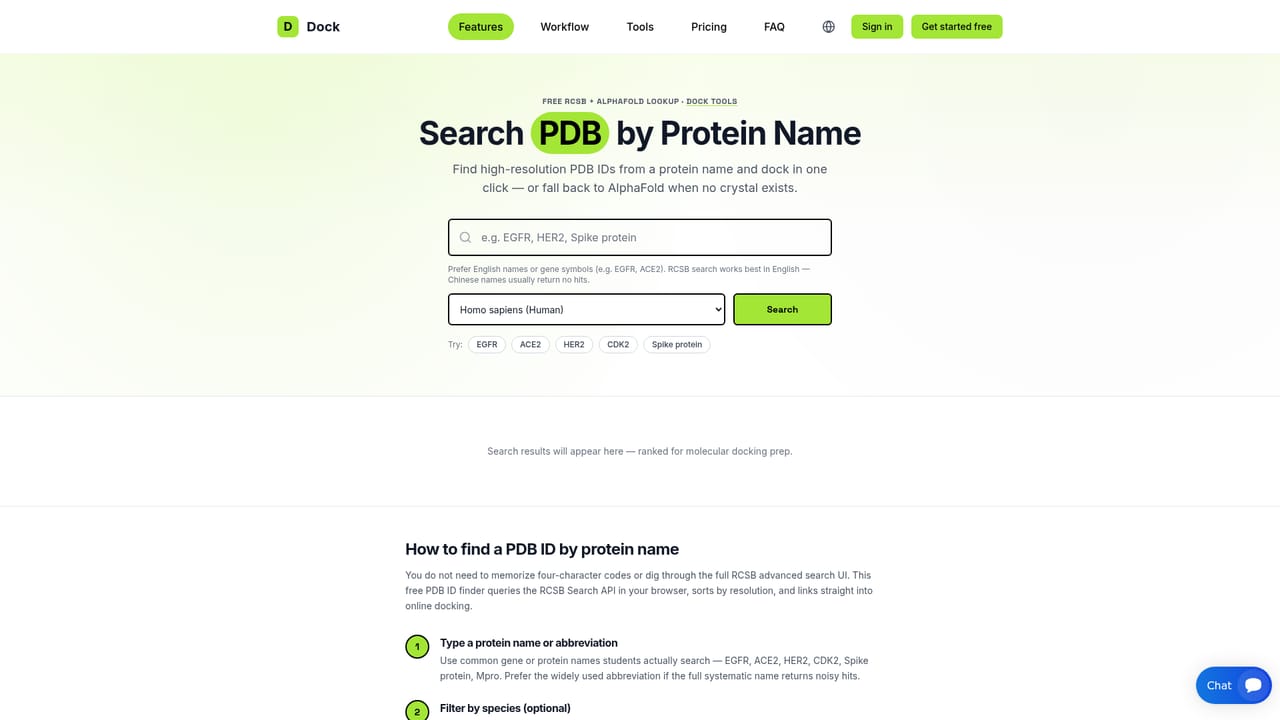
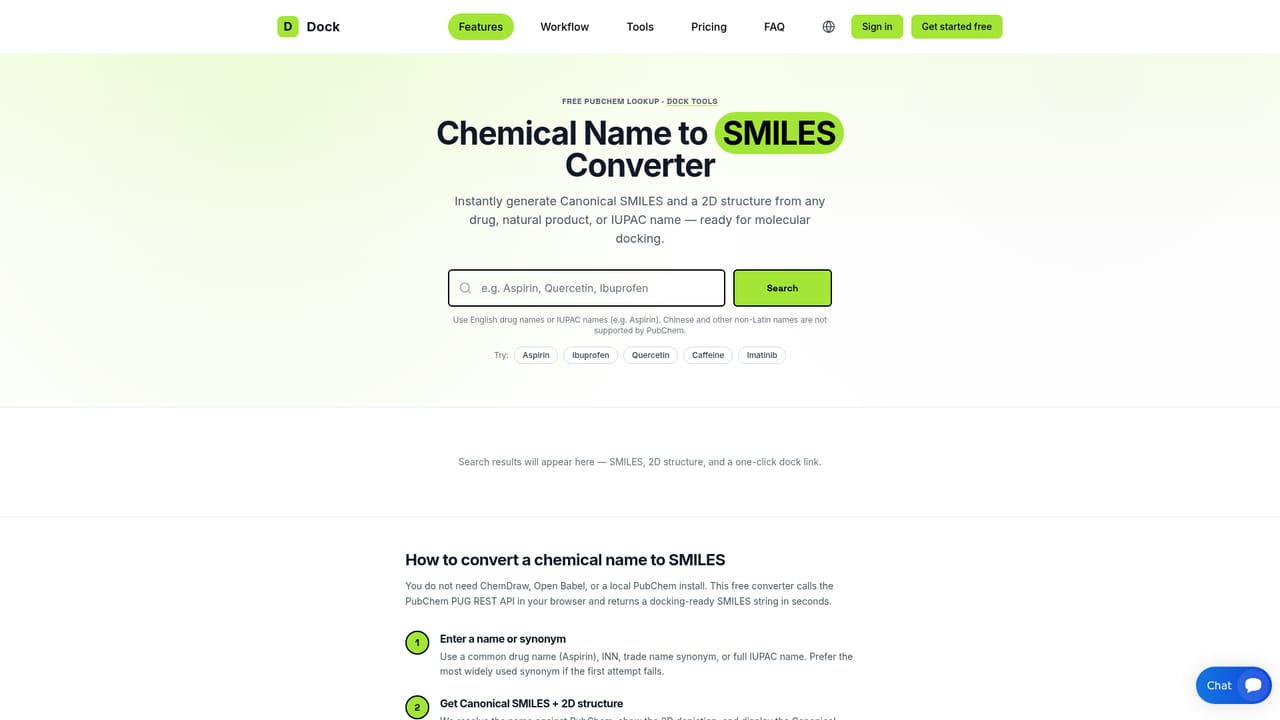
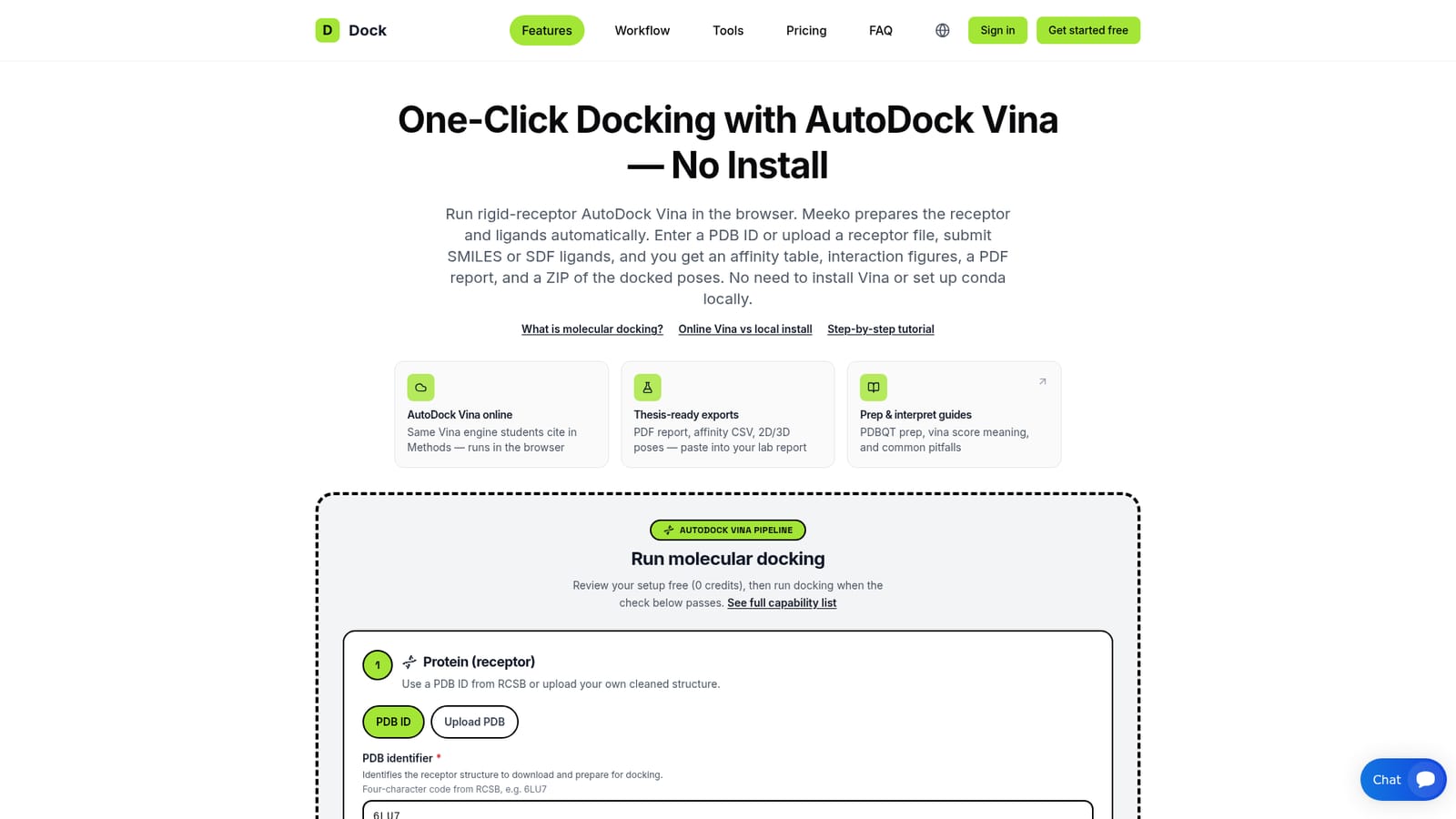
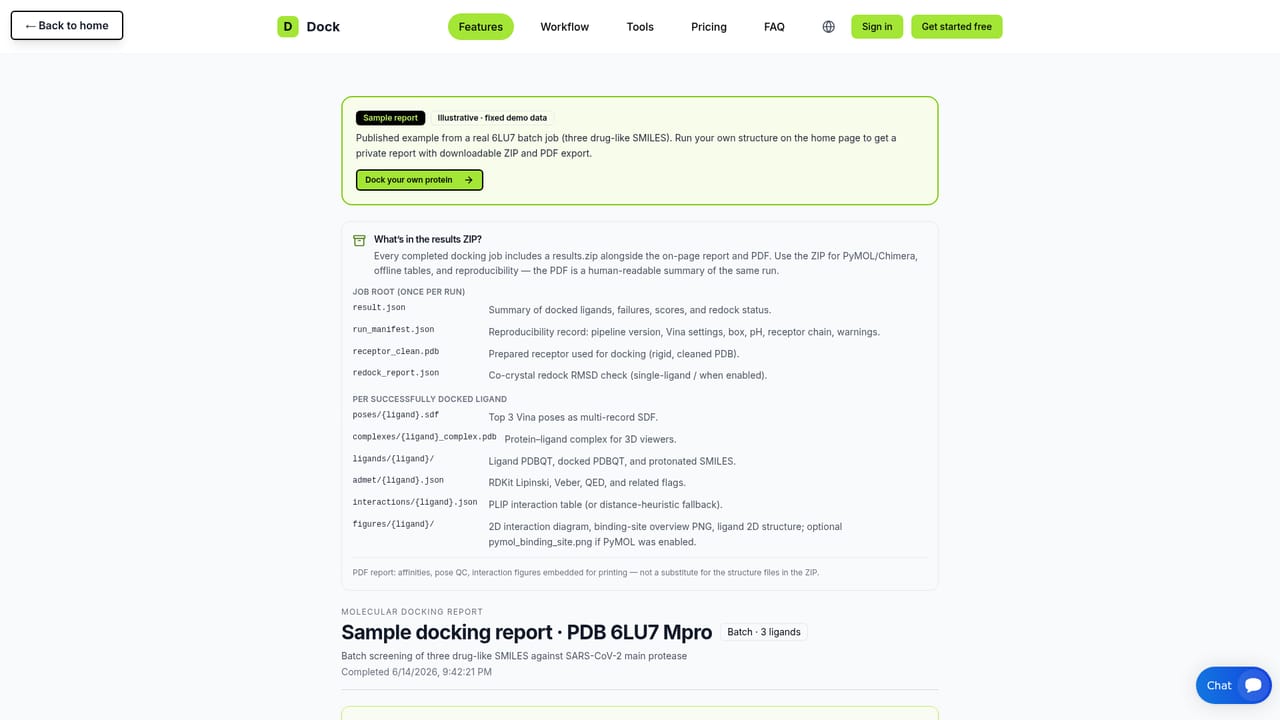
AutoDock Vina Online, hosted at moleculardocking.online, wraps the Vina 1.2.7 docking engine in a browser workflow so users can run rigid-receptor docking without installing Vina, conda, Meeko or RDKit. A user supplies a receptor, either as an RCSB PDB ID or an uploaded cleaned .pdb file, then adds ligands as a single SMILES, a list of SMILES, or a multi-record SDF file. Meeko prepares the receptor and ligands automatically, so no manual PDBQT scripting is involved. The workflow is split into two steps. A review stage validates the receptor, the binding site and every ligand at no credit cost, flagging problems such as a docking box far from the protein or ligands outside Vina-friendly size limits. Docking is then charged in credits based on ligand count, with optional extras such as a PyMOL render. Binding-site setup can come from a co-crystal ligand, a predicted pocket on apo structures, pocket residue anchors or a custom XYZ box, and a 3D preview shows the box before submission. Batch jobs can hold up to 300 ligands, with the plan setting the actual limit, and run on up to four parallel workers. Results include a sortable affinity table, the top three poses per ligand, PoseBusters pose checks, PLIP interaction profiles, 2D and 3D figures, RDKit drug-likeness summaries and a written binding-mode paragraph. Each job can be exported as a PDF report with Methods text and a citation paragraph, plus a results ZIP containing poses, complexes and a run manifest recording software versions and settings for reproducibility. An optional Gemini-assisted discussion draft is available for an extra credit. The audience is mainly students and early-stage researchers who need defensible docking results for coursework, theses or manuscripts without a Linux setup. Compared with running Vina locally or using general docking suites, it trades flexibility for convenience: settings such as exhaustiveness are fixed, and the receptor is rigid. A companion blog covers score interpretation and common errors, and free helper tools search PDB entries by protein name and convert chemical names to SMILES.
The setup review (validating receptor, binding site and ligands) costs 0 credits. The homepage mentions free-tier docking runs but gives no trial terms.
Learn moreCredits are charged on submit based on ligand count, with PyMOL rendering adding 0.5 and the optional AI paper draft adding 1. Reviewing a setup costs 0 credits. Plans set the batch limit; specific prices are not stated on the homepage.
Learn moreA blog of guides covers Vina scores, common errors, receptor and ligand preparation, thesis Methods text and a student roadmap. A sample report is also provided. No direct support channel is stated.
Learn morePulls structures from RCSB by PDB ID and accepts uploaded .pdb, SMILES and SDF files. Built on open-source tools including Vina, Meeko, RDKit, PLIP and PoseBusters. Exports work with PyMOL and Chimera.
Automated Meeko prep, Vina 1.2.7 docking, batch screening up to 300 ligands, co-crystal redock check, pocket detection, PoseBusters QC, PLIP interactions, RDKit ADMET, 3D viewer, PyMOL render, PDF report with Methods text, and a results ZIP.


