ZoomMap

Layered knowledge maps that link every idea to its sources

Intermediate
Screenshot of ZoomMap, Layered knowledge maps that link every idea to its sources

What is ZoomMap?

ZoomMap is a layered knowledge-mapping tool with nested cards, an open canvas, source citations from PDFs and EPUBs, and an AI agent that drafts cards and links for the user to accept or reject.

ZoomMap is a knowledge-mapping tool built around layers. Instead of a flat web of nodes, each idea sits on a card that can hold the next level of detail inside it, so a subject reads as an overview on top and elaboration underneath. Users can show as many layers as they want, and the whole map opens or folds together, which keeps the big picture visible while they work on specifics. Structure is handled in two directions. Vertically, cards nest inside one another, and a card can be dragged into another to reorganize the hierarchy. Horizontally, cards sit on an open canvas where position, spacing and grouping are the user's choice. Connections between cards can be named, with relationships such as supports, contrasts, causes or extends, so the reasoning between ideas is stored on the map rather than left implicit in prose. A second pillar is source grounding. A material library accepts PDFs, EPUBs, Markdown, plain text, images and web links. A passage or image can be selected, attached to a card as a citation, and annotated with a note on why it matters. Opening a citation jumps back to the original location, such as a chapter and page, so a claim on the map can be traced to its evidence. ZoomMap Agent sits on top of the map. It can view the full map and read the added sources, asks clarifying questions, points out gaps in how a layer was divided, and then drafts cards, text, positions, connections and citations. Proposed changes arrive as a list that the user accepts or rejects, which keeps authorship with the person doing the thinking. The agent runs on Claude Sonnet according to the interface. The tool suits students, researchers, readers working through long books, and anyone who needs to explain a complex subject at several depths. It sits between outliner apps, flat mind-mapping tools and note-taking systems with backlinks, differing mainly through its nested-card hierarchy and built-in citation workflow. Featured example maps cover Darwin's On the Origin of Species, psychology and the elements of a good cup of coffee, and can be explored without building anything first.

How do you use ZoomMap?

  1. 1Create an account and open a map
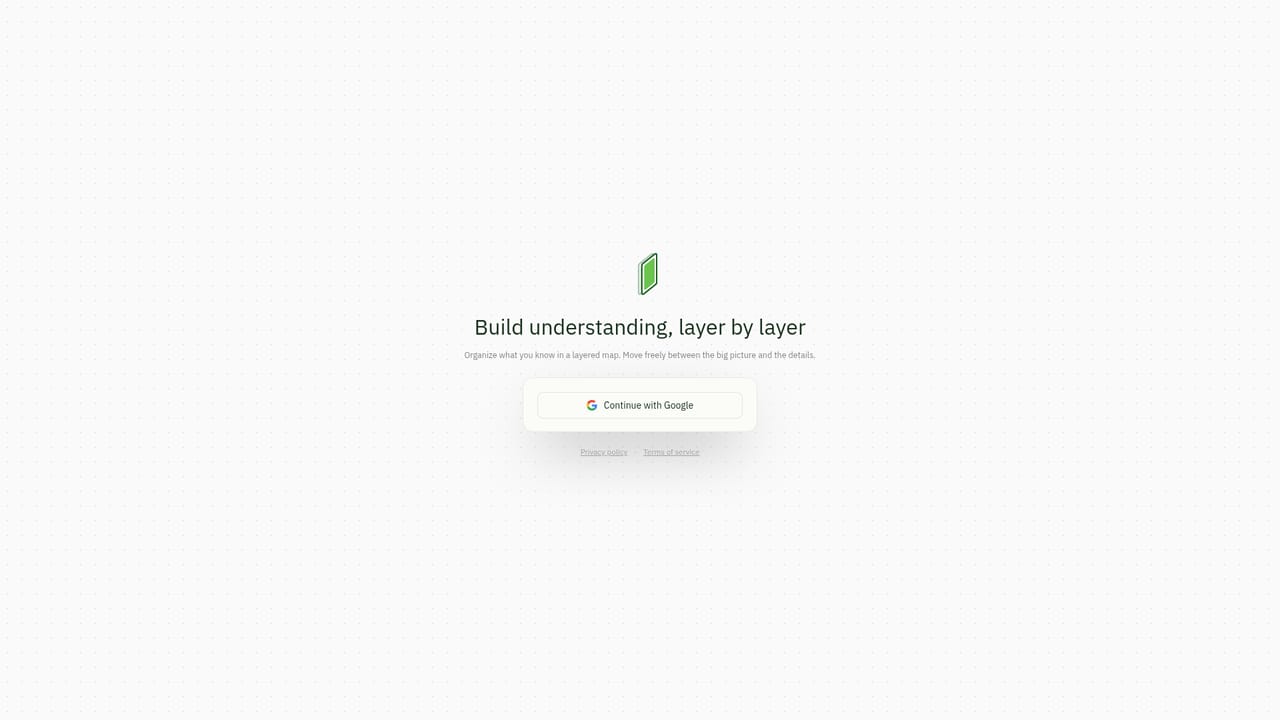
    Use the Create a map button on the homepage to reach the login page, then start a new map for the subject you want to organize.
    ZoomMap — Create an account and open a map
  2. 2Explore a featured map first
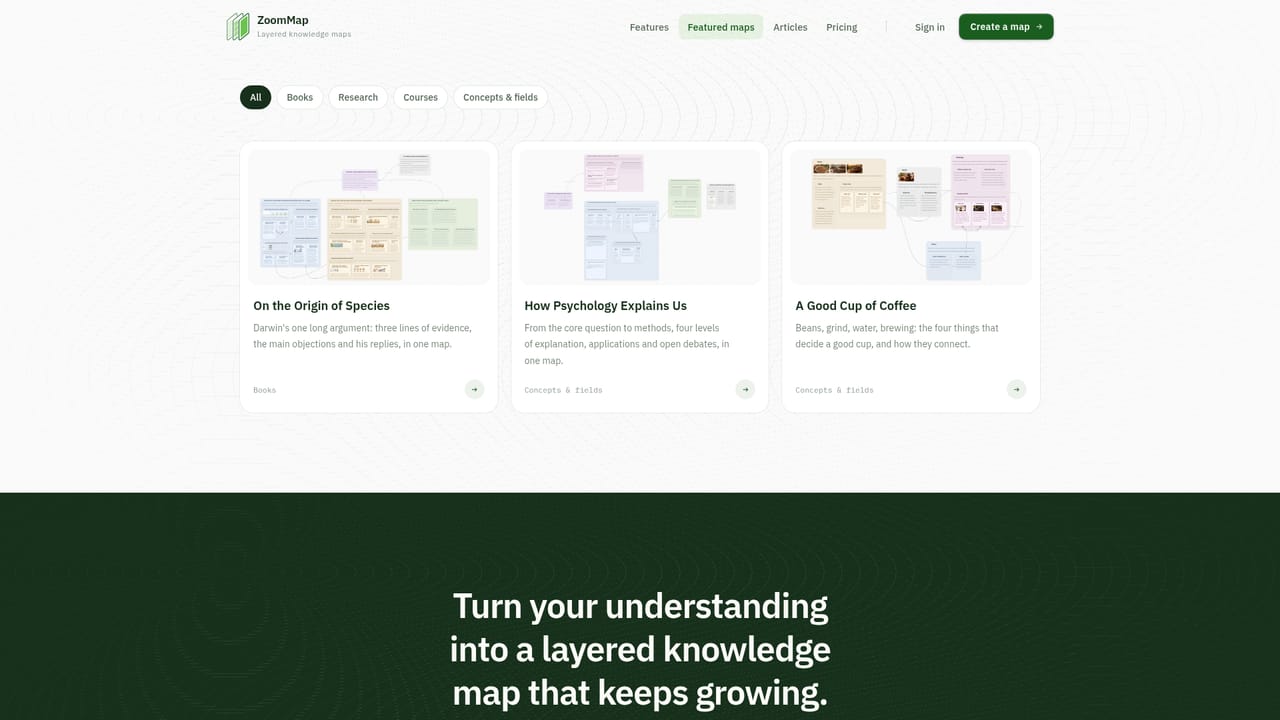
    Open one of the featured example maps, such as the one on Darwin's On the Origin of Species, to see how layers fold and open.
    ZoomMap — Explore a featured map first
  3. 3Build layers with nested cards
    Create top-level cards for the main ideas, place detail cards inside each one, and drag cards into others to reorganize the hierarchy.
  4. 4Add sources and cite evidence
    Upload PDFs, EPUBs, Markdown, text, images or a web link to the material library, then attach selected passages to cards with a note on why they matter.
  5. 5Connect ideas and name the relationships
    Arrange cards on the canvas and draw connections labeled supports, contrasts, causes or extends so the reasoning is visible.
  6. 6Ask the agent to review or extend the map
    Explain your understanding to ZoomMap Agent, let it point out gaps, then review its proposed cards and citations and accept or reject each.

Pros and cons

Pros

  • Nested cards keep the overview and the details on one map, with layers that open and fold togetherAI
  • Named connections such as supports, contrasts or causes record how ideas relate, not just that they doAI
  • Citations link cards to passages or images in uploaded sources and jump back to the originalAI
  • The agent proposes changes as a reviewable list, so the user accepts or rejects each editAI
  • Featured example maps can be explored before building anythingAI

Cons

  • The homepage lists no pricing, so costs and any free tier cannot be judged before signing inAI
  • Account creation is required to start a map, and no offline or desktop app is mentionedAI
  • No integrations or export options are described, which raises lock-in questions for existing note librariesAI
  • Building nested layers and typed relationships takes more upfront effort than a simple outline or mind mapAI
  • Agent usage is described as costing 'a modest amount' for long reading, with no limits or rates statedAI

How much does ZoomMap cost?

Features

Nested layered cards, an open canvas with named connections, layer switching, a material library for PDF, EPUB, Markdown, text, image and web link sources, passage citations that link back to the original, and an AI agent that drafts cards, text and citations.

Frequently asked questions about ZoomMap

  • How do you use ZoomMap?
    The walkthrough on this page covers 6 steps: 1. Create an account and open a map 2. Explore a featured map first 3. Build layers with nested cards 4. Add sources and cite evidence 5. Connect ideas and name the relationships 6. Ask the agent to review or extend the map.
  • What platforms does ZoomMap support?
    ZoomMap is available on Web App.
  • What are the limitations of ZoomMap?
    The homepage lists no pricing, so costs and any free tier cannot be judged before signing in. Account creation is required to start a map, and no offline or desktop app is mentioned. No integrations or export options are described, which raises lock-in questions for existing note libraries.

Status

StatusActive
Views0
Outbound clicks0
Added10/18/2026

Platforms

Web App

Pricing

Paid