Automaited

AI agents that run inside sales order processing for B2B teams

Intermediate API
Screenshot of Automaited, AI agents that run inside sales order processing for B2B teams

What is Automaited?

Automaited is an automatic job apply tool. Automaited deploys AI agents that answer customer inquiries, capture orders and check delivery dates inside a company's ERP and CRM, following configured business rules and escalating exceptions to the human team. Built for B2B manufacturers and distributors, with guided onboarding and audit-friendly processing logs.

Automaited is an AI agent platform built for B2B manufacturers and distributors that want inside sales work handled automatically inside their own business systems. Rather than bolting a chatbot onto a helpdesk, it places a set of digital employees between incoming customer requests and the ERP, CRM and document stores that already define how the company operates. Requests arrive by email, WhatsApp, phone, PDF or scan, and through API and system events, and the agent decides what to do next. The mechanism is a loop of understanding, planning, execution and verification. Automaited classifies the request, pulls company context such as customer and product master data, orders, stock, terms and prior communication, then applies business rules covering task requirements, customer specific conditions and approval thresholds. Approved external sources can be added as well. Actions can be read-only or, where explicitly permitted, include write access to the connected systems. Every step is logged with its sources, so a reply about a delivery date can be traced back to the order record and the rule that allowed it. The product is organized around the inside sales cycle: inquiry and quote, order capture and confirmation, delivery date checks, and follow-up support such as customer data maintenance. Teams review a dashboard showing what was completed independently, what is waiting for approval and what still needs a person, and can hand exceptions back to the agent with context attached. When automation is uncertain, the case is escalated rather than guessed. It suits operations, sales operations and IT leads in mid-sized industrial companies where the volume of routine order correspondence is high and the cost of a wrong answer is real. Setup is a guided engagement rather than self-serve signup: a demo, a kickoff, a test version within days, then roughly three months of system connection and rollout with ongoing review.

How do you use Automaited?

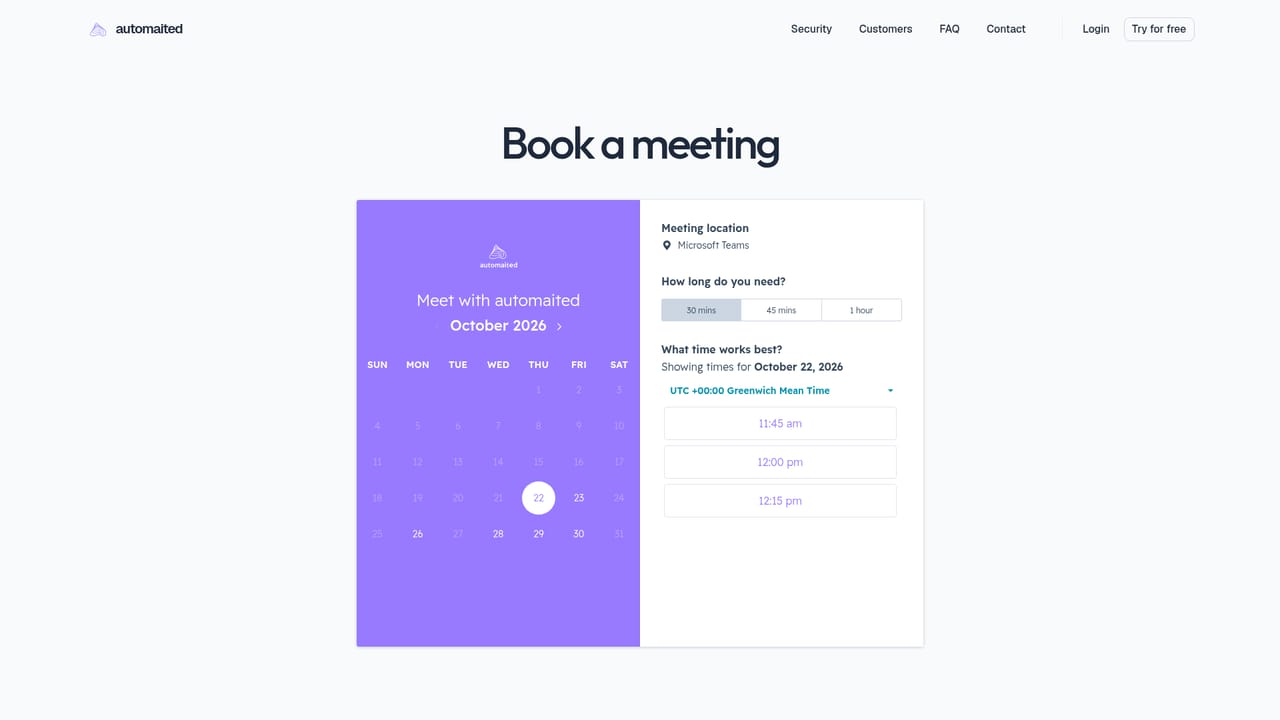
  1. 1Book a product presentation
    Start with a demo where the team walks through your current order handling tasks and shows the matching agent components, such as order processing.
    Automaited — Book a product presentation
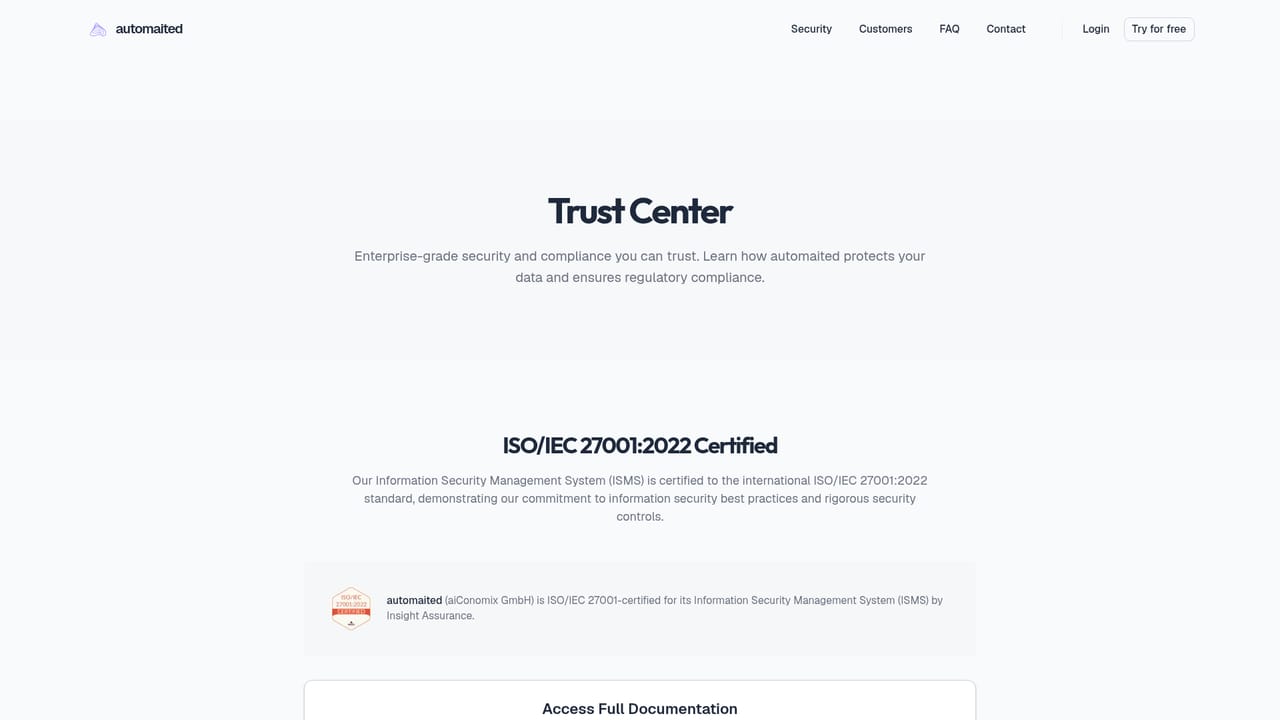
  2. 2Review the security and compliance foundation
    Read the Trust Center material on hosting, ISO/IEC 27001, GDPR and EU AI Act compliance before internal sign-off.
    Automaited — Review the security and compliance foundation
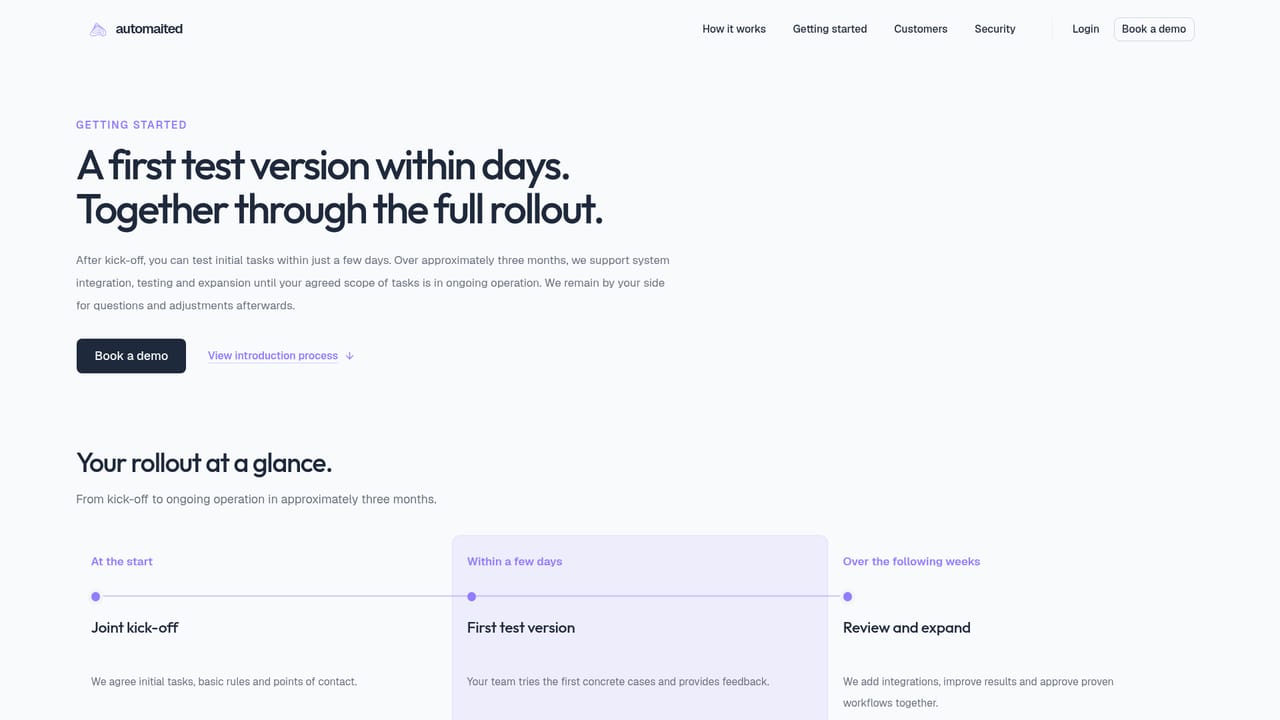
  3. 3Agree the kickoff and scope
    After kickoff, define which task types come first, which systems are involved and who approves exceptions.
    Automaited — Agree the kickoff and scope
  4. 4Connect systems and set the rules
    Link ERP, CRM and document sources, then encode customer specific rules and approval thresholds that bound the agent's actions.
  5. 5Run a test version and review results
    Within days a first test version is available; use it to compare agent output against known cases and tune the setup.
  6. 6Roll out over roughly three months
    Expand to further tasks while reviewing results together, adjusting rules and adding channels.

Pros and cons

Pros

  • Agents act inside existing ERP and CRM records instead of a separate silo, so order data stays authoritativeAI
  • Every action is traceable to its source record and rule, which makes replies auditableAI
  • Approval thresholds and customer specific rules let teams keep control over sensitive casesAI
  • Handles mixed intake channels including email, WhatsApp, phone and scanned documentsAI
  • Explicit security posture: ISO/IEC 27001 certification, German hosting, GDPR and EU AI Act alignmentAI

Cons

  • No published pricing, so budget planning requires a sales conversationAI
  • Onboarding is a guided project of roughly three months, not a same-day self-serve setupAI
  • Positioned narrowly at B2B manufacturers and distributors, so other sectors get less valueAI
  • The homepage shows no public feature documentation beyond the illustrative workflow exampleAI
  • Value depends on clean master data and well defined rules, which is real preparation workAI

How much does Automaited cost?

Support

Support spans an individual product presentation, a guided introduction with a test version within days and system connection during a rollout of about three months, then ongoing review of results and setup adjustments with clear contacts.

Learn more

Integrations

Automaited connects to ERP and CRM systems as the leading data source, plus customer and product master data, orders, stock, terms, documents and prior communication. Approved external databases and website or product information can be added as context.

Features

Agents recognize and classify customer requests, gather context from ERP, CRM, master data and documents, plan an approach under business rules, execute replies and system updates, then check and record results. Intake covers email, WhatsApp, phone, PDFs and scans, plus API and system events. Read-only or approved write access, customer specific rules, approval thresholds, and a dashboard separating completed, pending and open work.

Frequently asked questions about Automaited

  • Does Automaited have an API?
    Yes, Automaited offers an API.
  • How do you use Automaited?
    The walkthrough on this page covers 6 steps: 1. Book a product presentation 2. Review the security and compliance foundation 3. Agree the kickoff and scope 4. Connect systems and set the rules 5. Run a test version and review results 6. Roll out over roughly three months.
  • What platforms does Automaited support?
    Automaited is available on Web App.
  • What does Automaited integrate with?
    Automaited connects to ERP and CRM systems as the leading data source, plus customer and product master data, orders, stock, terms, documents and prior communication. Approved external databases and website or product information can be added as context.
  • What are the limitations of Automaited?
    No published pricing, so budget planning requires a sales conversation. Onboarding is a guided project of roughly three months, not a same-day self-serve setup. Positioned narrowly at B2B manufacturers and distributors, so other sectors get less value.

Status

StatusActive
Views0
Outbound clicks0
Added10/21/2026

Platforms

Web App

Pricing

Paid