Free trial
The resume review and salary estimate are free without an account. A free account adds one tailored resume, one redo, the first Resume Boost plan and unlimited autofill.
Learn moreTailor your resume to any job posting and autofill the application.
Own Apply Buddy AI? Verify ownership to get a dofollow link

Apply Buddy AI is an automatic job apply tool. ApplyBuddy scores your resume for free, rewrites it against individual job postings with a report of every change, helps improve the base document through approved edits, and autofills application forms from a Chrome extension that reads LinkedIn, Indeed, Greenhouse, Lever, Workday and Glassdoor.
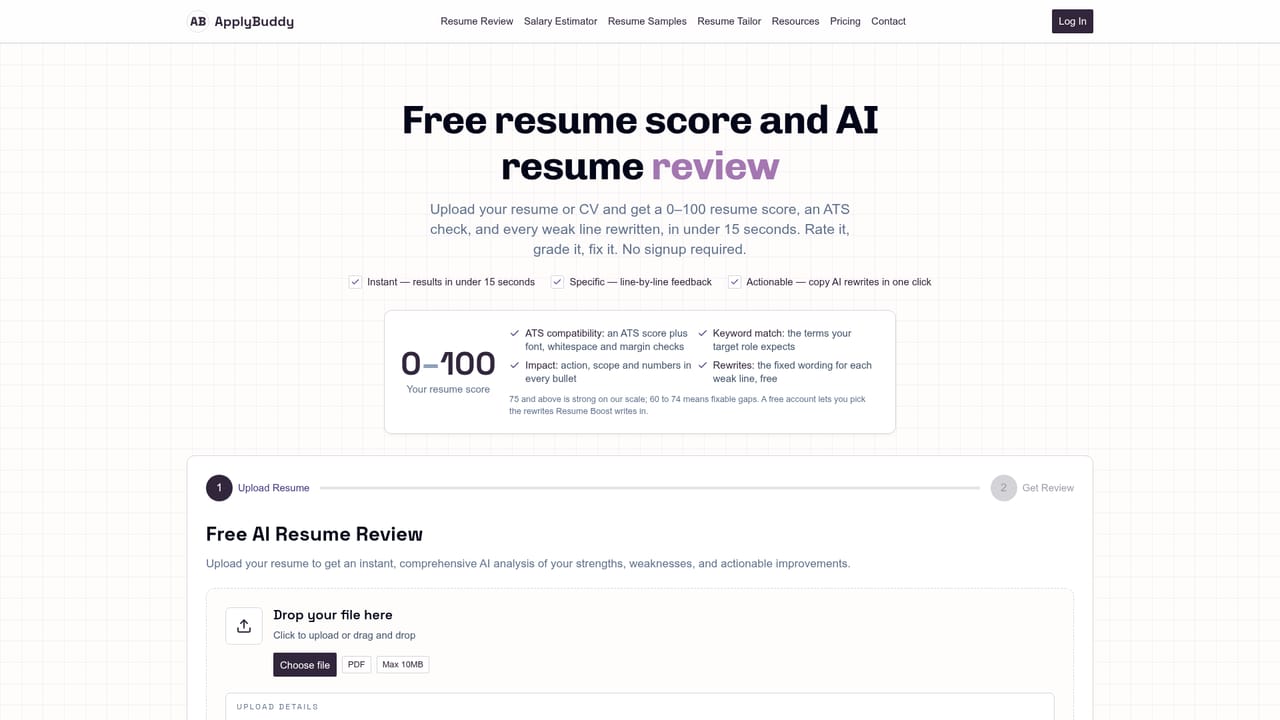
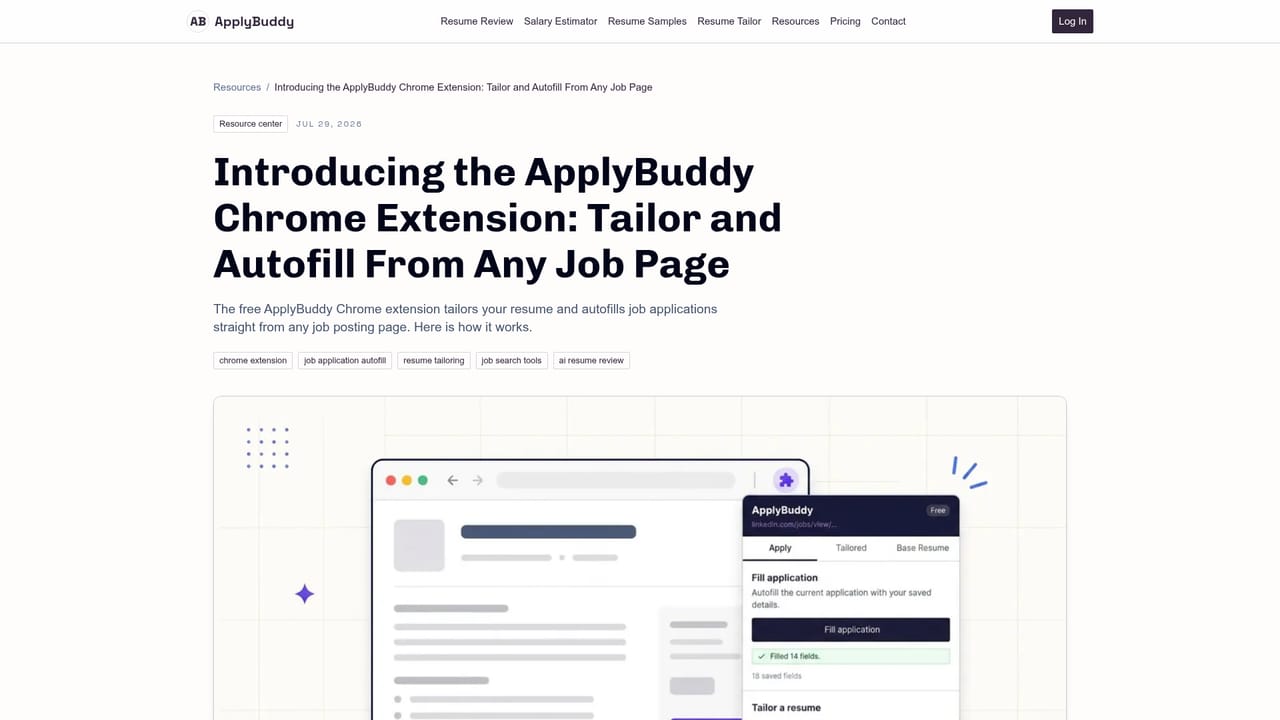
ApplyBuddy is a resume tailoring and application autofill service built around a single base resume. You upload that resume once and the platform scores it on a 0 to 100 diagnostic scale, checks ATS readability and formatting, and returns line-by-line fixes in roughly 15 seconds on the free review page. No account is required for that first diagnostic. The workflow moves in two directions. Resume Boost improves the base document itself: every proposed rewrite is shown with its new wording and estimated score gain, you approve the ones you want, and the edits are written into the resume with the option to revert. Tailoring works the other way, comparing your base resume against a specific job description, flagging missing keywords, and rewriting bullets around the experience that matters most for that role. Each tailored version comes with an edits report listing exactly what changed and which keywords were matched. Cover letters can be generated from the same posting, and the final export is a single-column, ATS-ready PDF that can still be adjusted in the browser editor first. The Chrome extension closes the loop on the application itself. Opened on a job page, it pulls the posting description automatically, tailors the resume to it, and fills the form from a profile parsed out of your resume. It covers name, contact details, links, work history and education, reports how many fields it filled, leaves anything you already typed untouched, skips work authorization and sponsorship questions, and never submits on your behalf. Supported job sites include LinkedIn, Indeed, Greenhouse, Lever, Workday and Glassdoor, with autofill reported to work on most other forms. It suits career switchers, recent graduates and experienced professionals who apply in volume and want each application to mirror the posting without rebuilding documents. The free tier covers one analysis, one cover letter review, one tailored resume and unlimited autofill; paid plans at $9.99 monthly or $99.90 yearly lift the tailoring and Boost limits and add AI cover letters and priority support.
The resume review and salary estimate are free without an account. A free account adds one tailored resume, one redo, the first Resume Boost plan and unlimited autofill.
Learn moreFree plan at $0 with one resume analysis, one cover letter review, one tailored resume, one base resume and unlimited autofill. Monthly is $9.99 and yearly is $99.90 (two months free), both adding unlimited tailored and base resumes, AI cover letters, unlimited Resume Boost and priority support. No card needed to start.
Learn morePriority support is listed as a benefit of the Monthly and Yearly plans. The free tier does not mention a support channel.
The Chrome extension reads job postings on LinkedIn, Indeed, Greenhouse, Lever, Workday and Glassdoor, and autofill is stated to work on most other application forms.
Learn moreFree AI resume review with score, ATS check and line-by-line fixes; Resume Boost with visible rewrites, score gains and revert; job description tailoring with an edits report; AI cover letters; in-browser editor with ATS-ready PDF export; Chrome extension that reads postings and autofills applications.
 AI Angels400+ customizable AI girlfriends for NSFW chat, voice calls, and roleplay
 Candy AIExperience the future of companionship with AI friends who chat, role-play, and connect with you on a human level.
 ourdream.aiA vast AI roleplay platform with millions of characters for chat, images, video and voiceAI Angels400+ customizable AI girlfriends for NSFW chat, voice calls, and roleplayCandy AIExperience the future of companionship with AI friends who chat, role-play, and connect with you on a human level.ourdream.aiA vast AI roleplay platform with millions of characters for chat, images, video and voice


