Free trial
The free tier requires no credit card and covers three applications per month plus resume PDF download, with all templates and unlimited applications reserved for paid plans.
Learn moreTurn one job post into a tailored resume and cover letter

ApplyPro is an automatic job apply tool that turns one job post into a tailored resume and cover letter. ApplyPro generates a role-specific resume and cover letter from a pasted job description, with ATS-conscious templates, editable drafts and a free tier limited to three applications per month.
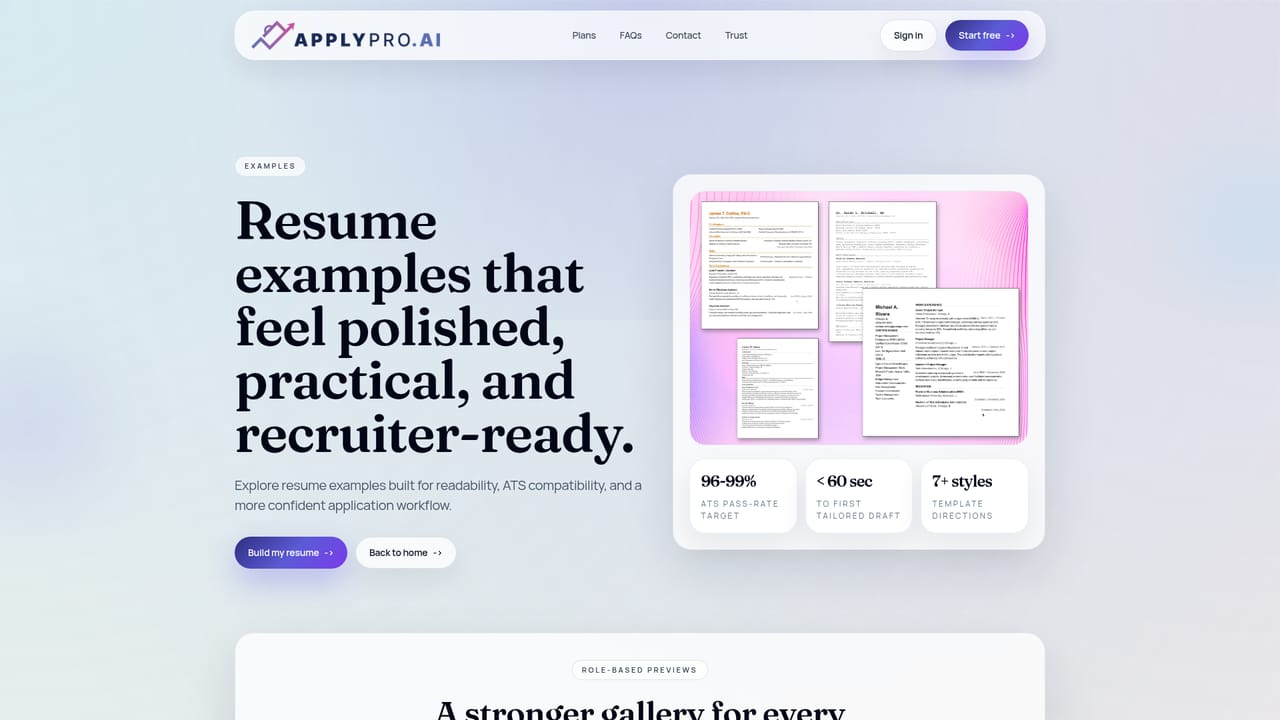
ApplyPro is a job application tool built around a single idea: each submission should be shaped by the role it targets rather than recycled from one master document. The user uploads an existing resume and pastes a job description from LinkedIn, Indeed or a company careers page, and the tool produces a resume plus a matching cover letter written around the responsibilities and wording of that specific post. The advertised workflow reaches a first draft in under a minute, which shifts the effort from blank-page writing to reviewing and adjusting. Formatting is treated as a first-class concern. ApplyPro advertises a 96 to 99 percent ATS pass-rate target, and its templates favour clear hierarchy, readable spacing and reduced visual clutter so that both screening software and human recruiters can find experience, skills and results quickly. The site lists more than seven template directions. Every line of generated output stays editable before download, so the final document reflects real experience rather than a generated approximation of it. Privacy is a stated selling point. According to the homepage, resume data is not sold or shared and is not used to train outside AI models, and users retain control over what is stored, including the ability to purge data. The tool is built in Boulder, Colorado. The product suits active job seekers running multiple applications at once: career changers, new graduates, laid-off workers on a compressed timeline, and anyone who has been sending the same PDF everywhere without response. It sits next to resume builders and template libraries, but its emphasis is the tailoring step rather than the design step. People who want a fully automated apply button will not find one here, since the loop still ends with a human review and a manual submission. Those who mainly need a beautiful portfolio-style resume may find the deliberately plain layouts less exciting than design-first competitors.
The free tier requires no credit card and covers three applications per month plus resume PDF download, with all templates and unlimited applications reserved for paid plans.
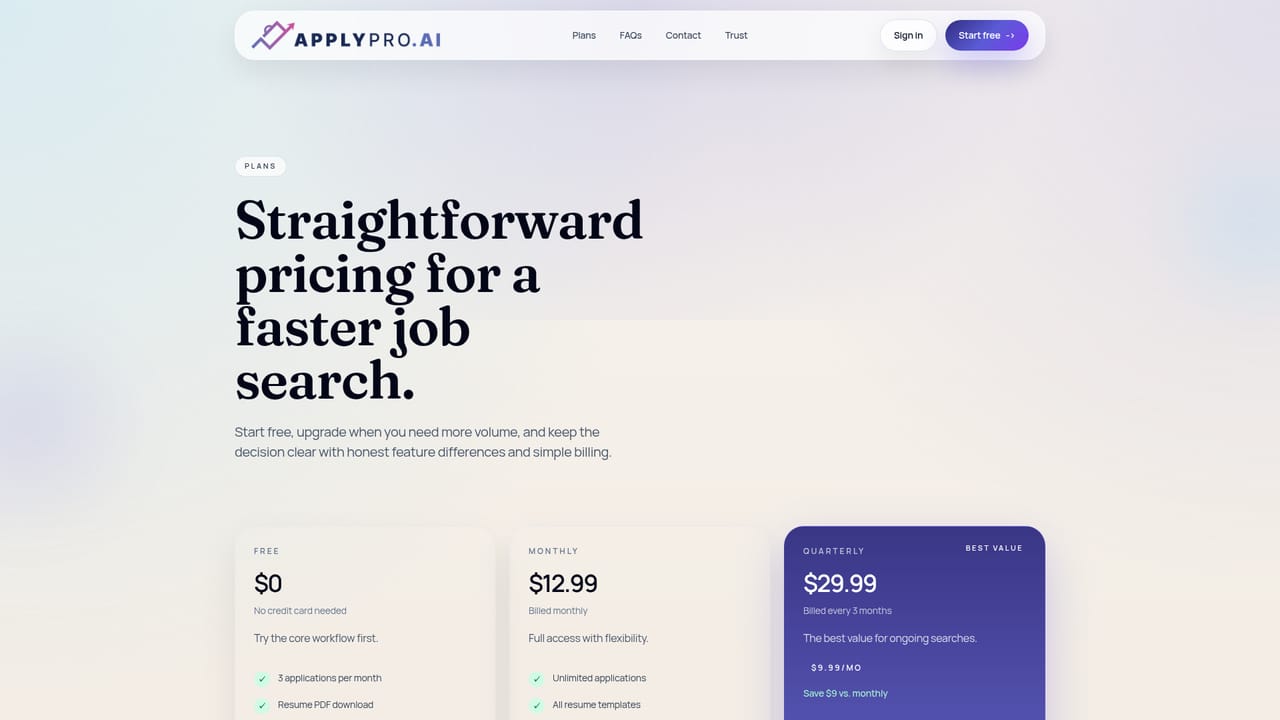
Learn moreFree tier at $0 with three applications per month and resume PDF download. Monthly is $12.99 billed monthly. Quarterly is $29.99 billed every three months (about $9.99 per month, saving $9 versus monthly) and adds unlimited applications, all templates and resume PDF hosting. No credit card needed for the free plan, cancel anytime.
Learn moreSupport runs through a contact page and a full FAQ covering product workflow plus trust, privacy and data questions. The tool is built in Boulder, Colorado, and the FAQ addresses data purging.
Learn moreNo third-party integrations are described on the homepage. Job descriptions are pasted manually from LinkedIn, Indeed or company career sites rather than pulled in through a connector.
Role-aware resume and cover letter drafting from a pasted job description, ATS-conscious layouts, more than seven template directions, editable drafts before export, resume PDF download and hosting, privacy controls over stored data, and a workflow designed to reach a first tailored draft in under a minute.
 AI Angels400+ customizable AI girlfriends for NSFW chat, voice calls, and roleplay
 Candy AIExperience the future of companionship with AI friends who chat, role-play, and connect with you on a human level.
 ourdream.aiA vast AI roleplay platform with millions of characters for chat, images, video and voiceAI Angels400+ customizable AI girlfriends for NSFW chat, voice calls, and roleplayCandy AIExperience the future of companionship with AI friends who chat, role-play, and connect with you on a human level.ourdream.aiA vast AI roleplay platform with millions of characters for chat, images, video and voice


