JobCopilot

Your job search on autopilot: AI fills the forms, you take the interviews.

Beginner
Screenshot of JobCopilot, Your job search on autopilot: AI fills the forms, you take the interviews

What is JobCopilot?

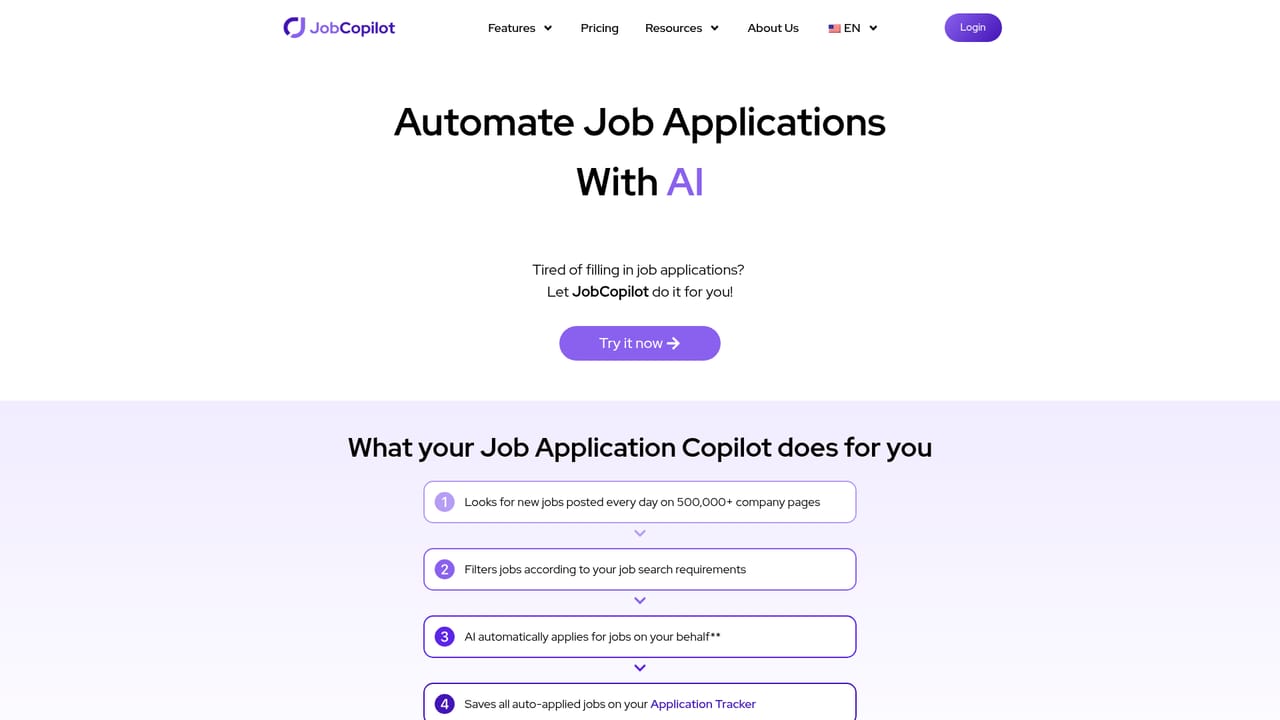
JobCopilot automates the job hunt: it finds newly posted roles from 500,000+ company career pages and submits up to 50 tailored applications per day, with review controls, resume and cover letter builders, a tracker, mock interviews and hiring manager email lookup bundled in.

JobCopilot is a web platform built around a simple premise: the repetitive part of a job hunt should be handled by software. You define the roles you want, upload a resume once, and answer a short set of screening questions. From that point the system runs a daily sweep of newly posted openings and submits applications on your behalf, filling in the forms that would otherwise eat your evenings. The company positions the product around volume. The pitch is that a single interview often requires dozens of applications, and JobCopilot can send up to 50 personalized applications per day across roles sourced from more than 500,000 company career pages. You are not locked into a black box: applications can be queued for your review before they go out, and every answer you correct teaches the copilot how you prefer to respond, so later submissions need less editing. Resumes get tailored per role, and applications are placed only on official company career pages, which is meant to keep you away from aggregator listings and fake postings. Beyond the auto-apply engine, the product bundles adjacent job search utilities: a tracker dashboard for monitoring pipeline status, a resume builder, a cover letter generator, an AI mock interviewer for practice, hiring manager email discovery for follow-ups, and a career advisor that suggests roles based on your skills and background. That bundling is the main differentiator against single-purpose resume tools, though the auto-apply automation is the reason most people sign up. It suits active job seekers applying at volume: engineers, marketers, accountants, customer success staff, and students entering the market. Anyone applying selectively to a handful of senior roles will find the automation less useful than a strong resume builder. The homepage does not publish plan details or rates, so pricing has to be checked on the site before committing.

How do you use JobCopilot?

  1. 1Set your job preferences
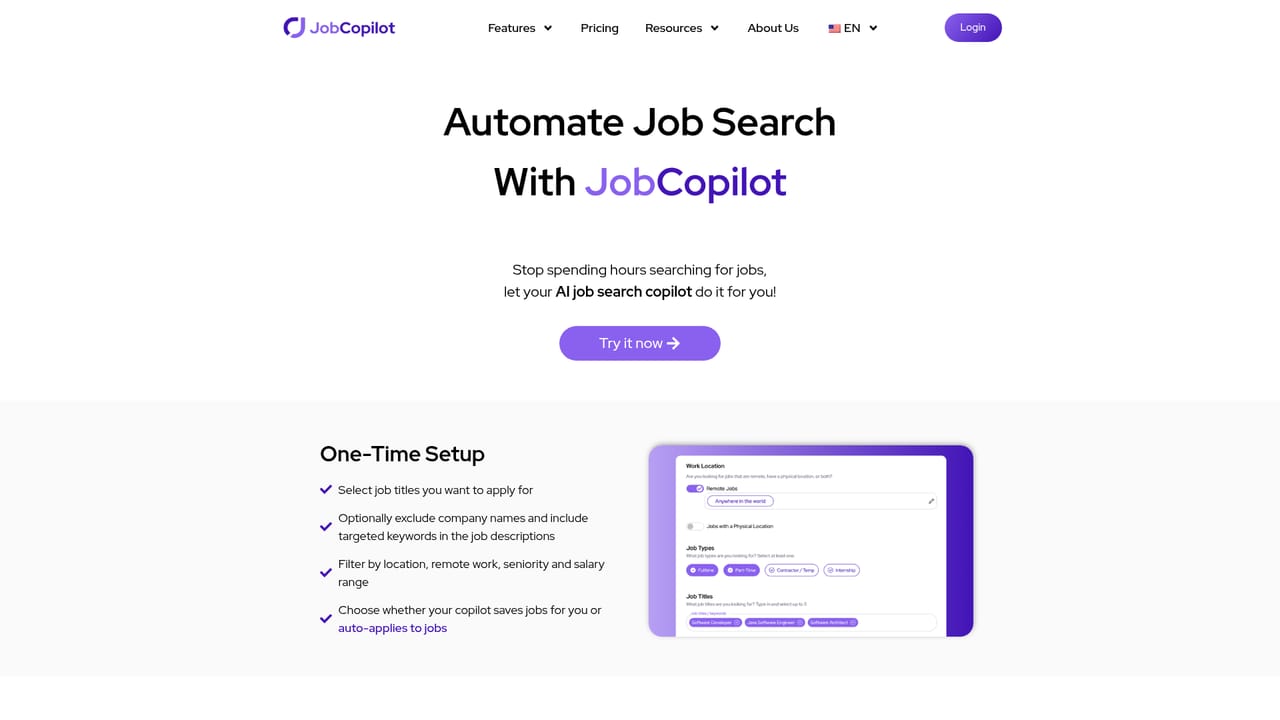
    Describe the roles, locations and other criteria you are targeting. Multiple filters let you narrow the copilot to jobs you actually want rather than everything it finds.
    JobCopilot — Set your job preferences
  2. 2Upload your resume and answer screening questions once
    Add your resume and complete the standard application questions. This becomes the base the copilot reuses for future auto-filled forms.
    JobCopilot — Upload your resume and answer screening questions once
  3. 3Configure auto-apply and review settings
    Decide whether applications go out automatically or wait for your approval, and adjust how aggressively the copilot applies.
    JobCopilot — Configure auto-apply and review settings
  4. 4Track submissions and refine answers
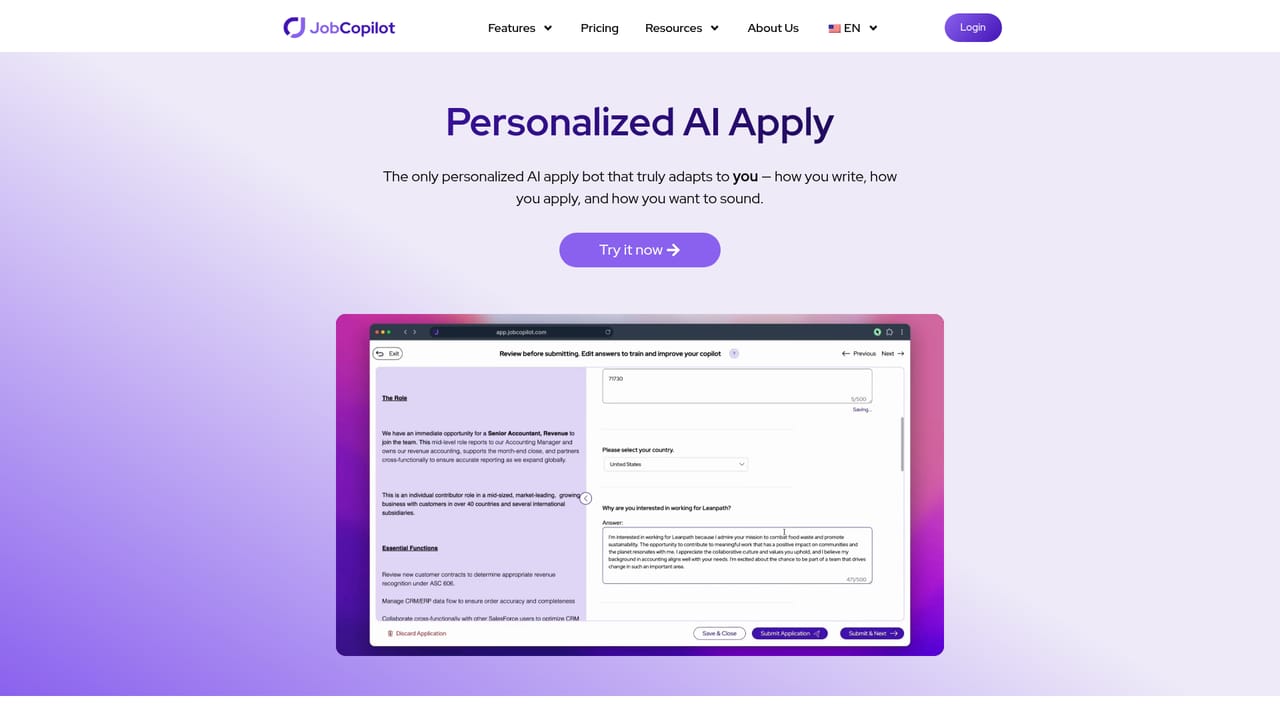
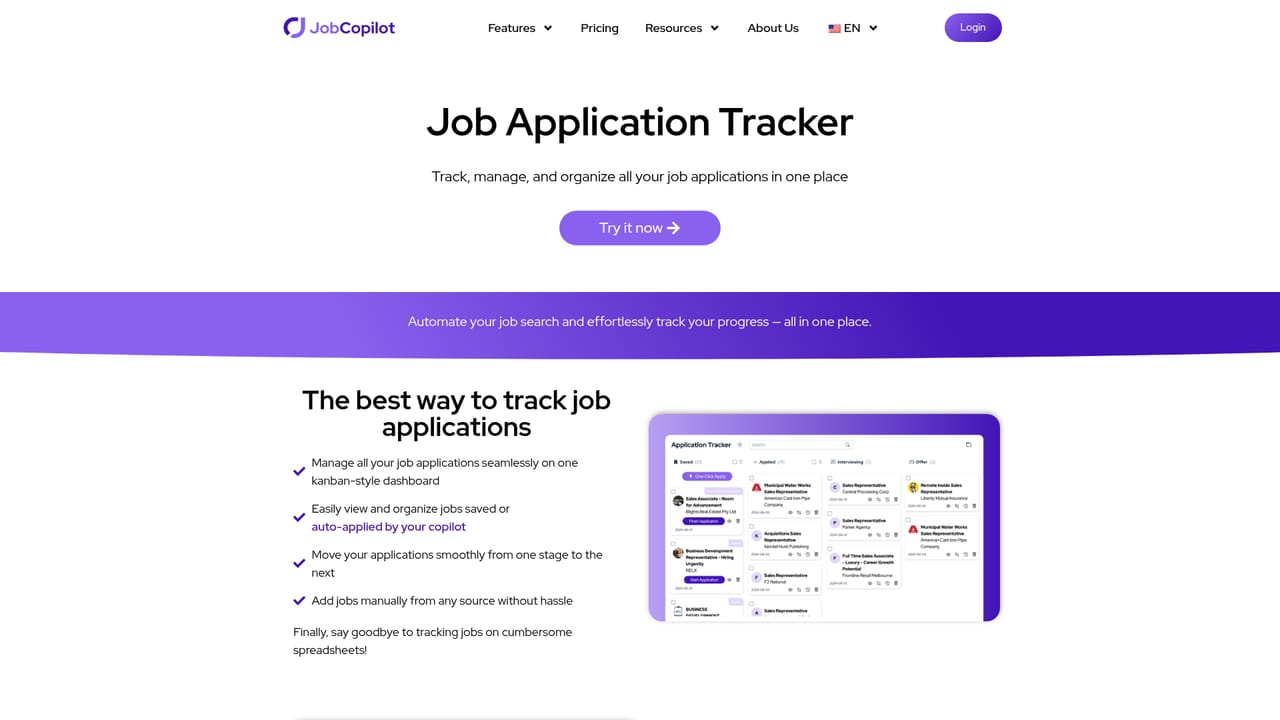
    Use the dashboard to follow each application's status. Correcting answers you do not like trains the copilot to respond your way next time.
    JobCopilot — Track submissions and refine answers
  5. 5Follow up and prepare for interviews
    Look up hiring manager emails to follow up on applications, and run practice sessions with the AI mock interviewer before real calls.

Pros and cons

Pros

  • Runs a daily search for new postings instead of relying on a static job boardAI
  • Submits up to 50 personalized applications per day, with an option to review before applyingAI
  • Learns from your edits to form answers, so auto-fill gets closer to your own wording over timeAI
  • Applies only on verified company career pages, which reduces exposure to fake listingsAI
  • Bundles tracker, resume builder, cover letters, mock interviews and hiring manager emails in one placeAI

Cons

  • Homepage gives no pricing figures, so cost has to be confirmed on the site before signing upAI
  • High volume application sending can read as spam to recruiters and may dilute quality per roleAI
  • Performance depends on how well the copilot reads each company's application form, and unusual forms may still need manual fixesAI
  • Email discovery for hiring managers is not guaranteed to find a contact at every companyAI
  • The homepage cites user counts and results without published methodology or independent verificationAI

How much does JobCopilot cost?

Features

Core features cover daily job search across 500,000+ company career pages, automated application submission at up to 50 per day, per-role resume tailoring with a review option, and a copilot that learns from your answer edits. Supporting tools include a job application tracker, AI resume and cover letter builders, an AI mock interviewer, hiring manager email discovery, and an AI career advisor for role suggestions.

Learn more

Frequently asked questions about JobCopilot

  • How do you use JobCopilot?
    The walkthrough on this page covers 5 steps: 1. Set your job preferences 2. Upload your resume and answer screening questions once 3. Configure auto-apply and review settings 4. Track submissions and refine answers 5. Follow up and prepare for interviews.
  • What platforms does JobCopilot support?
    JobCopilot is available on Web App.
  • What are the limitations of JobCopilot?
    Homepage gives no pricing figures, so cost has to be confirmed on the site before signing up. High volume application sending can read as spam to recruiters and may dilute quality per role. Performance depends on how well the copilot reads each company's application form, and unusual forms may still need manual fixes.

Status

StatusActive
Views0
Outbound clicks0
Added10/21/2026

Platforms

Web App

Pricing

FreemiumSubscription