Integrations
Incoming messages can be processed by a personal web server, passed to ChatGPT, Gemini or Dialogflow AI, or used to trigger custom actions in Tasker.
Automatic chat replies for six messaging apps
Own AutoResponder? Verify ownership to get a dofollow link

AutoResponder is an independent Android auto-reply app for WhatsApp, Facebook Messenger, Instagram, Telegram, Signal and Viber. Users build unlimited custom rules, send out of office replies, and optionally route messages to a web server, ChatGPT, Gemini, Dialogflow or Tasker actions.
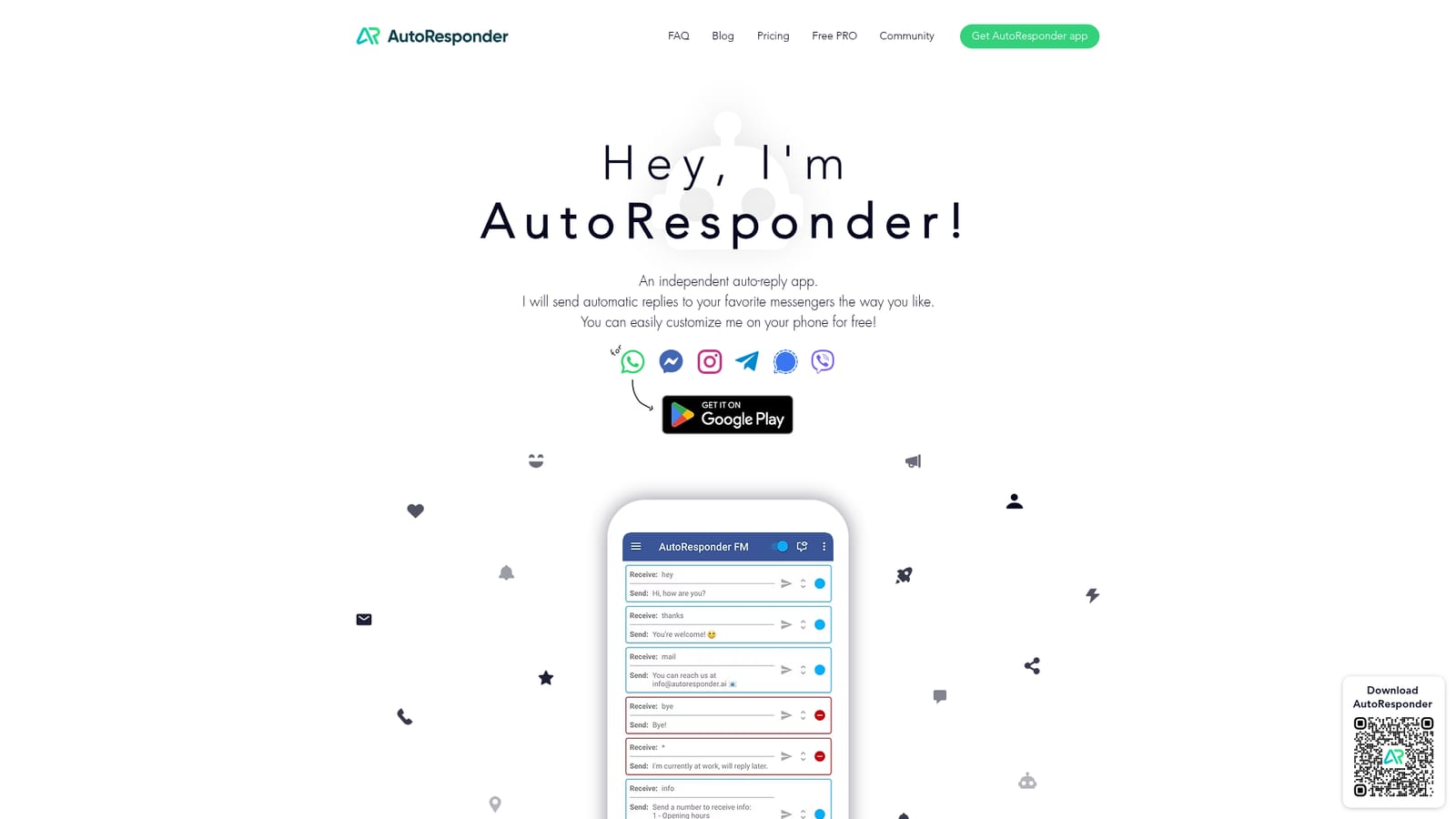
AutoResponder is an Android app that sends automatic replies inside WhatsApp, Facebook Messenger, Instagram, Telegram, Signal and Viber. It is built as a separate companion app for each messenger, distributed through Google Play, and configured on the phone. The stated goal is straightforward: keep conversations moving while the owner is busy, asleep or simply not in the mood to answer every incoming message by hand. The mechanics rest on custom rules. A user defines the message patterns that should trigger a response and the reply that follows, and the app can hold as many of these rules as needed. A single out of office style rule covers inboxes where one generic answer is enough. Beyond canned text, AutoResponder can hand incoming messages to an external web server, forward them to ChatGPT, Gemini or Dialogflow AI, or fire off custom actions through Tasker. That makes it a lightweight automation layer rather than a fixed template bot. Small businesses that live on chat are the clearest audience. A WhatsApp-based shop can answer routine questions about hours, prices or delivery while the owner concentrates on customers who need a real person. Freelancers, resellers and community managers juggling several messenger accounts fit too, as does anyone who wants a polite holding reply outside working hours. The app is configured on the phone and does not require coding for basic rules, though the server and Tasker options reward users who are comfortable with automation. Alternatives fall into two camps: official business APIs and inbox platforms on one side, and simple away-message toggles on the other. AutoResponder sits between them, offering rule-based replies across consumer messenger accounts plus optional AI and webhook hooks, with the WhatsApp edition carrying over 8 million downloads according to the site. The trade-off is that everything runs from an Android device rather than a cloud dashboard, and the product is described by its maker as independent and not affiliated with the messengers it supports.
Incoming messages can be processed by a personal web server, passed to ChatGPT, Gemini or Dialogflow AI, or used to trigger custom actions in Tasker.
Automatic replies to WhatsApp, Facebook Messenger (including Marketplace replies), Instagram DMs, Telegram, Signal and Viber. Unlimited custom rules, out of office replies, messages processed by your own web server, connections to ChatGPT, Gemini or Dialogflow AI, and Tasker-triggered actions.
 AI Angels400+ customizable AI girlfriends for NSFW chat, voice calls, and roleplay
 Candy AIExperience the future of companionship with AI friends who chat, role-play, and connect with you on a human level.
 ourdream.aiA vast AI roleplay platform with millions of characters for chat, images, video and voiceAI Angels400+ customizable AI girlfriends for NSFW chat, voice calls, and roleplayCandy AIExperience the future of companionship with AI friends who chat, role-play, and connect with you on a human level.ourdream.aiA vast AI roleplay platform with millions of characters for chat, images, video and voice


