Free trial
A free signup is offered from the AI email writer page and the dedicated free plan page, with no credit card details requested in the signup form shown.
Learn moreAI email writing built into the sender you already use

AWeber is a content writing tool. AWeber's AI Email Writer bundles subject line suggestions, newsletter ideas, first drafts and tone adjustment into the AWeber campaign editor, so small senders can move from prompt to sent email without copying text out of a separate chatbot.
AWeber's AI Email Writer puts a large language model directly inside the AWeber message editor, so a campaign gets drafted, refined and sent without hopping into a separate chatbot tab. The feature set is narrow but practical: a subject line assistant that proposes lines based on the email's context and performance data, an idea generator that returns newsletter angles for a given audience or product, and a draft writer that turns a short prompt into body copy in roughly 15 seconds. A separate tool pastes in a blog post or URL and condenses it into a skimmable summary suitable for an email. The editing layer is where it earns its place. Promo paragraphs and product blurbs can be generated in place, then reworked with a single-click tone change (friendlier, more professional, more persuasive) rather than a manual rewrite. Because generation, editing and sending all live in one editor, there is no copy-paste loop between a chat window and a campaign builder, which is the workflow AWeber is explicitly positioning against. The tool suits small business owners, bloggers, newsletter writers and solo marketers who already run email through AWeber and want help clearing the blank-page stage. It is a weaker fit for teams that need the model to ingest their own brand corpus or CRM history, since the prompts are text-driven rather than grounded in uploaded source material. It also competes with dedicated AI writing suites only partially: AWeber skips the document editors and long-form content planning those tools carry. Anyone using Mailchimp, ConvertKit or ActiveCampaign would be comparing the built-in AI of those platforms rather than switching senders for this alone. AWeber's own comparison charts put its AI against ChatGPT Plus and Jasper on email-specific tasks. Signup runs through Google or a name and email form, and the free plan is the natural way to test whether the output matches a given voice before committing to a paid tier. Results are drafts, not finished campaigns: expect to edit for brand accuracy and to verify claims the model invents.
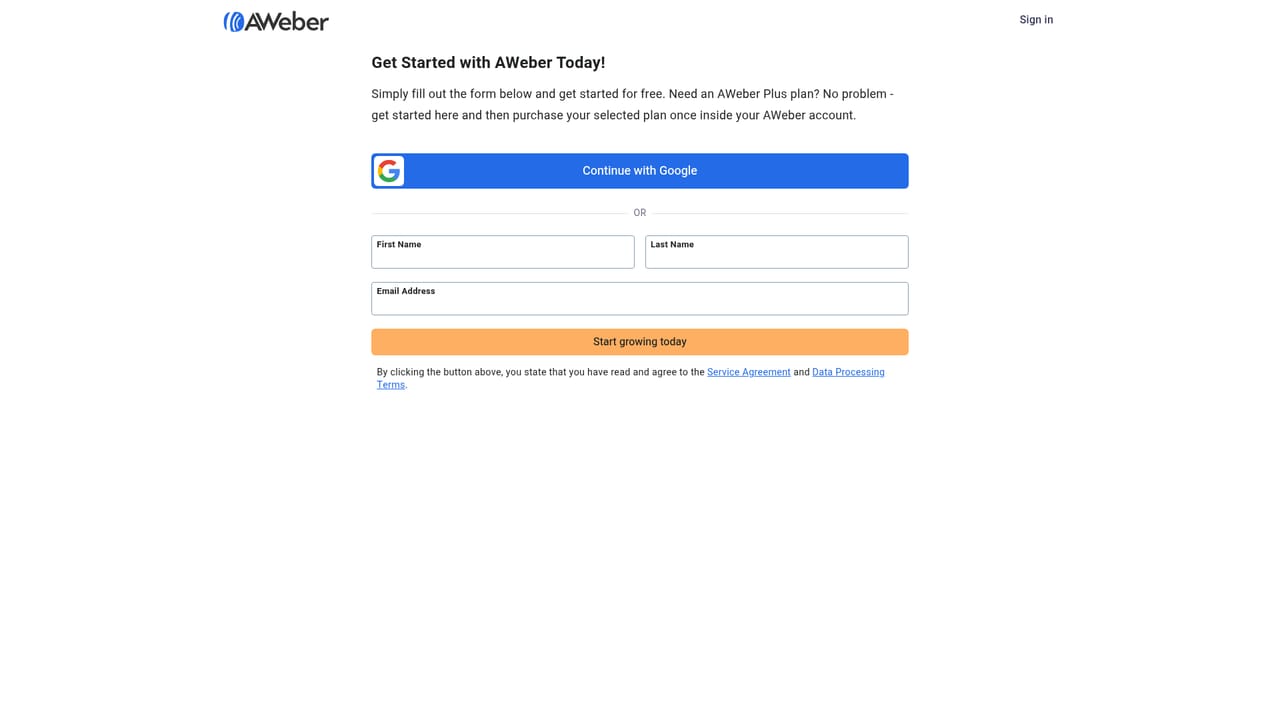
A free signup is offered from the AI email writer page and the dedicated free plan page, with no credit card details requested in the signup form shown.
Learn moreAWeber advertises a limited-time launch offer at $79, reduced from $599, with a 30-day money-back guarantee. Ongoing plan pricing by list size is published on the pricing page; the AI email writer page itself does not list monthly rates.
Learn moreSupport includes a contact page, knowledge base, video tutorials, community forum, virtual events, certified experts directory and a system status page.
Learn moreSubject line suggestions informed by email context and performance data, newsletter idea generation by audience or product, full first drafts in under 15 seconds, promo paragraph and product blurb writing, single-click tone changes, and blog post or URL summarising. All of it runs inside the AWeber message editor with sending built in.
 AI Angels400+ customizable AI girlfriends for NSFW chat, voice calls, and roleplay
 Candy AIExperience the future of companionship with AI friends who chat, role-play, and connect with you on a human level.
 ourdream.aiA vast AI roleplay platform with millions of characters for chat, images, video and voiceAI Angels400+ customizable AI girlfriends for NSFW chat, voice calls, and roleplayCandy AIExperience the future of companionship with AI friends who chat, role-play, and connect with you on a human level.ourdream.aiA vast AI roleplay platform with millions of characters for chat, images, video and voice


