BabyVideo AI

Preview a future baby from parent photos, then animate it

Beginner
Screenshot of BabyVideo AI, Preview a future baby from parent photos, then animate it

What is BabyVideo AI?

BabyVideo AI creates a realistic future baby portrait from one or two parent photos, with boy, girl or surprise options. It also animates baby photos into talking, singing and dancing clips, using a shared credit system.

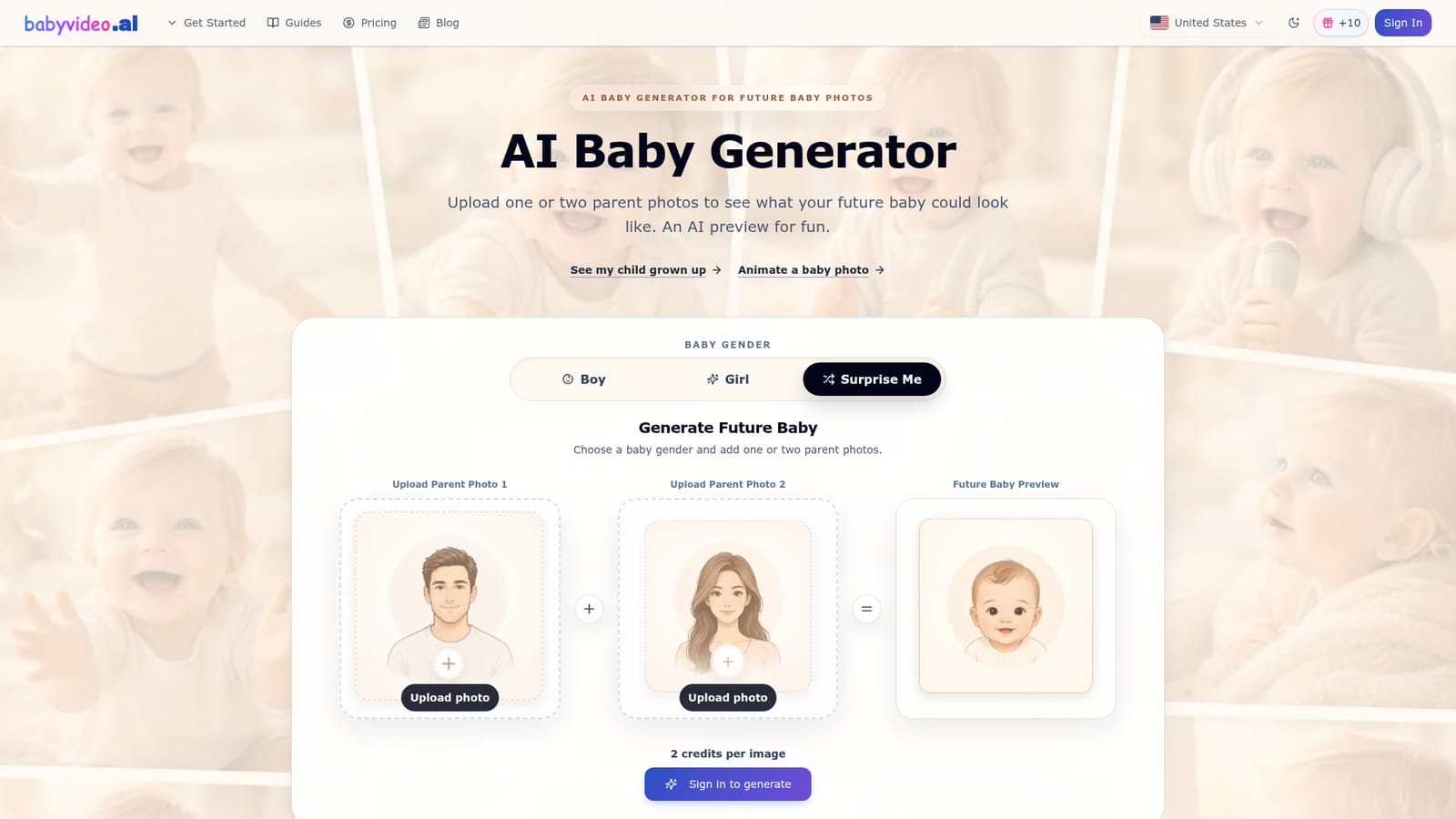
BabyVideo AI is a browser-based generator that turns one or two parent photos into a synthetic portrait of a possible future baby. Users pick baby boy, baby girl or a "surprise me" option, and the system blends visible traits such as eye color and shape, hair color and texture, skin tone, face shape, nose, lips and cheek fullness into a single baby-style image. The site is explicit that the output is entertainment, not a medical, genetic or scientific prediction. The workflow is short. A signed-in user uploads front-facing photos, chooses a gender option and generates an image, which costs 2 credits. Each run produces one variation, so repeating the process with the same photos can lean toward different parents or a softer mix. The homepage advises clear, sharp, front-facing shots without sunglasses, masks, heavy filters or side profiles, since those hide the features the model reads. Parent photos are not shown as public examples, and the site asks users to upload only photos they have permission to use. Beyond the headline feature, the product bundles several photo-to-video and image tools under the same credit balance: baby photo to video, a talking baby clip, a singing baby video built from a photo and audio, a dancing baby video, a baby age-progression preview and a cartoon-style baby image. That makes it more than a one-off novelty page, though every tool revolves around baby imagery. Typical uses are couples curious about a future child, baby shower prediction games, gender reveal comparisons and shareable social posts. Credits come from a daily check-in that earns free credits, from one-time packs, or from monthly and annual plans. Within the directory it sits among niche family-photo generators and short-form video animators; it is narrower than general image or video suites but simpler for people who want exactly this result without prompt writing.
How do you use BabyVideo AI?

  1. 1Sign in and claim free credits
    Sign in, then use Daily Check-in to earn 10 credits. Signing up alone does not award any credits.
    BabyVideo AI — Sign in and claim free credits
  2. 2Upload parent photos
    Add one or two clear, front-facing photos with visible eyes, nose and mouth. Avoid sunglasses, masks, filters and side profiles.
  3. 3Choose a baby gender
    Pick baby boy, baby girl or Surprise Me, then generate. Each image costs 2 credits.
  4. 4Animate the result
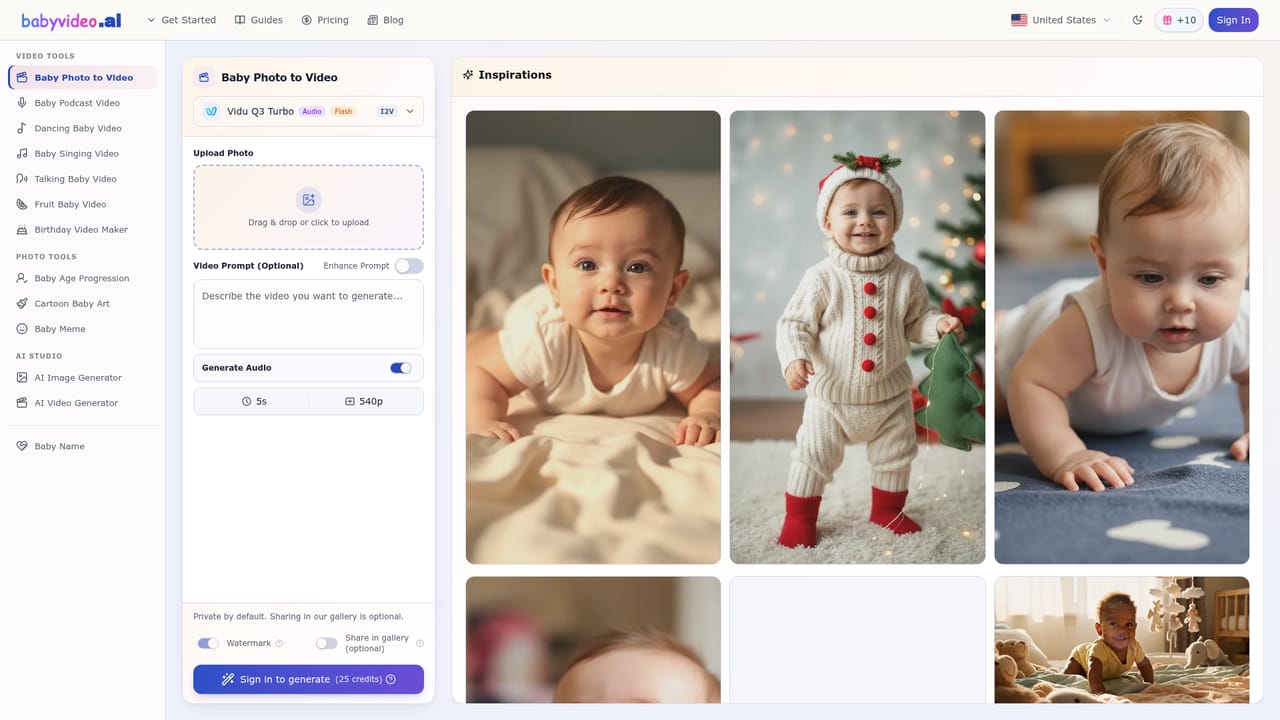
    Open the baby video tool to turn a baby photo into a short moving clip using your credits.
    BabyVideo AI — Animate the result
  5. 5Try talking or singing clips
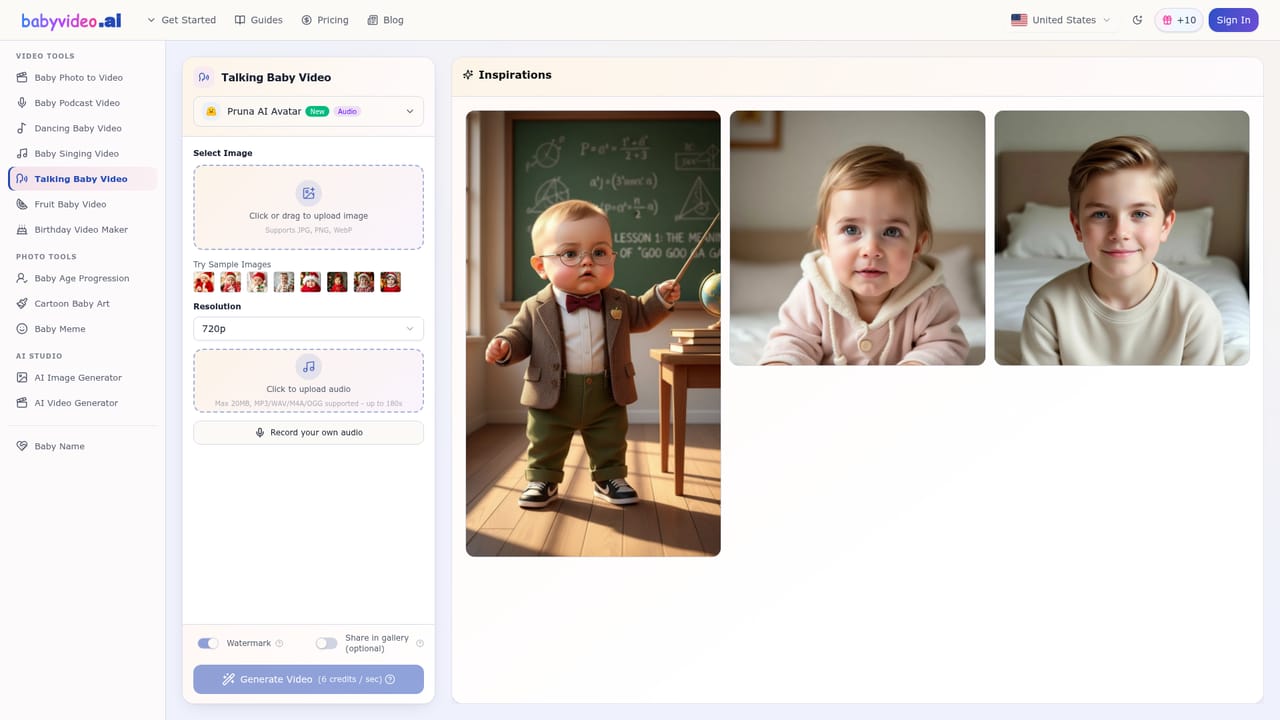
    Use the talking baby tool for a short spoken message, or the singing tool with a photo and audio.
    BabyVideo AI — Try talking or singing clips
  6. 6Top up credits if needed
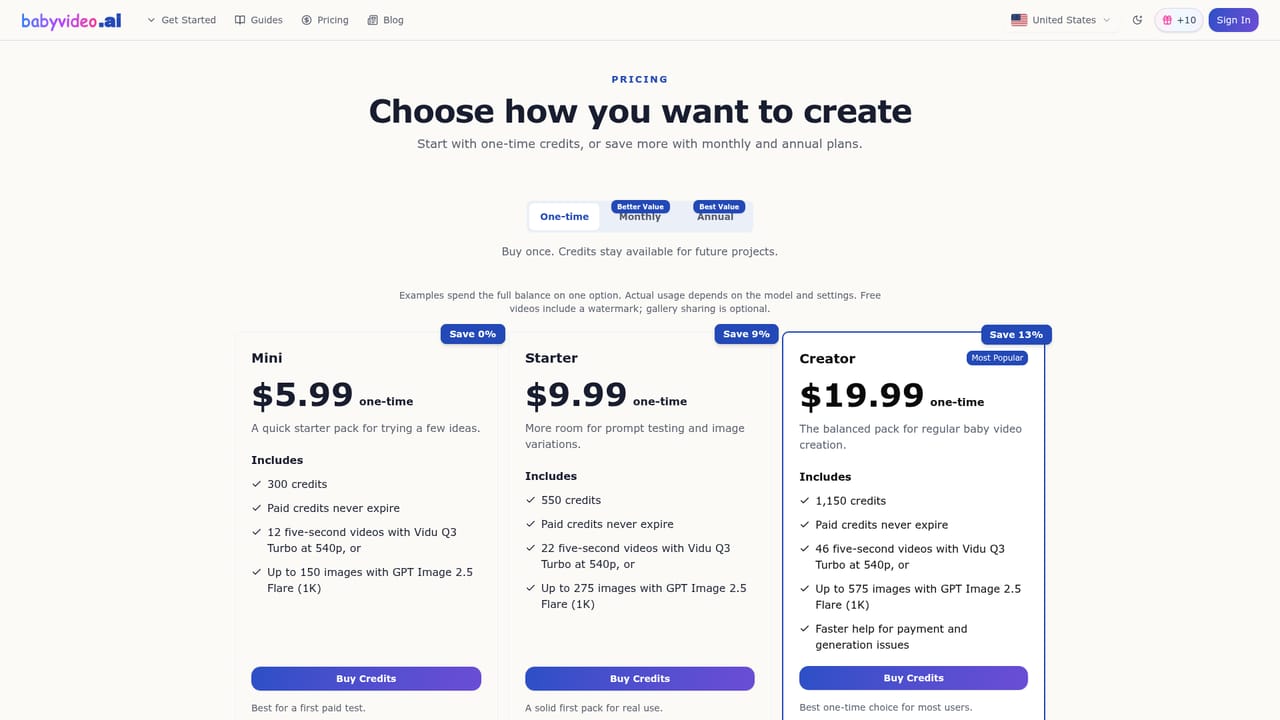
    Compare one-time credit packs and monthly or annual plans on the pricing page.
    BabyVideo AI — Top up credits if needed

Pros and cons

Pros

  • Needs only one or two photos and a gender choice, with no prompt writingAI
  • Same credit balance covers future baby images and several baby video toolsAI
  • Free daily check-in credits allow testing without a credit cardAI
  • Clear photo tips and honest entertainment-only disclaimer set realistic expectationsAI
  • Boy, girl and surprise options let users compare versions from the same photosAI

Cons

  • Results are novelty images only, with no genetic or health basisAI
  • Sign-in is required before generating, and signing up alone gives no creditsAI
  • Free credits expire 3 days after being awarded and check-ins cap at 30 per accountAI
  • Output quality depends heavily on clean front-facing photos; side profiles and filters degrade itAI
  • Each generation is a single variation, so getting a preferred look may take repeated credit spendAI

How much does BabyVideo AI cost?

Free trial

Daily Check-in gives 10 credits per day for up to 30 check-ins per account, plus 20 bonus credits per 7-day streak. Free credits expire after 3 days, and no credit card is required.

Learn more

Pricing

Free start at $0: sign in and use Daily Check-in for 10 credits, no card needed. One-time mini credit packs start at $5.99. Creator plans start at $19.99 per month, with monthly and annual options. Image generation costs 2 credits; full details are on the pricing page.

Learn more

Features

Future baby generator from one or two parent photos with boy, girl or surprise options. Related tools: baby photo to video, talking baby, singing baby from photo and audio, dancing baby, age progression and cartoon baby images.

Frequently asked questions about BabyVideo AI

  • How much does BabyVideo AI cost?
    Free start at $0: sign in and use Daily Check-in for 10 credits, no card needed. One-time mini credit packs start at $5.99. Creator plans start at $19.99 per month, with monthly and annual options. Image generation costs 2 credits; full details are on the pricing page.
  • Does BabyVideo AI offer a free trial?
    Daily Check-in gives 10 credits per day for up to 30 check-ins per account, plus 20 bonus credits per 7-day streak. Free credits expire after 3 days, and no credit card is required.
  • How do you use BabyVideo AI?
    The walkthrough on this page covers 6 steps: 1. Sign in and claim free credits 2. Upload parent photos 3. Choose a baby gender 4. Animate the result 5. Try talking or singing clips 6. Top up credits if needed.
  • What platforms does BabyVideo AI support?
    BabyVideo AI is available on Web App.
  • What are the limitations of BabyVideo AI?
    Results are novelty images only, with no genetic or health basis. Sign-in is required before generating, and signing up alone gives no credits. Free credits expire 3 days after being awarded and check-ins cap at 30 per account.

Status

StatusActive
Views0
Outbound clicks0
Added10/18/2026

Platforms

Web App

Pricing

FreemiumSubscription