Free trial
Free credits are offered to start, so new users can try generation before subscribing.
Learn moreImage and video generation with custom LoRA training in one place

LoRA AI is a web platform for generating images and videos with many third-party models and for training custom LoRAs that keep characters, styles and products consistent, plus upscaling and background removal utilities.
LoRA AI is a web platform that combines image generation, video generation and custom LoRA training under a single credit-based account. The generator exposes a long list of third-party models, including Nano Banana 2, GPT Image 2, Seedream, Wan 2.7 Image and Midjourney V7 for stills, plus Seedance, Veo 3.1, Kling, PixVerse and Happy Horse for video. Each model has its own landing page, and the main prompt box lets users pick aspect ratio, resolution (from 512px up to 4K), output format and a thinking or search-grounding option where the model supports it. The feature that gives the site its name is LoRA training. Users upload reference images to train a small adapter that locks in a character, a face, a visual style or a product look, then reuse it to keep results consistent across many generations. Several trainers are offered, tuned for different jobs: Flux Portrait for portraits, Flux Dev for characters and people, Qwen Image for text-heavy and Chinese content, Z-Image for fast product imagery, and two WAN 2.2 trainers for image and video motion. The homepage also mentions a library of more than 10,000 ready-made LoRAs, so training is optional. Beyond generation, the platform bundles utility tools: image and video background removal, image and video upscaling to 2K, 4K or 8K, an image enhancer, a video extender, video effects, lip sync and video face swap. An inspiration gallery shows example outputs with their prompts, which helps newcomers learn what each model responds to. The audience is creators, marketers, e-commerce teams and hobbyists who want character or brand consistency without running training infrastructure themselves. Compared with single-model tools such as Midjourney or a self-hosted Flux setup, LoRA AI trades depth in any one engine for breadth: many models, trainers and editing utilities behind one login. A banner mentions that some models are unlimited for Studio subscribers, and new accounts receive free credits, though exact plan details are not on the homepage.
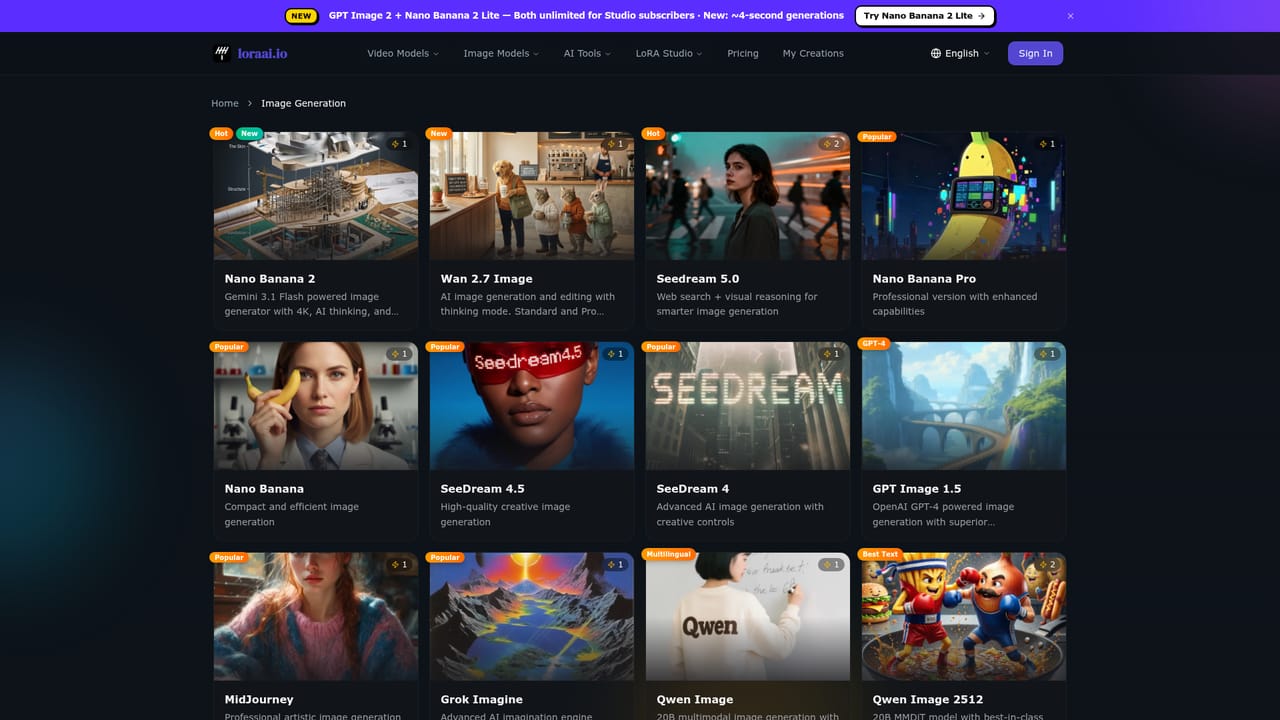
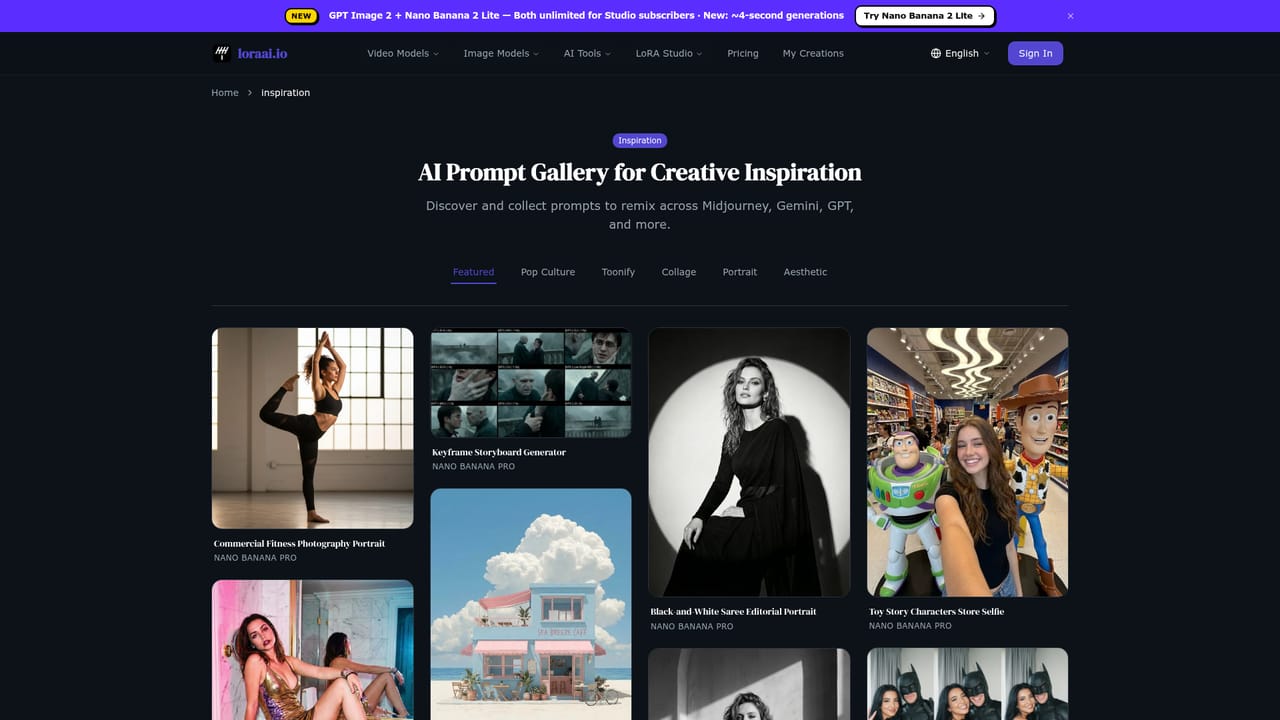
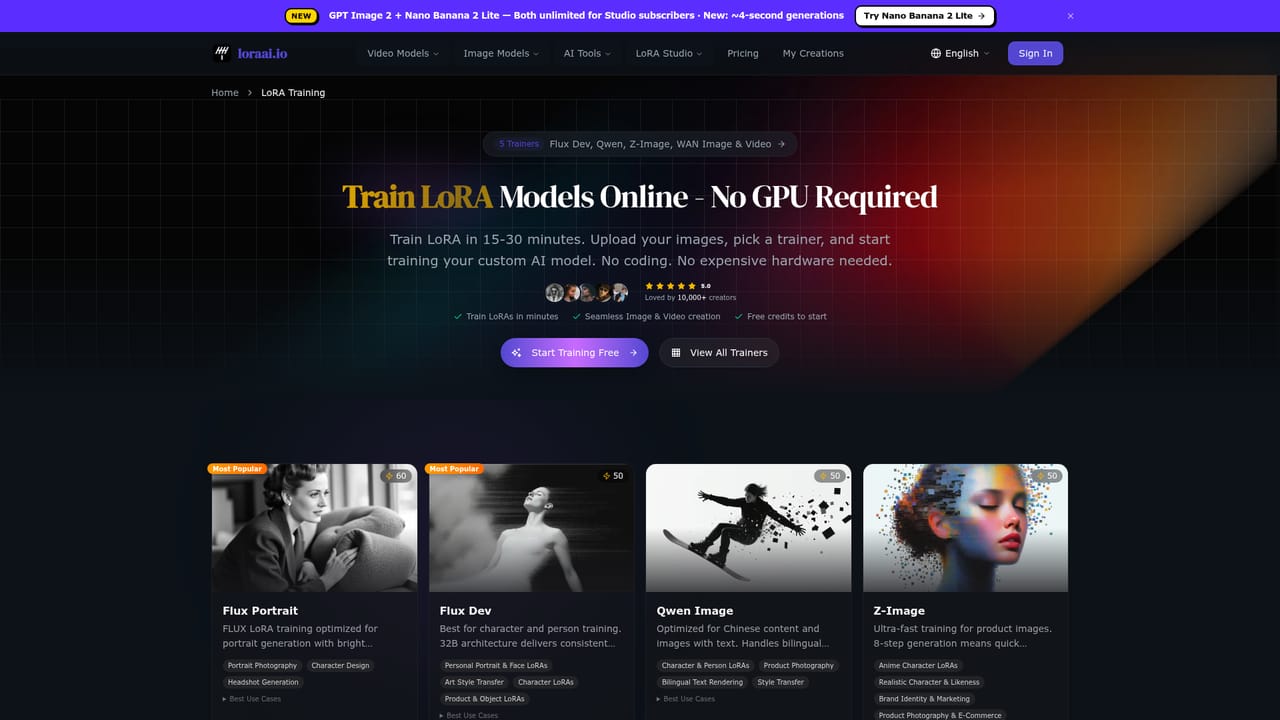
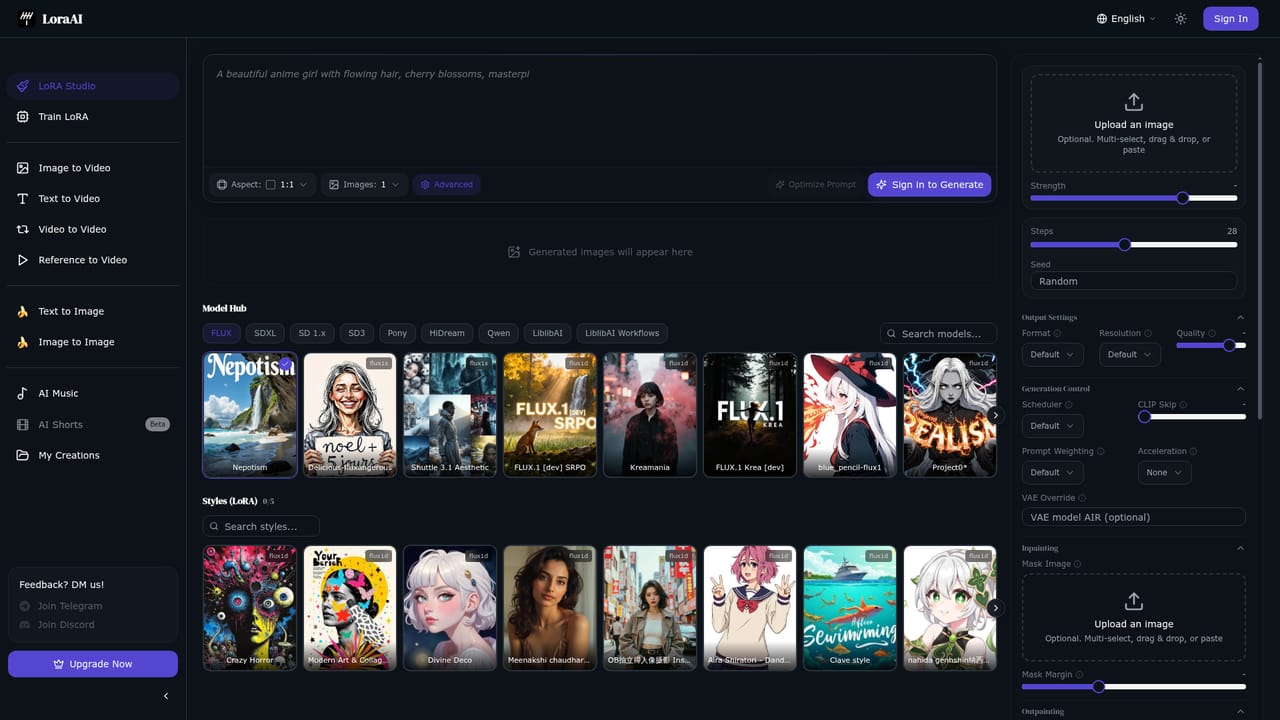
Free credits are offered to start, so new users can try generation before subscribing.
Learn moreThe homepage does not list prices. Generation uses credits (for example, one credit per image in the demo), new accounts get free credits, and Studio subscribers get some models unlimited.
Learn moreImage and video generation across many models, custom LoRA training with several trainers, 10K+ LoRA library, upscaling to 8K, background removal, video extender, effects, lip sync and face swap.
Learn more


