Free trial
Free to start with no credit card required. Templates and recipes can be browsed free; a help article covers what can be used for free.
Learn moreAI YouTube thumbnail maker with templates, face insertion and A/B tests

Thumio is a web tool that turns a video title or footage into YouTube thumbnails using proven templates and recipes, inserts your face from one photo, and runs A/B tests on real videos. Credits start at $2.99.
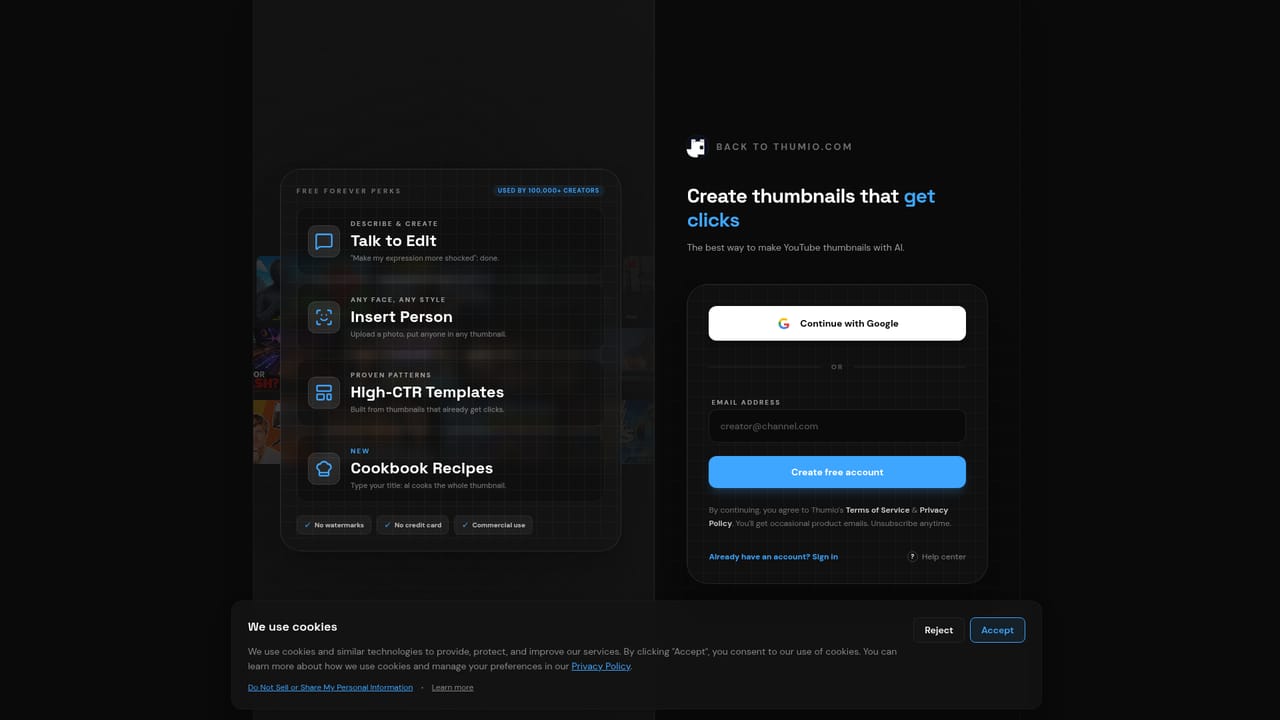
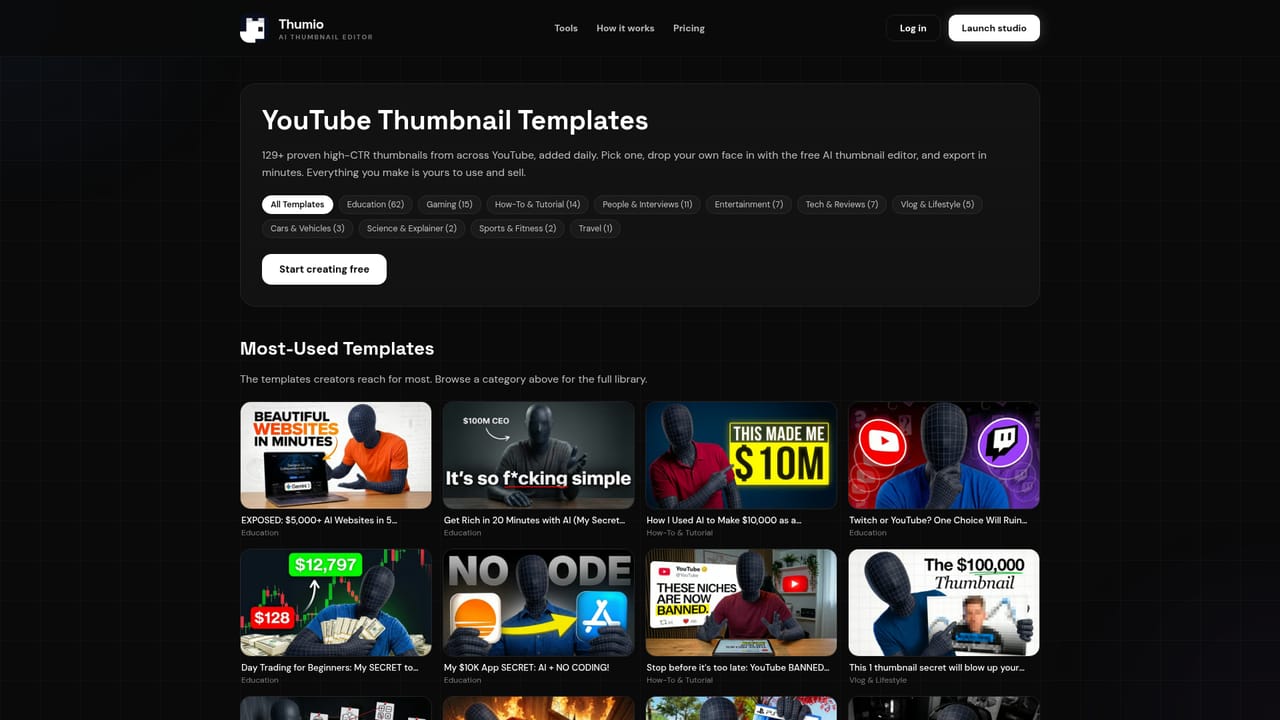
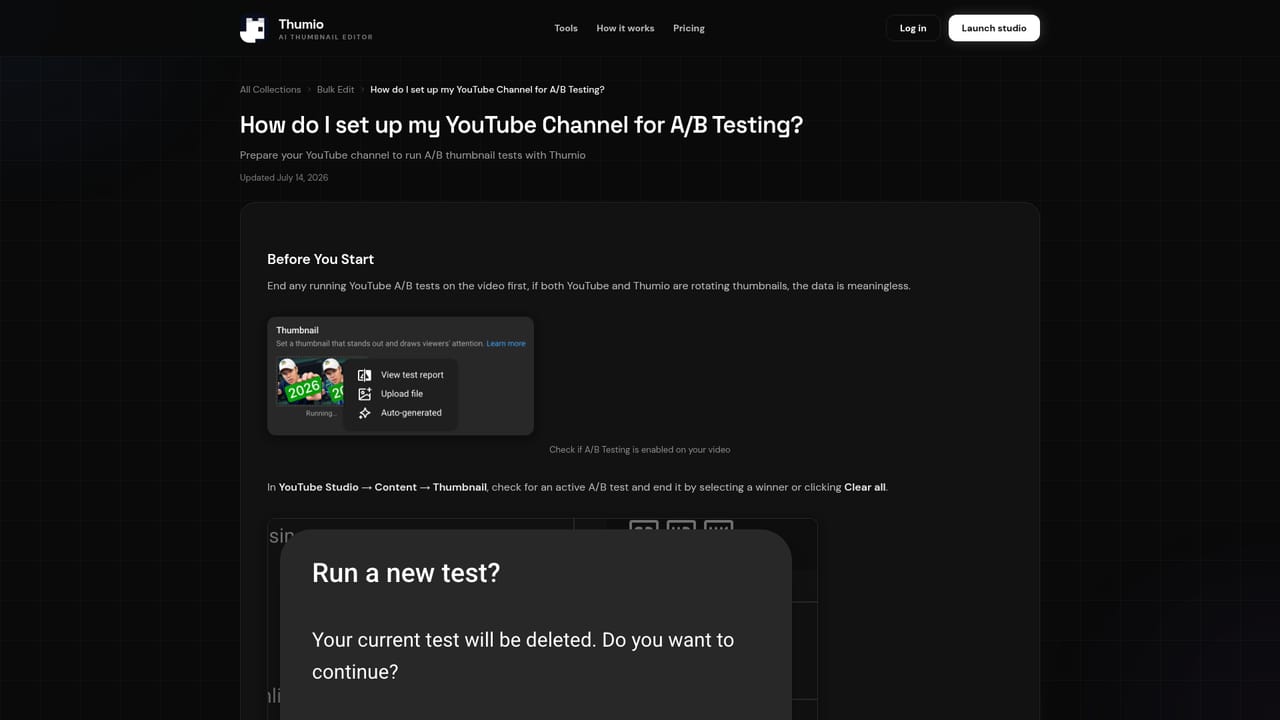
Thumio is a web-based thumbnail maker built specifically for YouTube creators. Instead of a blank canvas, it starts from a title or a proven layout and generates a finished thumbnail, then offers a set of editing tools and a testing workflow to improve the result. The site says more than 100,000 creators use it. The core of the product is a library of templates and "recipes". Recipes are reusable layouts such as Versus, Before / After, Big Number, Tier List and Boss Battle, and some are modeled on well-known channels. Typing a video title is enough for the AI to assemble a complete thumbnail in one pass. A channel link can also be pasted so that the channel's top thumbnails are converted into recipes. Templates are filterable by niche, including gaming, tech, food, finance, fitness and podcasts. Several AI tools sit on top of that. Insert Person places a user's face, or anyone else's, into a scene from a single uploaded photo, matching lighting and style so no photoshoot is needed. Reshoot rearranges elements into a new layout, Click Bait pushes contrast and color, Polish refines shadows and lighting, and Upscale raises low-resolution images. A beta From Video feature reads uploaded footage, selects strong frames and builds a thumbnail from them. The homepage describes more than 15 tools, plus the option to build custom ones. Testing is the other half of the pitch. Thumio generates variations from proven patterns and runs A/B campaigns on real videos once a YouTube channel is connected; that capability is reserved for paid plans. Browsing templates and recipes is free, no credit card is needed to start, and credits begin at $2.99. The tool suits solo creators, small channels and teams that publish often and want repeatable thumbnail quality without a designer. It is narrower than general image editors or design suites, and its value depends on how much a creator wants YouTube-specific layouts and click-focused testing rather than open-ended design control.
Free to start with no credit card required. Templates and recipes can be browsed free; a help article covers what can be used for free.
Learn moreBrowsing templates and recipes is free, and no credit card is needed to start. A/B campaigns require a paid plan, and credits start from $2.99. Full plan tiers are not detailed on the homepage.
Learn moreA help center covers recipes, A/B testing setup, free usage and commercial use of templates.
Learn moreThe homepage mentions testing thumbnails on real YouTube videos and importing recipes from a channel link. No other integrations are listed.
Title-to-thumbnail generation, a recipe cookbook, channel-link recipe import, Insert Person face placement, Reshoot, Click Bait, A/B Testing, Polish and Upscale tools, a beta From Video feature, custom tool building, and niche-filtered templates.
Learn more


