Dreamega AI

Template-driven photo effects plus image, video and music generators

Beginner
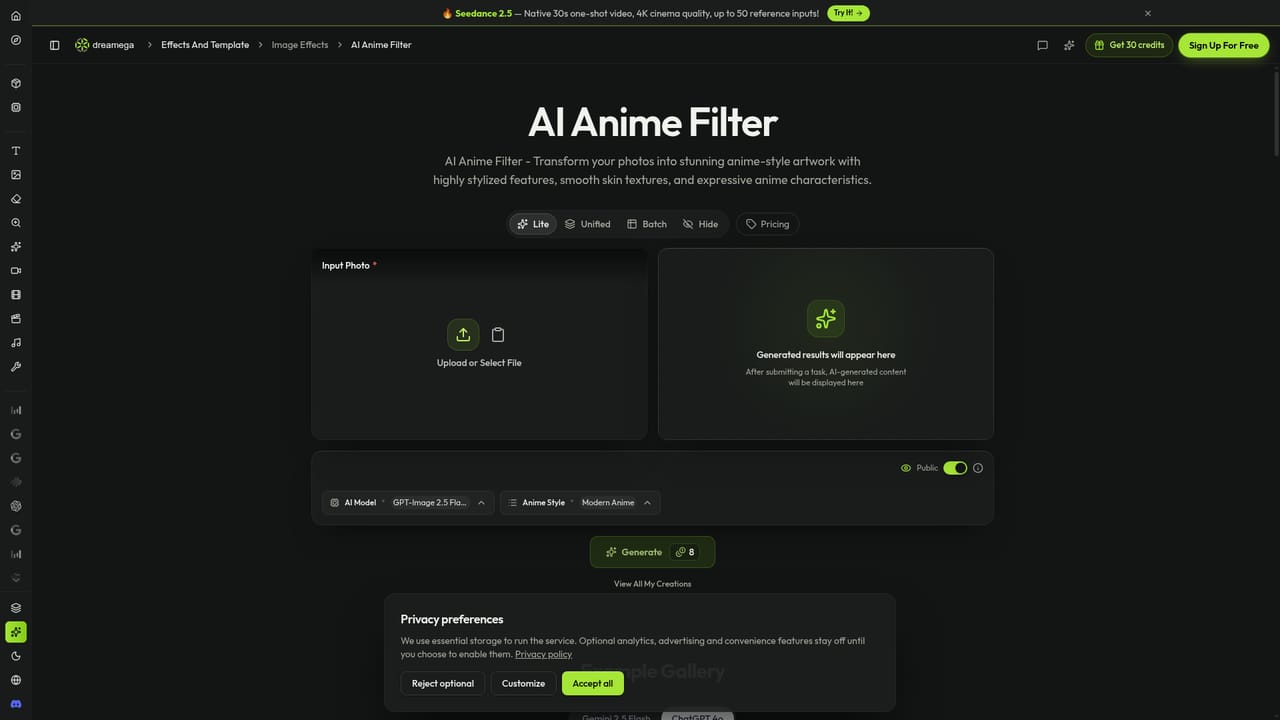
Screenshot of Dreamega AI, Template-driven photo effects plus image, video and music generators

What is Dreamega AI?

Dreamega AI is a web studio with 100+ photo-effect templates (anime, 3D, action figure, hairstyle changers) alongside text-to-image, upscaling, background removal, video and music generators built on many third-party models.

Dreamega AI is a web-based creative studio built around a large gallery of image templates. The template page lists well over a hundred photo effects, each aimed at one specific look: anime and manga filters, 3D chibi and Pixar-style characters, action figures, Lego and Minecraft renderings, album and magazine covers, halftone treatments, and hairstyle, hair color, beard and aging changers. A tag bar (3D, retro, portrait, product mockup, sticker, yearbook and many more) narrows the gallery, and every card opens its own page for that effect. The workflow is built for people who want a finished picture without writing a detailed prompt. A visitor picks a template, supplies a photo, and the tool applies the chosen transformation. The template gallery is only one part of the site. Navigation also exposes text-to-image, image-to-image, a background remover, an image upscaler and photo enhancement, plus text-to-video, image-to-video, video-to-video and text-to-music. A separate Free Tools section and a My Creations library for saved output round out the account side. A notable feature is the model catalogue. Dreamega presents work from several outside providers on one site, including Seedream, Nano Banana, GPT-Image, FLUX.2 Pro, Qwen Image, Veo, Kling, WAN, SeeDance, PixVerse, LTX, Grok Imagine and Suno. Users who want more control than a template offers can move to a specific model page and generate from there. A Discord link points to a community space, and an Upgrade banner leads to the paid plans. The audience is mostly casual creators, social media users and small marketers who want avatars, novelty portraits, product mockups or cover art quickly. Compared with single-purpose photo filter apps, it covers more media types under one account. Compared with professional editors, it trades fine manual control for speed and presets, so it suits playful and promotional visuals more than precise retouching or print-grade production work.
How do you use Dreamega AI?

  1. 1Browse the template gallery
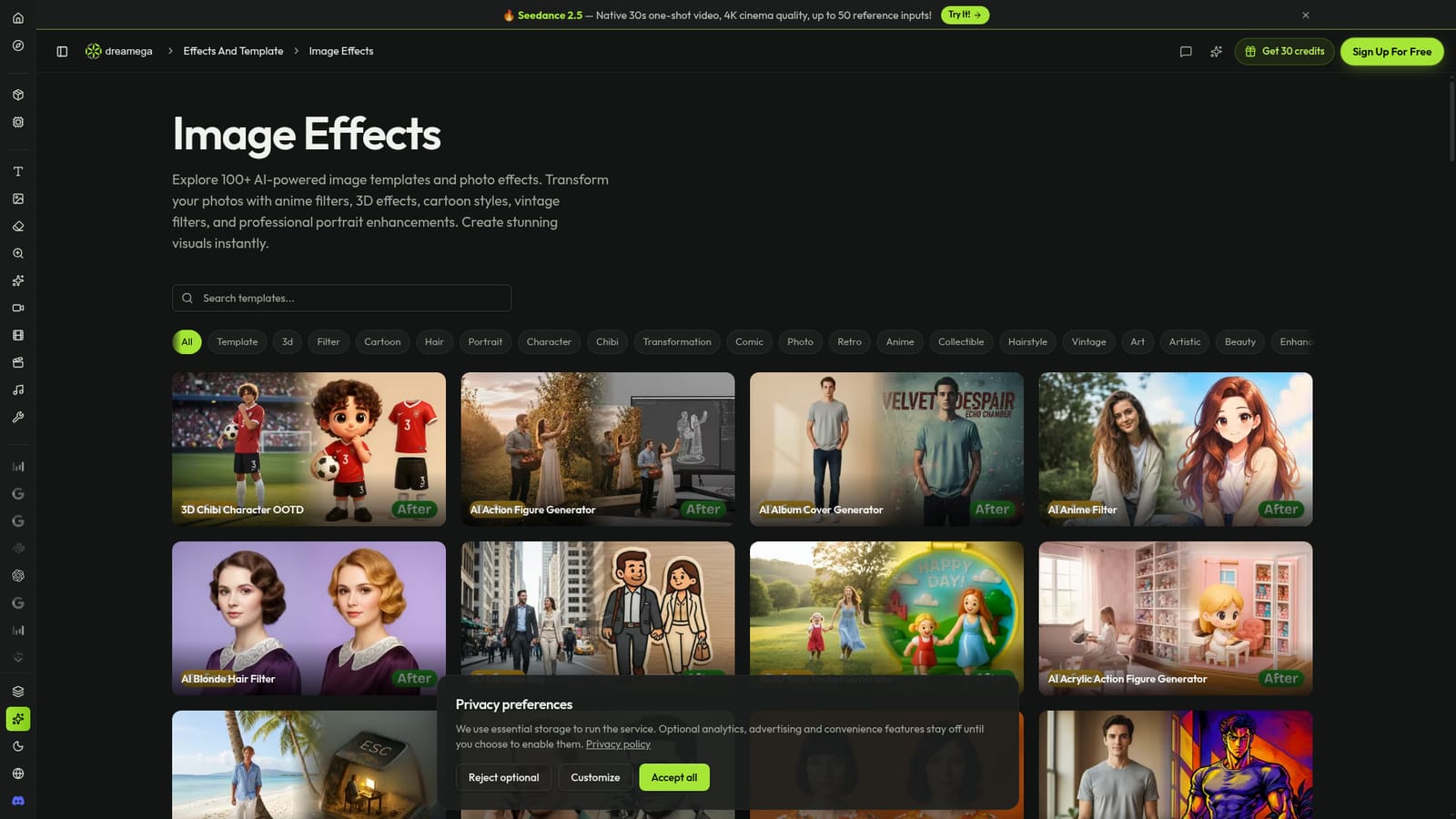
    Open the image template page and scan the cards or use the tag bar (3D, anime, vintage, hairstyle) to find an effect that matches the look you want.
    Dreamega AI — Browse the template gallery
  2. 2Open a template
    Click a card such as the anime filter or action figure generator to see its dedicated page and example before and after results.
    Dreamega AI — Open a template
  3. 3Upload your photo
    Add a clear photo, ideally a well-lit portrait for character or hairstyle effects, and start the generation inside the template page.
  4. 4Refine with other image tools
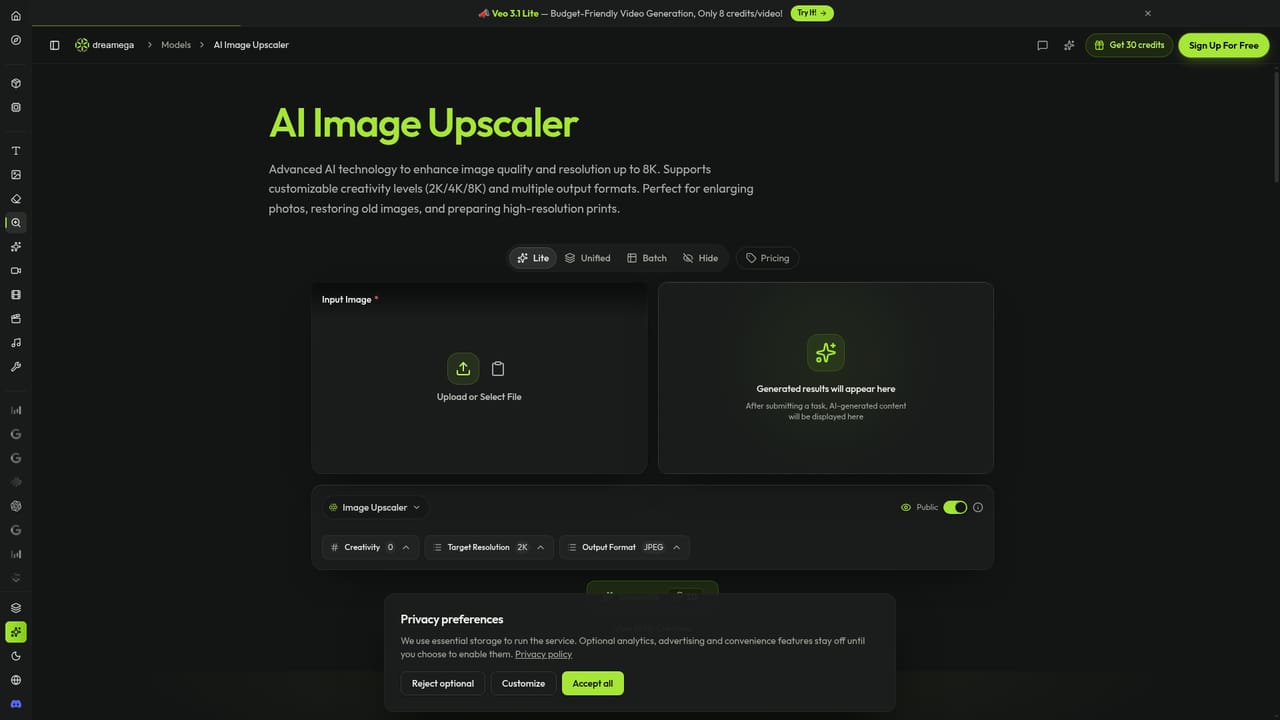
    Send the result through the background remover, upscaler or photo enhancement tool to clean up edges and raise resolution.
    Dreamega AI — Refine with other image tools
  5. 5Try a specific model
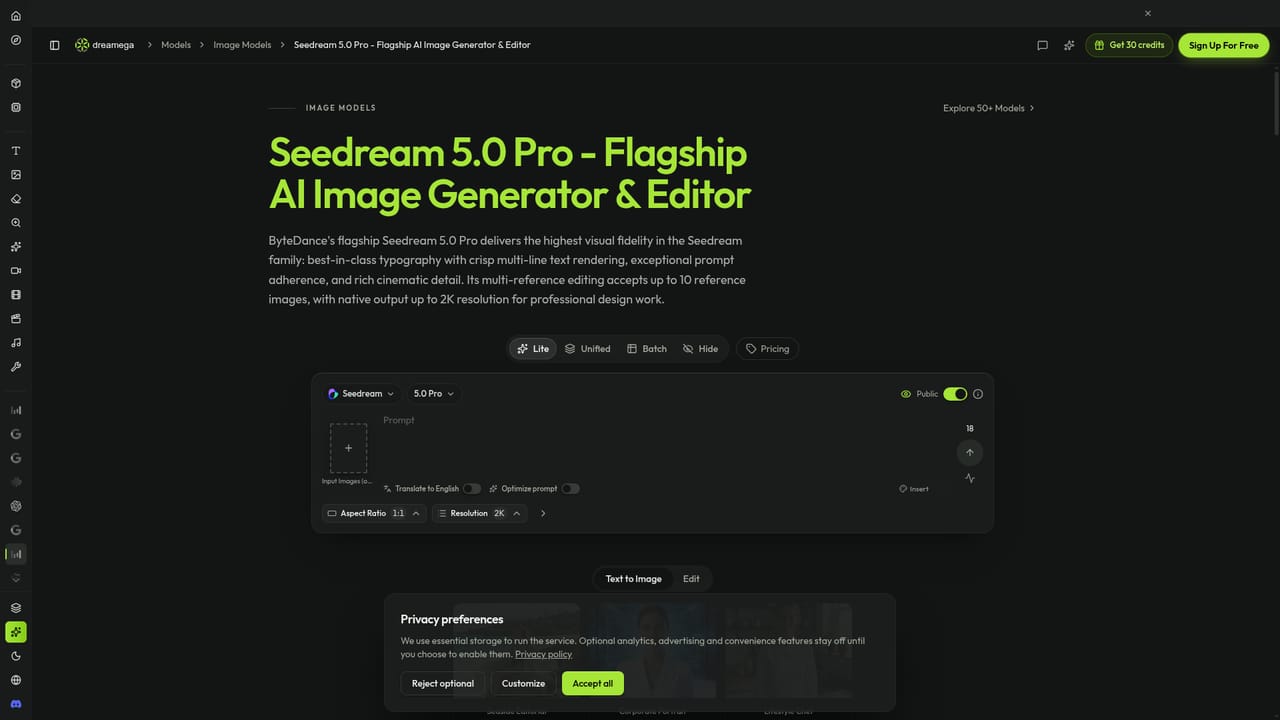
    For more control than a preset offers, open a model page such as Seedream 5.0 Pro and generate from your own prompt or reference images.
    Dreamega AI — Try a specific model
  6. 6Review saved work
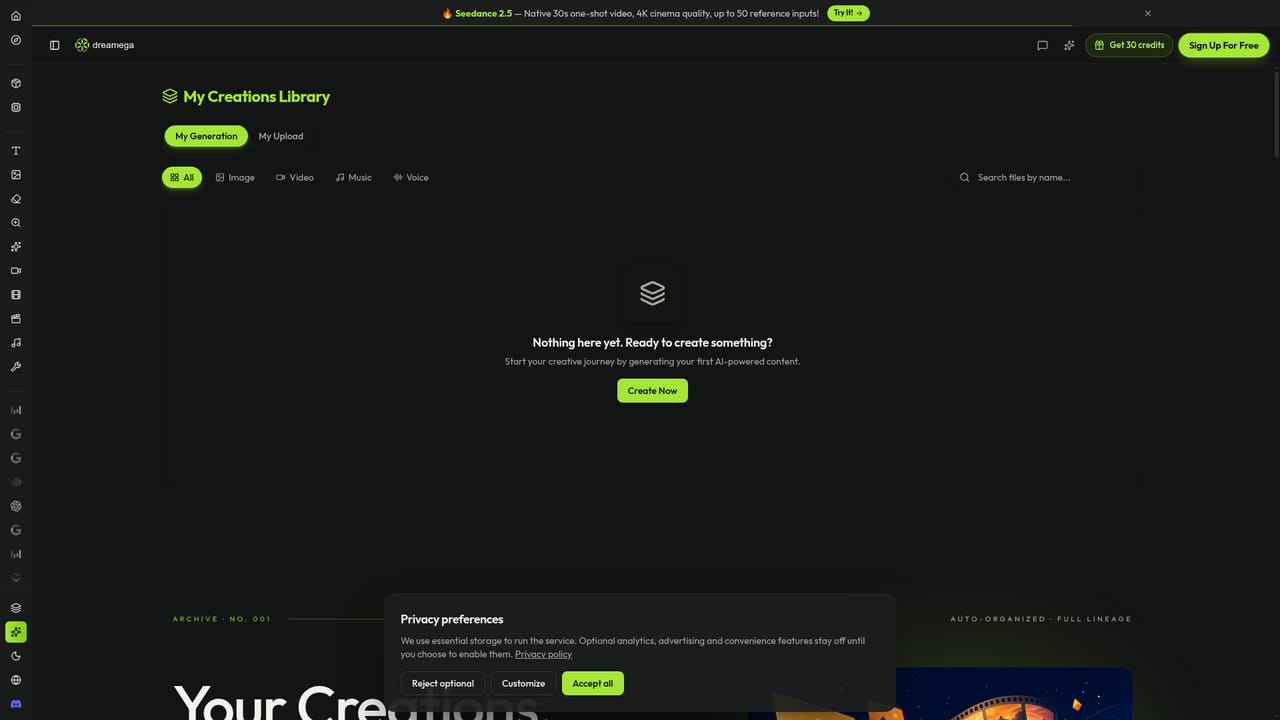
    Find finished images in the My Creations library, and check the pricing page if you need more capacity.
    Dreamega AI — Review saved work

Pros and cons

Pros

  • Very large template gallery covers anime, 3D, retro, portrait and product mockup looks with one-click style choicesAI
  • Tag filters make it quick to browse effects by theme such as chibi, vintage or hairstyleAI
  • Image, video and music tools sit under one account, so a single site covers several creative tasksAI
  • Model pages expose many third-party engines, giving users options beyond the presetsAI
  • Includes practical utilities such as background removal, upscaling and photo enhancementAI

Cons

  • Template effects favor preset looks, so precise manual retouching is not the strength hereAI
  • The homepage gives no pricing figures or credit limits, so costs are unclear before signing upAI
  • Many templates are novelty styles, which limits usefulness for professional or brand-critical workAI
  • Quality depends on the underlying third-party model, and the page does not explain how results differAI
  • No mention of mobile apps or an API, so use appears limited to the browserAI

How much does Dreamega AI cost?

Free trial

A Free Tools section exists, but the homepage does not describe a free trial or free credit allowance.

Learn more

Pricing

The homepage shows an Upgrade button with a 50% label that links to a pricing page, but it does not state plan names, prices or credit amounts.

Learn more

Support

A Discord community link is the only support channel visible on the homepage; no help center or contact details are listed.

Integrations

No third-party app integrations are listed. The site does link to a Discord community and hosts models from providers such as Google, ByteDance, OpenAI, Black Forest Labs, Kling and Suno.

Features

100+ photo-effect templates with tag filters, text-to-image, image-to-image, background remover, upscaler, photo enhancement, text-to-video, image-to-video, video-to-video, text-to-music, a multi-provider model catalogue and a My Creations library.

Learn more

Frequently asked questions about Dreamega AI

  • How much does Dreamega AI cost?
    The homepage shows an Upgrade button with a 50% label that links to a pricing page, but it does not state plan names, prices or credit amounts.
  • Does Dreamega AI offer a free trial?
    A Free Tools section exists, but the homepage does not describe a free trial or free credit allowance.
  • How do you use Dreamega AI?
    The walkthrough on this page covers 6 steps: 1. Browse the template gallery 2. Open a template 3. Upload your photo 4. Refine with other image tools 5. Try a specific model 6. Review saved work.
  • What platforms does Dreamega AI support?
    Dreamega AI is available on Web App.
  • What does Dreamega AI integrate with?
    No third-party app integrations are listed. The site does link to a Discord community and hosts models from providers such as Google, ByteDance, OpenAI, Black Forest Labs, Kling and Suno.
  • What are the limitations of Dreamega AI?
    Template effects favor preset looks, so precise manual retouching is not the strength here. The homepage gives no pricing figures or credit limits, so costs are unclear before signing up. Many templates are novelty styles, which limits usefulness for professional or brand-critical work.

Status

StatusActive
Views0
Outbound clicks0
Added10/18/2026

Platforms

Web App

Pricing

Freemium