Free trial
Free to try with no credit card required. The first recording or upload unlocks structured notes, flashcards, quizzes and chat; ongoing use needs a paid plan.
Learn moreRecord any lecture, get structured notes, flashcards and quizzes

Bananote is an AI transcriber tool that records any lecture, get structured notes, flashcards and quizzes. Bananote records lectures and other audio sources, transcribes them in 100+ languages, and turns each transcript into structured notes plus flashcards, quizzes and an AI chat for revision.
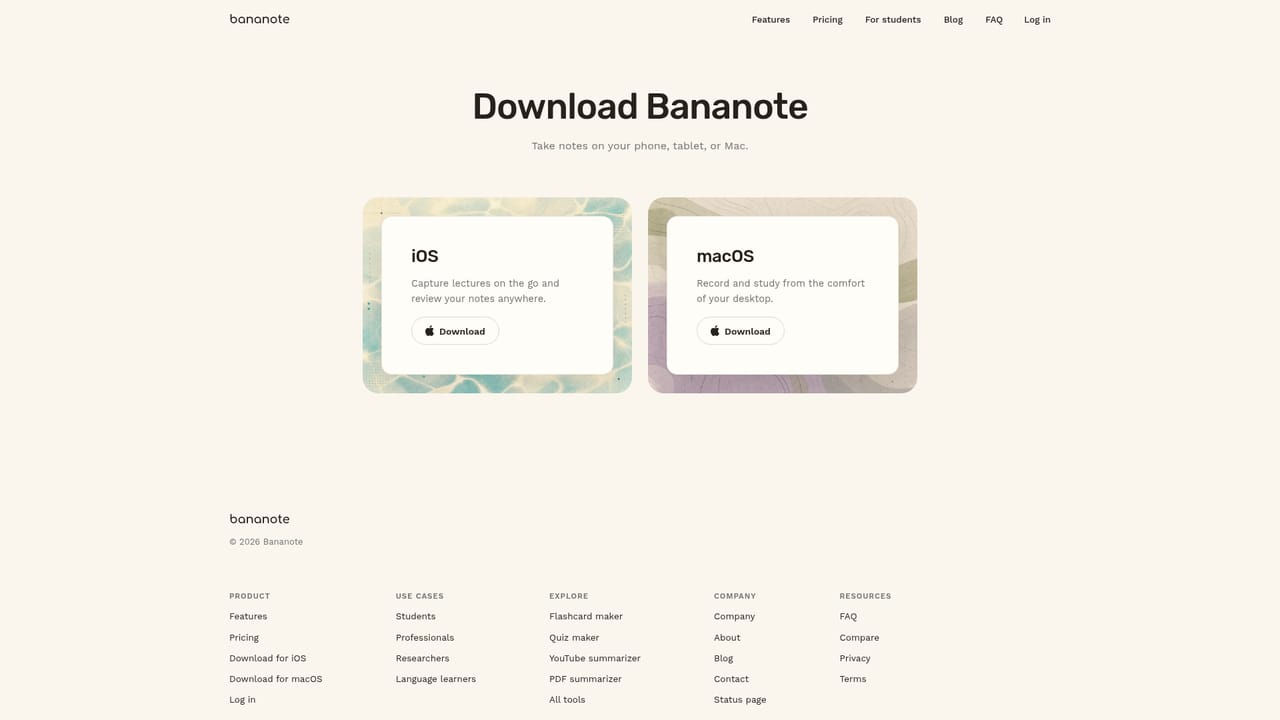
Bananote is a note taking app built around a single promise: stay present in class and let the software handle the writing. It records live audio, transcribes speech in more than 100 languages and accents, then restructures the raw transcript into an organized note with a readable summary. The same pipeline accepts other inputs, so uploaded audio files, YouTube videos, pasted text and PDFs all become the same kind of structured note. Built in templates cover lecture notes, meeting minutes, brainstorming sessions, to do lists and creator outlines, and custom templates let a user define their own format. The study layer is what separates it from a plain transcriber. Once a note exists, Bananote generates flashcards and multiple choice quizzes from its content and tracks scores across rounds, leaning on spaced repetition and active recall rather than rereading. A chat panel answers questions about the material, produces summaries and can be used to run the Feynman technique. Notes sit in folders, can be pinned as favorites and are searchable across the whole library, which matters once a semester of lectures has accumulated. The product is aimed squarely at students and academics, and the site names MIT, Stanford, Virginia Tech and several other universities among its users. Professionals who sit through meetings and content creators who work from interviews or video can use the same transcription and template features, but the vocabulary and onboarding are written for coursework. Compared with general meeting note assistants, Bananote goes further after the recording ends by turning the material into practice material; compared with dedicated flashcard apps, it removes the manual card writing step but keeps the workflow inside one subscription. Availability spans iPhone, iPad, Mac and the web. The free tier covers a first recording with everything it unlocks, and paid plans run weekly, monthly or yearly. Notes remain readable after a subscription lapses, though new notes require an active plan. Users should check recording rules with their school or instructor first, since consent policies vary by country and professor.
Free to try with no credit card required. The first recording or upload unlocks structured notes, flashcards, quizzes and chat; ongoing use needs a paid plan.
Learn moreThree paid tiers on the Unlimited Lite plan: 9.99 USD per week billed weekly, 19.99 USD per month billed monthly, or 124.99 USD per year billed annually (about 2.40 USD per week, a 76 percent saving). Subscriptions renew automatically until canceled, taxes are added at checkout, and the first recording is free.
Learn moreLive recording and uploads (audio files, YouTube videos, pasted text, PDFs) feed a transcription engine covering 100+ languages. Output arrives as a structured note with a summary, formatted through built in or custom templates. Notes generate flashcards and scored quizzes for spaced repetition and active recall, plus an AI chat for questions and the Feynman technique. Search, favorites and folders organize the library.
 AI Angels400+ customizable AI girlfriends for NSFW chat, voice calls, and roleplay
 Candy AIExperience the future of companionship with AI friends who chat, role-play, and connect with you on a human level.
 ourdream.aiA vast AI roleplay platform with millions of characters for chat, images, video and voiceAI Angels400+ customizable AI girlfriends for NSFW chat, voice calls, and roleplayCandy AIExperience the future of companionship with AI friends who chat, role-play, and connect with you on a human level.ourdream.aiA vast AI roleplay platform with millions of characters for chat, images, video and voice







